DeepSeek Harness Plugins · Client
Plugins that extend DeepSeek Harness (DSH) with vision, workflows, memory, web tools and more.
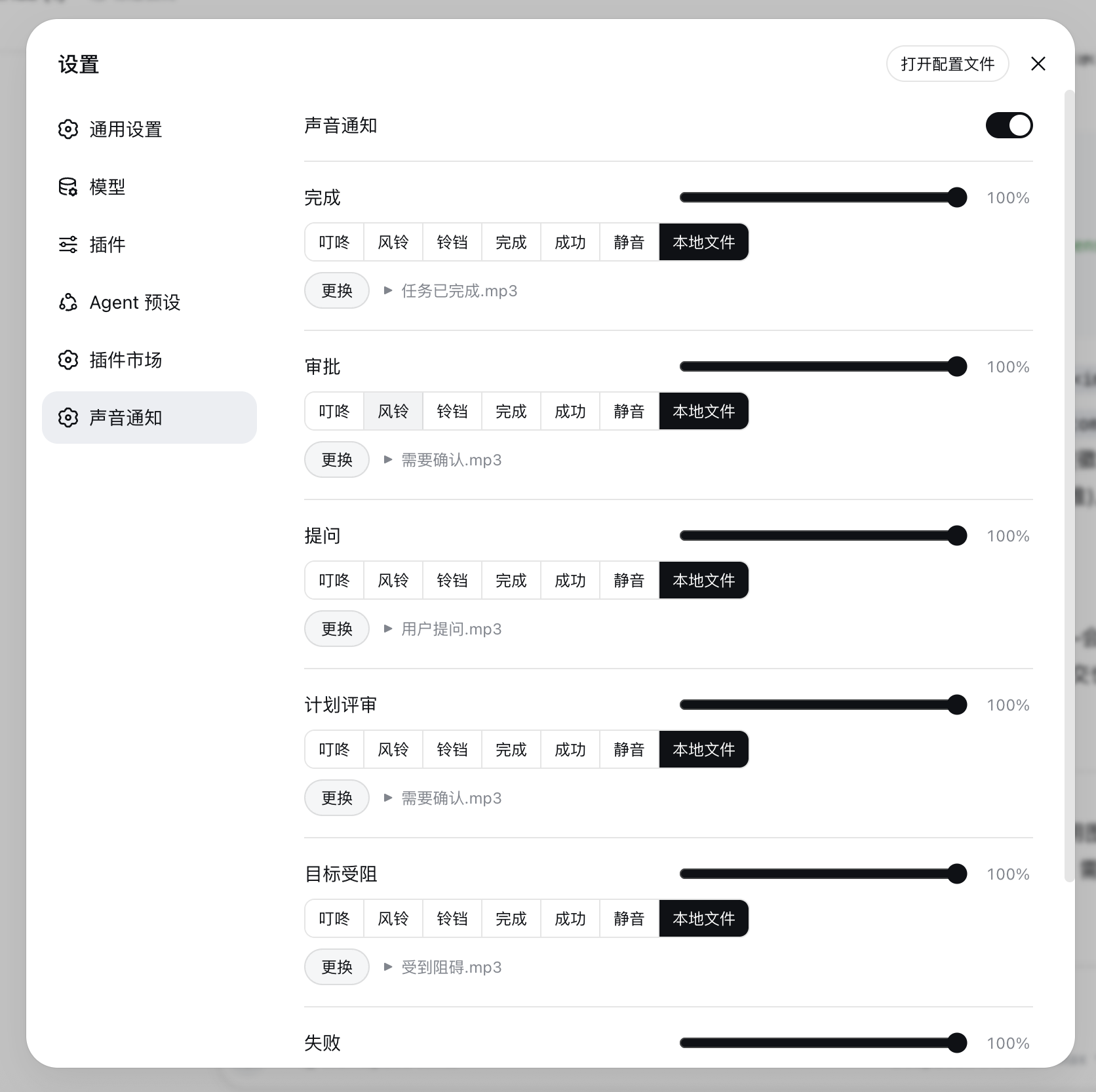
A DeepSeek Harness plugin for the Web UI that plays a customizable sound upon task completion and an attention sound when human intervention is required.
This client plugin displays a desktop popup in the bottom-right corner, mirroring real-time AI thinking status and alerting on permission requests or thinking completion.
A plugin that securely bridges QQ chat to DeepSeek Harness using Tencent's official QQ robot platform, enabling AI agent interactions via messages.
A DSH web plugin providing a native settings panel for visualizing and managing MCP servers, skills, and rules with modular feature support.
A Git graphical interface plugin for the DeepSeek Harness Web UI that allows users to view, stage, commit, and revert project changes directly in the browser, with real-time visibility into Agent modifications.
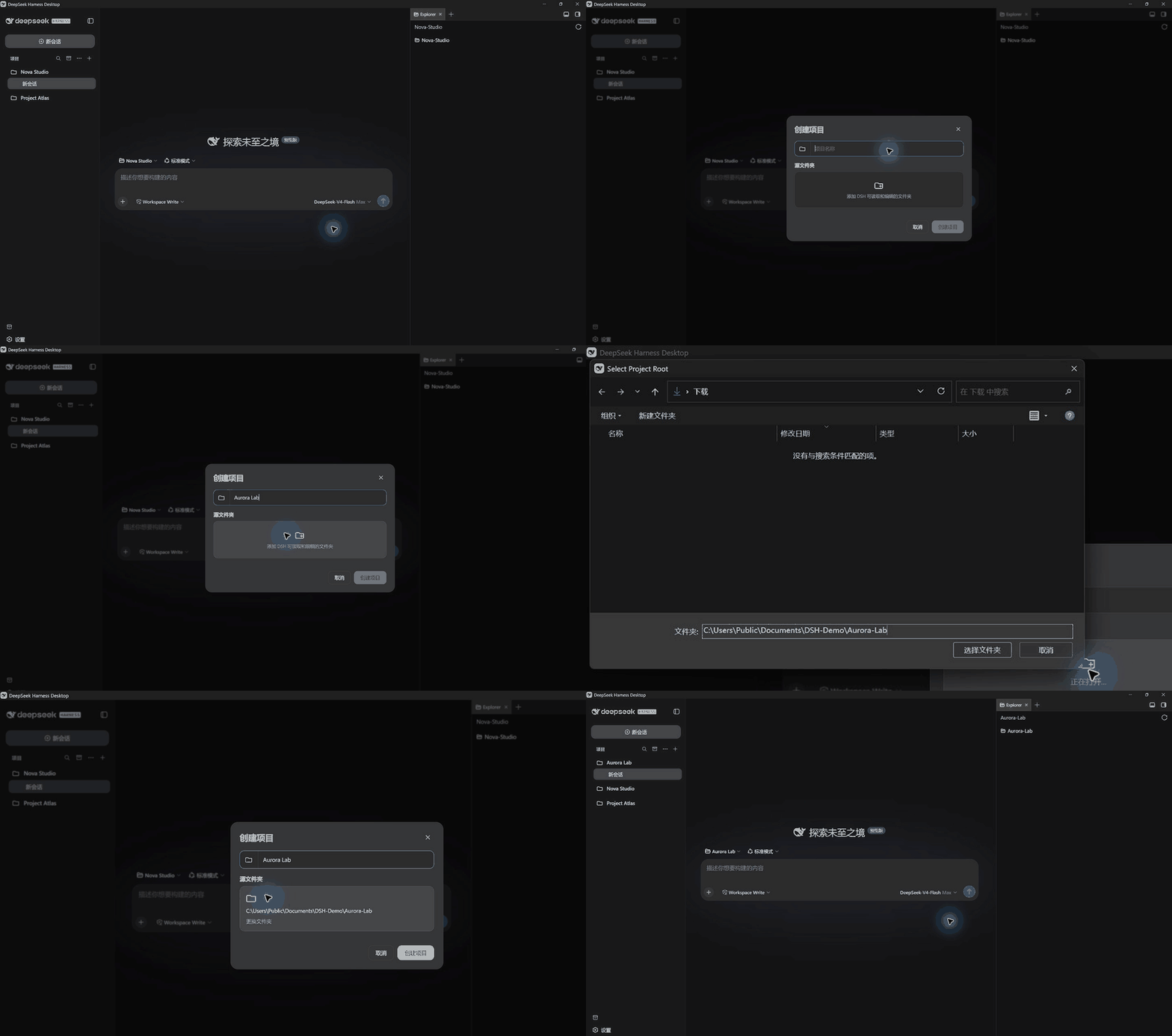
dsh-projects transforms scattered Workspaces and sessions into a clear, searchable project workflow.

Provides right-edge turn navigation for DeepSeek Harness (dsh) web, with a dash per user turn, hover to expand an outline panel, and click to jump.
dsh-input-traffic is a DeepSeek Harness Web GUI plugin that provides three-level input traffic control (red, yellow, green) and session freezing to avoid peak charging hours, saving API costs.
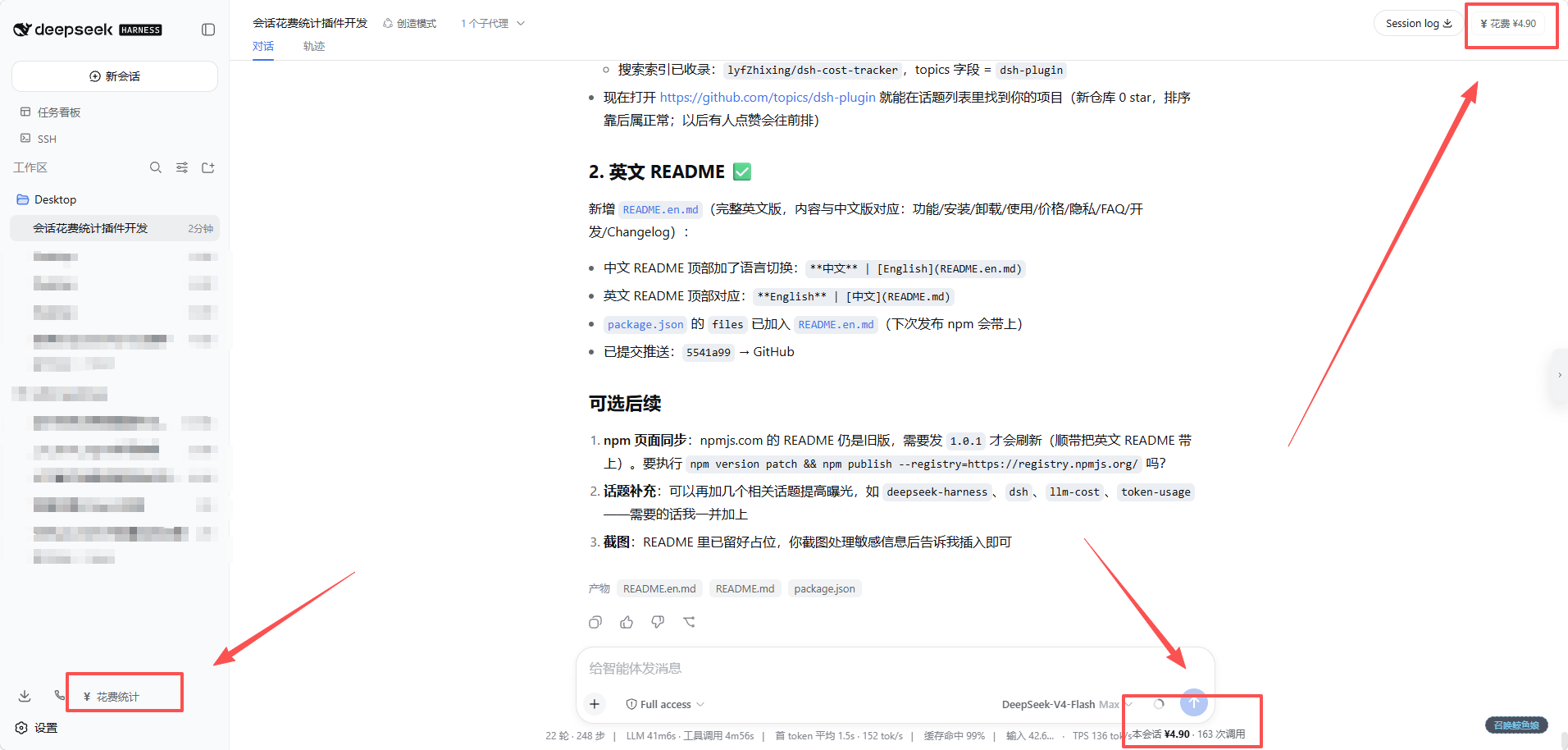
dsh-cost-tracker plugin automatically tracks daily LLM call costs for DeepSeek Harness Web, supporting multi-dimensional views by session, model, and day, with a built-in dashboard and customizable pricing.

dsh·classic-coding plugin integrates Monaco editor and file tree panel into the conversation interface, enabling direct editing of local code without external editors to preserve classic coding practices.
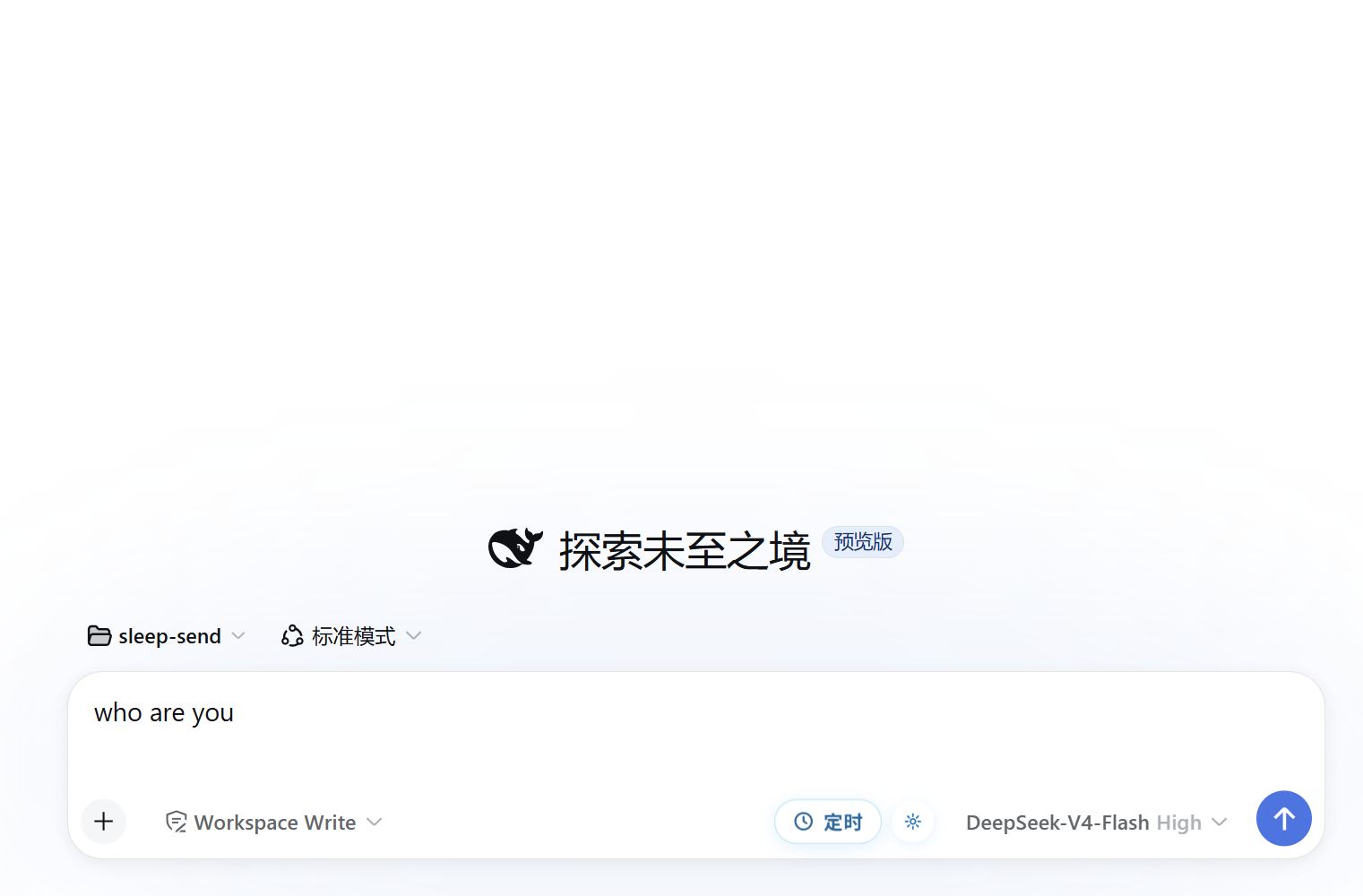
A scheduled send client plugin for DSH Web that supports smart time slots and custom date-time scheduling with localStorage persistence.
dsh-stock-watch is a DSH client plugin that provides real-time market data for A-share holdings and watchlists in the sidebar, with profit and loss calculation and secure local data management.