dsh-sound
Run the following command in DeepSeek Harness:
dsh plugin install AI-Galaxy-GPU/dsh-sound
Paste the following prompt into your AI chat to install this plugin:
Within DeepSeek Harness, you can install this sound notification plugin by running the command `dsh plugin install AI-Galaxy-GPU/dsh-sound`, with its full source code available at https://github.com/AI-Galaxy-GPU/dsh-sound.
About this plugin
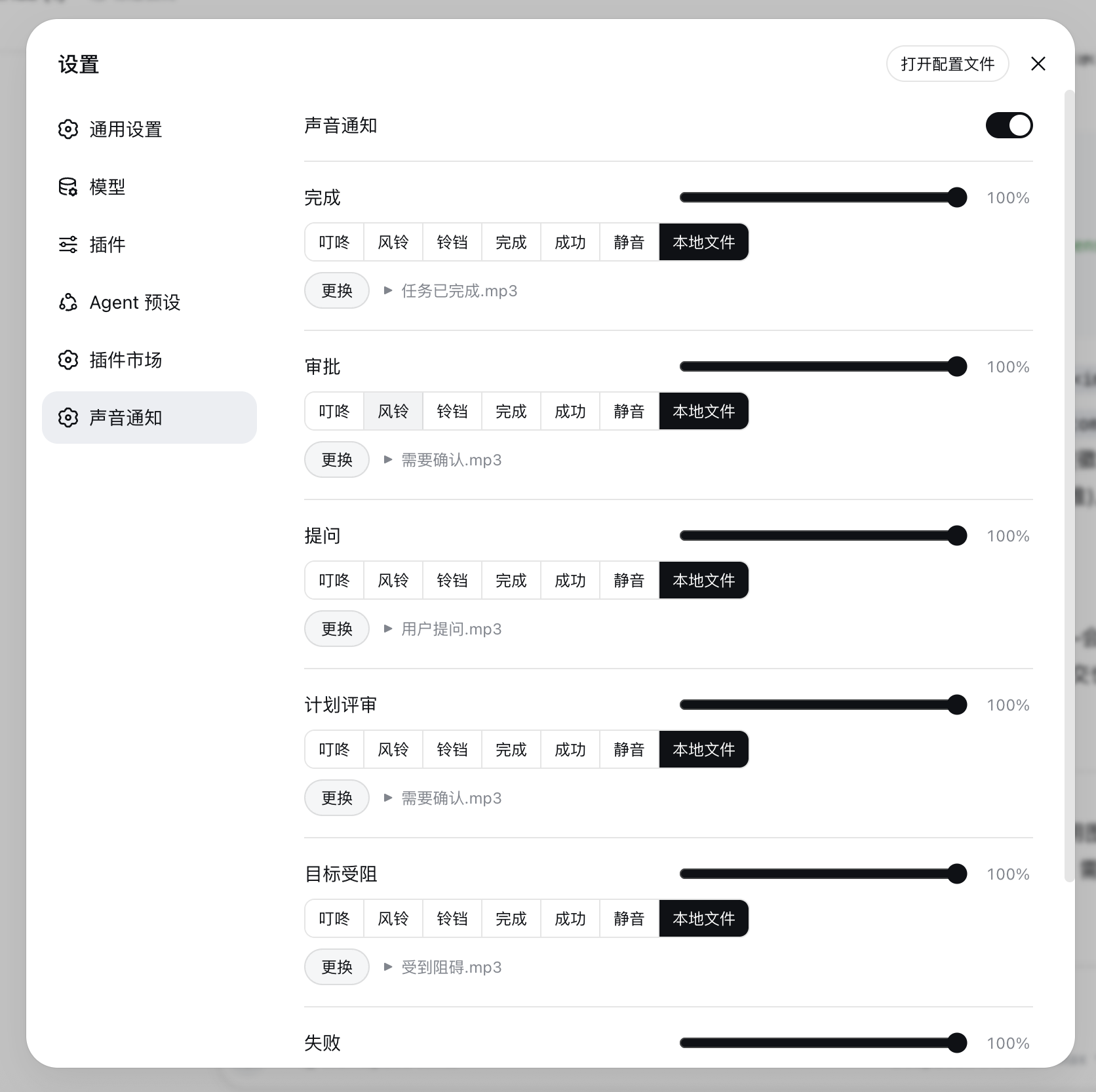
When running long or complex tasks, it's easy to miss critical status updates in the DeepSeek Harness Web UI while your attention is elsewhere. The dsh-sound plugin solves this "attention gap" problem. It uses clear, customizable sound alerts to notify you of task completions or situations requiring human intervention, ensuring you stay informed even away from the screen, thereby boosting workflow efficiency and continuity. Its core strength lies in granular sound event handling and rich customization, allowing distinct sounds and volumes for different events (like completion, approval requests, or errors) to fit seamlessly into your workflow. Whether you are a developer, data analyst, or any professional relying on DSH for automated or semi-automated tasks, if you desire sharper, more immediate awareness of task statuses, this plugin is your ideal companion.
Screenshots
Use Cases
- Receiving completion alerts for long-running background tasks
- Handling approval requests or workflows needing human intervention
- Operating in a multi-task development or work environment
Best For
- Developers who use DeepSeek Harness extensively for tasks
- Operators who need real-time monitoring of task statuses
- Users managing complex workflows in the Web UI
Related Plugins
A service-oriented sidebar framework for DSH, offering a full workbench with file explorer, embedded browser, real terminal, Git panel, and extensible plugin services.

A beautiful, practical Claude Code-style TUI plugin with pixel whale top bar, flowing glow title, real-time status line, streaming thought expansion, time rewind, context progress bar and TPS gauge — zero core changes.

The plugin market for DeepSeek Harness: browse/search/one-click install community plugins and themes, with updates, backup/restore, hot disable, diagnostics, and AI fix.

A persistent whale widget on the DSH web UI that shows DeepSeek balance, today's usage, and per-turn cost, with drag-and-snap and sound effects.