dsh-classic-coding
Run the following command in DeepSeek Harness:
dsh plugin install better-er/dsh-classic-coding
Paste the following prompt into your AI chat to install this plugin:
In DeepSeek Harness, install the plugin by running 'dsh plugin install better-er/dsh-classic-coding' from the GitHub URL https://github.com/better-er/dsh-classic-coding.
About this plugin
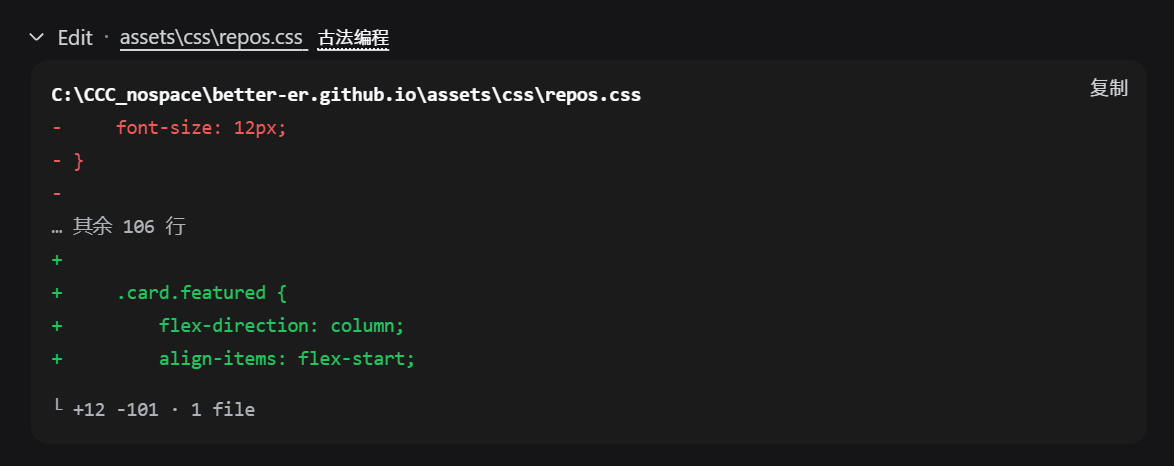
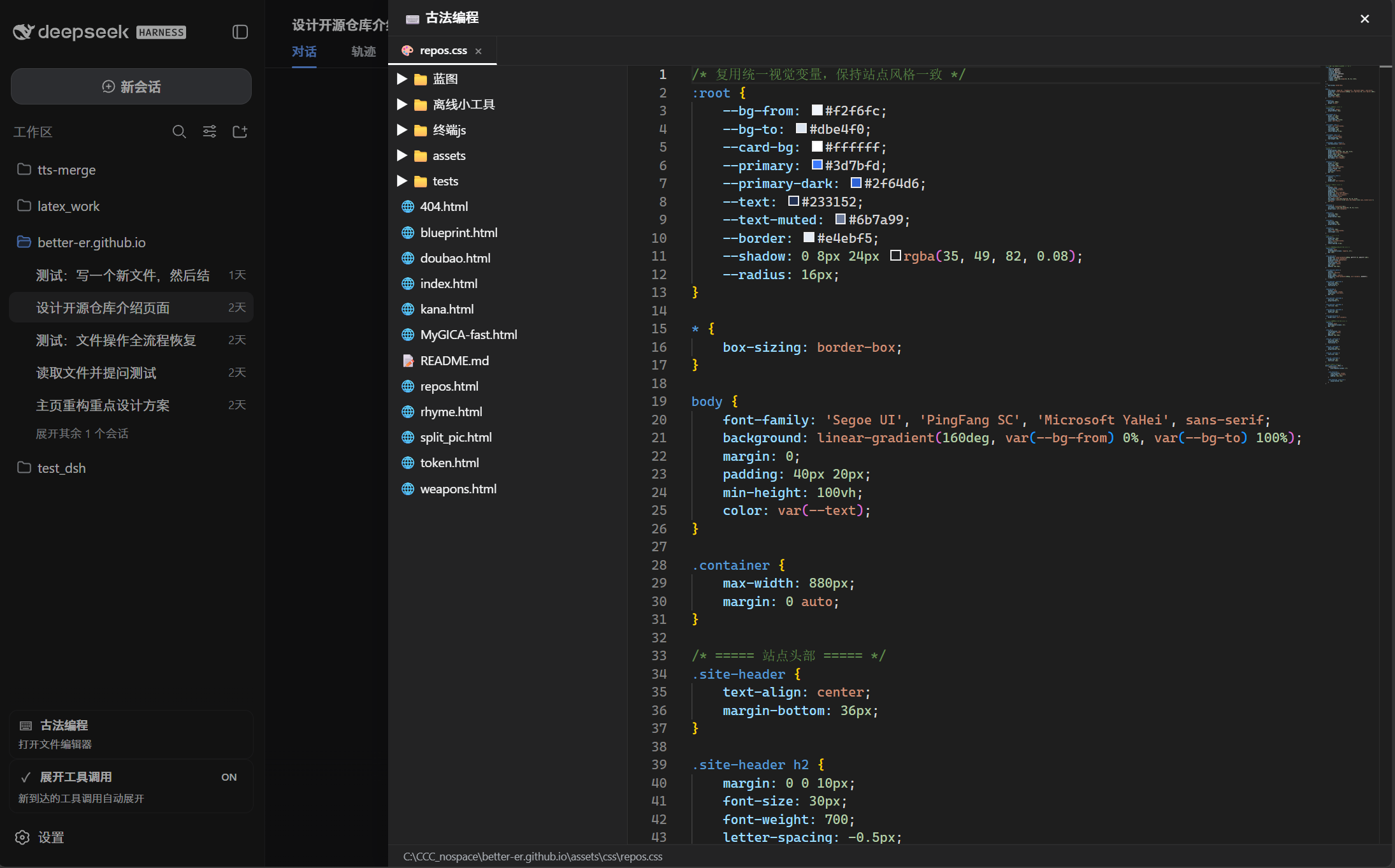
As AI-powered coding tools become increasingly prevalent, many developers are shifting towards automation, which risks diminishing the mental engagement of manual coding. The dsh·classic-coding plugin addresses this by integrating a Monaco editor and file tree panel directly into the DeepSeek Harness conversation interface. This allows you to edit local code without the need to switch to external editors, ensuring you can maintain hands-on control and enjoy the satisfaction of classic coding practices even in an AI-assisted environment.
The plugin's core capabilities revolve around its seamless integration of a Monaco editor with multi-tab support, syntax highlighting, real-time saving, and status updates into the sidebar. It uses an independent RPC channel to securely read and write files in your local workspace, while automatically adapting to DeepSeek Harness's light and dark themes for a cohesive experience. Whether you're debugging quickly, tweaking code snippets, or managing project files, you can accomplish it all within the conversation flow.
This plugin is ideal for developers who value coding practice and seek a balance between AI efficiency and manual coding in the modern era. It's particularly suited for users who frequently discuss code in dialogs, need immediate modifications, or want to view file structures on the fly—such as educators, independent developers, or anyone wishing to preserve the essence of classic coding amid AI advancements.
Screenshots

Use Cases
- Edit local code files directly within the DeepSeek conversation interface
- Quickly navigate and manage project structure using the file tree panel
- Save edits and check status in real-time without switching tools
Best For
- Developers who value hands-on coding practice
- Programmers seeking to maintain code control in AI environments
- Educators and students for interactive programming instruction
Related Plugins
A service-oriented sidebar framework for DSH, offering a full workbench with file explorer, embedded browser, real terminal, Git panel, and extensible plugin services.

A beautiful, practical Claude Code-style TUI plugin with pixel whale top bar, flowing glow title, real-time status line, streaming thought expansion, time rewind, context progress bar and TPS gauge — zero core changes.

The plugin market for DeepSeek Harness: browse/search/one-click install community plugins and themes, with updates, backup/restore, hot disable, diagnostics, and AI fix.

A persistent whale widget on the DSH web UI that shows DeepSeek balance, today's usage, and per-turn cost, with drag-and-snap and sound effects.