dsh-cost-tracker
Run the following command in DeepSeek Harness:
dsh plugin install lyfZhixing/dsh-cost-tracker
Paste the following prompt into your AI chat to install this plugin:
In DeepSeek Harness, install the dsh-cost-tracker plugin by running the command dsh plugin install lyfZhixing/dsh-cost-tracker. The full source code address is https://github.com/lyfZhixing/dsh-cost-tracker.
About this plugin
Managing costs for LLM API calls is crucial yet often overlooked in daily development with DeepSeek Harness Web. Manually tracking token usage for each call can be tedious and error-prone, complicating budget management.
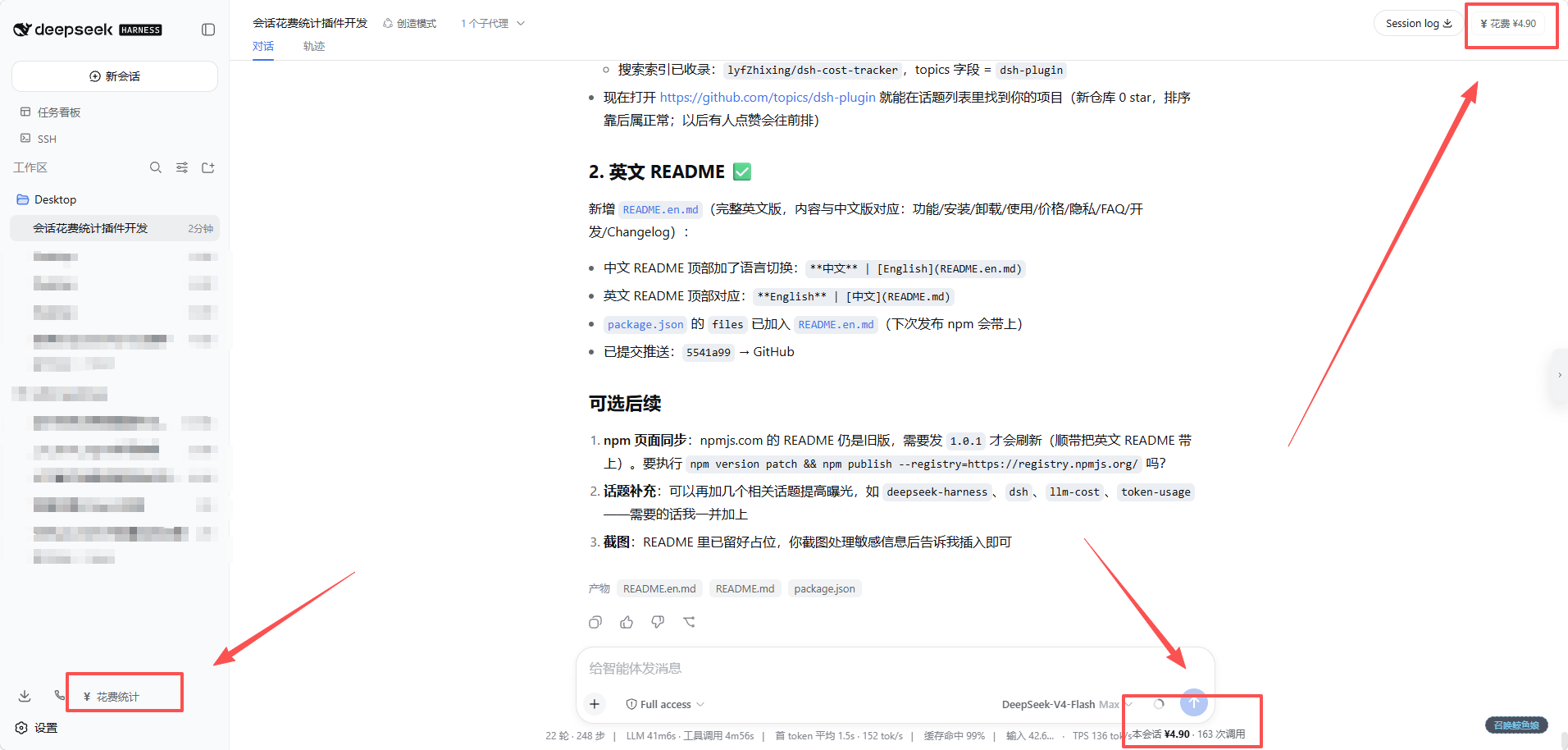
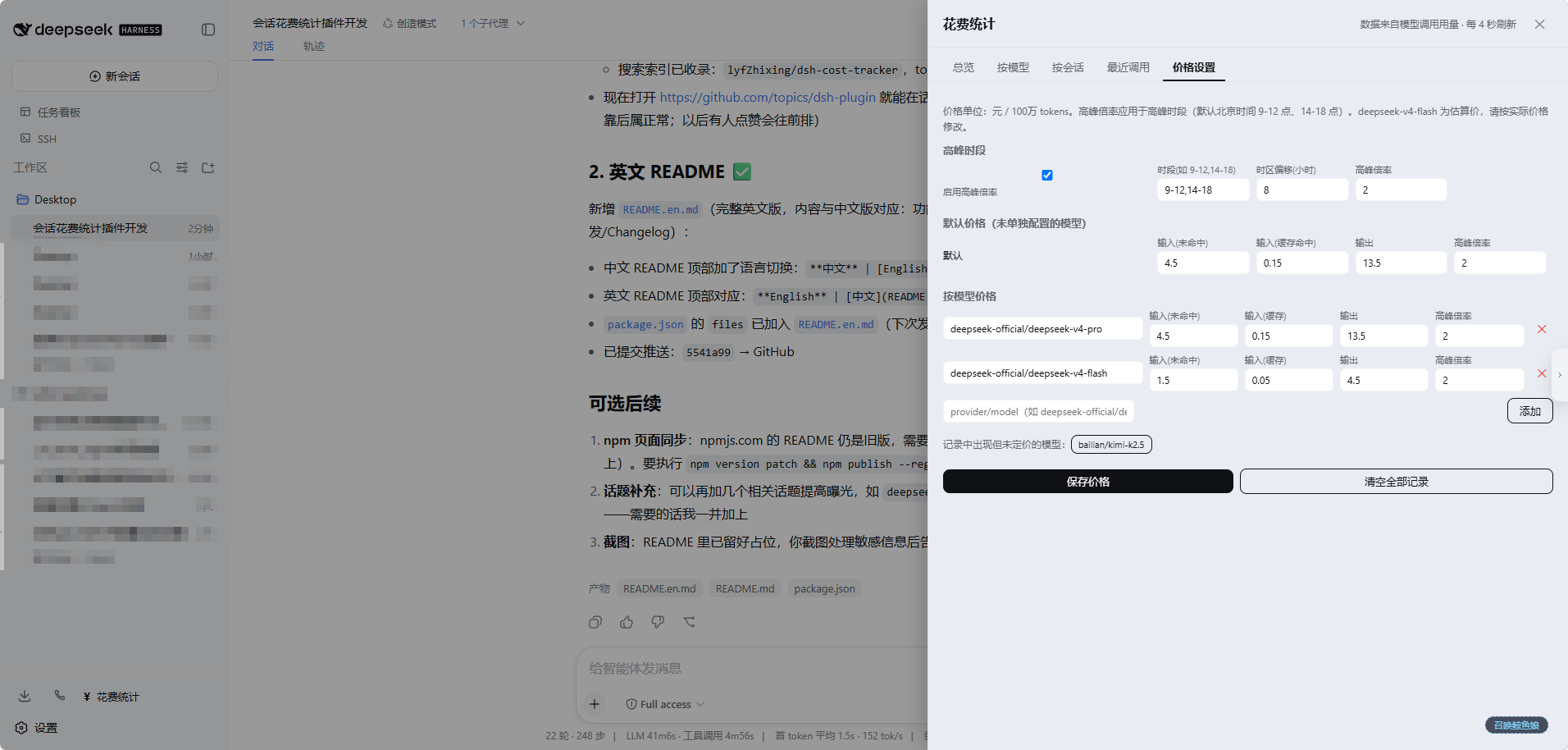
The dsh-cost-tracker plugin addresses this by automatically recording detailed usage for every model call, including input, cache hits, output, and reasoning tokens. With a built-in dashboard, users can conveniently view costs by session, model, or day, making insights clear at a glance. It also supports customizable peak-hour multipliers and pricing for accurate calculations.
Whether you're an independent developer, data scientist, or team lead using DeepSeek Harness Web, this plugin streamlines cost monitoring. It runs entirely locally, ensuring data privacy, and consumes zero additional tokens, allowing you to focus on creativity rather than bills.
Screenshots
Use Cases
- Real-time monitoring of API call costs during daily development
- Budget management and spending analysis for team projects
- Token consumption tracking for personal research projects
Best For
- LLM application developers
- Data scientists and AI researchers
- Project leads and budget managers
Related Plugins
A service-oriented sidebar framework for DSH, offering a full workbench with file explorer, embedded browser, real terminal, Git panel, and extensible plugin services.

A beautiful, practical Claude Code-style TUI plugin with pixel whale top bar, flowing glow title, real-time status line, streaming thought expansion, time rewind, context progress bar and TPS gauge — zero core changes.

The plugin market for DeepSeek Harness: browse/search/one-click install community plugins and themes, with updates, backup/restore, hot disable, diagnostics, and AI fix.

A persistent whale widget on the DSH web UI that shows DeepSeek balance, today's usage, and per-turn cost, with drag-and-snap and sound effects.