
dsh-ui-outline
Run the following command in DeepSeek Harness:
dsh plugin install iluluyu/dsh-ui-outline
Paste the following prompt into your AI chat to install this plugin:
To install this plugin in DeepSeek Harness, run the command: dsh plugin install iluluyu/dsh-ui-outline, or visit the GitHub repository at https://github.com/iluluyu/dsh-ui-outline for more details.
About this plugin
The plugin excels in its thoughtful design and performance. It seamlessly integrates with the official dsh theme, supporting both light and dark modes with visually consistent styles. Technically, it uses zero-build architecture and DOM-based turn discovery, ensuring stability without relying on internal APIs. Performance is optimized to be lightweight: scroll tracking employs efficient binary search and only re-renders when the conversation DOM changes, while snippets are read without forcing layout reflows. This makes it ideal for power users such as developers, researchers, or anyone frequently engaging in extended AI conversations, significantly boosting productivity by turning navigation from a chore into a fluid experience.
Screenshots
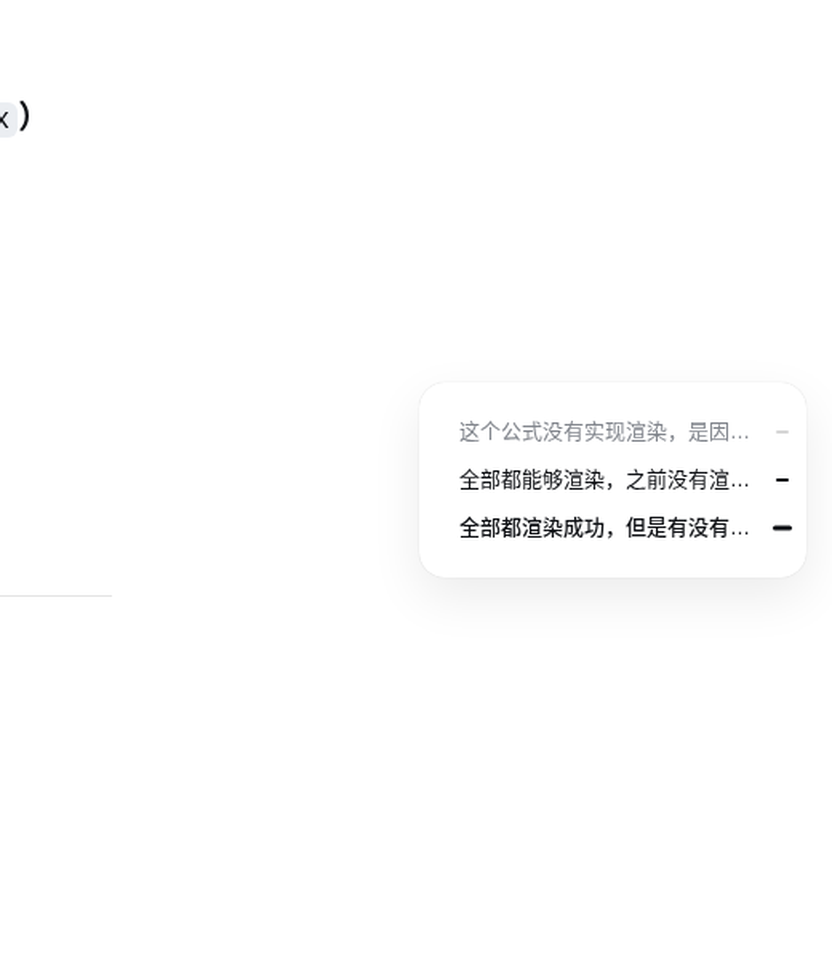

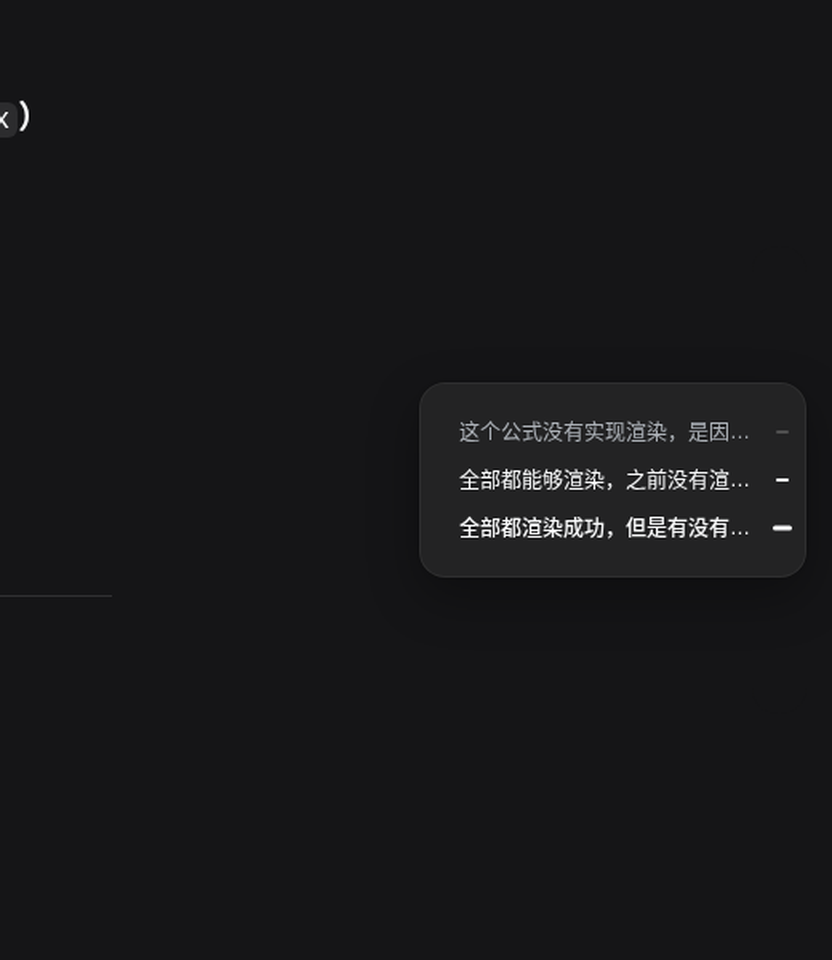
Use Cases
- Quickly jump to specific turns in long conversations
- Hover to view conversation outline, improving review efficiency
- Seamlessly switch between light and dark themes for consistent visuals
Best For
- Active users of DeepSeek Harness
- Developers or researchers managing long conversations
- Users seeking efficient AI interaction experiences
Related Plugins
A service-oriented sidebar framework for DSH, offering a full workbench with file explorer, embedded browser, real terminal, Git panel, and extensible plugin services.

A beautiful, practical Claude Code-style TUI plugin with pixel whale top bar, flowing glow title, real-time status line, streaming thought expansion, time rewind, context progress bar and TPS gauge — zero core changes.

The plugin market for DeepSeek Harness: browse/search/one-click install community plugins and themes, with updates, backup/restore, hot disable, diagnostics, and AI fix.

A persistent whale widget on the DSH web UI that shows DeepSeek balance, today's usage, and per-turn cost, with drag-and-snap and sound effects.