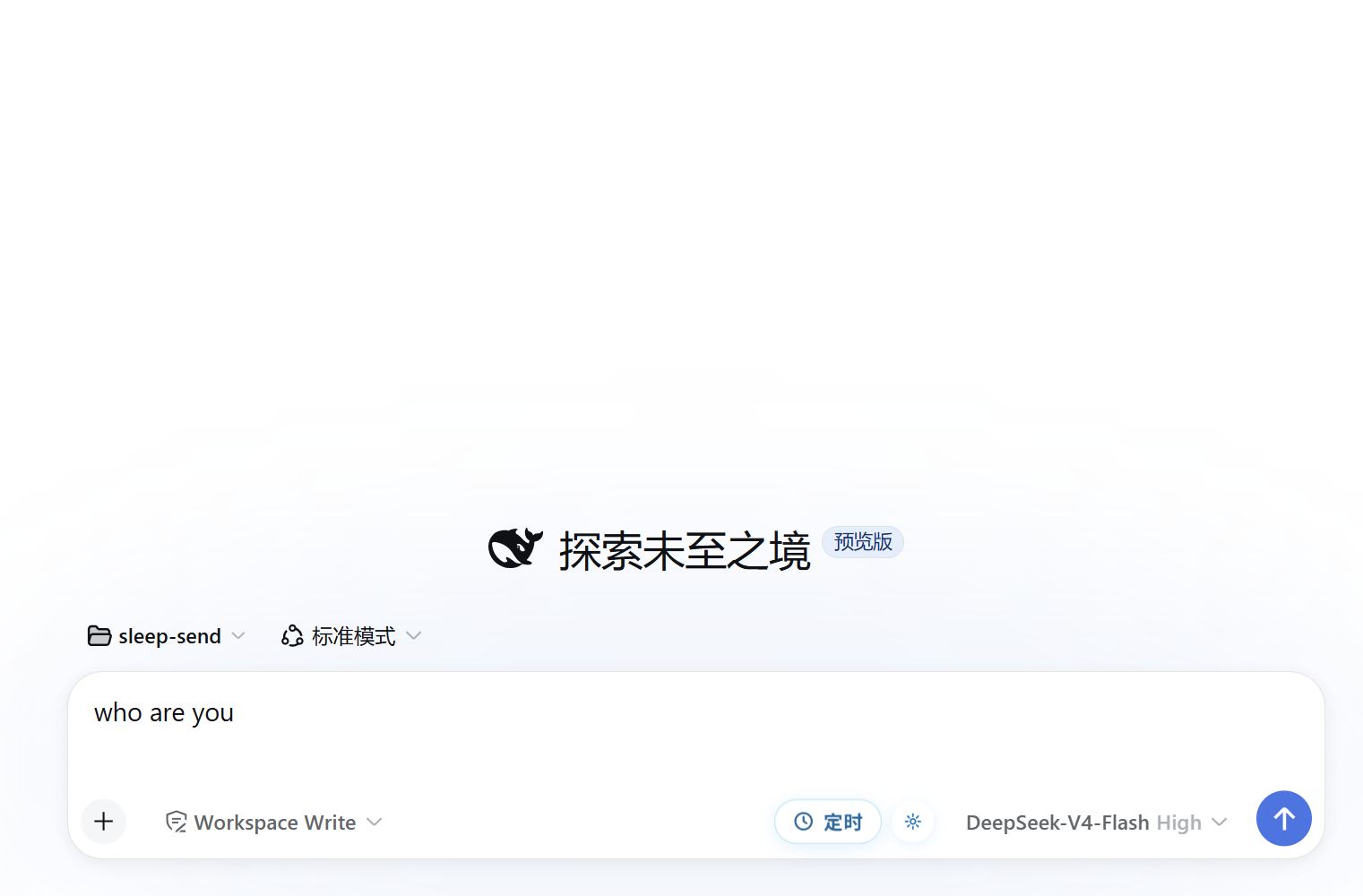
dsh-sleep-send
Run the following command in DeepSeek Harness:
dsh plugin install Awu12277/dsh-sleep-send
Paste the following prompt into your AI chat to install this plugin:
In DeepSeek Harness, install this plugin using the command 'dsh plugin install Awu12277/dsh-sleep-send', or get the source from the GitHub address https://github.com/Awu12277/dsh-sleep-send.
About this plugin
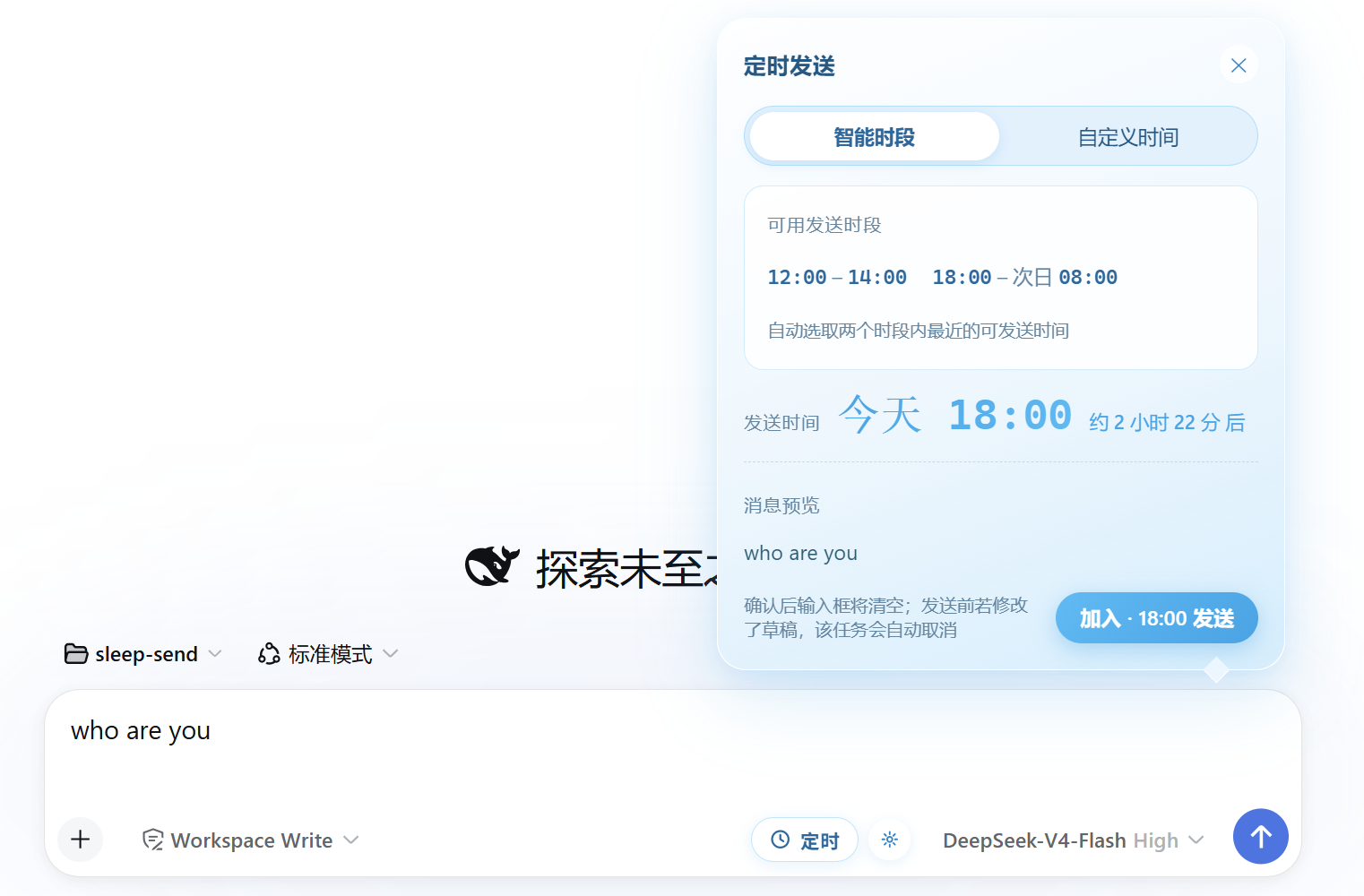
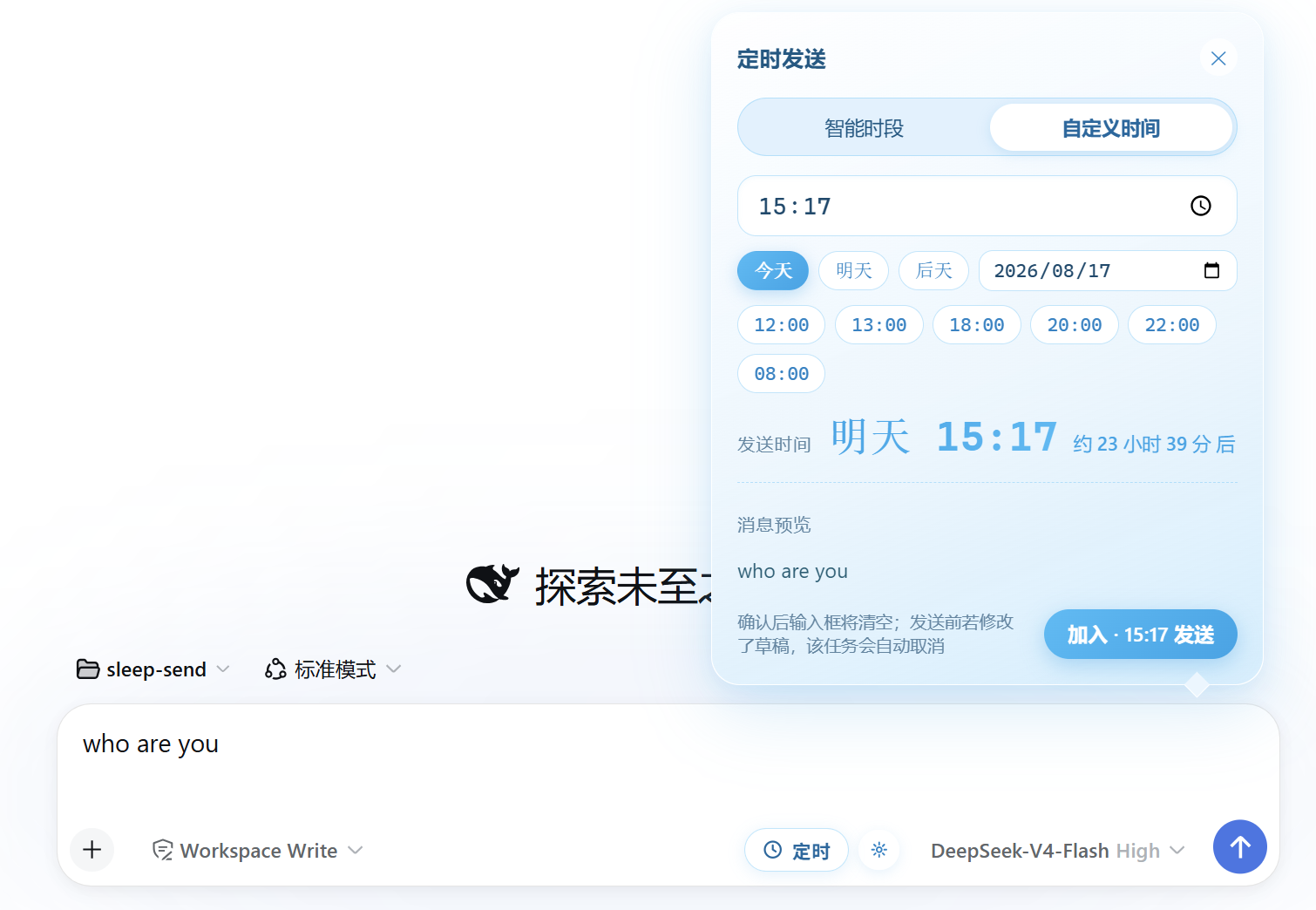
The scheduled send plugin for DSH Web addresses the pain point of timing messages in instant communication: users often need to send messages at specific times, such as avoiding late-night disruptions or adhering to work etiquette, but manual handling can be error-prone. This plugin automates message delivery timing through smart time slots (defaulting to午间 and evening) and custom scheduling, making communication more appropriate and efficient. Its core capabilities include a scheduled send button next to the input box, multi-task queuing with persistence via localStorage, automatic restoration after page refresh, and auto-cancellation if input content changes before sending to prevent overwriting. It's ideal for DSH Web users, such as teams coordinating message timing or individuals scheduling reminders and notifications, enhancing communication automation.
Screenshots
Use Cases
- Automatically send messages before the end of work hours to avoid disturbing colleagues.
- Schedule reminders or notifications on specific dates, such as birthday greetings or meeting alerts.
- In team collaboration, send messages on time to maintain communication rhythm and boost efficiency.
Best For
- Regular DSH Web users who need to control message timing.
- Professionals like managers or team leaders managing team communication.
- Freelancers looking to automate message scheduling to save time.
Related Plugins
A service-oriented sidebar framework for DSH, offering a full workbench with file explorer, embedded browser, real terminal, Git panel, and extensible plugin services.

A beautiful, practical Claude Code-style TUI plugin with pixel whale top bar, flowing glow title, real-time status line, streaming thought expansion, time rewind, context progress bar and TPS gauge — zero core changes.

The plugin market for DeepSeek Harness: browse/search/one-click install community plugins and themes, with updates, backup/restore, hot disable, diagnostics, and AI fix.

A persistent whale widget on the DSH web UI that shows DeepSeek balance, today's usage, and per-turn cost, with drag-and-snap and sound effects.