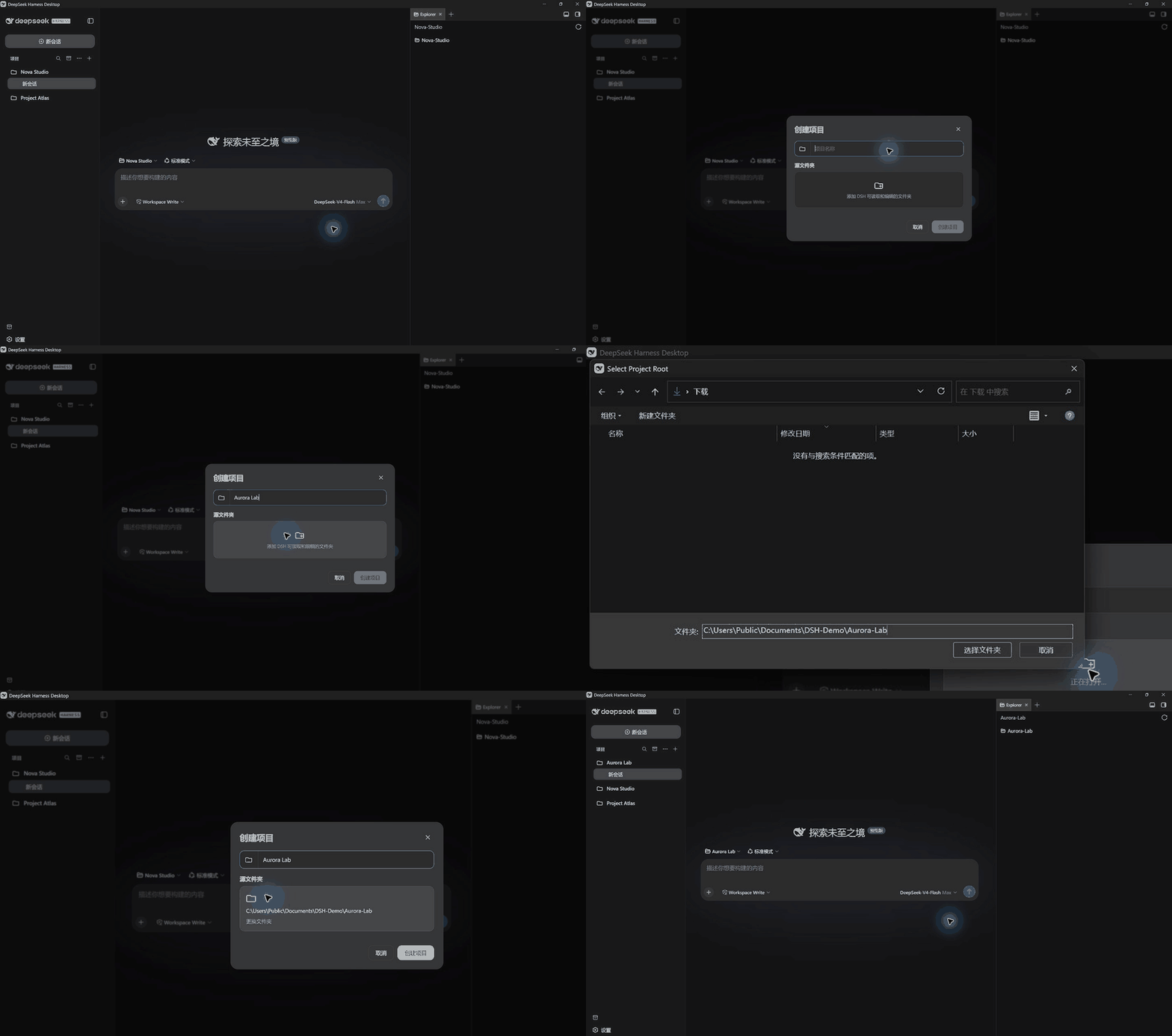
dsh-projects
Run the following command in DeepSeek Harness:
dsh plugin install WenhongPan/dsh-projects
Paste the following prompt into your AI chat to install this plugin:
To install the dsh-projects plugin in DeepSeek Harness, run the command `dsh plugin install WenhongPan/dsh-projects` with the source code at https://github.com/WenhongPan/dsh-projects.
About this plugin
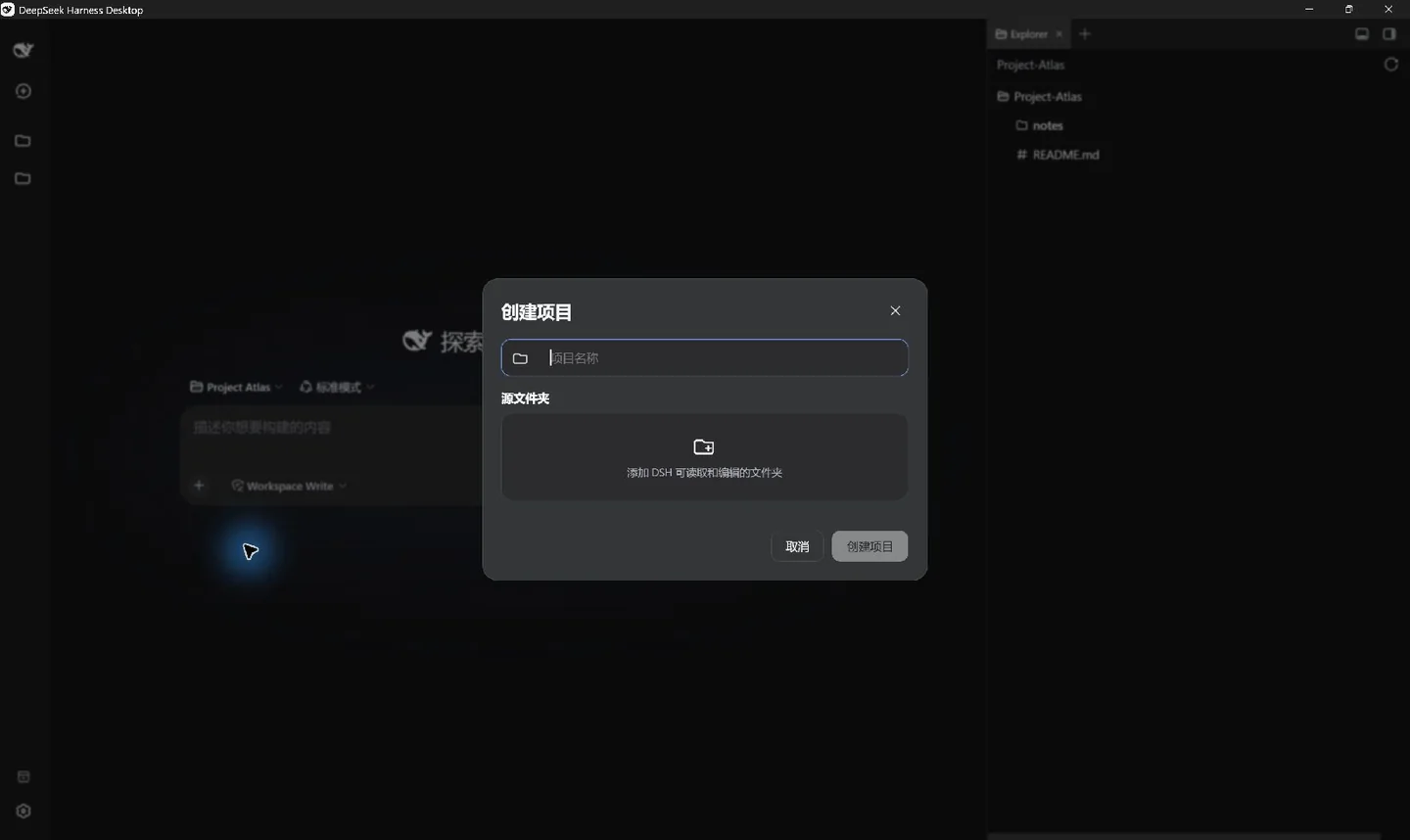
As DeepSeek Harness (DSH) usage expands, managing numerous Workspaces and sessions often leads to cluttered interfaces and reduced productivity. dsh-projects tackles this issue by introducing a project-based layer on top of DSH's native data, transforming scattered elements into a clear, organized workflow. Its core capabilities include project entry points, project creation, sidebar organization, global search, and an archive center—features like multi-folder projects allow combining existing Workspaces without moving files, while enhanced search offers grouped results with highlighting for quick retrieval.
Designed in a blog-like style, the plugin emphasizes seamless integration into daily tasks. It is ideal for DSH users who handle multiple projects and need a streamlined way to organize and access their work. Whether for individual developers or collaborative teams, dsh-projects provides a lightweight and optional layer of organization, helping users focus on their core activities rather than cumbersome directory management.
Screenshots
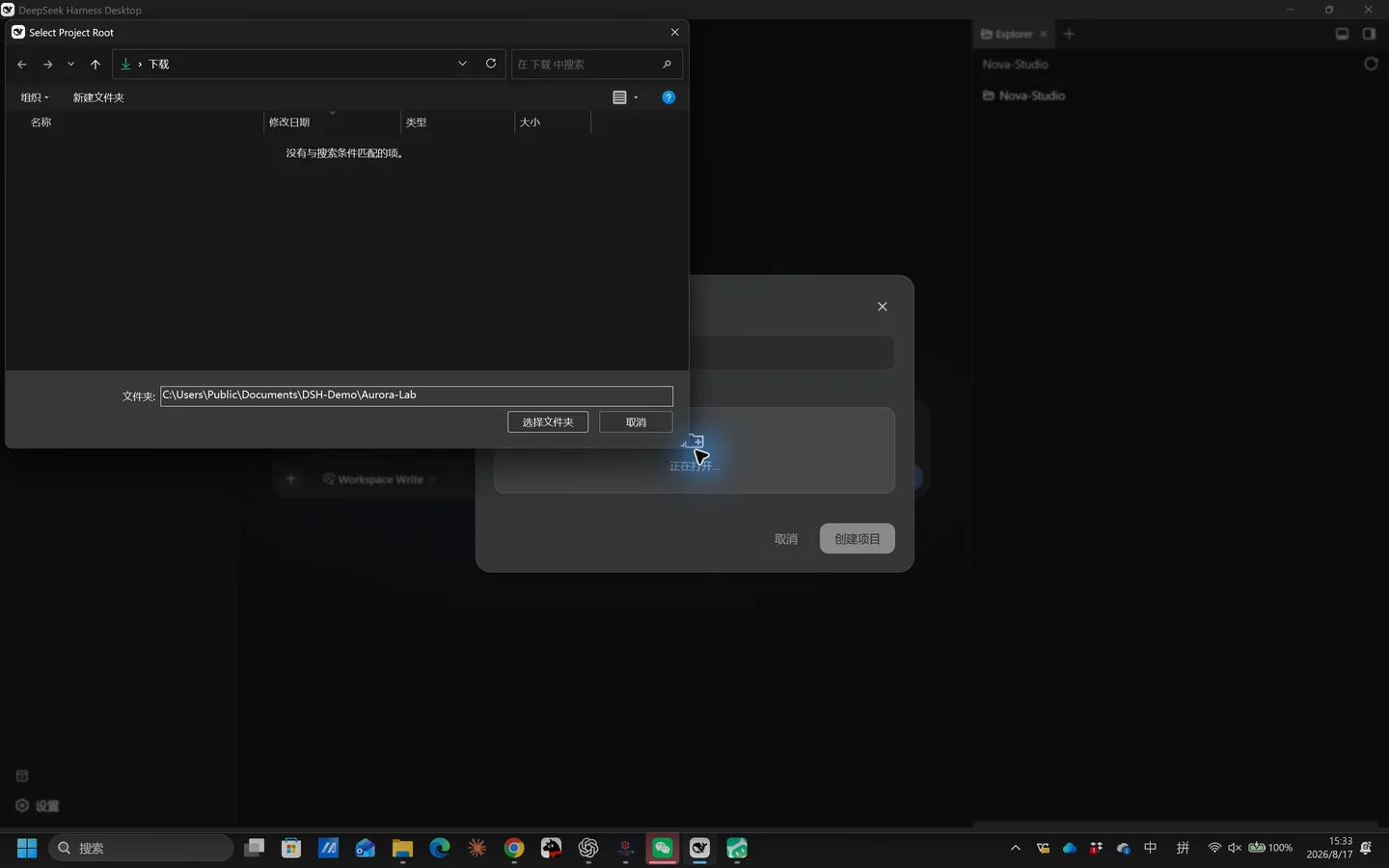
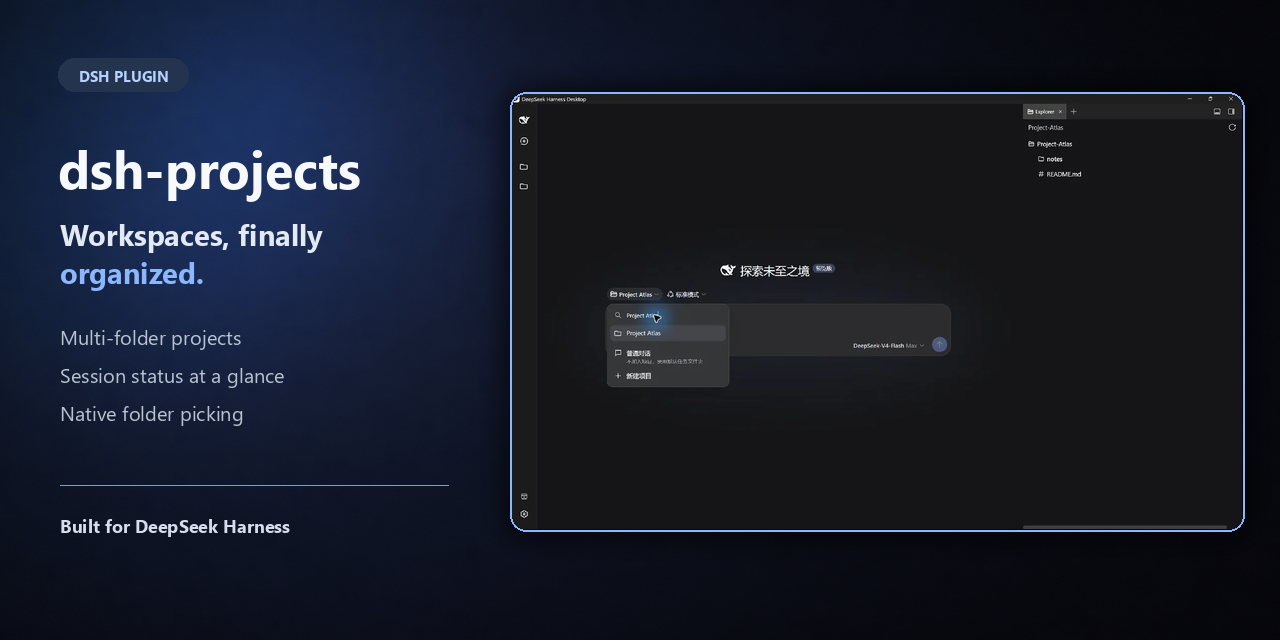
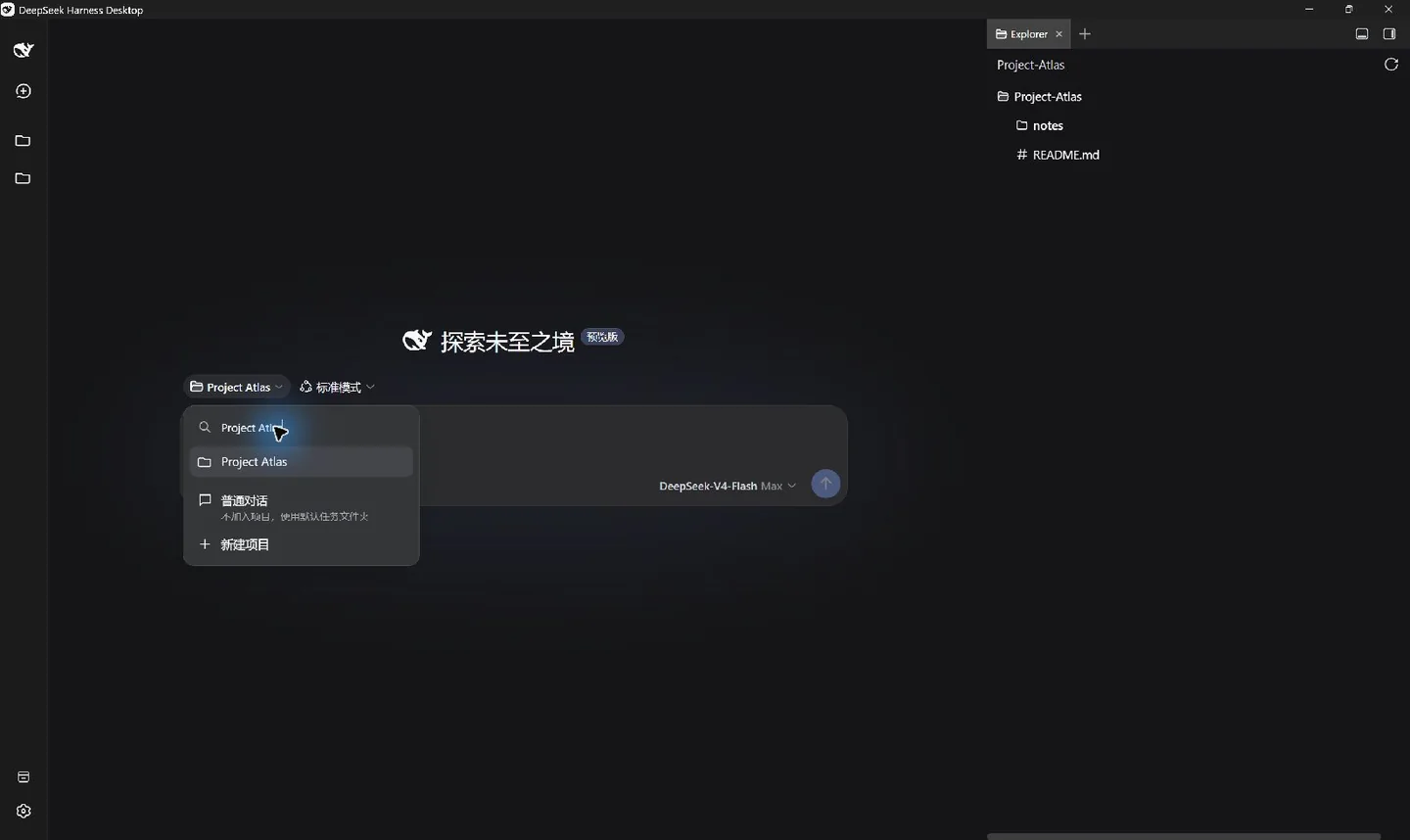
Use Cases
- Combining multiple Workspaces into a single project to avoid directory clutter
- Quickly searching and switching between projects via the sidebar
- Archiving old chats to maintain a clean workspace
Best For
- Users of DeepSeek Harness who manage multiple projects
- Developers needing to efficiently organize and retrieve session content
- Individuals seeking a clear workflow and reduced interface clutter
Related Plugins
A service-oriented sidebar framework for DSH, offering a full workbench with file explorer, embedded browser, real terminal, Git panel, and extensible plugin services.

A beautiful, practical Claude Code-style TUI plugin with pixel whale top bar, flowing glow title, real-time status line, streaming thought expansion, time rewind, context progress bar and TPS gauge — zero core changes.

The plugin market for DeepSeek Harness: browse/search/one-click install community plugins and themes, with updates, backup/restore, hot disable, diagnostics, and AI fix.

A persistent whale widget on the DSH web UI that shows DeepSeek balance, today's usage, and per-turn cost, with drag-and-snap and sound effects.