DeepSeek Harness Plugins · Client
Plugins that extend DeepSeek Harness (DSH) with vision, workflows, memory, web tools and more.
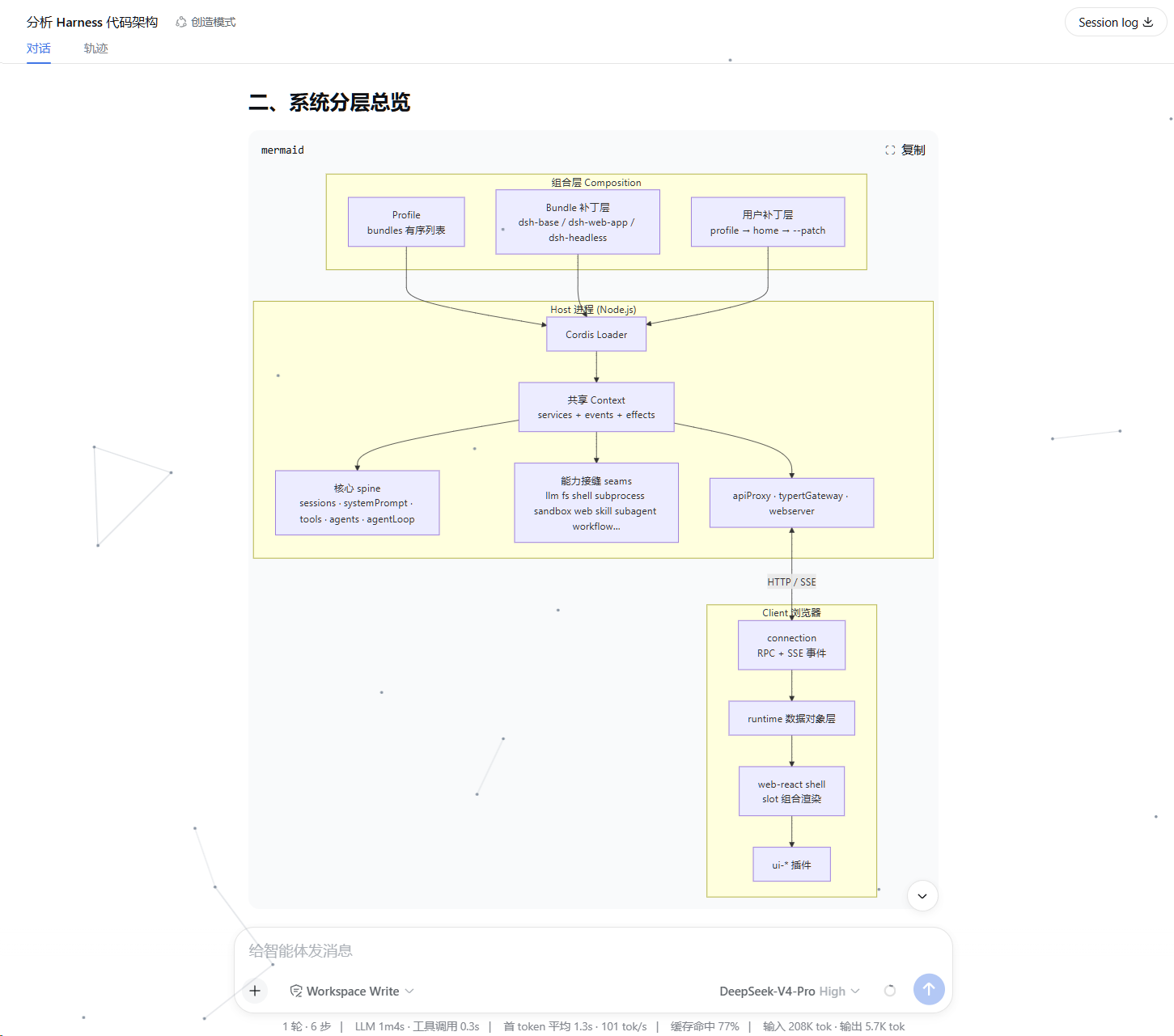
This plugin renders Mermaid diagrams in DSH Web sessions, supporting theme and performance configuration with strict security sanitization and graceful failure fallback.
A pure client-side plugin for DeepSeek Harness that harmonizes UI inconsistencies across official and third-party tools via CSS overrides and DOM coordination, featuring automatic settings normalization and customizable visual options.
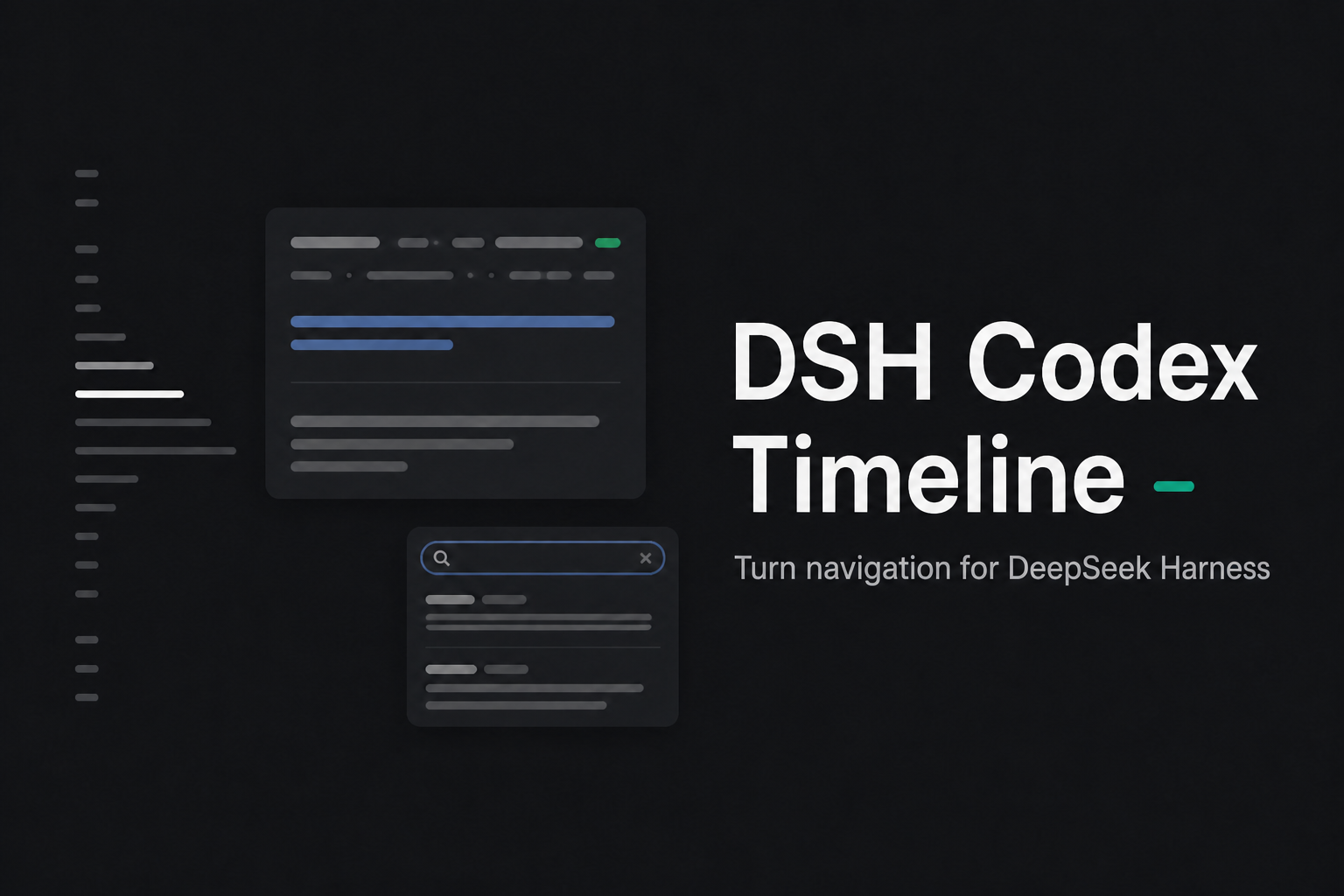
Provides a low-distraction user turn navigation rail for DeepSeek Harness Web long conversations, featuring full history indexing, previews, search, and reliable jumping.
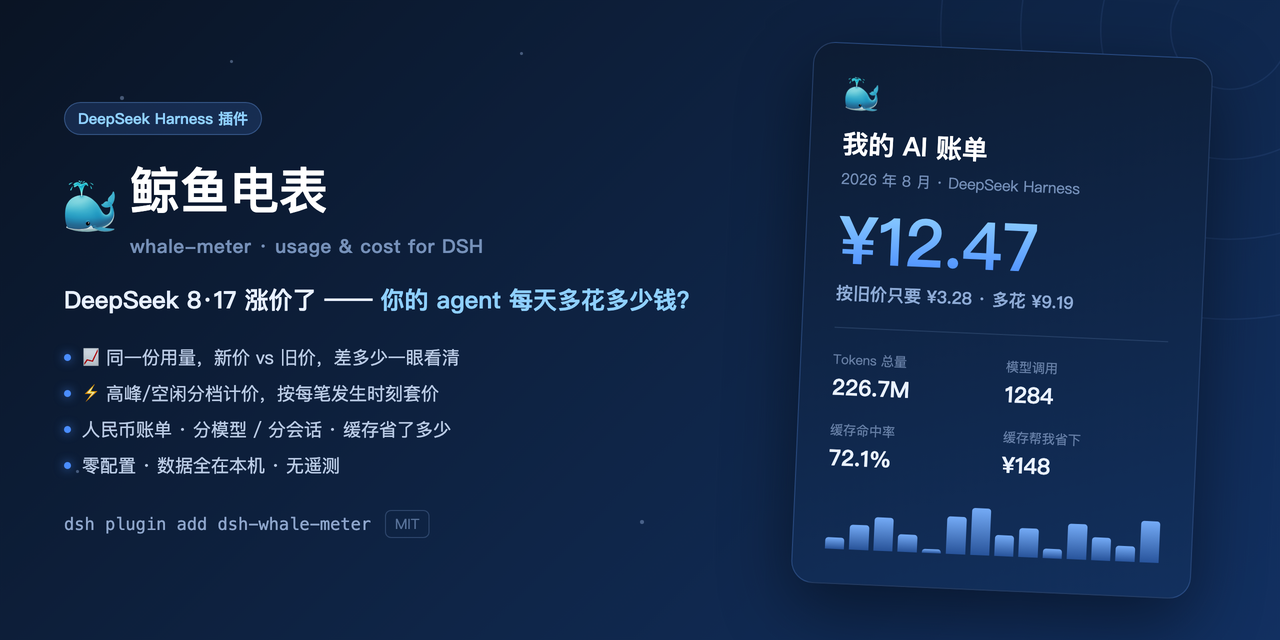
A local usage and billing dashboard for DeepSeek Harness, featuring token tiers, multi-vendor pricing, price-hike comparisons, and shareable stat cards.
Adds a Photon-hosted iMessage transport to DeepSeek Harness, allowing users to send prompts and receive AI responses via a bound phone number.

Enhances the DSH @ menu by integrating multiple reference sources—including commands, files, sessions, local and external AI conversations, and cloud drives—into a single searchable interface.
Automatically appends the x-opencode-session header to model requests targeting opencode.ai, with a stable per-conversation value that persists across restarts and requires no extra state.

A DSH-exclusive multi-platform API balance and usage dashboard showing real-time balances, per-session and sub-agent cost estimates across nine platforms, with threshold alerts and custom relay support.
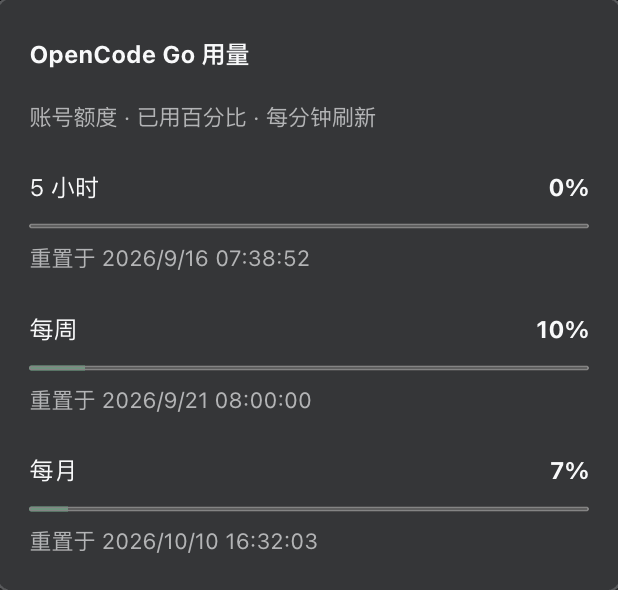
Integrate OpenCode Go subscription models into DeepSeek Harness with streaming, tool use, image input, and a Web settings page for API key and model catalog management.
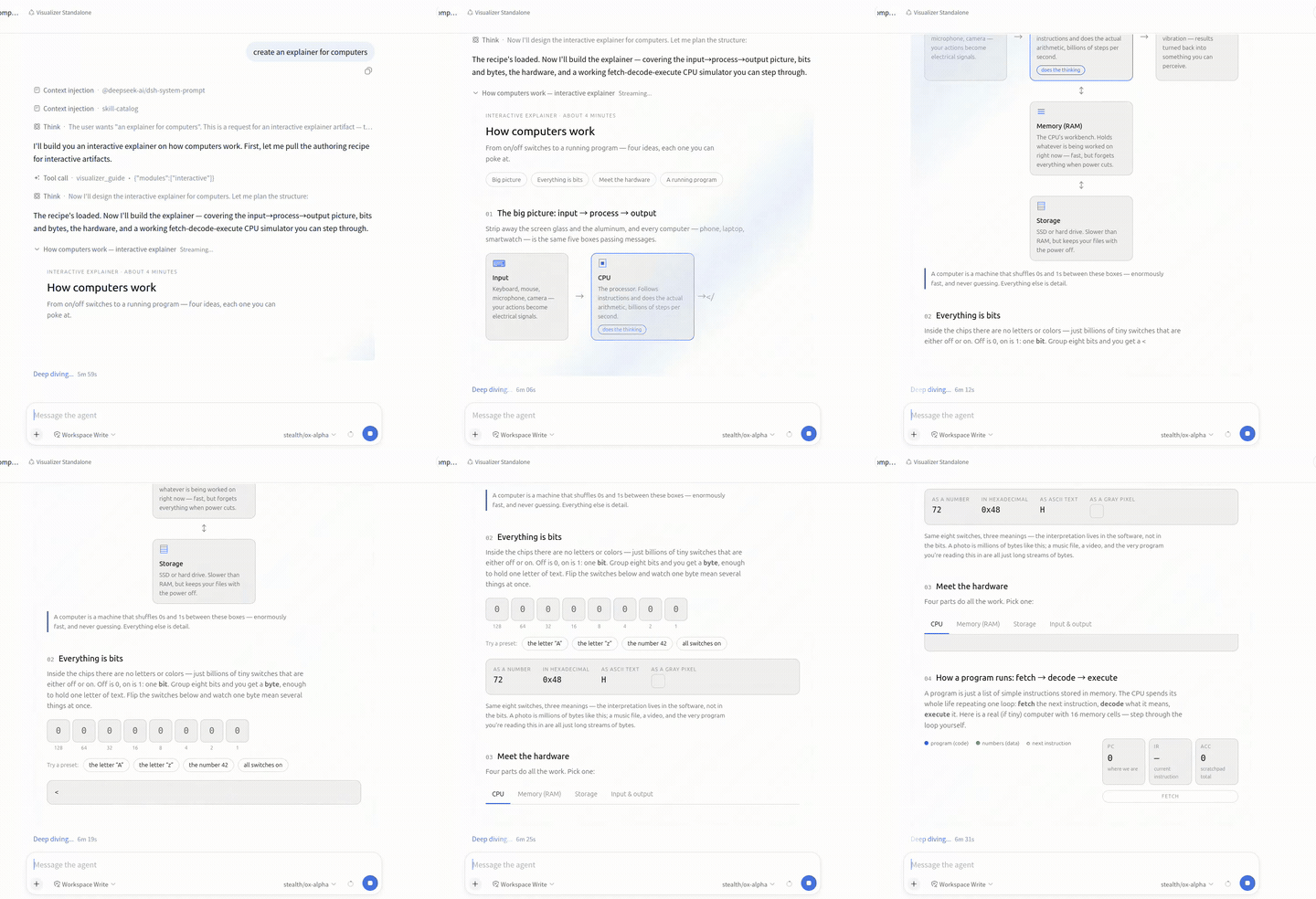
Streams model-authored HTML or SVG visualizations (charts, diagrams, mockups, interactive widgets) into chat with a live sandboxed preview, element-picking comments, and one-click sharing.

A DeepSeek Harness balance widget featuring a whale character with three skinnable looks, metal-pipe sound effects, live balance, daily usage, and per-turn cost tracking.
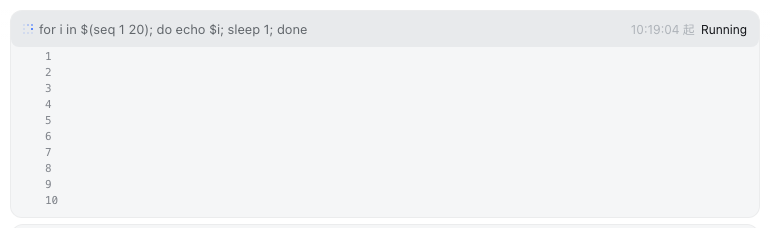
A background task status bar above the chat input area, displaying task progress with running count, expandable details, and live output tail.