dsh-mermaid
Run the following command in DeepSeek Harness:
dsh plugin install AKS1st/dsh-mermaid
Paste the following prompt into your AI chat to install this plugin:
Execute the installation command in your terminal pointing to the plugin's open-source address https://github.com/AKS1st/dsh-mermaid to integrate diagram rendering capabilities into DeepSeek Harness.
About this plugin
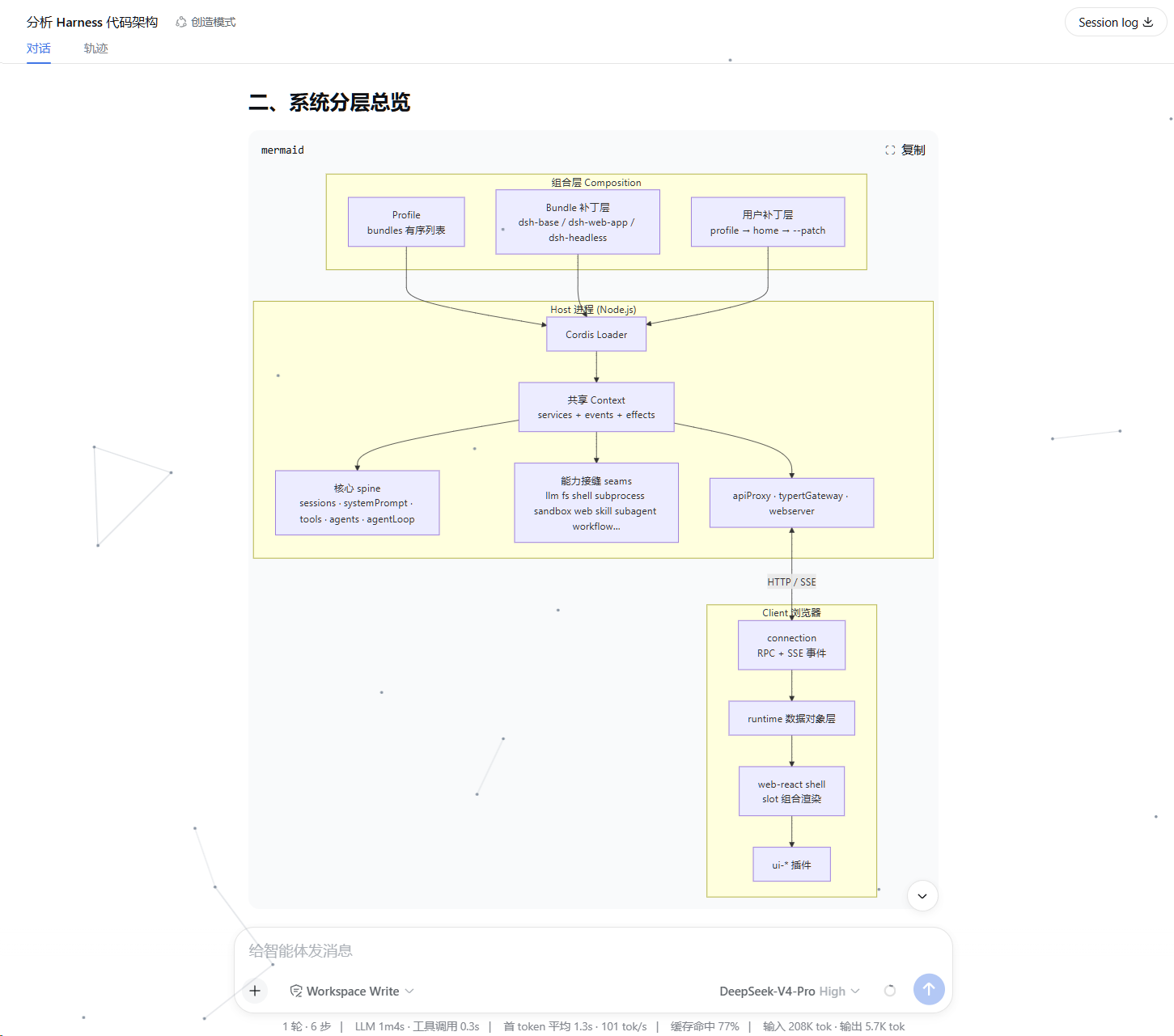
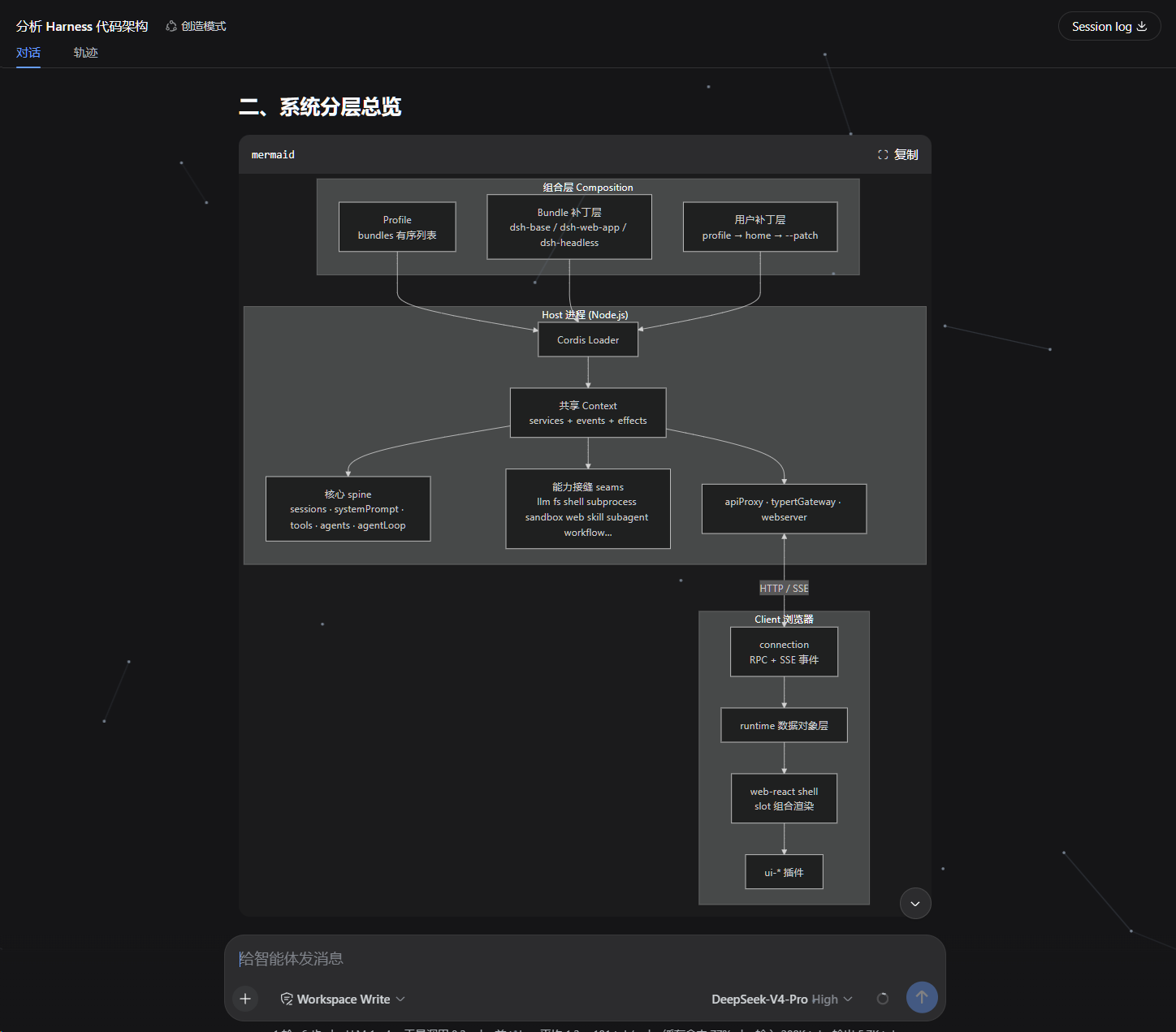
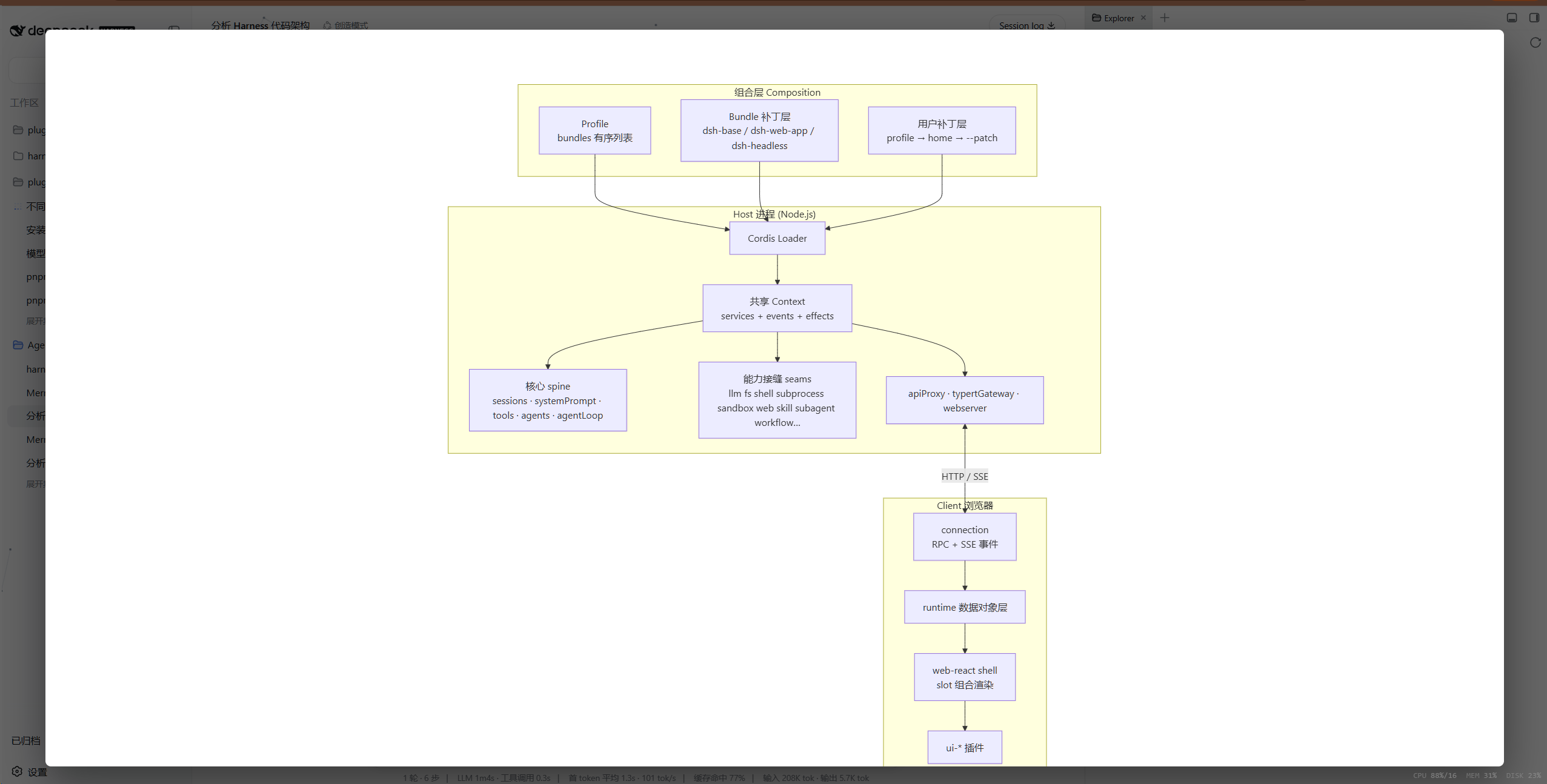
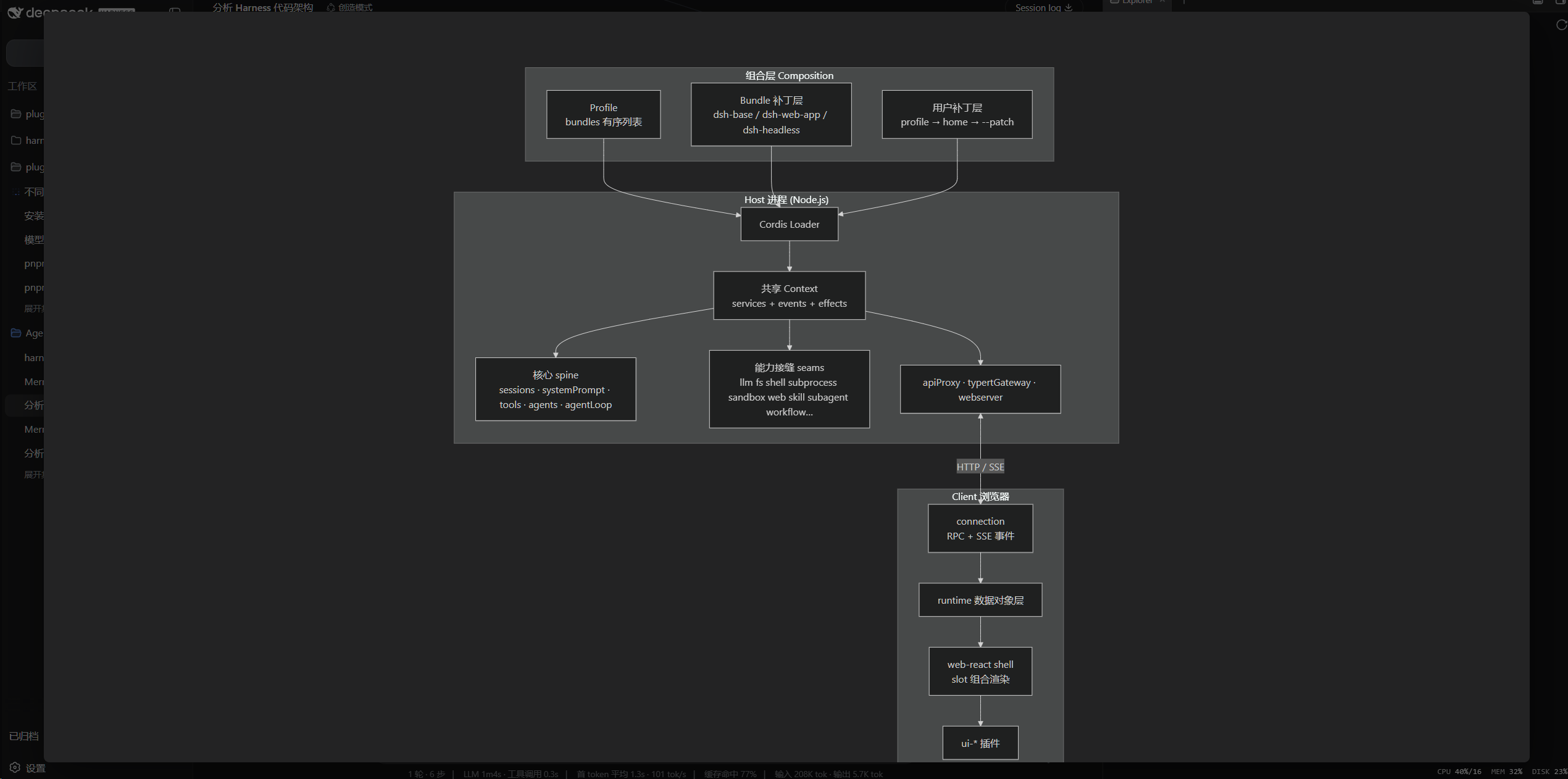
In AI-driven workflows, complex system architectures, business processes, or dependency graphs are frequently delivered as raw text code blocks, making them tedious to parse and visualize. dsh-mermaid bridges this gap by seamlessly integrating into the DSH Web interface, automatically detecting and transforming scattered Mermaid syntax into crisp, interactive diagrams right within your chat sessions.
Built for reliability and safety, the plugin offers a highly tunable rendering engine with automatic theme syncing, plus built-in performance safeguards like text and edge limits to prevent browser overload. It enforces a strict security sandbox using internal DOMPurify sanitization and lazy click handling, ensuring zero cross-site scripting risks. Optimized for modern streaming AI outputs, it waits until content stabilizes before rendering and provides graceful fallbacks—displaying the original code alongside clear error summaries and console logs whenever parsing fails.
Designed specifically for developers, system architects, technical writers, and AI power users who rely on DSH Web for rapid ideation, architecture planning, or documentation generation. Say goodbye to manually copying syntax to external tools; let this plugin turn your conversational prompts into polished visual insights instantly, keeping your focus strictly on design and decision-making.
Screenshots
Use Cases
- Quickly transform code blocks into intuitive flowcharts during system architecture discussions.
- Generate clear dependency graphs directly within the AI chat window while drafting technical documents.
- Enhance reading experience by automatically rendering stabilized stream output for complex logic mapping.
Best For
- Software developers who frequently draw architecture and flow diagrams within AI chats.
- System architects focused on efficiently organizing complex business logic and dependencies.
- Product managers and technical writers seeking to accelerate documentation creation through inline visualization.
Related Plugins
A service-oriented sidebar framework for DSH, offering a full workbench with file explorer, embedded browser, real terminal, Git panel, and extensible plugin services.

A beautiful, practical Claude Code-style TUI plugin with pixel whale top bar, flowing glow title, real-time status line, streaming thought expansion, time rewind, context progress bar and TPS gauge — zero core changes.

The plugin market for DeepSeek Harness: browse/search/one-click install community plugins and themes, with updates, backup/restore, hot disable, diagnostics, and AI fix.

A persistent whale widget on the DSH web UI that shows DeepSeek balance, today's usage, and per-turn cost, with drag-and-snap and sound effects.