DeepSeek Harness Plugins · Client
Plugins that extend DeepSeek Harness (DSH) with vision, workflows, memory, web tools and more.
Popup browser notifications with system sound when a session awaits human input or finishes a turn; pure client-side, no native UI replacement.
Provides a Moli-powered ultra-lightweight backend for web_fetch, rendering micro-frontends and SPAs with ~60MB memory and outputting LLM-optimized Markdown via a two-stage denoise pipeline.
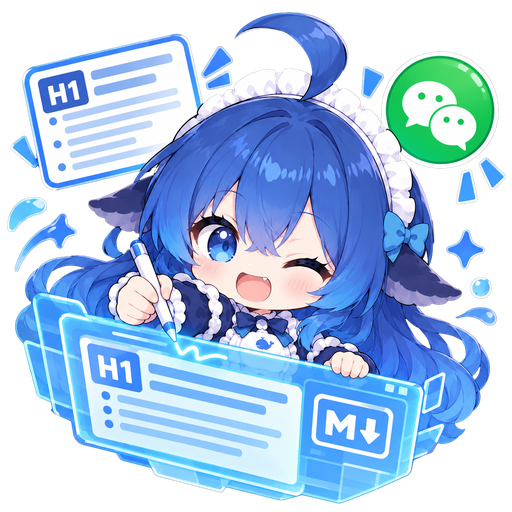
A WeChat article layout workbench in the DeepSeek Harness sidebar, converting Markdown to inline-style HTML with block-level diff editing, annotations, and one-click copy-paste publishing.
Adds Markdown source editing, edit-and-save, search, font-size control, and line-number toggle to the DSH sidebar file preview.
Let DeepSeek Harness observe and operate the local Windows desktop with background-safe input, occlusion-immune screenshots, UIA accessibility navigation, and persistent browser CDP sessions.
A desktop Agent companion powered by DeepSeek Harness featuring real-time balance check, bubble Q&A without browser switching, 7 custom animations, and 53 playful quips.
Adds a Balance/Usage tab to the webui context popup, showing DeepSeek account balance, per-model usage details, and TTS announcements.
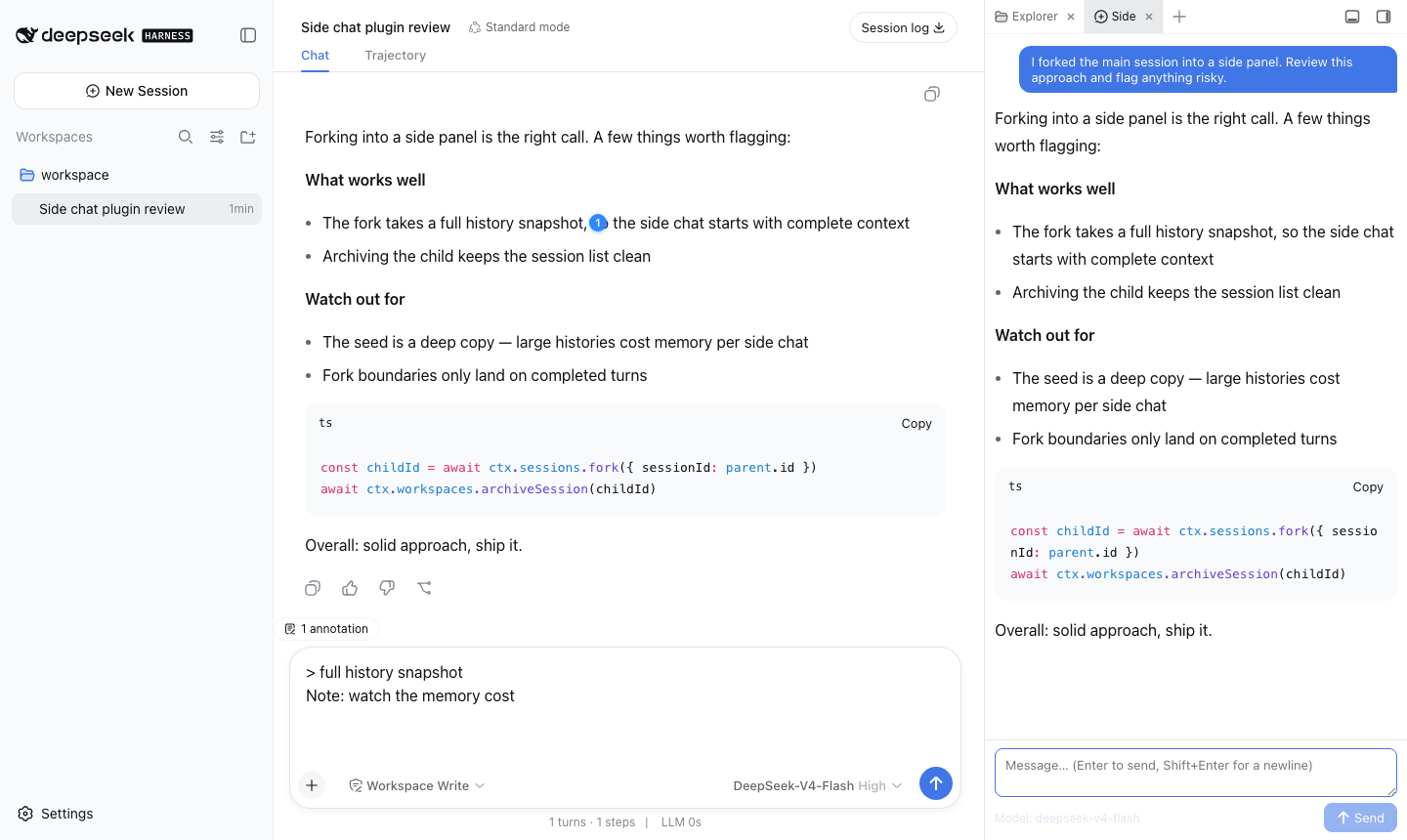
Codex-style sidebar chat and text annotation: fork independent conversations from the main session and accumulate highlighted notes to send as context.
Unified plugin marketplace merging curated catalog, GitHub ecosystem, and npm registry into one storefront for DSH Desktop (EAC), with install, batch update, auto-upgrade, and feature-pack management.
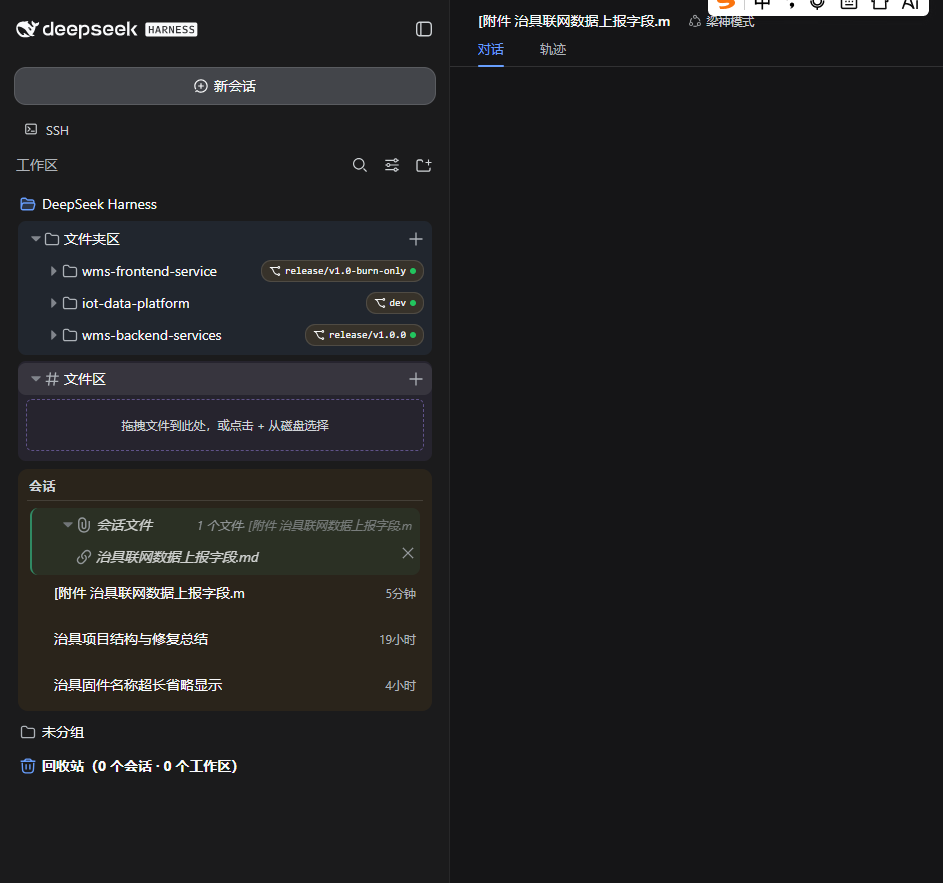
A DSH workspace and session enhancement plugin that adds recycle bin, cross-workspace drag, multi-folder mounting, file preview, Git panel, and cross-session memory via OpenViking.
Adds an archived-sessions view and one-click restore to the dsh Web GUI sidebar, implemented as a pure Cordis plugin with zero file patches and upgrade-safe design.
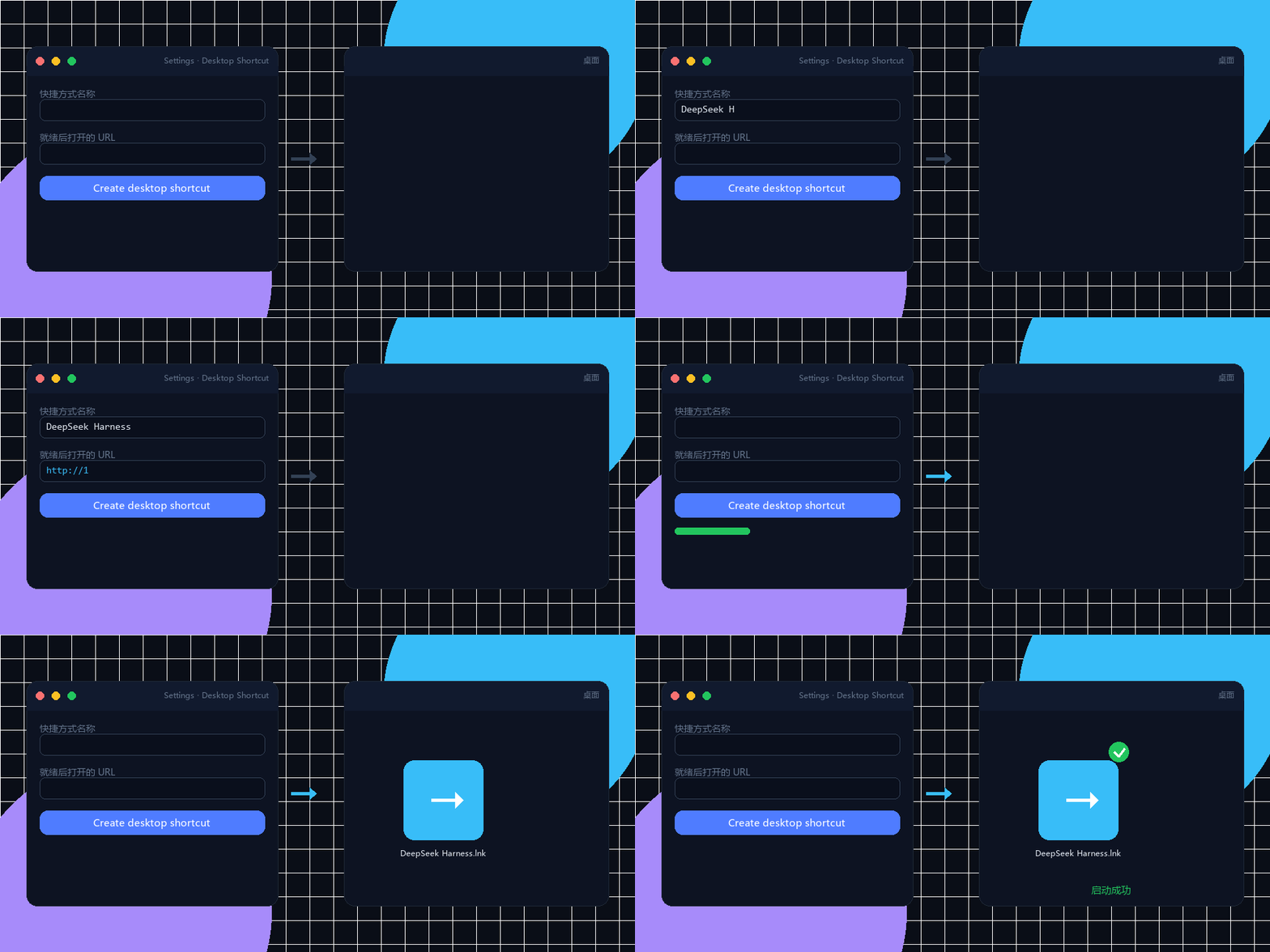
Create a one-click Windows desktop shortcut from the DSH Settings page, launching any local server with a double-click, auto-opening the browser, and pinning to the taskbar.