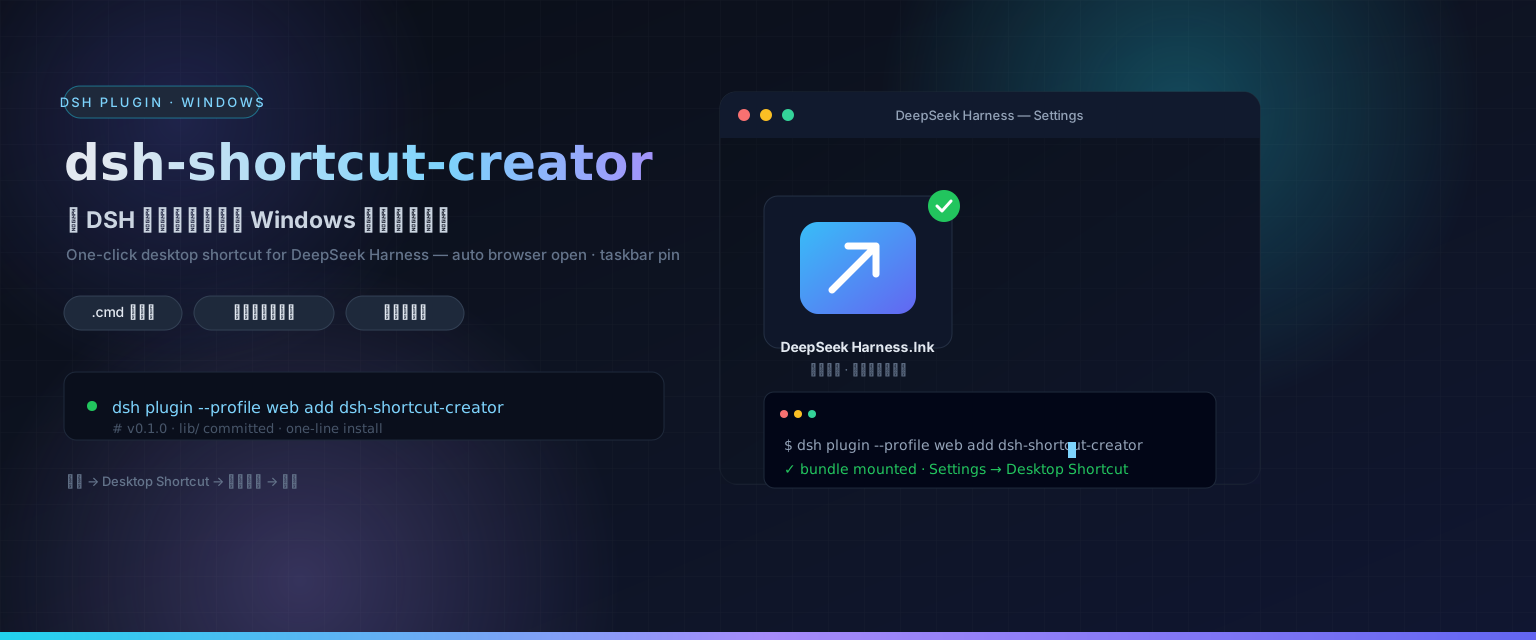
dsh-shortcut-creator
Run the following command in DeepSeek Harness:
dsh plugin install Yvesgao/dsh-shortcut-creator
Paste the following prompt into your AI chat to install this plugin:
Run dsh plugin install Yvesgao/dsh-shortcut-creator in your terminal to install the plugin; the full source code is available at https://github.com/Yvesgao/dsh-shortcut-creator
About this plugin
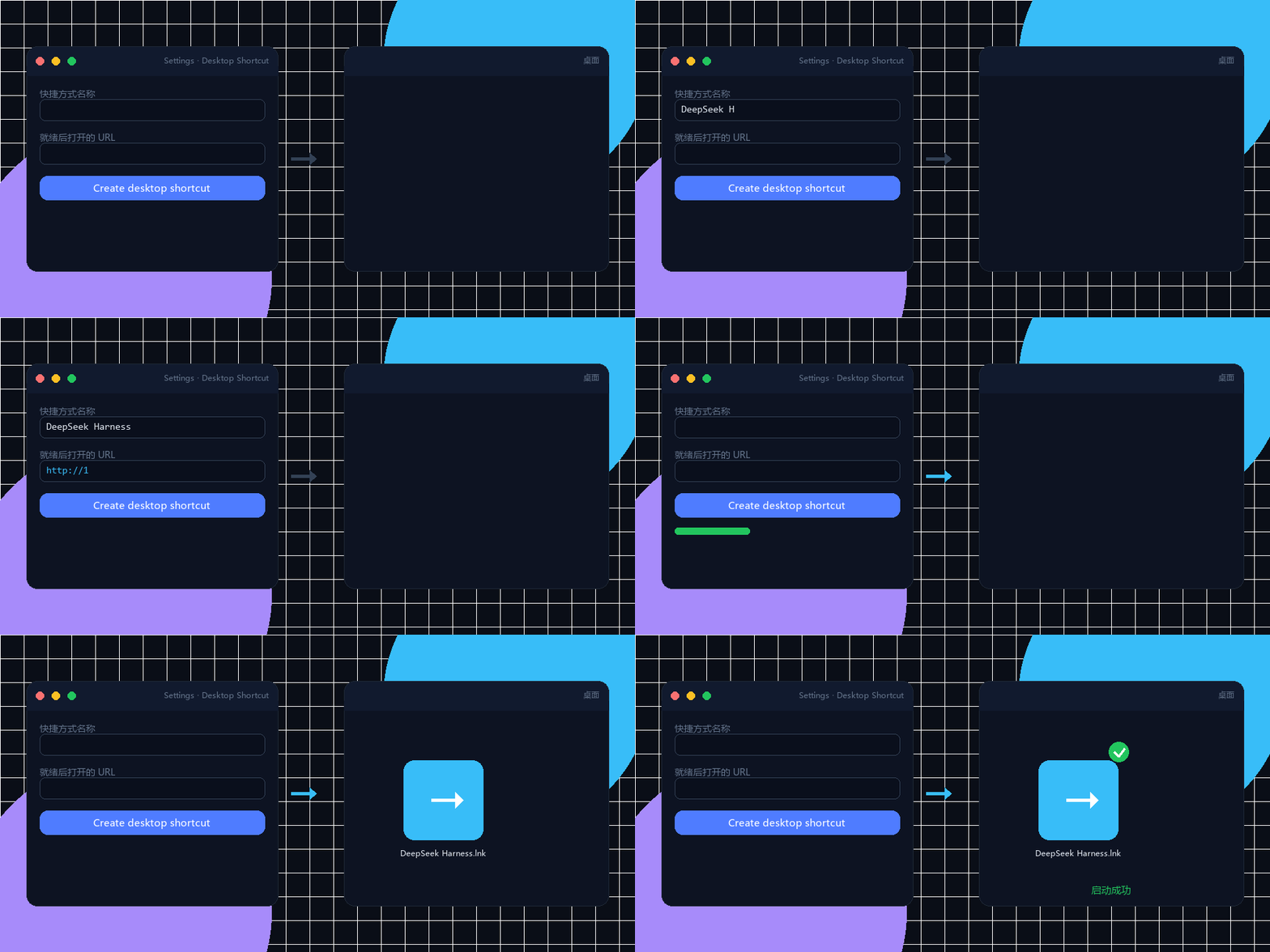
Firing up a local server always follows the same ritual: open PowerShell, type the command, watch the terminal until the port is ready, then manually switch to the browser. Do it enough times and it becomes pure friction. dsh-shortcut-creator collapses that entire sequence into a single double-click: fill in a small form on the Desktop Shortcut panel in DSH Settings, and the plugin handles everything else.
The generated .cmd launcher performs a port check first: if the server is not yet running it starts the command in a console window, waits until the target URL responds, then opens your default browser and keeps the window alive so closing it stops the service. If the server is already running it simply skips straight to opening the browser. The plugin then creates a desktop .lnk shortcut pointing at the launcher (using the Node.js icon for DeepSeek Harness) and attempts to pin it to the taskbar; when the target type cannot be pinned programmatically it prints a reliable fallback instruction to pin the running window. All of this is driven by a bundled, self-contained PowerShell script with zero external dependencies, and the script can also run standalone.
It is built for anyone on Windows who repeatedly launches DeepSeek Harness, dev servers, or npx tools. Whether you are comfortable in a terminal or prefer to stay out of one, a double-click on the desktop icon brings the service up and opens the browser automatically, turning a three-step manual ritual into a one-click habit.
Screenshots
Use Cases
- Double-click a desktop icon to launch DSH and open the browser without touching PowerShell
- Create a desktop shortcut for a dev server or npx tool; closing the window stops the service
- Pin a frequently used local server to the taskbar for one-click access
Best For
- Developers on Windows who repeatedly launch DSH or local servers
- Technical users who prefer graphical workflows over manual terminal steps
- Teams that need to distribute an DSH environment to members without deep terminal experience
Related Plugins
A service-oriented sidebar framework for DSH, offering a full workbench with file explorer, embedded browser, real terminal, Git panel, and extensible plugin services.

A beautiful, practical Claude Code-style TUI plugin with pixel whale top bar, flowing glow title, real-time status line, streaming thought expansion, time rewind, context progress bar and TPS gauge — zero core changes.

The plugin market for DeepSeek Harness: browse/search/one-click install community plugins and themes, with updates, backup/restore, hot disable, diagnostics, and AI fix.

A persistent whale widget on the DSH web UI that shows DeepSeek balance, today's usage, and per-turn cost, with drag-and-snap and sound effects.