DeepSeek Harness Plugins · Client
Plugins that extend DeepSeek Harness (DSH) with vision, workflows, memory, web tools and more.
A client-side dashboard for DSH Web GUI that displays OpenCode Go usage quotas (5h/7d/30d) with reset countdowns, supporting dual API Key and Cookie query channels and multi-credential management.
A runtime loader that lets dsh discover and load Claude-style plugins, supporting skills registration, slash-command hot-reload, and SessionStart hook bridging.
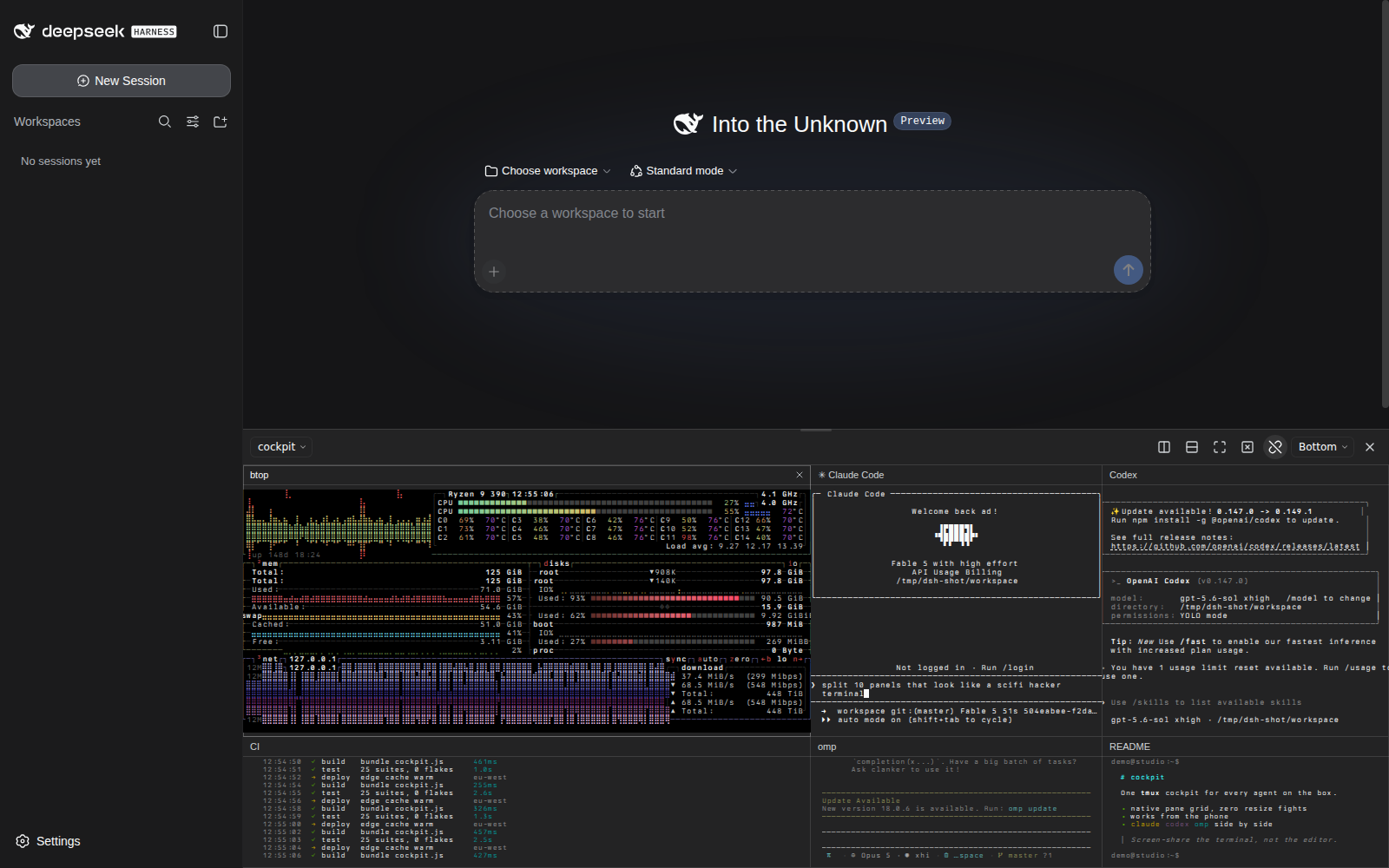
A persistent tmux control-mode cockpit for DeepSeek Harness Web that attaches to existing sessions via tmux -C and renders every pane with xterm.js, staying visible across chats.
Adds a Delete Session option to the DSH session menu, permanently removing all on-disk records after a two-step confirmation, filling the gap left by the upstream archive-only workflow.
Browse workspace file trees, preview multiple formats, edit text files online with version history, full-text search, and drag-and-drop preview — all in the browser, no external tools required.
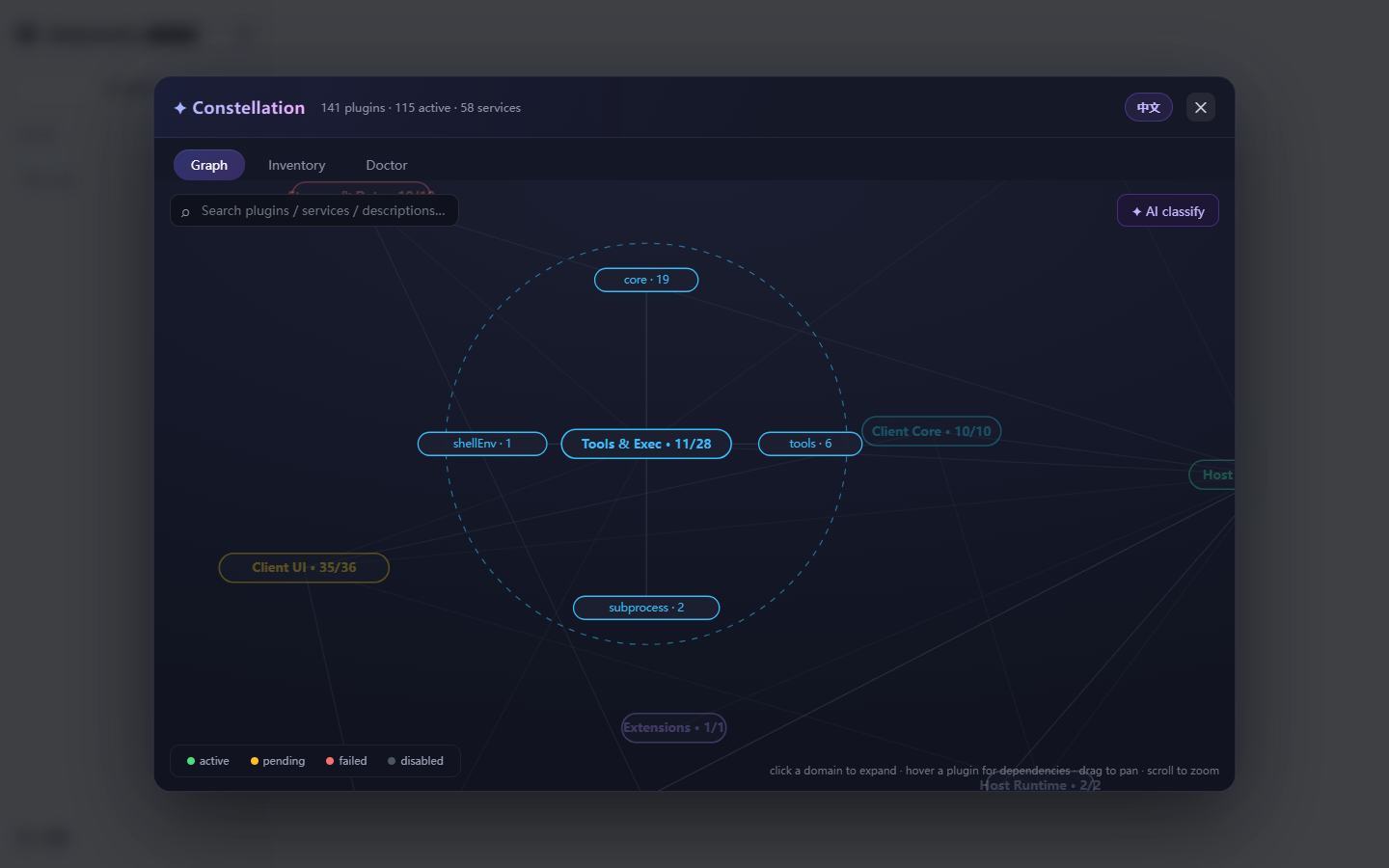
A live constellation map in the DSH Web UI that visualizes plugin and service-fiber dependencies, with AI-powered taxonomy, health diagnostics, and one-click enable/disable/remove operations.
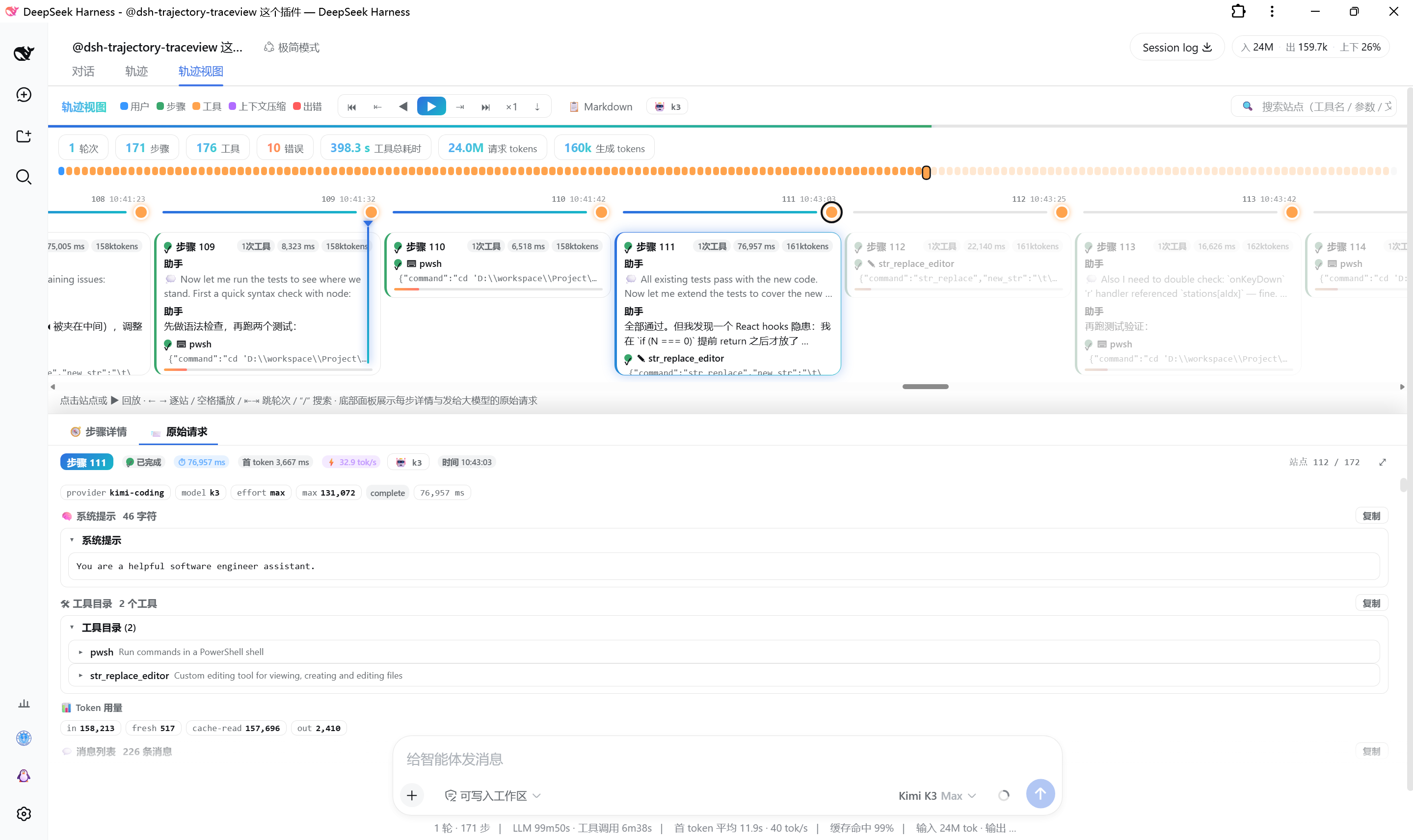
Renders AI conversation trajectories as a replayable timeline showing each step's reasoning, tool calls, and raw requests for prompt learning and tuning.
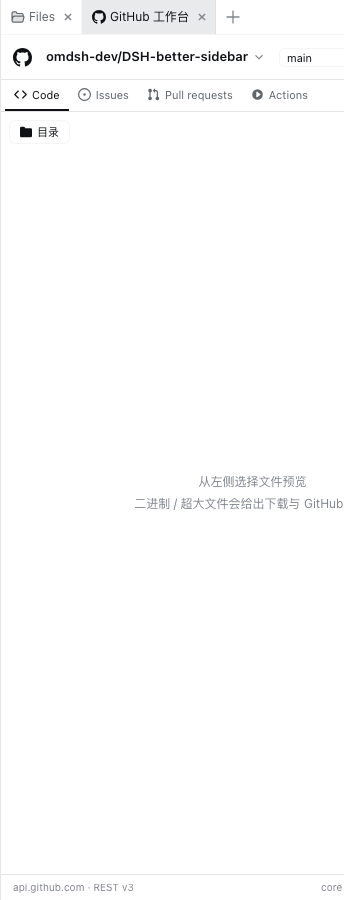
A GitHub workbench in your DeepSeek Harness sidebar: browse repo trees, manage Issues, PRs, and Actions with full write operations including creating issues and PRs, commenting, merging, and re-running CI.
Service control plugin for DSH featuring real-time status, safe one-click restart, crash watchdog auto-recovery, and autostart.
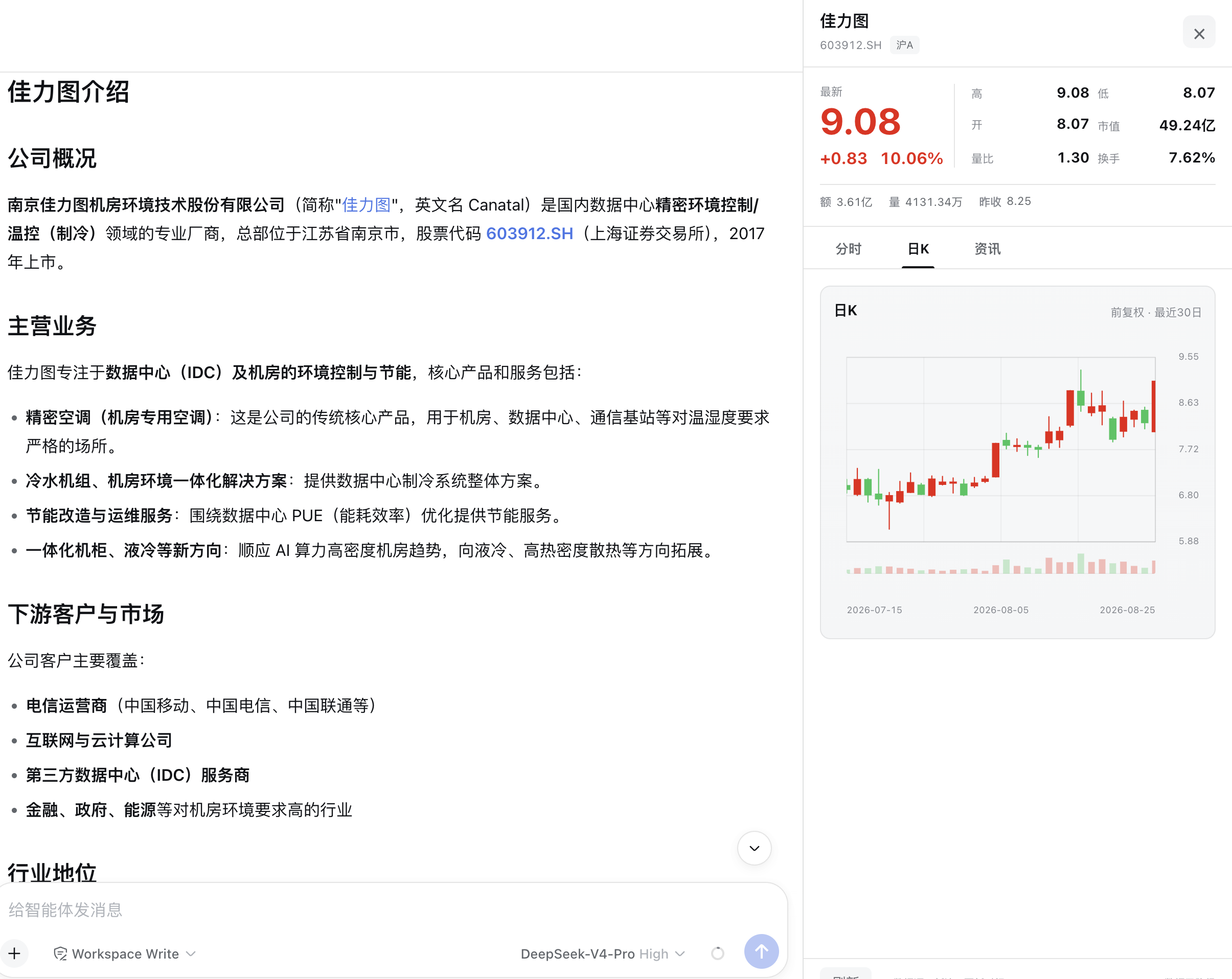
Identifies Shanghai and Shenzhen A-share stock names and codes in DSH assistant replies, offering clickable stock buttons with a quote panel showing price, intraday chart, daily K-line, and news.
Telegram bridge bot for DeepSeek Harness (dsh) featuring per-topic sessions, group and DM management, media I/O, and bilingual command control.
Desktop notification and system sound for DSH sessions when tasks complete, questions are asked, or approval is needed — only when you are away from the session.