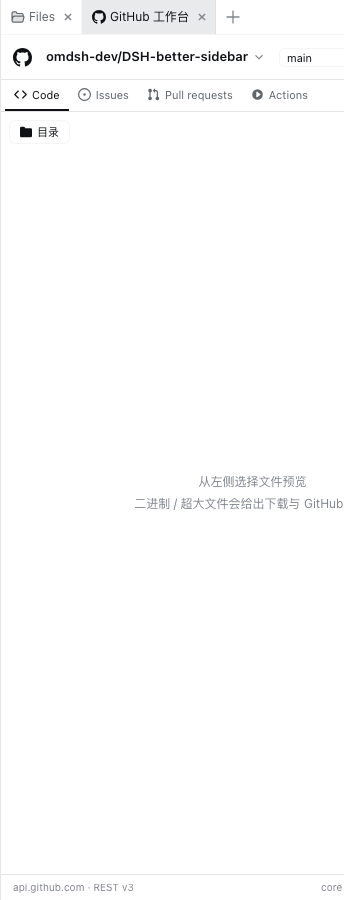
dsh-github-workbench
Run the following command in DeepSeek Harness:
dsh plugin install meyaomiao/dsh-github-workbench
Paste the following prompt into your AI chat to install this plugin:
Run dsh plugin install meyaomiao/dsh-github-workbench in the DeepSeek Harness terminal, or visit https://github.com/meyaomiao/dsh-github-workbench to review the source before installing.
About this plugin
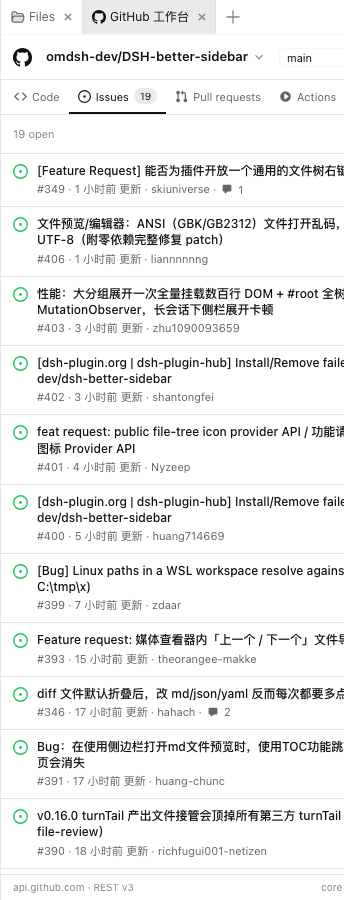
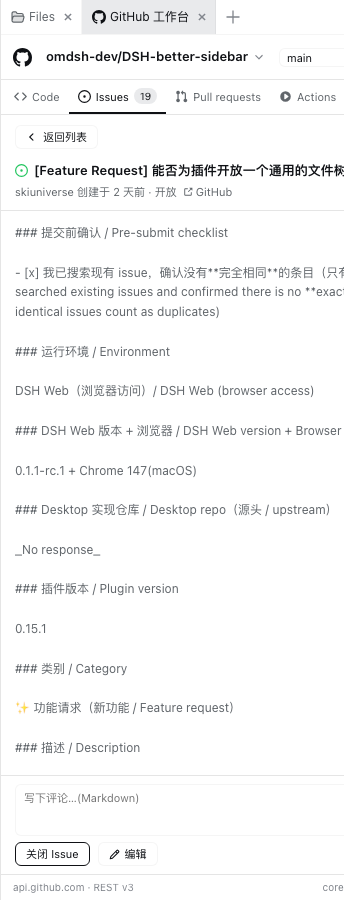
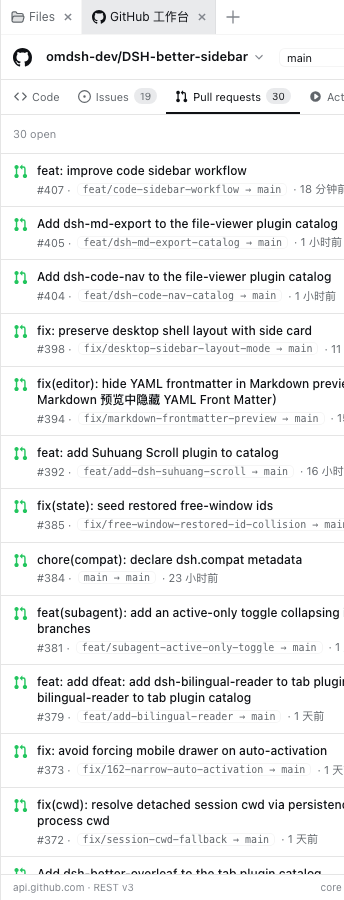
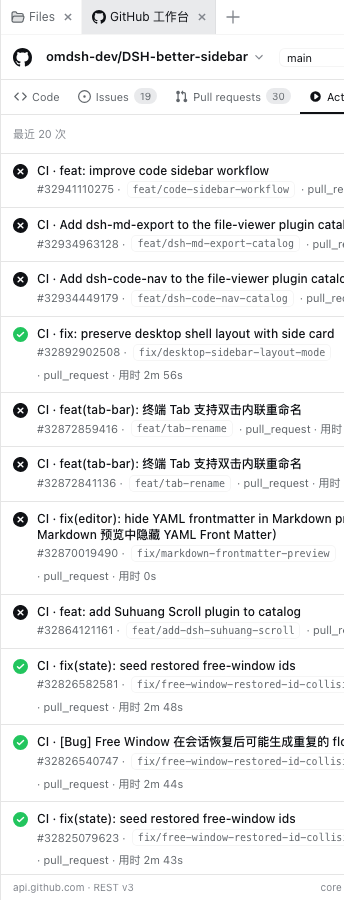
When you are deep in a conversation with DeepSeek Harness—drafting code, arguing architecture—and suddenly need to check a repo tree, triage an issue, merge a PR, or re-run CI, bouncing to the browser breaks your flow. dsh-github-workbench drops a full GitHub workbench into the sidebar (or a collapsible panel next to the chat), giving you four tabs—Code, Issues, Pull requests, and Actions—so reading and writing happen without ever leaving the conversation. A particularly handy feature is the chat link takeover: once enabled, any github.com URL that appears in the chat opens directly in the workbench with the right repo and detail view, and each link gets its own independent instance.
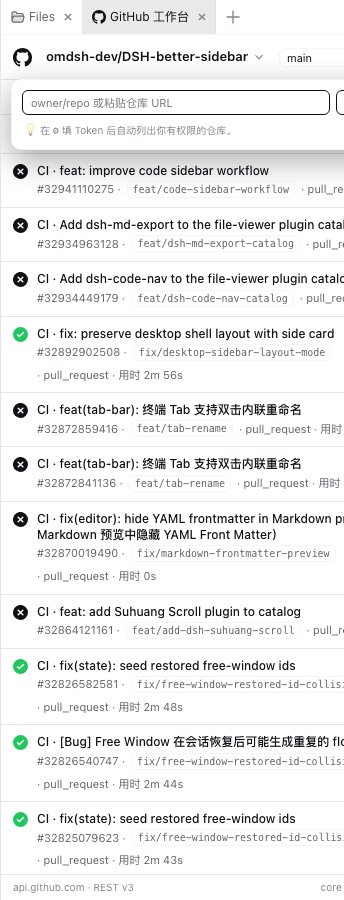
Write operations are where it really shines. Create Issues and PRs with head and base branch selection, leave or edit comments, rename and close tickets—all from the panel. Merging offers merge, squash, and rebase with a confirmation dialog showing the method and target branch before anything is executed. The Actions tab shows live run statuses; hover a row to re-run or cancel. The repo switcher lists every repository your token can see, supports public-repo search, and pins recently used repos. Version 0.2.6 adds an Inbox that aggregates new Issues, PRs, and recent Actions into one place—one click jumps to the matching tab.
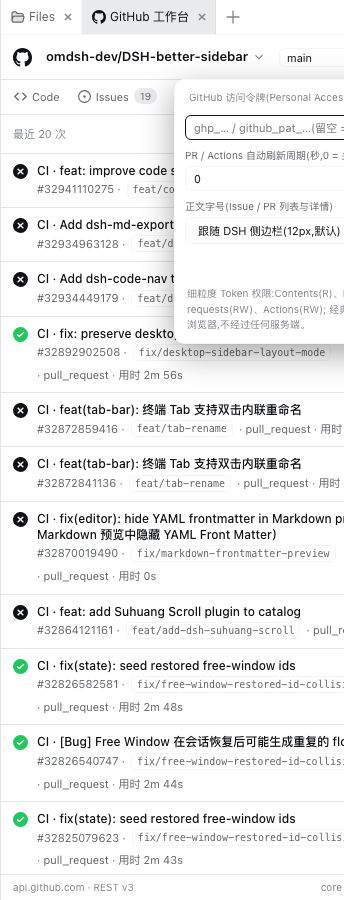
Built for developers and small teams who interact with GitHub frequently inside DeepSeek Harness: triaging issues mid-conversation, watching CI while writing code, and refusing to context-switch between browser, terminal, and chat. Your Personal Access Token lives only in browser localStorage and never touches a server or the conversation context; without a token you can still browse public repos anonymously.
Screenshots

Use Cases
- Reviewing an issue in chat and immediately opening the repo tree to comment or close it
- Re-running a failed CI or merging a PR from the sidebar without leaving the conversation
- Clicking a GitHub URL in chat to open the linked issue or PR directly in the workbench
Best For
- Developers who handle Issues, PRs, and CI frequently inside DeepSeek Harness
- Solo developers who prefer staying in the conversation over switching to a browser
- Small teams that want a unified workflow across multiple repositories
Related Plugins
A service-oriented sidebar framework for DSH, offering a full workbench with file explorer, embedded browser, real terminal, Git panel, and extensible plugin services.

A beautiful, practical Claude Code-style TUI plugin with pixel whale top bar, flowing glow title, real-time status line, streaming thought expansion, time rewind, context progress bar and TPS gauge — zero core changes.

The plugin market for DeepSeek Harness: browse/search/one-click install community plugins and themes, with updates, backup/restore, hot disable, diagnostics, and AI fix.

A persistent whale widget on the DSH web UI that shows DeepSeek balance, today's usage, and per-turn cost, with drag-and-snap and sound effects.