dsh-tmux-cc
Run the following command in DeepSeek Harness:
dsh plugin install adrianleb/dsh-tmux-cc
Paste the following prompt into your AI chat to install this plugin:
Run dsh plugin install adrianleb/dsh-tmux-cc inside DeepSeek Harness; the source is at https://github.com/adrianleb/dsh-tmux-cc, then restart the dsh web process to activate the plugin.
About this plugin
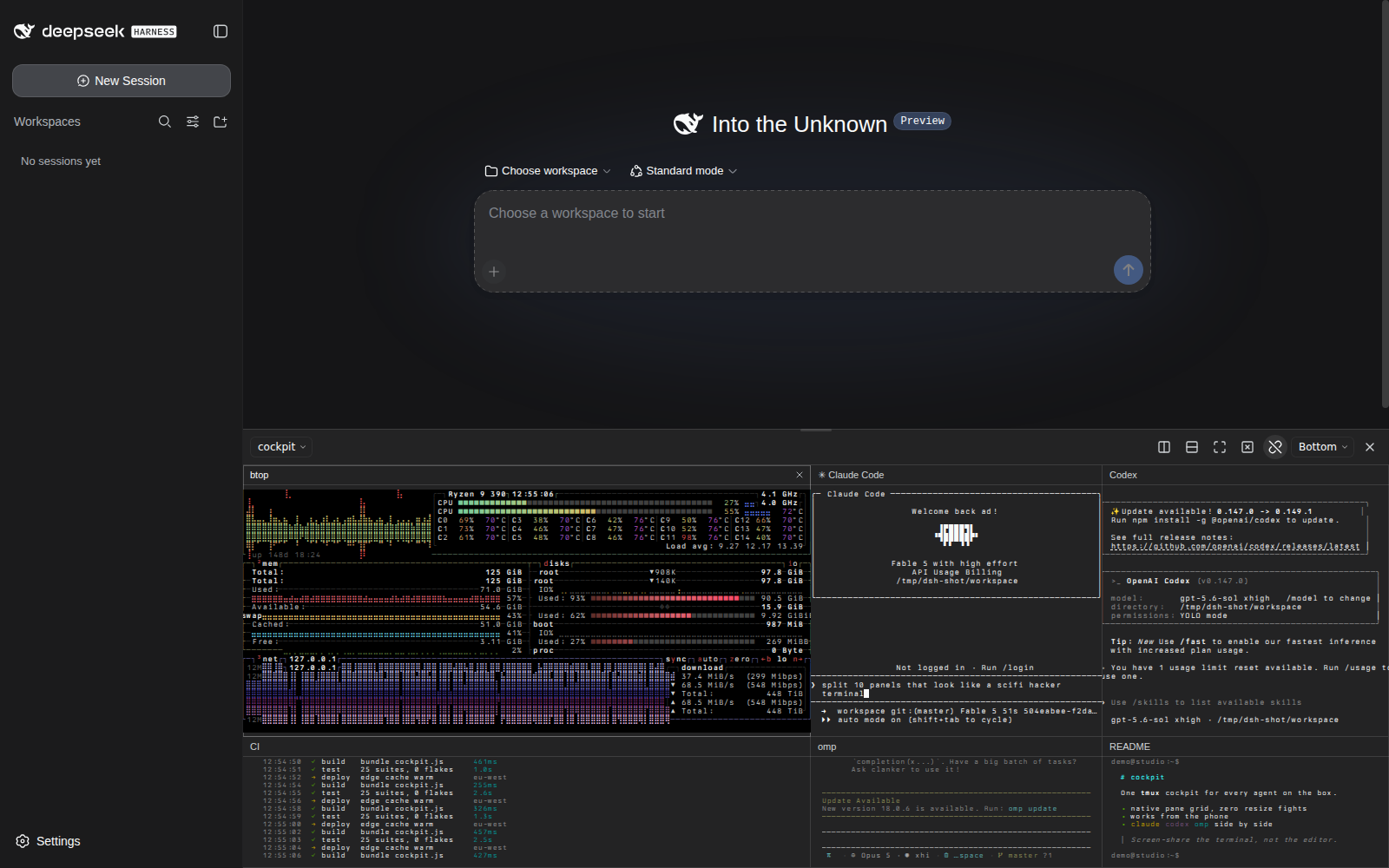
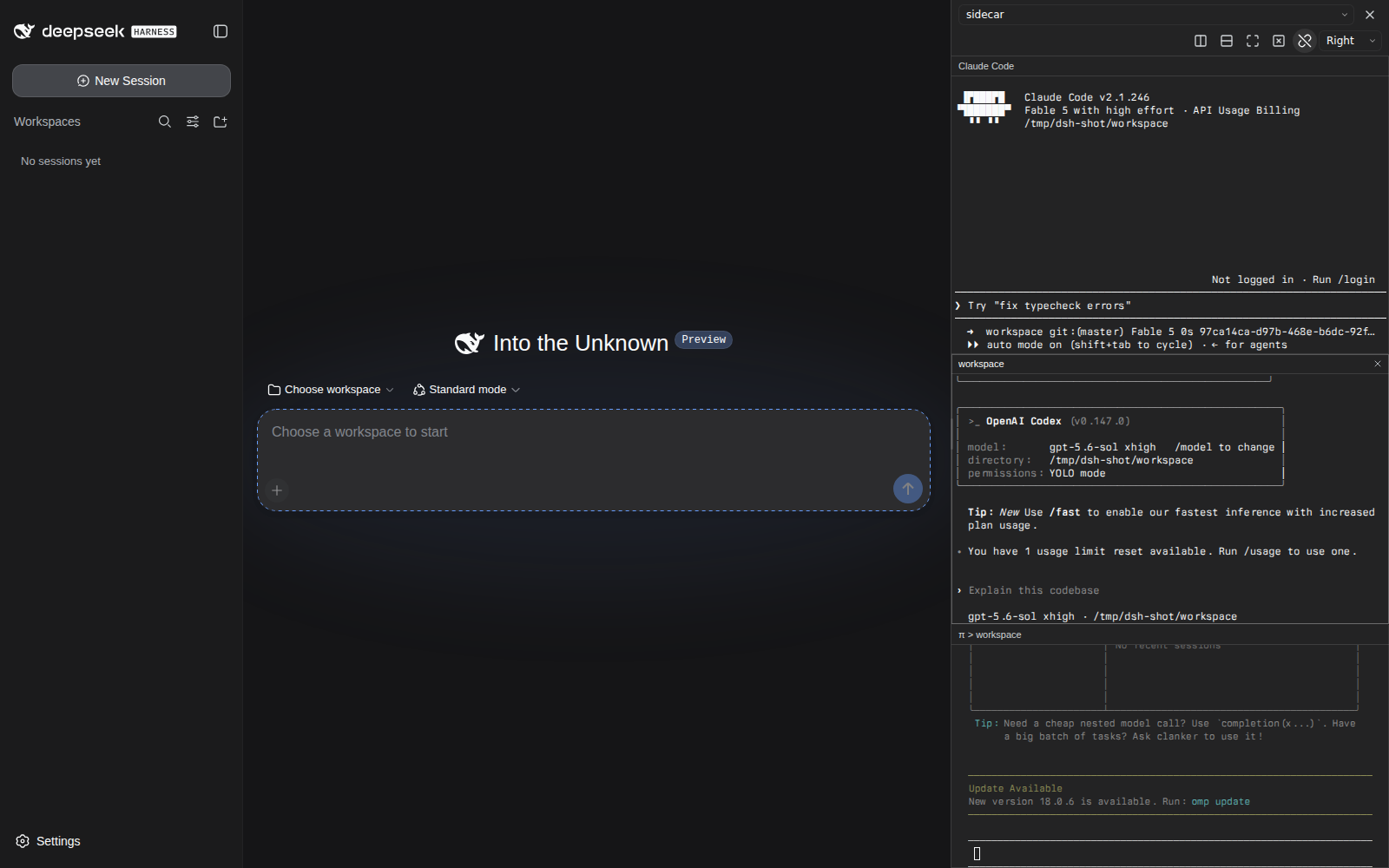
You are juggling an encoding agent, a CI log tail, and a system metrics pane in tmux, yet every time you switch DSH Web chats the terminal view vanishes and you are forced back to a desktop window. dsh-tmux-cc removes that friction: it attaches to an existing tmux session via control mode (tmux -C), renders every pane with xterm.js, and pins a persistent cockpit to the DSH Web shell so the view survives chat switches. The entire channel uses plain stdin/stdout pipes, so neither a PTY nor a native Node.js addon is required.
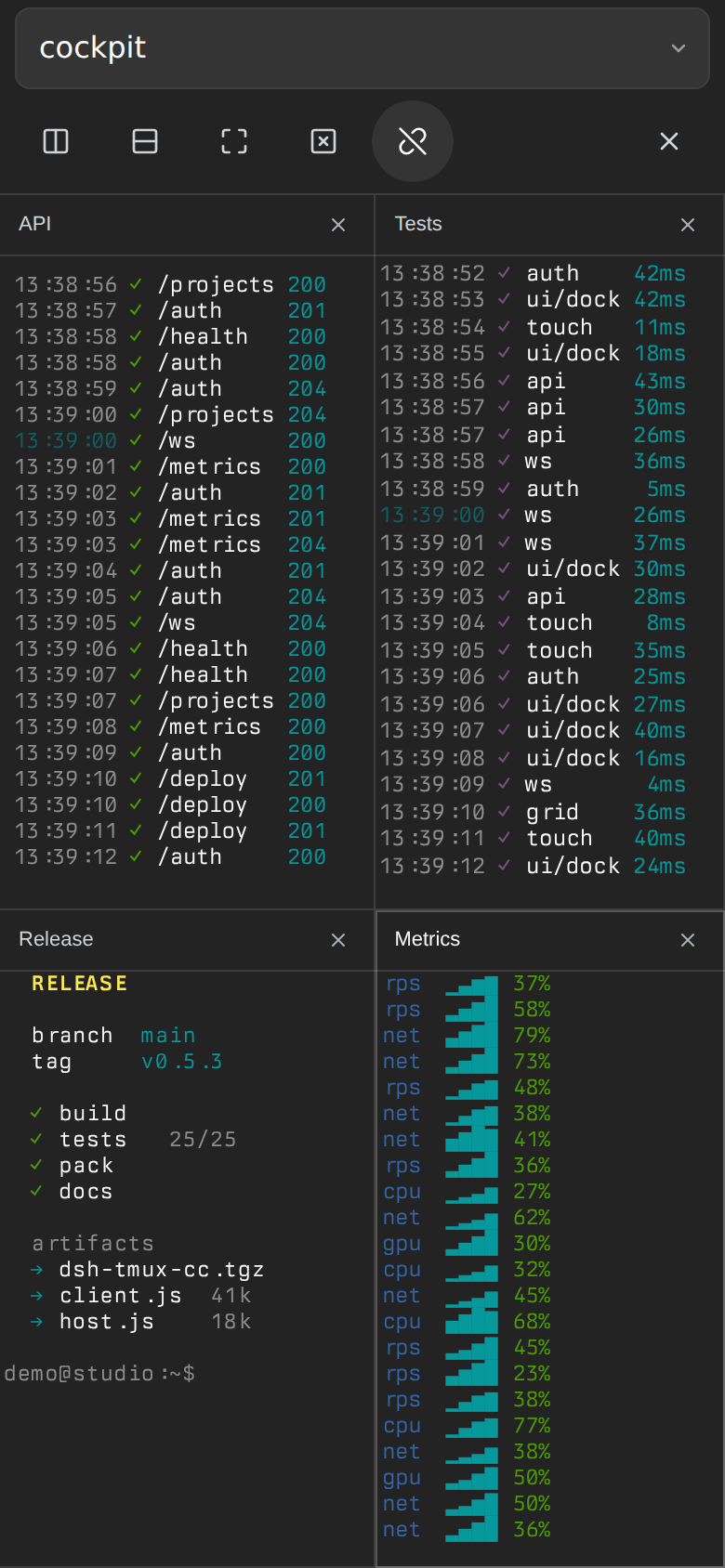
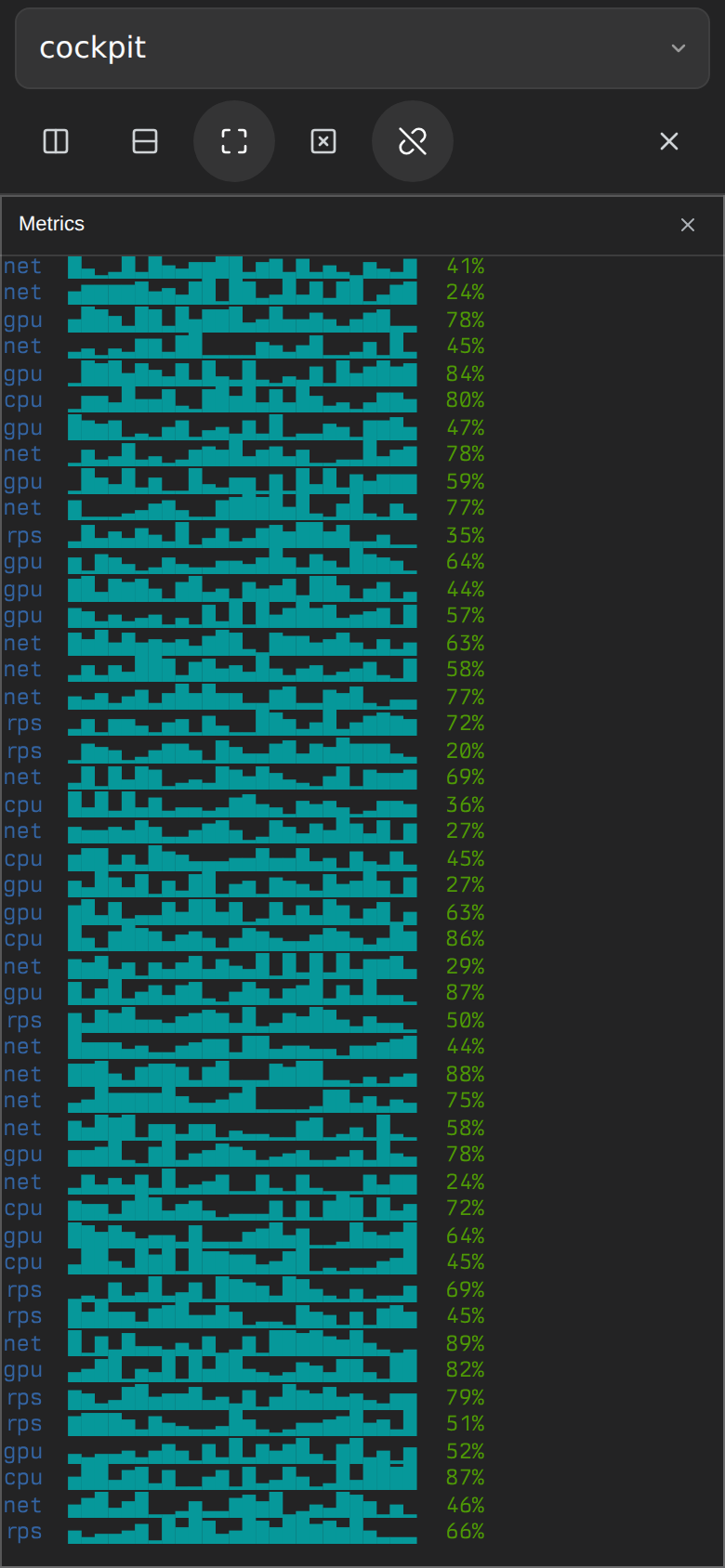
Interaction stays close to native tmux. Pane layout, window tabs, focus, splits, and resizing all stay synchronized with the backend, and keystrokes travel through hex-encoded send-keys so Unicode paste and special keys arrive intact. Sizing is deliberate: when another sizing client is attached the dock switches to mirror mode and never alters that client geometry; when it is the only client it takes over and renders at native resolution. On mobile the dock becomes a full-screen drawer that preserves the real tmux grid, supports touch panning with momentum, locks the page scroll behind it, and keeps fonts above a readable floor even when the on-screen keyboard is up.
It is built for developers who run a unified browser-based workbench with several CLI panes visible at once, and for anyone who wants a quick multi-pane glance from a phone or tablet. As long as tmux is on the host and DSH serves a Web profile, a button in the corner is all you need to open your multi-pane cockpit.
Screenshots
Use Cases
- Keep agent panes and CI logs visible while switching DSH Web chats repeatedly
- Glance at tmux multi-pane layout on a phone or tablet while away from desk
- Observe a shared tmux session in mirror mode without altering its window geometry
Best For
- Terminal developers who build their daily workflow around tmux multi-pane layouts
- Engineers who prefer a unified browser workbench over juggling desktop windows
- Ops engineers who need a quick remote terminal check from a mobile device
Related Plugins
A service-oriented sidebar framework for DSH, offering a full workbench with file explorer, embedded browser, real terminal, Git panel, and extensible plugin services.

A beautiful, practical Claude Code-style TUI plugin with pixel whale top bar, flowing glow title, real-time status line, streaming thought expansion, time rewind, context progress bar and TPS gauge — zero core changes.

The plugin market for DeepSeek Harness: browse/search/one-click install community plugins and themes, with updates, backup/restore, hot disable, diagnostics, and AI fix.

A persistent whale widget on the DSH web UI that shows DeepSeek balance, today's usage, and per-turn cost, with drag-and-snap and sound effects.