dsh-constellation
Run the following command in DeepSeek Harness:
dsh plugin install a805026135/dsh-constellation
Paste the following prompt into your AI chat to install this plugin:
Run dsh plugin install a805026135/dsh-constellation, or fetch the source from https://github.com/a805026135/dsh-constellation, to add this plugin to your DeepSeek Harness Web UI.
About this plugin
DeepSeek Harness runs on the principle that everything is a plugin, but once your profile carries a hundred fibers, nothing tells you what your agent is actually made of. Which fiber is stuck pending? Who provides llm? What does dsh-session-title-first-prompt-llm even do? Constellation was built to answer all three.
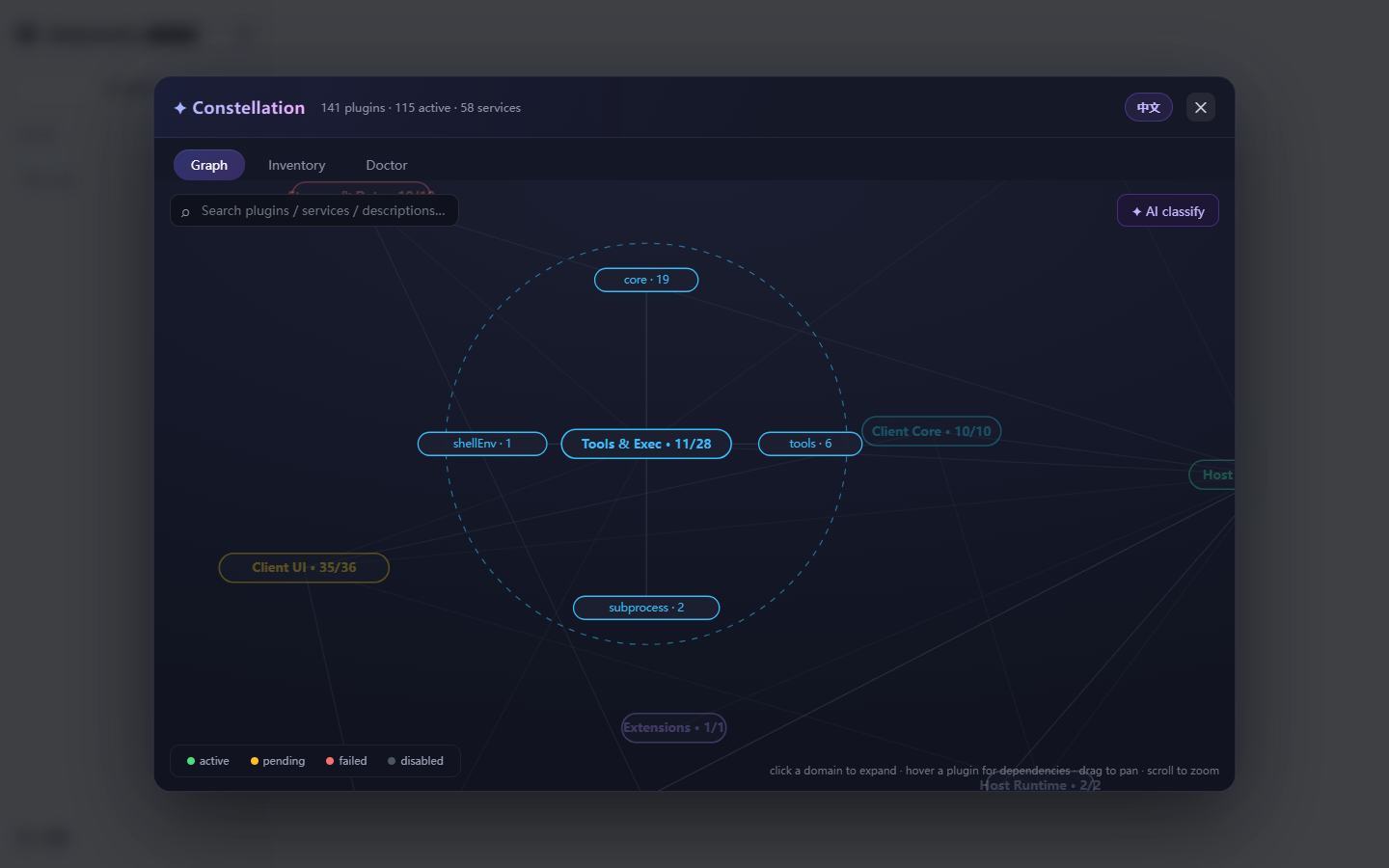
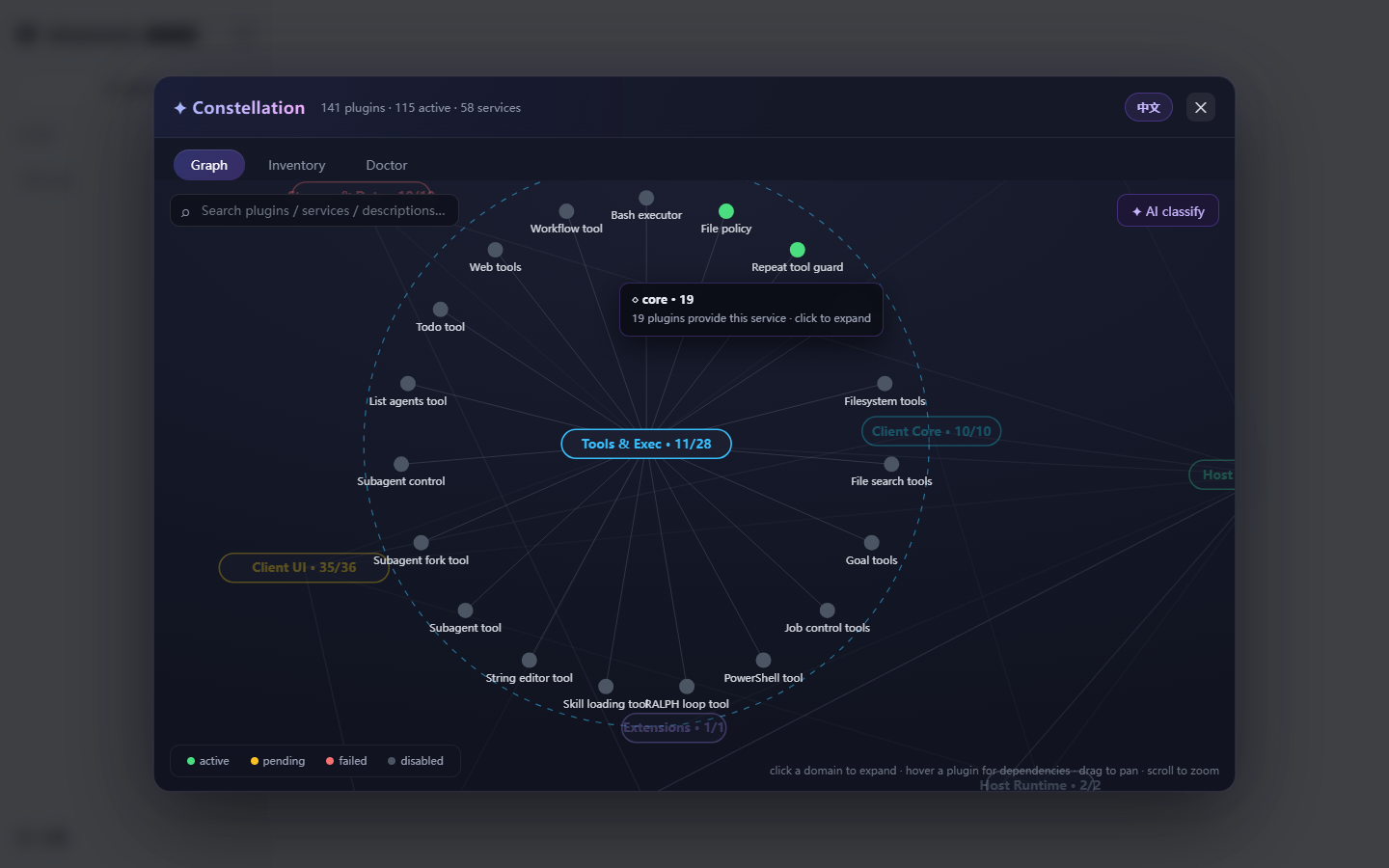
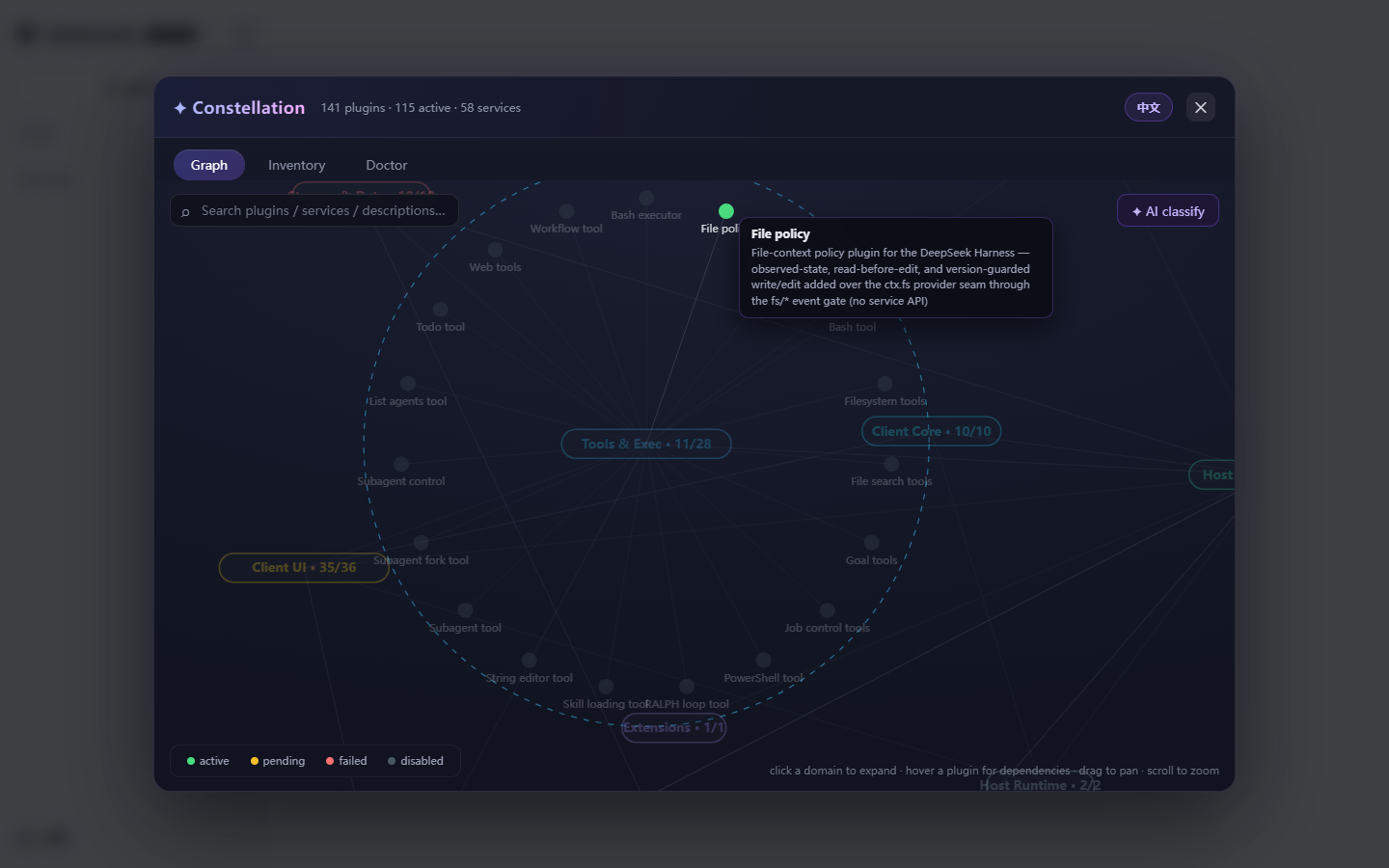
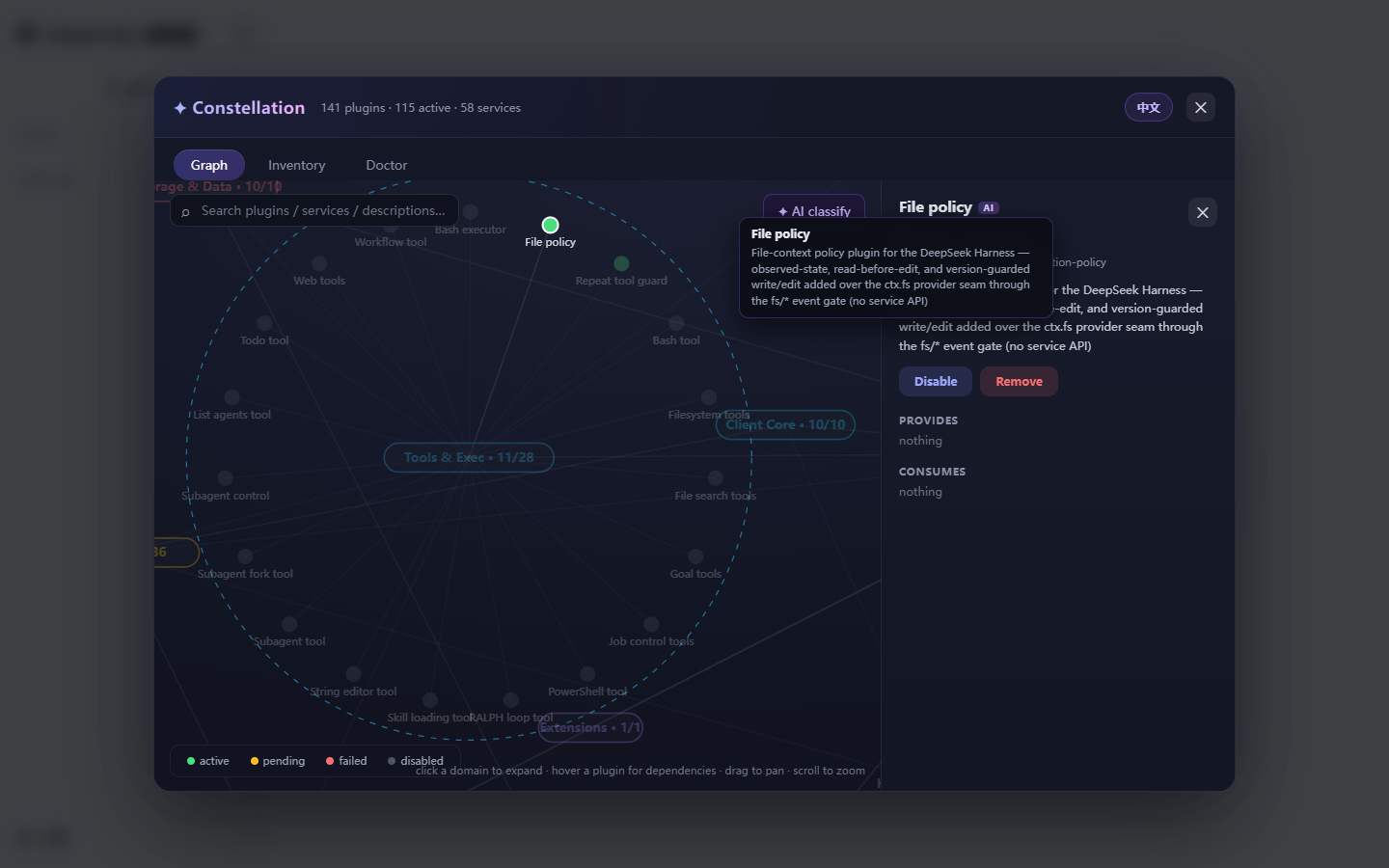
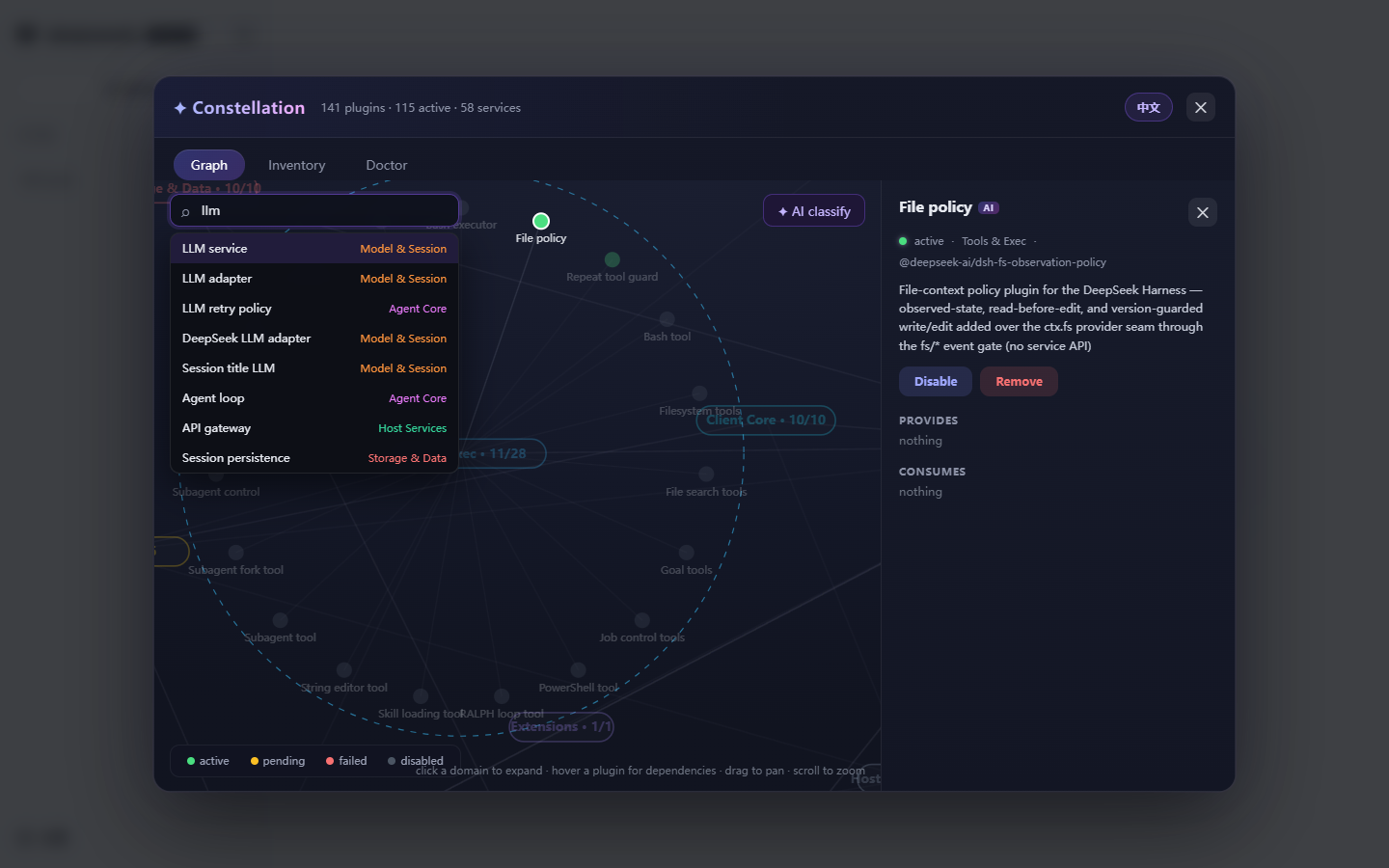
Click the floating star button in the DSH Web UI and a real-time constellation map unfolds. Capability domains appear as pill nodes sized by member count; click to expand a radial layout of member plugins, hover to highlight provider-to-consumer dependency edges, and press / to search anything. When your profile has an LLM configured, Constellation puts it to work: auto-generating a balanced taxonomy, bilingual labels, and one-line descriptions so a wall of English plugin names becomes a map a human can read. Every plugin opens a detail drawer where you can enable, disable, or remove it on the spot, while the Doctor panel automatically flags stuck pending fibers, crashed entries, zombie records, and duplicate providers.
Best for heavy DSH users who have accumulated a large plugin set and need to see the service topology at a glance and troubleshoot quickly, as well as builders who want to organize a chaotic plugin ecosystem into a readable map with the help of AI.
Screenshots
Use Cases
- Open the constellation map to trace provider-to-consumer dependency edges across plugins
- Run a one-click diagnostic to surface stuck pending, crashed fibers, and duplicate providers
- Let the profile LLM auto-generate a balanced capability taxonomy and bilingual labels
Best For
- Heavy DSH users with a large plugin set who need the service topology at a glance
- Builders who regularly add or remove plugins and maintain their profile
- Small teams that want AI-assisted organization of a growing plugin ecosystem
Related Plugins
A service-oriented sidebar framework for DSH, offering a full workbench with file explorer, embedded browser, real terminal, Git panel, and extensible plugin services.

A beautiful, practical Claude Code-style TUI plugin with pixel whale top bar, flowing glow title, real-time status line, streaming thought expansion, time rewind, context progress bar and TPS gauge — zero core changes.

The plugin market for DeepSeek Harness: browse/search/one-click install community plugins and themes, with updates, backup/restore, hot disable, diagnostics, and AI fix.

A persistent whale widget on the DSH web UI that shows DeepSeek balance, today's usage, and per-turn cost, with drag-and-snap and sound effects.