DeepSeek Harness Plugins · Client
Plugins that extend DeepSeek Harness (DSH) with vision, workflows, memory, web tools and more.

This plugin provides a quota or balance status widget for the DeepSeek Harness web surface, displaying real-time quota or balance status for each account with two display modes and auto-refresh.
Consolidates remote DSH sessions and local tool histories like Codex, Claude Code, and opencode into the DSH interface, enabling cross-machine access via SSH tunnels.
widget-dock is a client plugin for DeepSeek Harness, offering a grid-aligned workbench of 27 mini-cards like balance, token, cost, etc., to help users grasp key information at a glance beside conversations.
A 7k7k-style game portal for DeepSeek Harness that allows models to generate and upload HTML5/Flash games playable directly in the Web UI.
Enables direct navigation to specific conversations or projects via URL parameters, bypassing default session restoration for easier sharing and bookmarking.
dsh-win-notify plugin displays sound-enabled toast notifications on Windows when DeepSeek Harness agent tasks complete, with click-to-session functionality and focus-aware suppression.
DSH UI Quote Selection enables quoting selected text from chat messages into the input box for follow-up questions, with auto-inclusion of full text when sending.
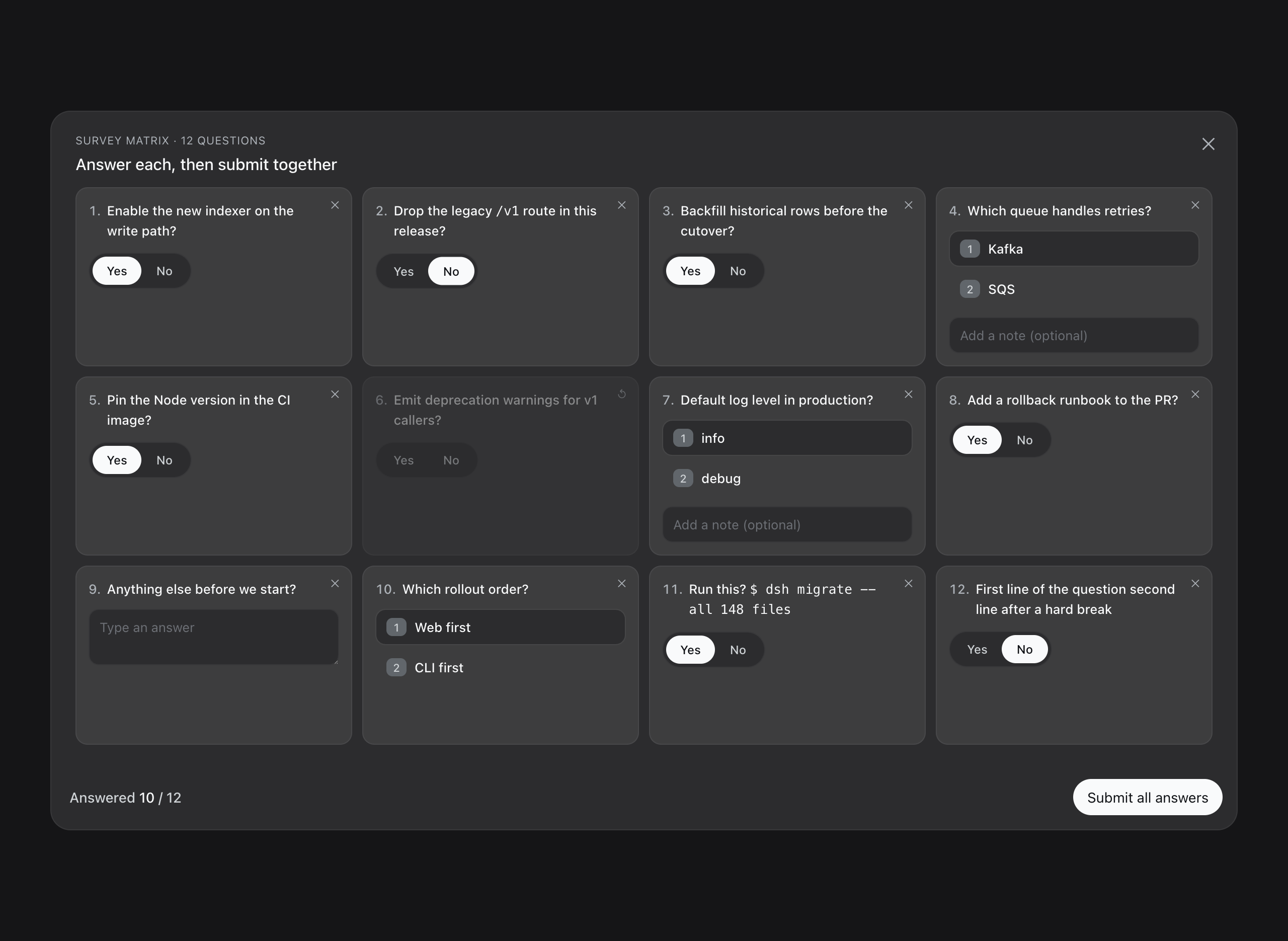
The dsh-survey plugin lets the model send a questionnaire at once, which the user answers in a single card, supporting various modes and question types for efficient interaction.
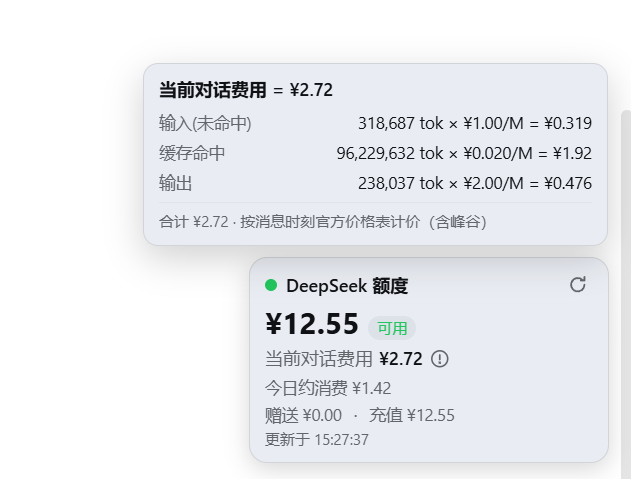
A plugin for the DeepSeek Harness web GUI that shows the DeepSeek API quota (balance) and today's consumption in a floating card at the bottom-right corner.
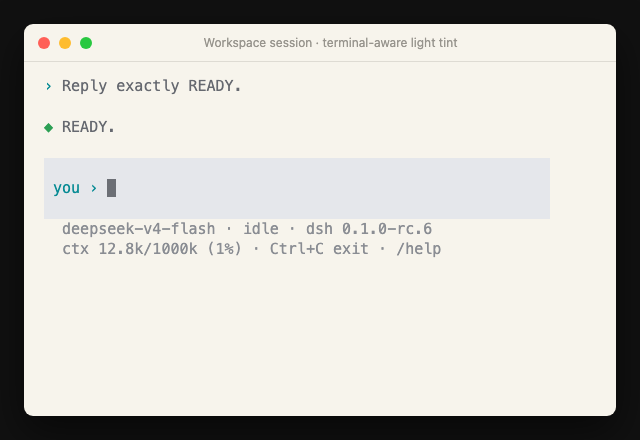
dsh-tui is a lightweight terminal UI for DeepSeek Harness, optimized for one-person daily use with quick session start, chat, and resumption in the same workspace.
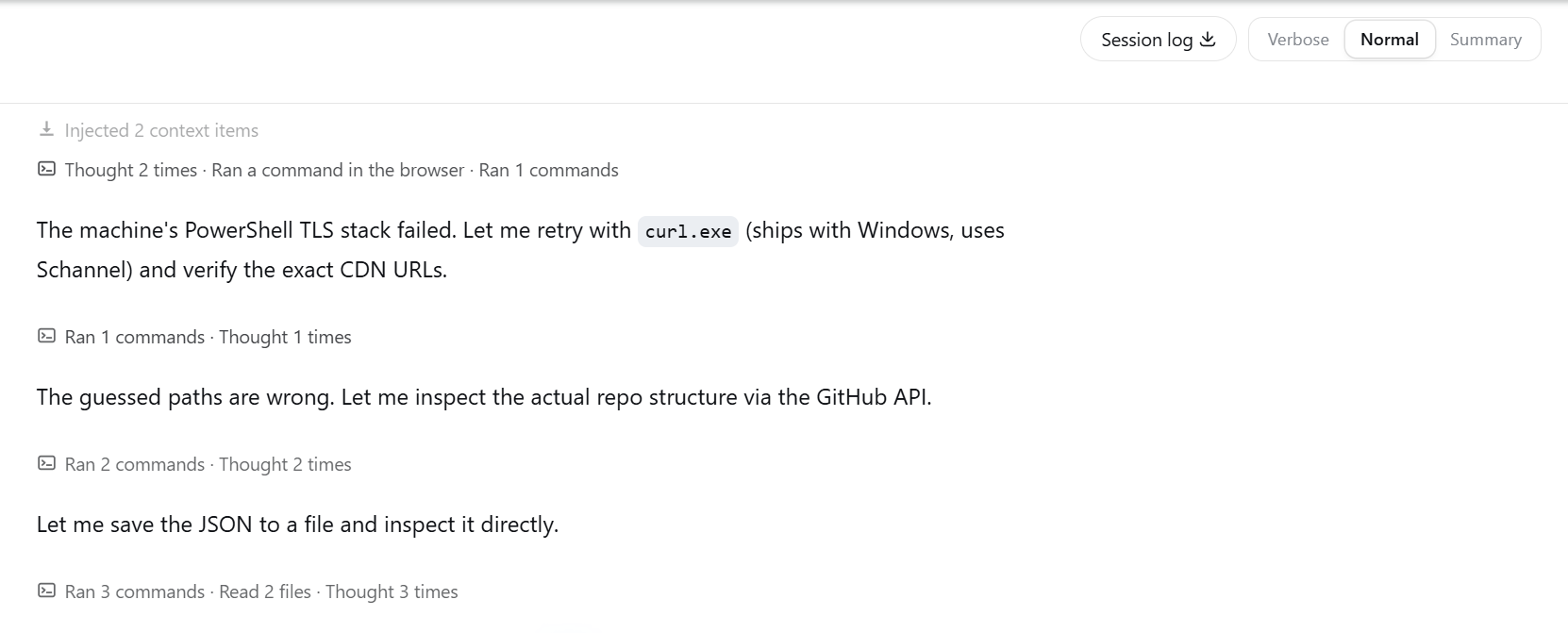
dsh-view-modes provides Verbose, Normal, and Summary output modes for DeepSeek Harness Web, allowing users to choose views for debugging, daily work, or result focus.
dsh-kit is a client plugin for DeepSeek Harness that adds various optional capabilities to the browser interface, such as terminal, file tree, source control, each independent and customizable.