dsh-quota-panel
Run the following command in DeepSeek Harness:
dsh plugin install brittanistrehlowll-oss/dsh-quota-panel
Paste the following prompt into your AI chat to install this plugin:
To install this plugin in DeepSeek Harness, run the command: dsh plugin install https://github.com/brittanistrehlowll-oss/dsh-quota-panel
About this plugin
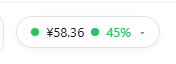
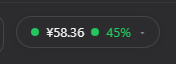
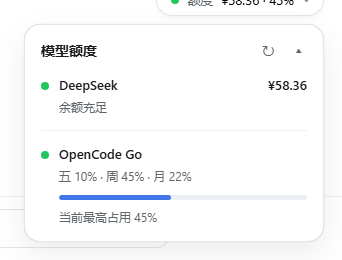
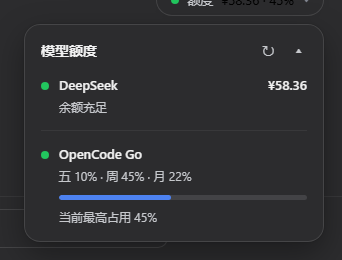
Monitoring quotas across multiple providers can be a tedious manual task, often leading to unexpected service disruptions when balances run low. The dsh-quota-panel plugin addresses this by integrating a status widget into the DeepSeek Harness web interface, displaying real-time quota or balance information for each configured account. It offers two display modes: a compact capsule for quick glances at critical statuses and an expanded card with detailed rows, progress bars, and labels, both featuring auto-refresh to keep data current. Designed to blend seamlessly with the Harness UI, it leverages native design tokens for light/dark theme support and handles API keys securely on the server side, ensuring they never reach the browser. This plugin is ideal for developers, operations teams, or anyone using DeepSeek Harness to manage multiple providers, providing an intuitive way to monitor balances and usage metrics to prevent overspending and maintain service reliability.
Screenshots
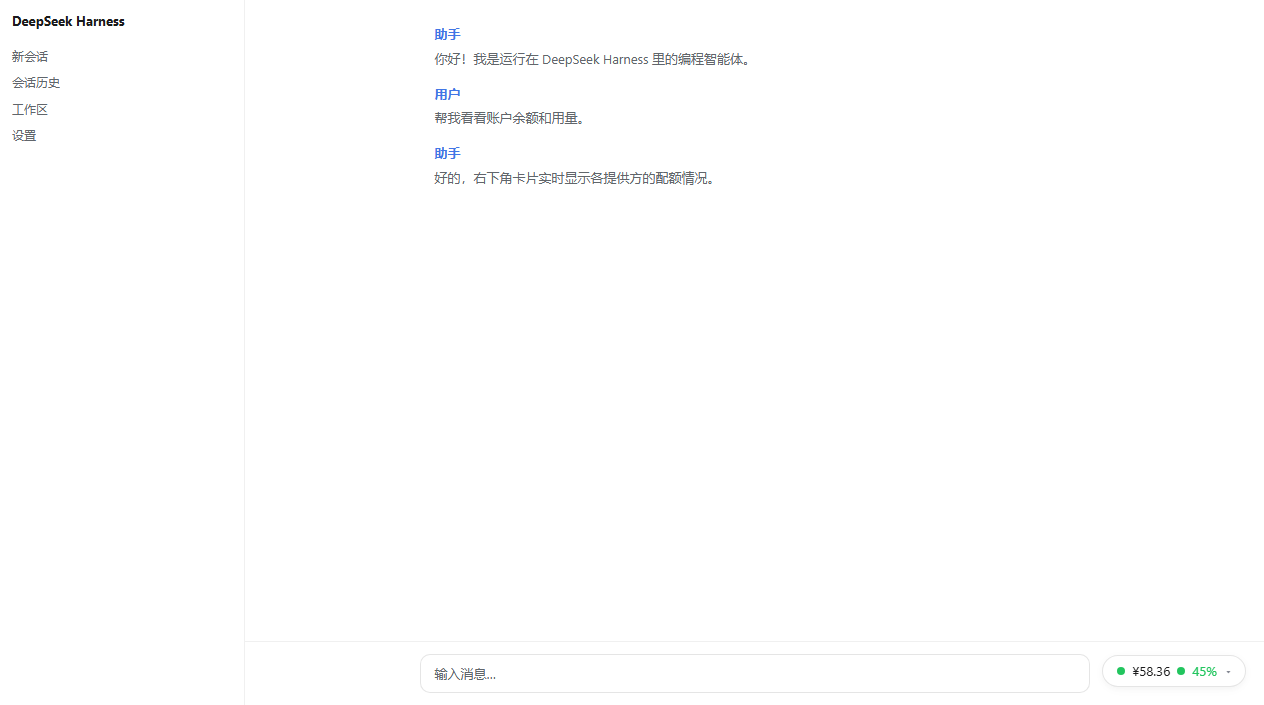
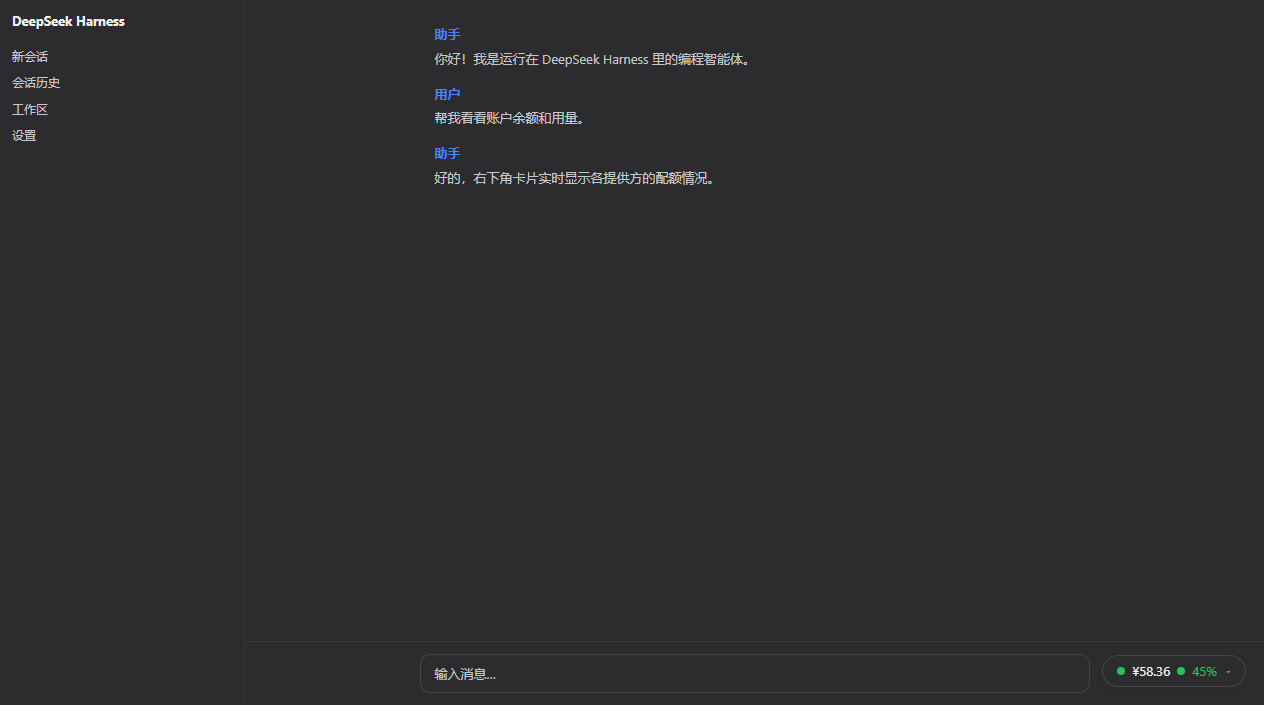
Use Cases
- Monitor quota usage across multiple providers in real-time.
- Quickly view account balance status within the web interface.
- Prevent service disruptions caused by depleted quotas.
Best For
- Developers using DeepSeek Harness.
- Operations teams managing quotas and costs.
- Users who need to monitor API usage metrics.
Related Plugins
A service-oriented sidebar framework for DSH, offering a full workbench with file explorer, embedded browser, real terminal, Git panel, and extensible plugin services.

A beautiful, practical Claude Code-style TUI plugin with pixel whale top bar, flowing glow title, real-time status line, streaming thought expansion, time rewind, context progress bar and TPS gauge — zero core changes.

The plugin market for DeepSeek Harness: browse/search/one-click install community plugins and themes, with updates, backup/restore, hot disable, diagnostics, and AI fix.

A persistent whale widget on the DSH web UI that shows DeepSeek balance, today's usage, and per-turn cost, with drag-and-snap and sound effects.