dsh-view-modes
Run the following command in DeepSeek Harness:
dsh plugin install NigelYao/dsh-view-modes
Paste the following prompt into your AI chat to install this plugin:
To install this plugin in DeepSeek Harness, use the command: dsh plugin install NigelYao/dsh-view-modes, or visit the source repository at https://github.com/NigelYao/dsh-view-modes for more details.
About this plugin
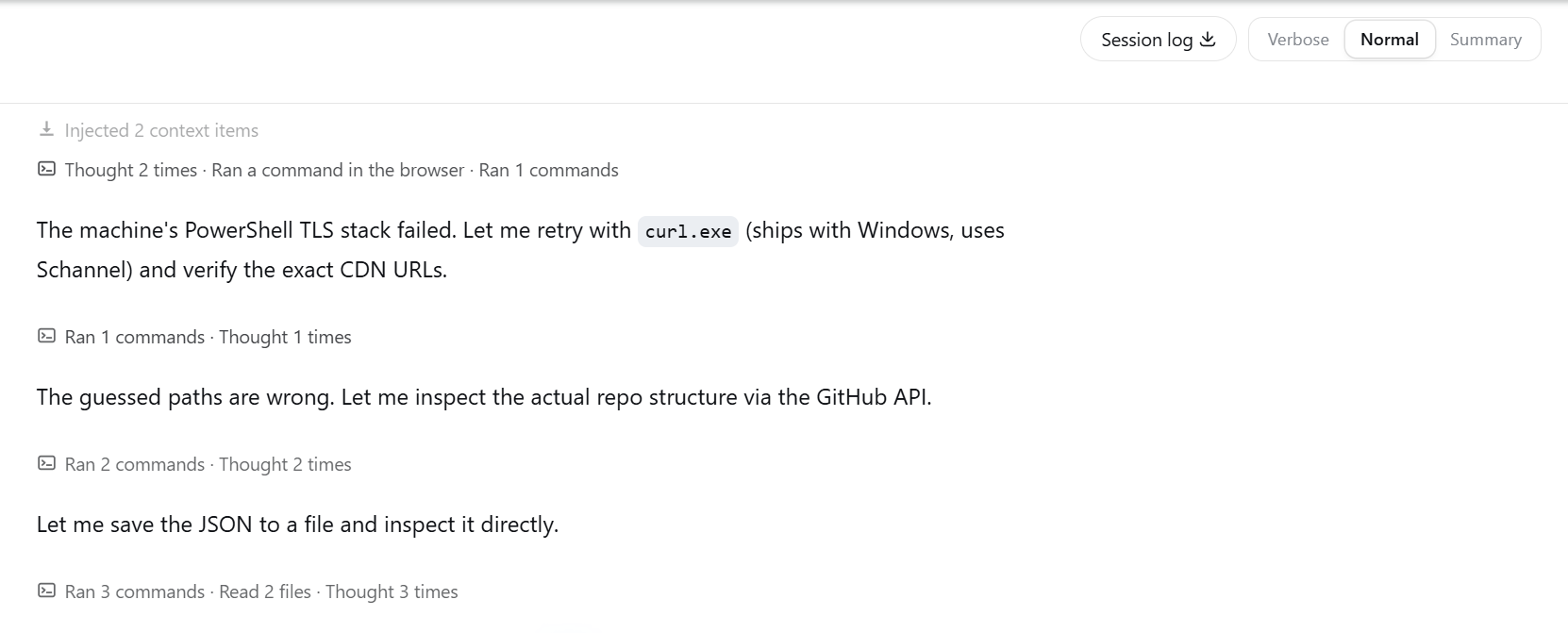
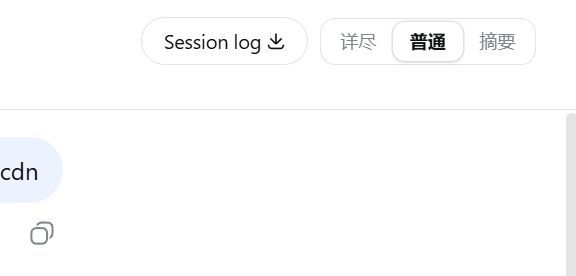
The default output of DeepSeek Harness Web can sometimes feel overwhelming—either too verbose during debugging, making key details hard to find, or too noisy for daily work, when you'd prefer a cleaner interface. dsh-view-modes addresses this by offering three output modes at the browser level: Verbose mode preserves everything for debugging, including thinking, tool calls, and statistics; Normal mode groups steps semantically to reduce clutter, ideal for everyday tasks; Summary mode hides process noise during execution, showing only a live status, and folds the completed process into a compact recap for result-focused viewing. This plugin doesn't modify Harness core files; it only changes how information is presented, with features like keyboard shortcuts and persistent settings for seamless switching between modes. It's perfect for developers, data scientists, and any Harness user who wants to tailor output density to their current context—whether deep troubleshooting, routine work, or quick result checks.
Screenshots
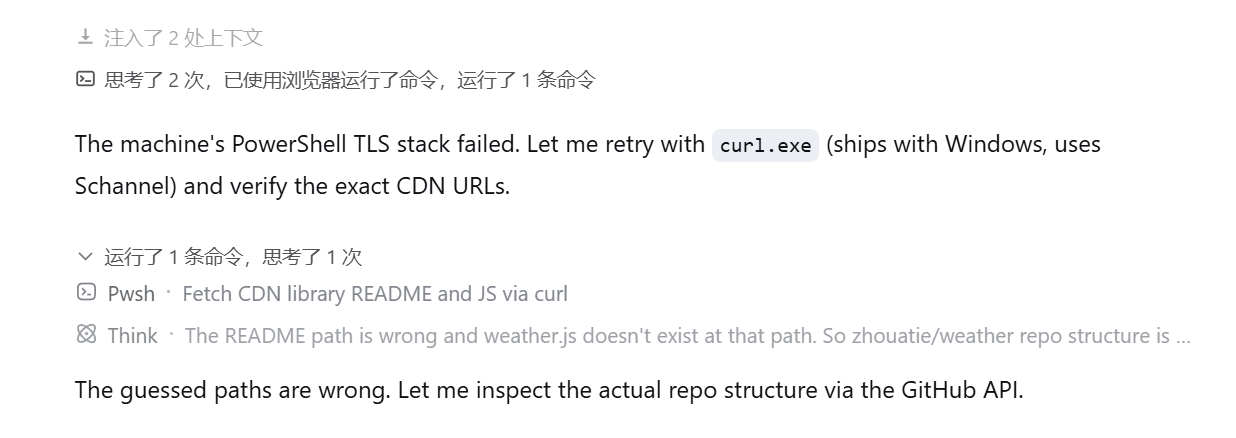
Use Cases
- View full traces during complex task debugging.
- Reduce interface clutter for daily work.
- Hide intermediate steps when only results are needed.
Best For
- Developers debugging DeepSeek Harness tasks.
- Data scientists seeking to boost daily workflow efficiency.
- General users who prefer concise views for results.
Related Plugins
A service-oriented sidebar framework for DSH, offering a full workbench with file explorer, embedded browser, real terminal, Git panel, and extensible plugin services.

A beautiful, practical Claude Code-style TUI plugin with pixel whale top bar, flowing glow title, real-time status line, streaming thought expansion, time rewind, context progress bar and TPS gauge — zero core changes.

The plugin market for DeepSeek Harness: browse/search/one-click install community plugins and themes, with updates, backup/restore, hot disable, diagnostics, and AI fix.

A persistent whale widget on the DSH web UI that shows DeepSeek balance, today's usage, and per-turn cost, with drag-and-snap and sound effects.