DeepSeek Harness Plugins · Client
Plugins that extend DeepSeek Harness (DSH) with vision, workflows, memory, web tools and more.
Inline-render local images and videos in DeepSeek Harness chat, auto-converting file paths into previewable images and clickable video links with lightbox zoom and streaming plus persisted dual-channel rewriting.
Detects plugin conflicts and runtime issues in DeepSeek Harness, with enable/disable/uninstall management and one-click fixes on a settings page.
Adds a cross-project taskboard to the DSH Web sidebar that live-aggregates todo projections from all visible sessions, with bulk approval and session archiving.
Adds a floating QR-pairing button to the DSH WebUI so you can open the phone pairing code in-app without a new tab, visible only on localhost.
A multi-backend balance panel for DSH that auto-displays quota or billing usage in a side widget based on the active provider, supporting OpenCode Go, Zhipu, and more.
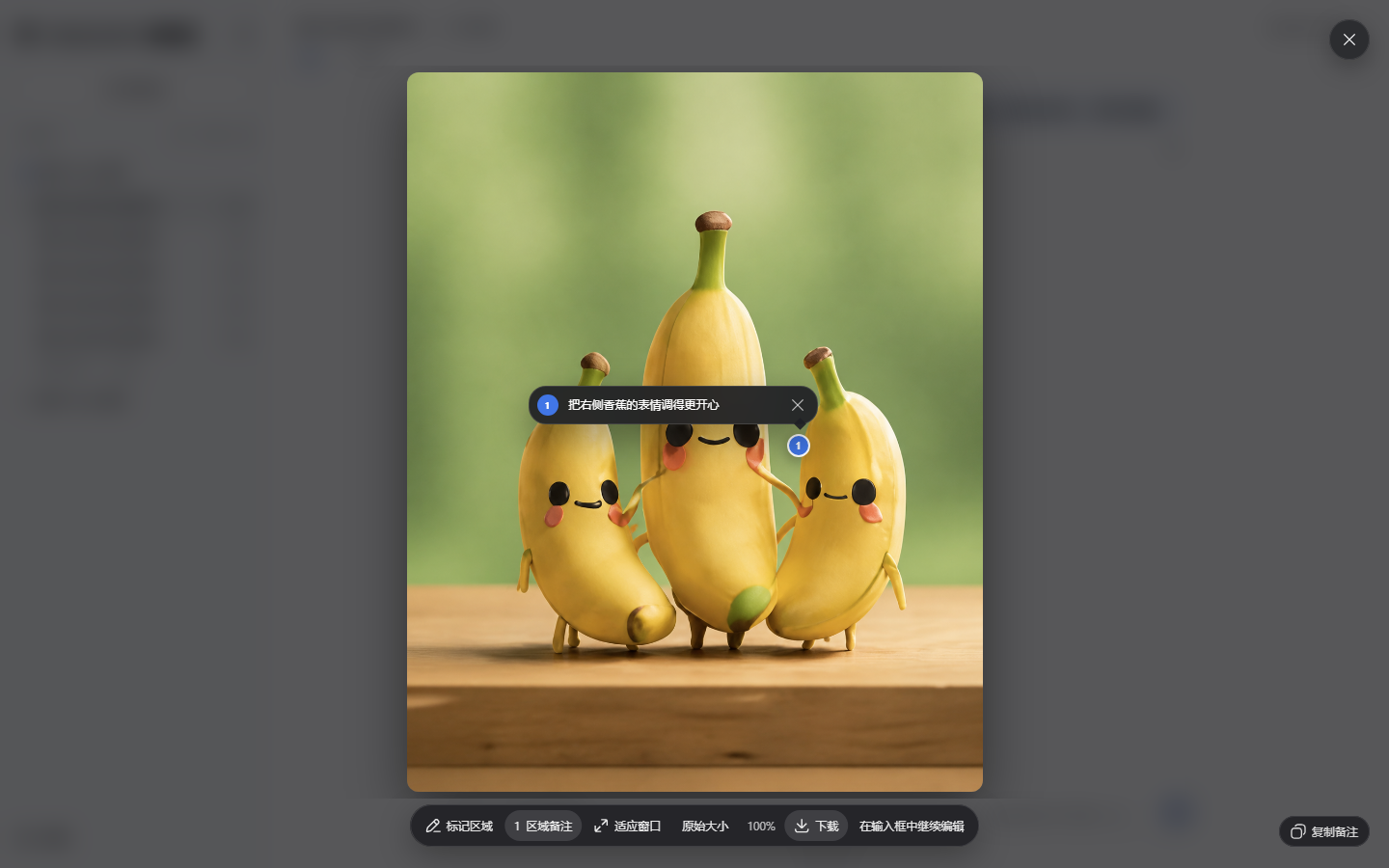
Enhances DSH image viewing with zoom, pan, annotation, and multi-image browsing while keeping sessions and model workflows untouched.

Adds focused Start, Exit, and Restart controls with confirmation dialogs and an optional Windows foreground launcher to the DeepSeek Harness settings panel, bound to loopback only.
A DSH plugin that distills coding retrospectives, pitfalls, and constraints after each turn, then re-injects them with boosted weight before the next inference to avoid repeated mistakes.
Cross-turn percent-progress scoreboard for DeepSeek Harness with evidence-bound rows, git checkpoints, competitive research, delegation, and auto-engage play mode.
dsh-essentials-bundle is a client-side plugin for DeepSeek Harness that provides essential functionality, released under the MIT license.
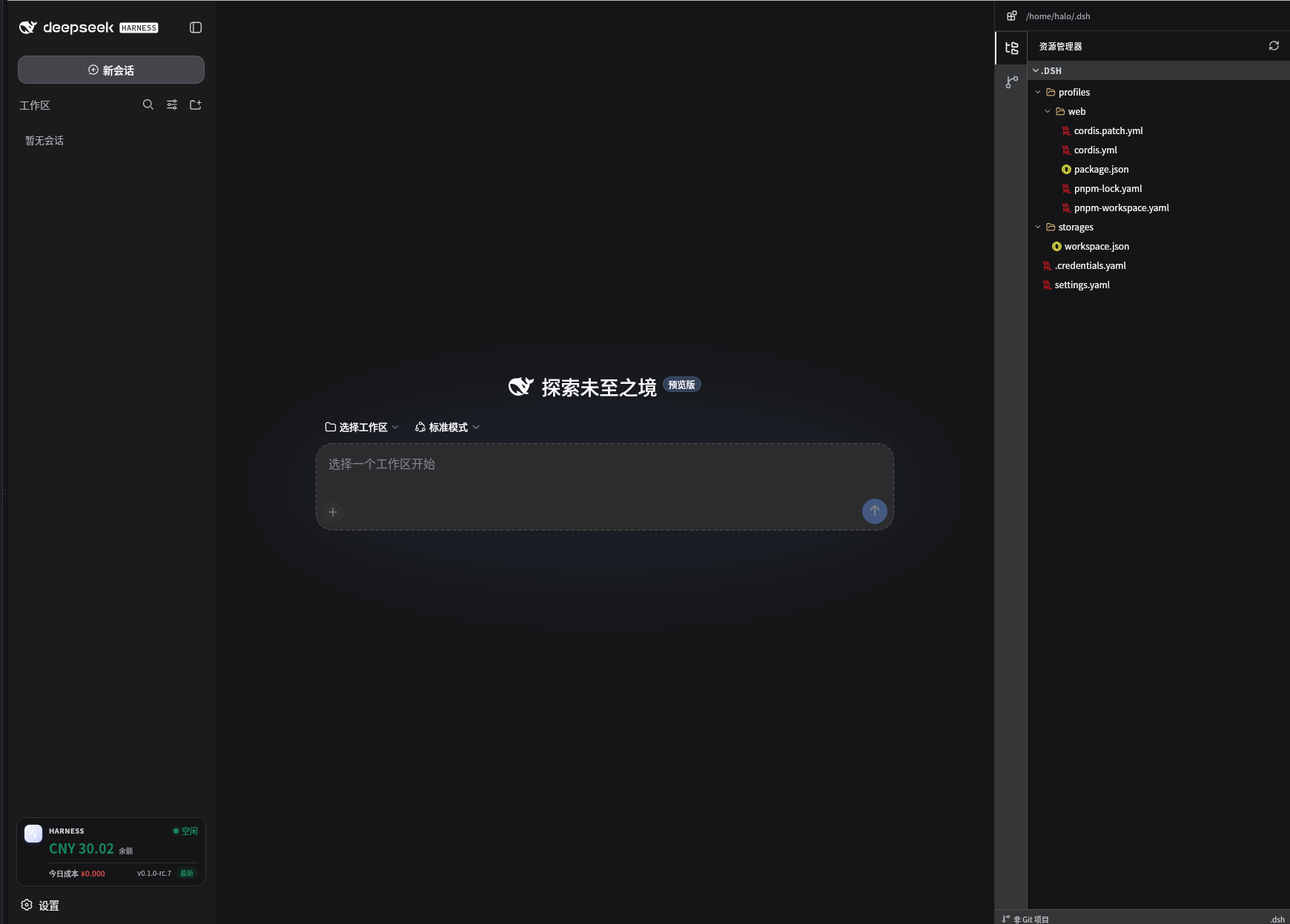
A drop-in sidebar enhancement for DeepSeek Harness offering balance and cost monitoring, project file browsing, Git operations, a built-in terminal, and one-click updates with zero configuration.
Adds a one-click button to the dsh session header that opens the current workspace directory in your system file manager.