DeepSeek Harness Plugins
Plugins that extend DeepSeek Harness (DSH) with vision, workflows, memory, web tools and more.
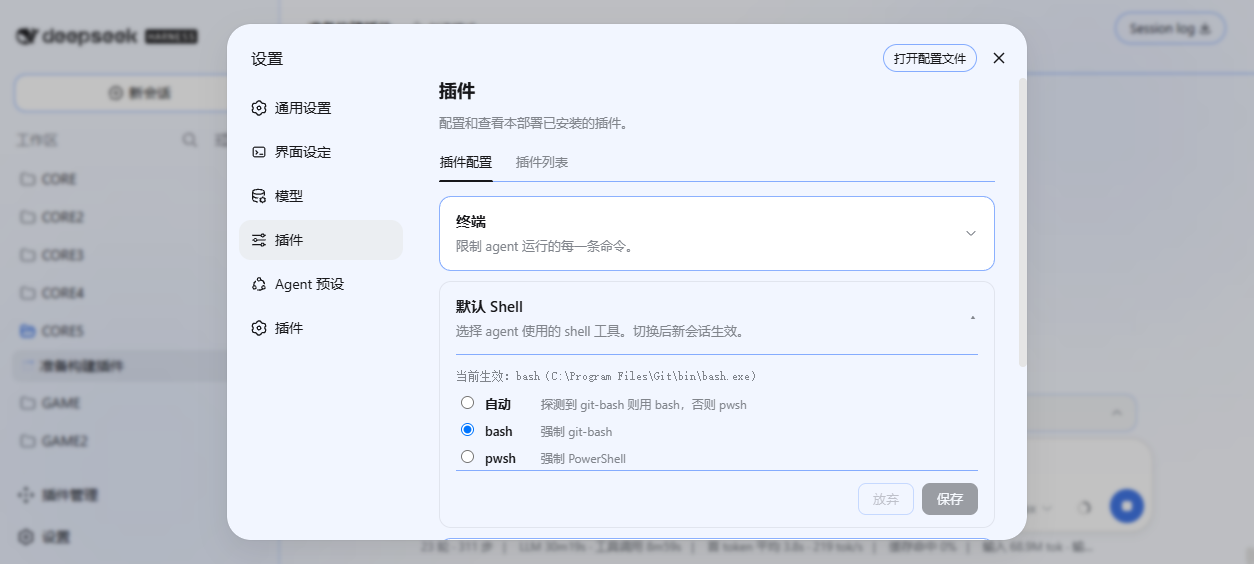
A Windows default Shell policy plugin that automatically detects and switches Shell to optimize agent command execution.
dsh-envsel is a session environment selector for DeepSeek Harness that configures and manages runtimes for Python, R, and CLI tools with persistent selections applied in shell calls.
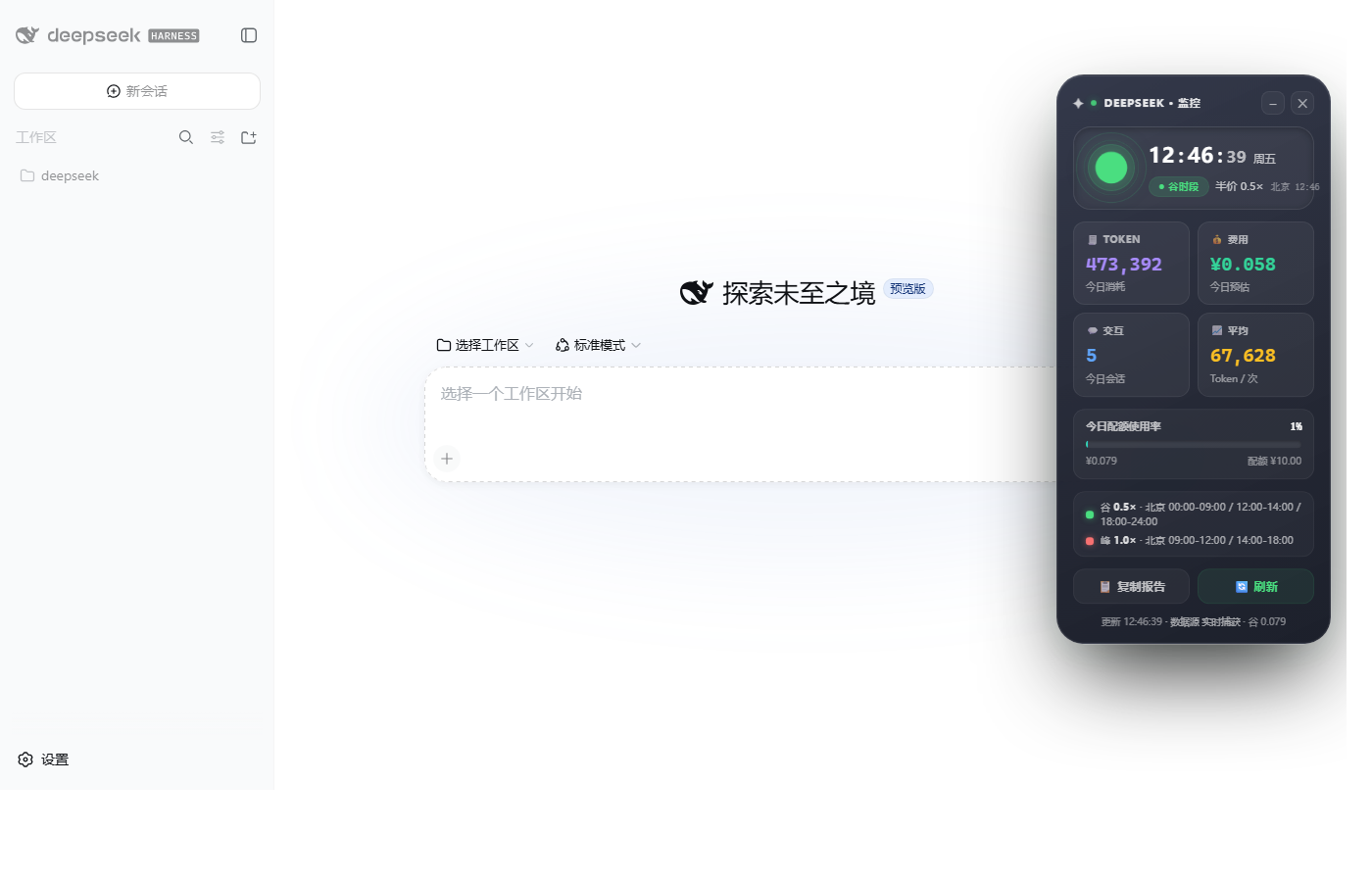
DSH native plugin for real-time monitoring of token consumption and costs with peak-valley pricing, displayed in a floating window.
A tool for designing, migrating, and ensuring compliance of third-party plugins in the DeepSeek Harness ecosystem, using a two-stage workflow to safely generate design specifications and modify plugins.

dsh-ponytail is a DSH port of ponytail with always-on injection and 6 Chinese skills, helping engineers optimize code via a 7-step ladder with three intensity levels.
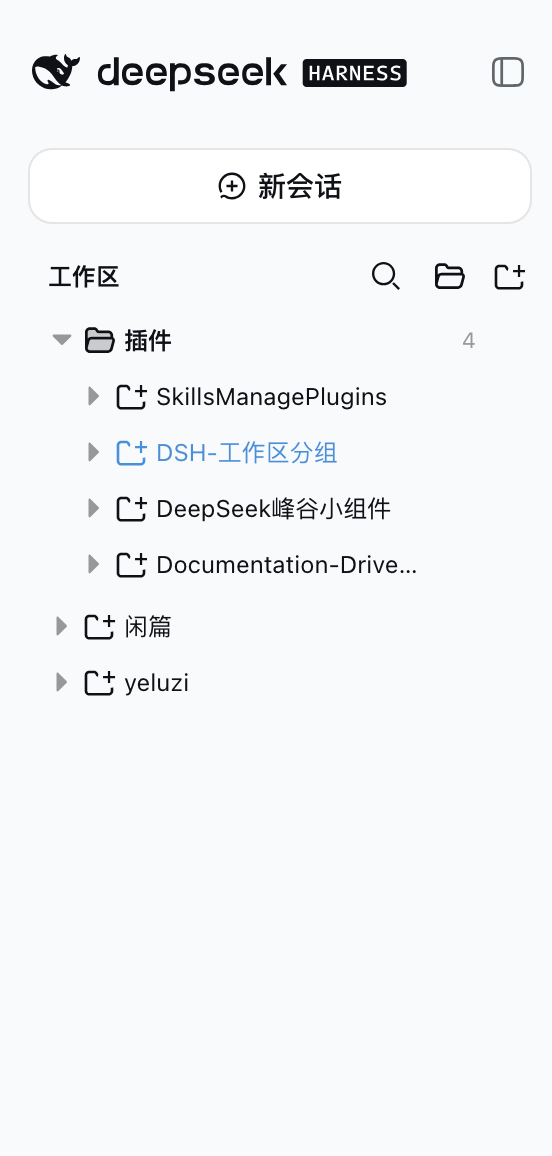
Extends the workspace list to a three-level tree structure with manual grouping, drag-and-drop sorting, and rule-based auto-classification, all immediate and non-intrusive.
dsh-plugin-clarify is a workflow plugin that clarifies vague ideas through Socratic questioning and generates a draft for confirmation.
The dsh-computer-use plugin enables DeepSeek Harness to control a real desktop via screenshot/screen-record, vision analysis, and mouse/keyboard operations, with autonomous task completion.
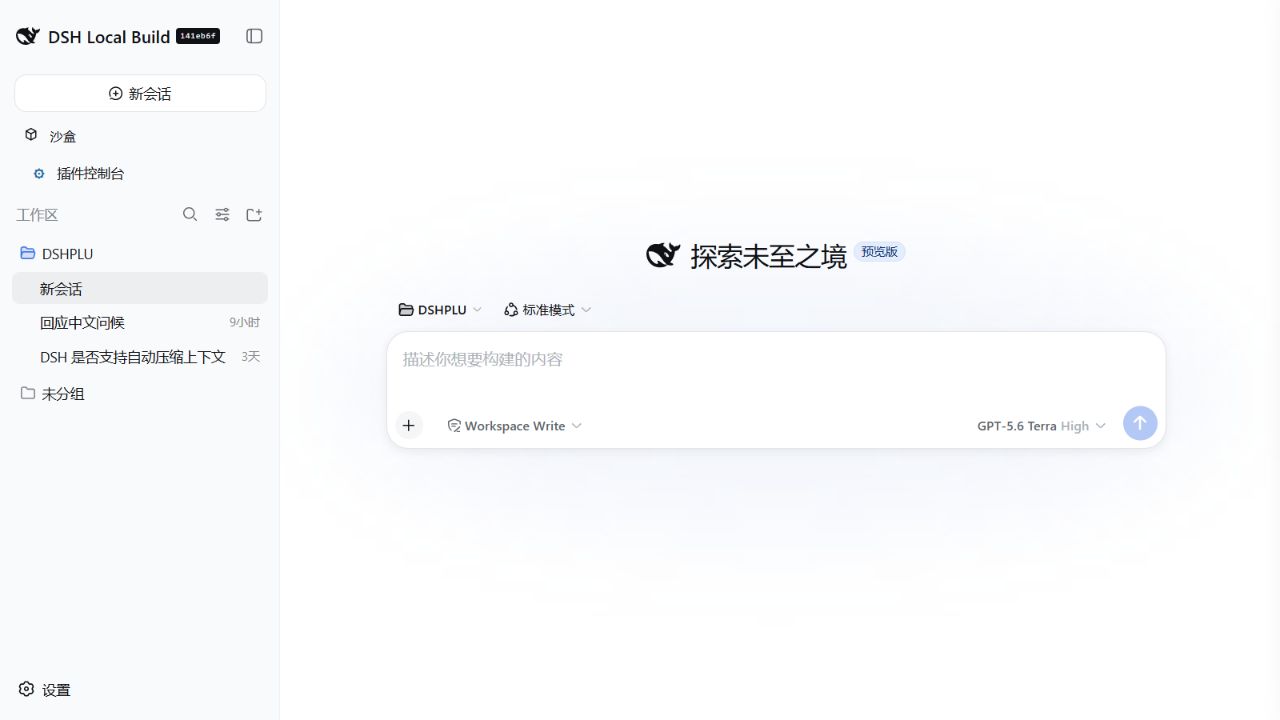
This DSH plugin integrates the official Tencent WeChat ClawBot channel into DeepSeek Harness, enabling users to issue computer tasks, manage sessions, and control in real-time from WeChat.
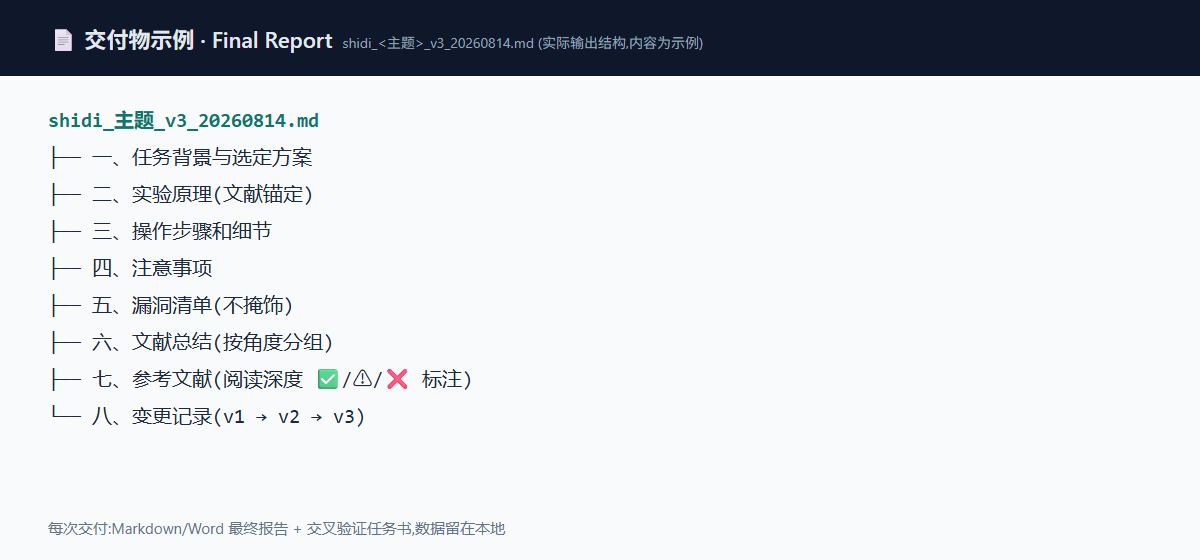
A complete research workflow in your AI IDE, offering literature research, experiment design, figure generation, and paper reading capabilities, delivering real, usable report, figure, and data files with local data, no lock-in.
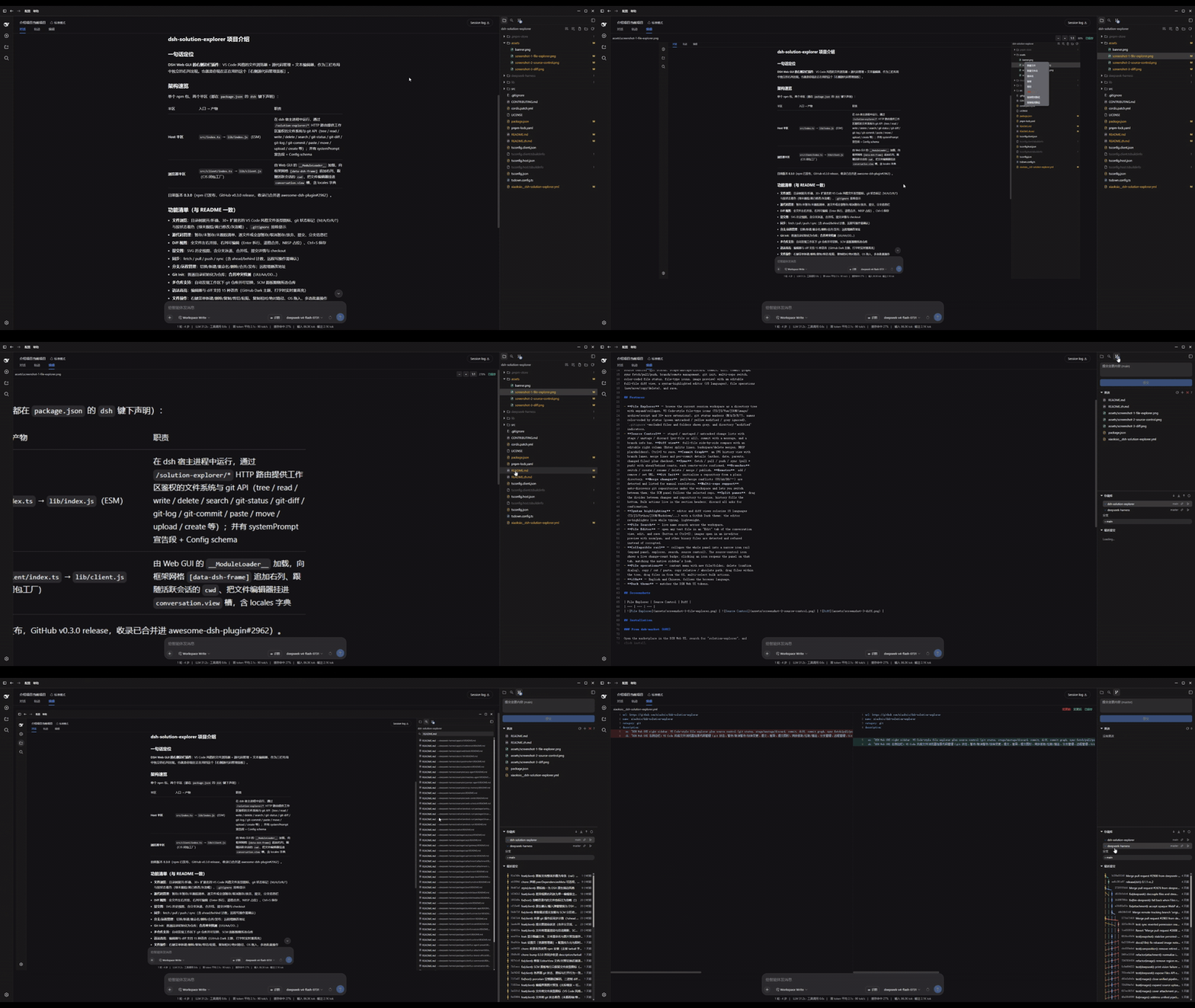
A VS Code-style file explorer plus full source control plugin for the DeepSeek Harness Web GUI right sidebar.
dsh-plugins is a DSH plugin library that fixes redundant sandbox permission requests and changes path clicks to open a web viewer, enhancing stability and user experience.