dsh-windows-shell-policy
Run the following command in DeepSeek Harness:
dsh plugin install LAN-TINA-WS/dsh-windows-shell-policy
Paste the following prompt into your AI chat to install this plugin:
Run the command dsh plugin install LAN-TINA-WS/dsh-windows-shell-policy in DeepSeek Harness, or visit https://github.com/LAN-TINA-WS/dsh-windows-shell-policy for complete installation instructions.
About this plugin
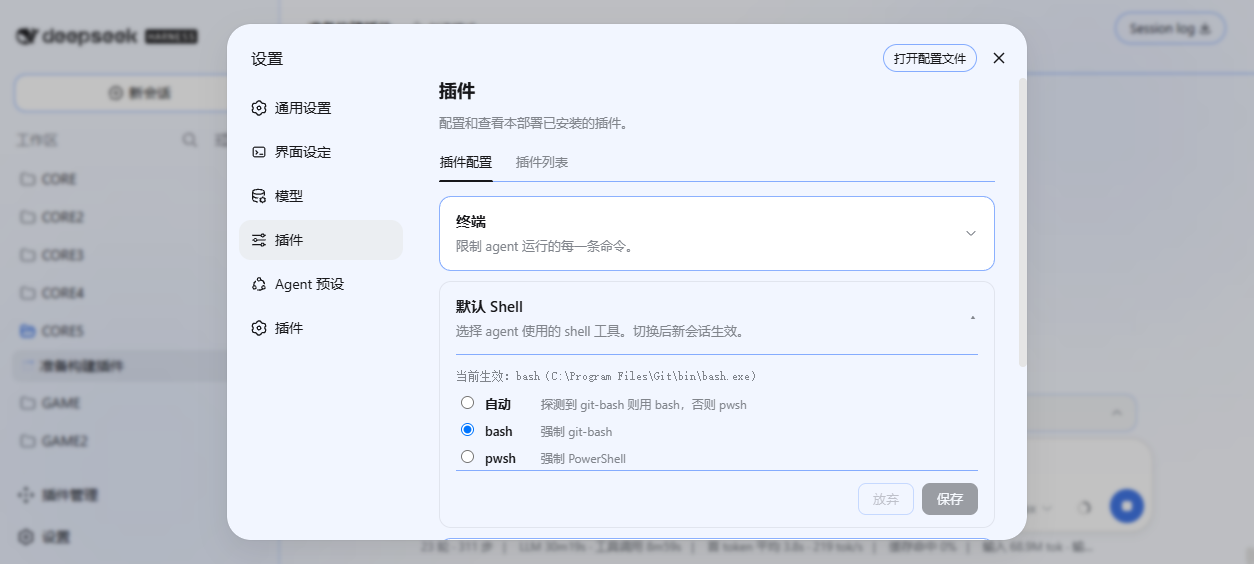
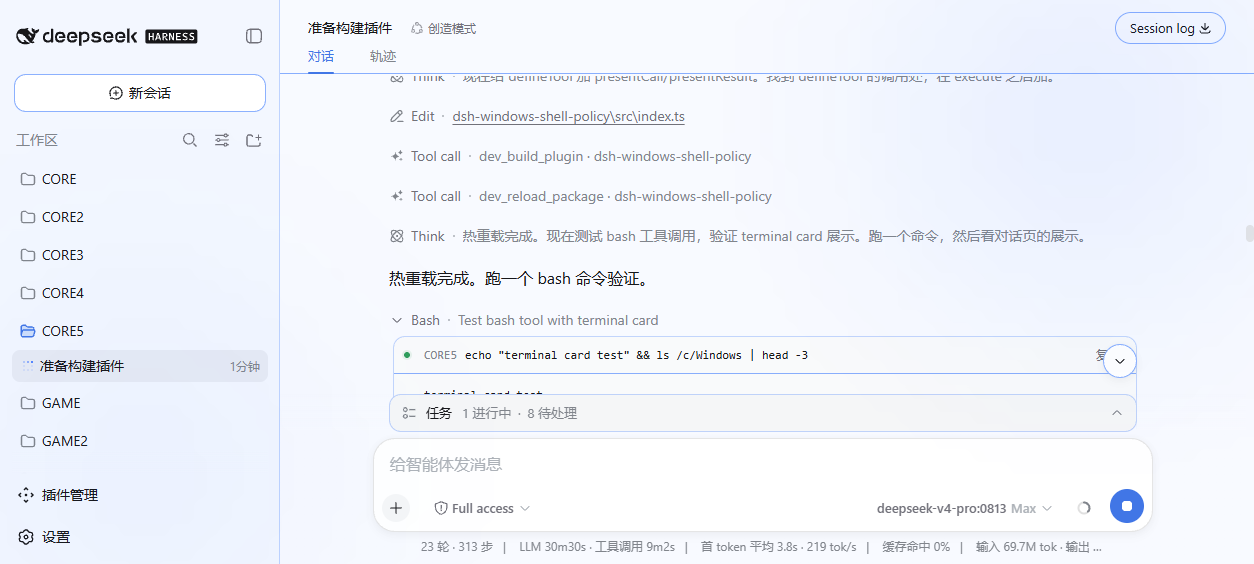
Using DeepSeek Harness on Windows with the default PowerShell can lead to higher error rates when agents execute commands due to mismatches with the bash language prevalent in LLM training data. The dsh-windows-shell-policy plugin solves this by automatically detecting bash environments like git-bash, MSYS2, or Cygwin, and offering a configuration panel to switch the default shell between bash and PowerShell. It dynamically registers bash tools, trims the prompt tool surface for a single-shell experience, and supports persistent configuration and clean uninstallation. This plugin is ideal for Windows developers and data scientists seeking to optimize agent command execution efficiency and accuracy, mitigating shell-related discrepancies.
Screenshots
Use Cases
- Configuring the default shell for AI agents in Windows development environments to boost efficiency.
- Switching to a bash environment when agents encounter errors executing POSIX commands.
- Standardizing shell settings for team projects to reduce compatibility issues.
Best For
- Windows developers using DeepSeek Harness.
- Data scientists needing to optimize agent command execution efficiency.
- AI engineers and project team leaders.
Related Plugins

A method pack that makes AI coding agents plan against your real baseline, prove completion with fresh evidence, and reduce reworks and unsafe changes.

Turns the DeepSeek Harness session into a captain that builds a durable sub-agent team, splits goals into dependency-aware tasks, and coordinates work via direct messages and a live Web UI.
Gives coding agents design judgment, letting Claude Code, Cursor, and 70+ agents generate and iterate high-quality UI, presentations, and graphics right from the terminal.
Run the Pi ecosystem's plugins on DeepSeek Harness, unmodified, via a compatibility layer that implements Pi's public extension ABI on DSH's native services.