
Fast Intelligent Bid Document Creation
Paste the following prompt into your AI chat to install this skill:
Please follow https://skillhub.cn/install/skillhub.md to install @user_ba095919/biaoshu-writer-radar.
About this skill
Problem
Bid response preparation often stalls in three places: tender clauses are scattered, scoring rules and disqualification red lines are easy to miss, and the final .docx still lacks clause-by-clause compliance checks. Asking a model to 'write a bid' may produce generic text, but it does not bind the output to a specific package, commercial terms, or scoring criteria. 快标书标书智能制作 structures the workflow into review, generation, and audit.
How It Works
- Interpretation: Accepts
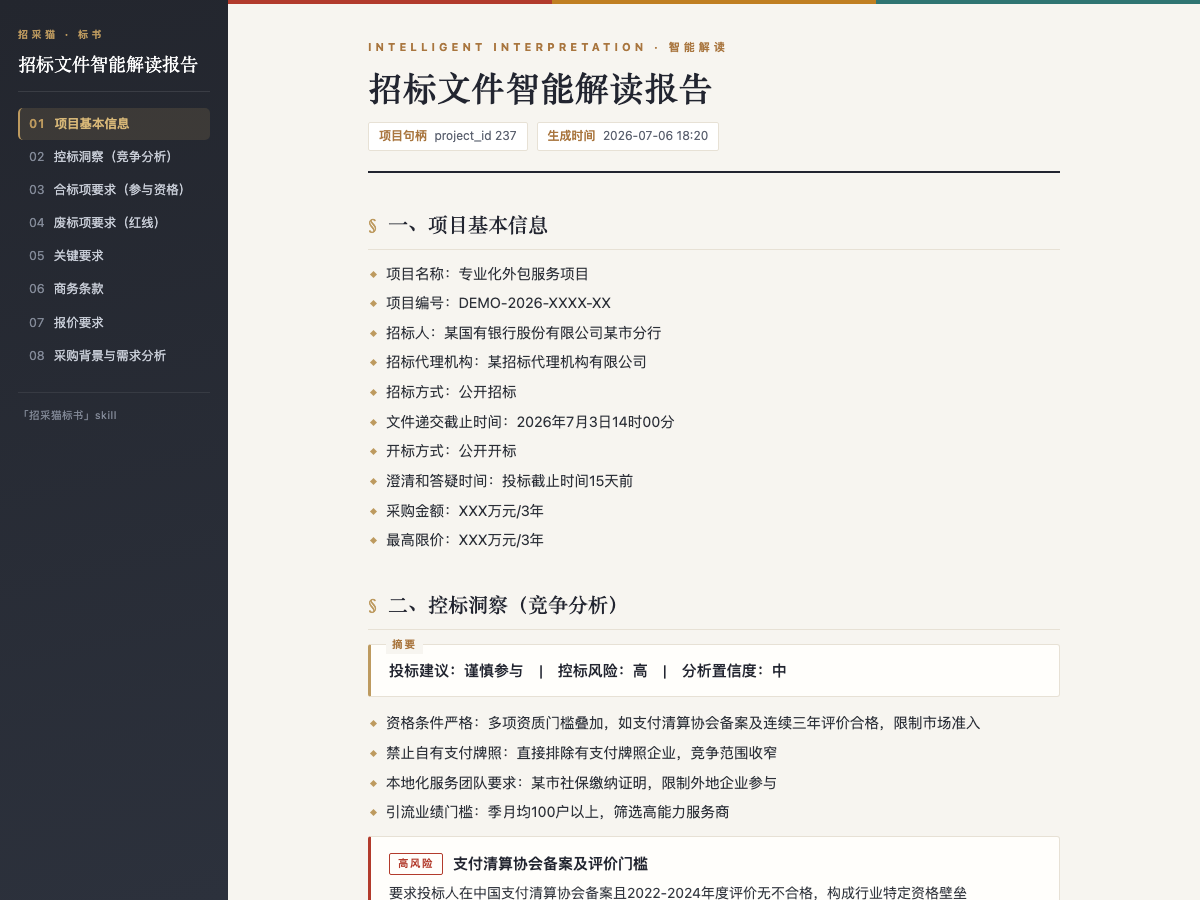
.pdf / .doc / .docxtender files from local paths or downloadable URLs, up to50 MB. It extracts project info, eligibility items, disqualification red lines, scoring criteria, key requirements, commercial terms, pricing requirements, and procurement context, then suggests whether to bid and highlights control-risk signals. Reports can be exported as HTML or Word. - Bid drafting: Uses the interpreted project and selected package, with a target page count up to
500. It generates a named.docxfile, extracts requirements, builds an outline and body, fills standard templates, and leaves placeholders for unverified items. - Compliance review: Checks one or more
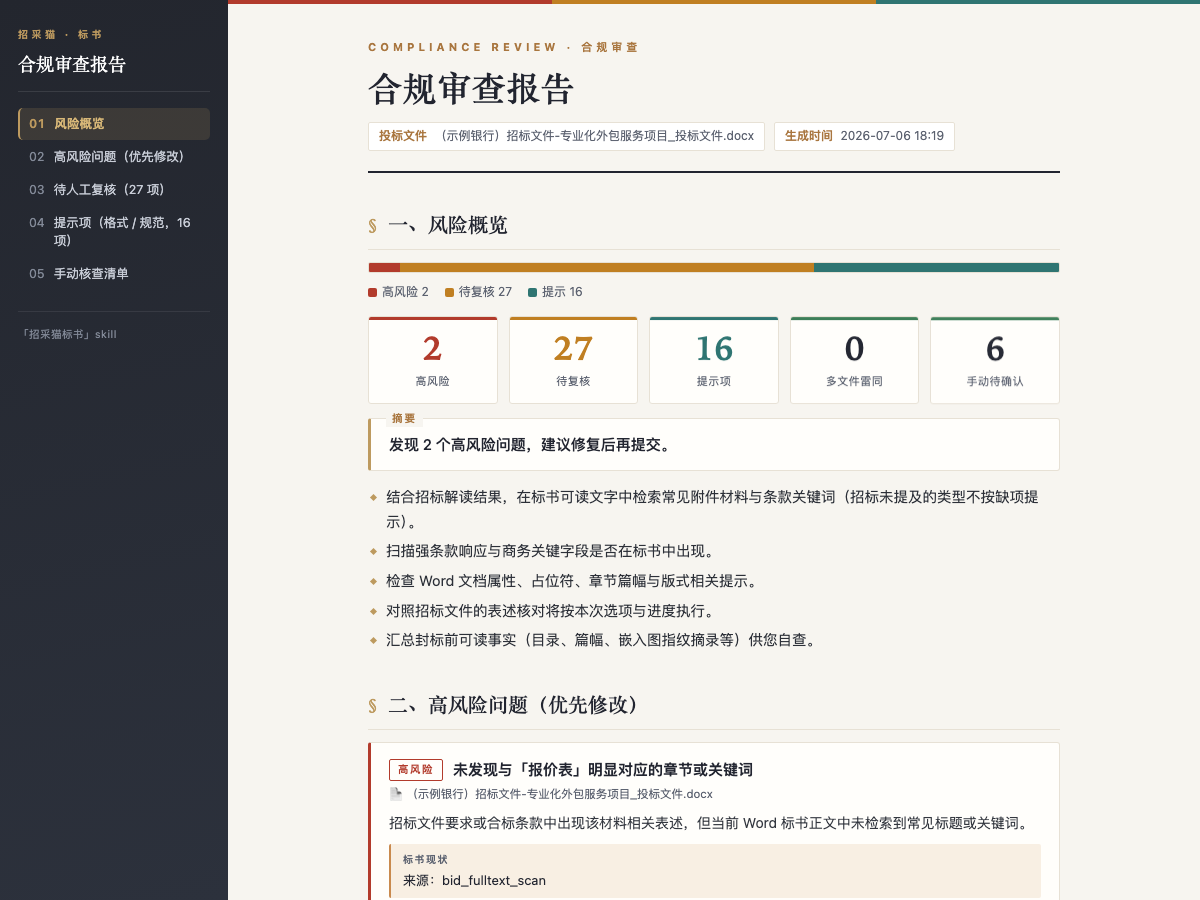
.doc / .docxbid files, each up to1024 MB, against the tender. It returns high-risk, review-needed, and advisory issues with tender evidence, bid evidence, and suggested fixes, including duplicate-text detection across files.
In practice, the user provides files, states the goal, and saves an App Key. Tasks follow an asynchronous submit-poll-retrieve model, and report paths are returned in full absolute form for follow-up editing.
Boundaries
This skill is best for projects with a clear tender file and a real bidding context. It is not intended to generate an evidence-free response from one sentence. Interpretation, package extraction, and compliance review do not consume credits, while bid generation does; API/Skill calls still require a positive balance before submission. The output remains a draft, so qualifications, pricing, placeholders, and final formatting still need manual confirmation.
Screenshots
Use Cases
- Review a 200-page PDF tender and extract red lines, scoring rules, and control-risk signals
- Select package 01 and generate an editable 80-page .docx bid response
- Audit two submitted bid files before submission for format red lines and duplicate text
- Get general bid cautions from a short requirement excerpt, then upload the full file for review
Best For
- Bid specialists who need to turn tender files into eligibility, red-line, and scoring lists
- Commercial leads who need a fast, package-specific bid draft from an interpreted project
- Legal or risk owners who need clause-level bid compliance and duplication checks
- Project managers who need to decide whether a bid is worth pursuing and record control-risk notes
Related Skills

Organizes files by extension into subfolders like Documents, Code, and Archives, then outputs a report.

Extract tables, formulas, charts, and layout from invoices, reports, papers, and multi-column documents.

Generates a multi-sheet Excel report containing only structured data tables from byteplan-analysis results.

Automatically sort directory files into type-based folders, with dry-run preview, reports, and JSON custom rules.