DeepSeek Harness Plugins · Client
Plugins that extend DeepSeek Harness (DSH) with vision, workflows, memory, web tools and more.
A DSH presentation plugin that generates editable PPTX files with built-in PPTD v2 checks, a local CLI, 44 visual template packs, and an optional Slides workflow, requiring no external runtime.
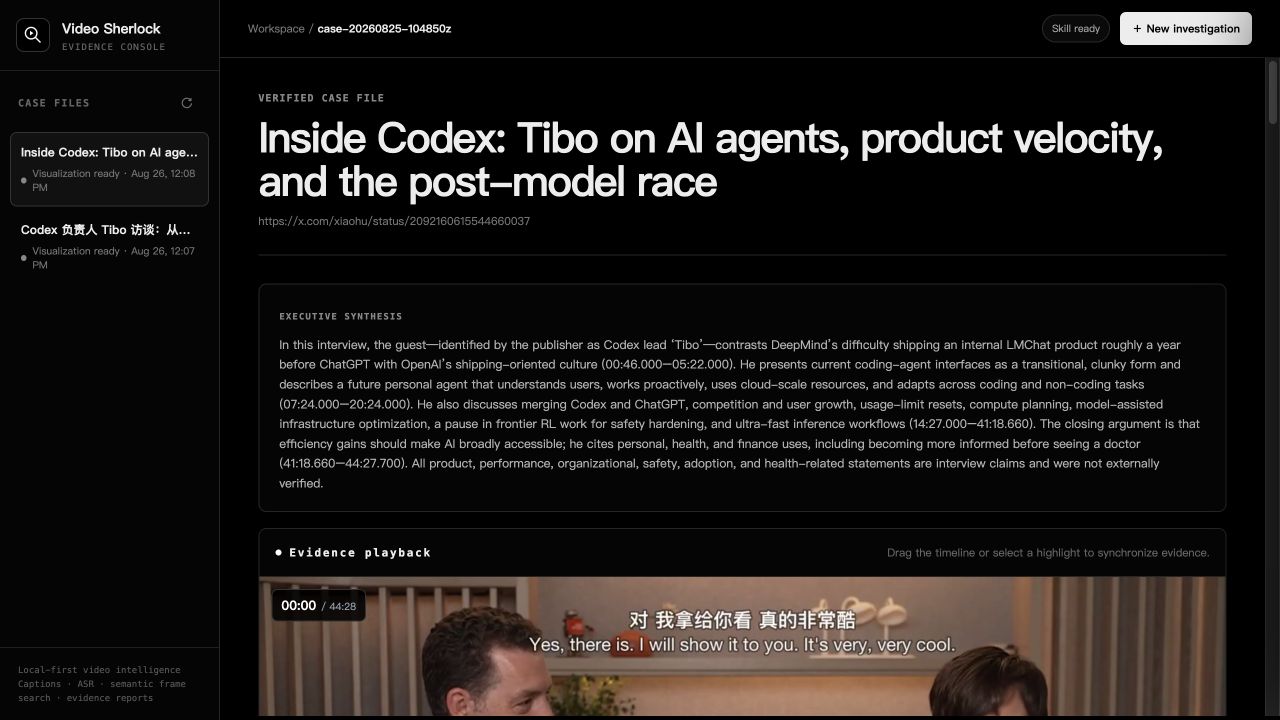
A local-first video investigation plugin featuring transcript analysis, semantic frame indexing, a keyframe evidence wall, and full Markdown audit reports in DeepDeck.
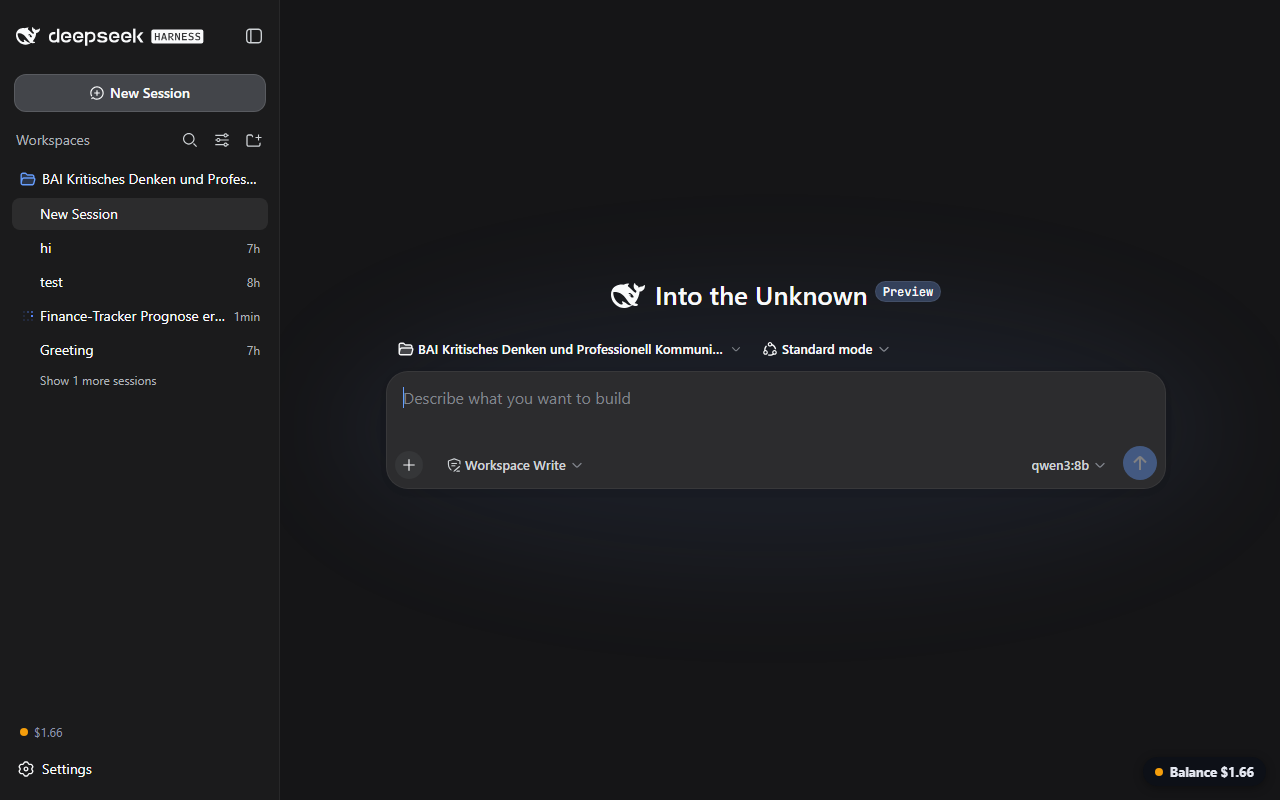
Display your DeepSeek API balance inside the DSH app via a bottom-right pill and sidebar footer, auto-refreshing every 60 seconds with color-coded status and no built-in key.
A standalone DeepSeek Harness plugin that invokes Skills via @name in the composer, filtering as you type and loading the selected Skill before the model step without modifying Harness source.
A bundled DSH Web plugin adding upload manager, file preview (Word/PPT/Excel), workspace browsing, skill docs, balance display, session navigation, and auto-repair of core patches in a single install.
An OCR client plugin for DeepSeek Harness, adding optical character recognition to your workflow.
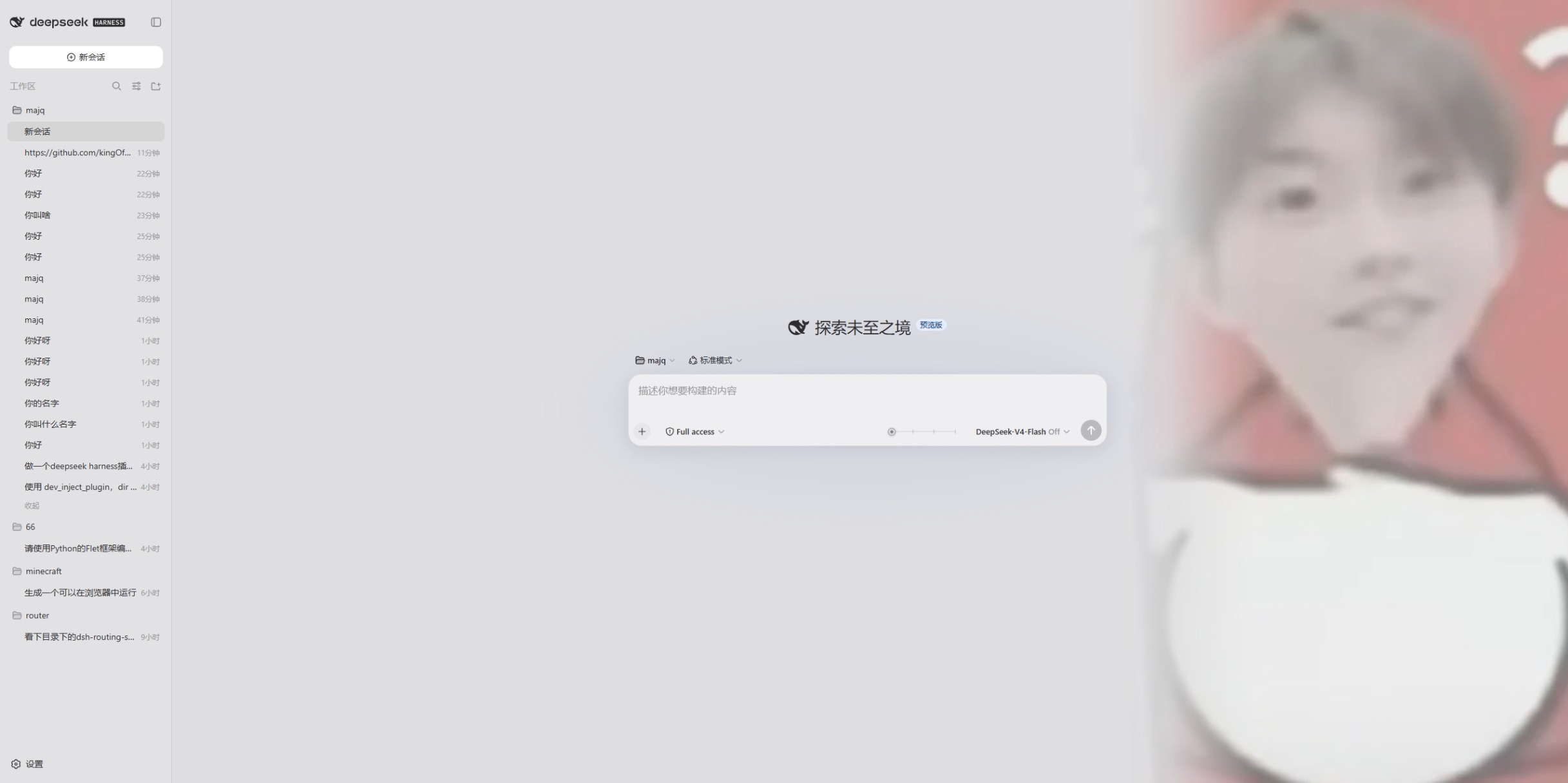
A DeepSeek Harness skin plugin that turns the reasoning-level slider into a 4-tier art, theme, and persona system, silently injecting persona prompts so the model shifts from flirty to boss-style by tier.
A dependency-free dsh plugin that exposes four local git tools (status, diff, log, commit) via the official tool API, letting the coding agent inspect the session workspace and create commits safely.
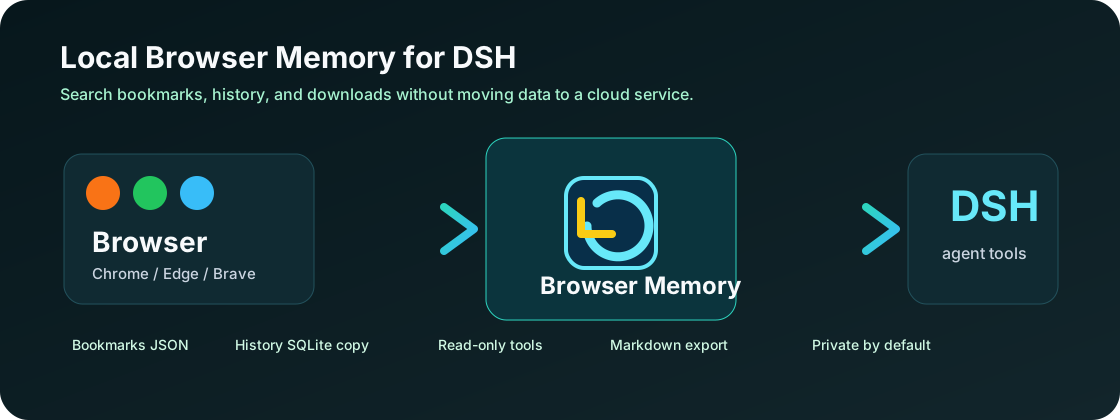
Local-first, read-only browser memory for DSH sessions—search Chrome, Edge, and Brave bookmarks, history, and downloads without uploading any data.
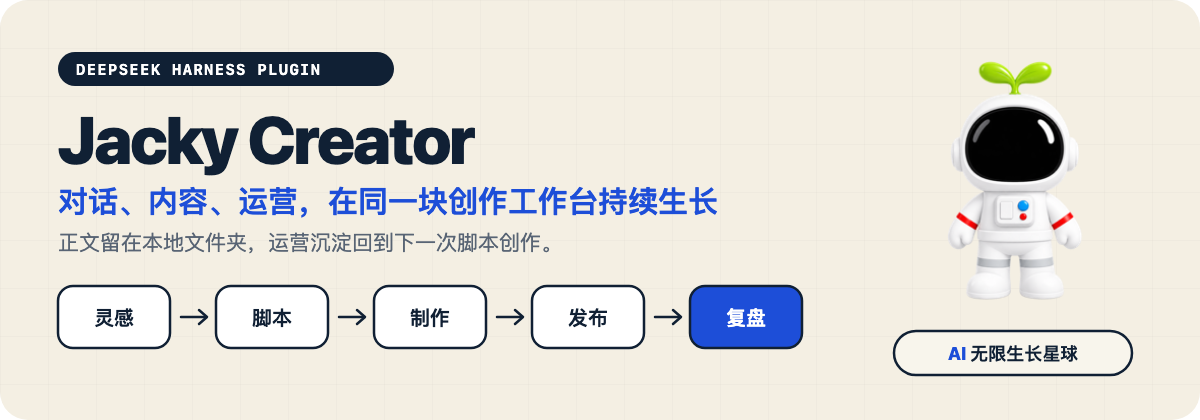
A local content-creation workbench for DeepSeek Harness that unifies ideation, scripting, production, publishing, and post-publish review, with all content stored as plain folders you can read and write freely.
A minimal view for DeepSeek Harness that hides execution-log rows, tightens spacing, shrinks fonts, unifies bubbles, and injects a concise-reply instruction so the model leads with conclusions.
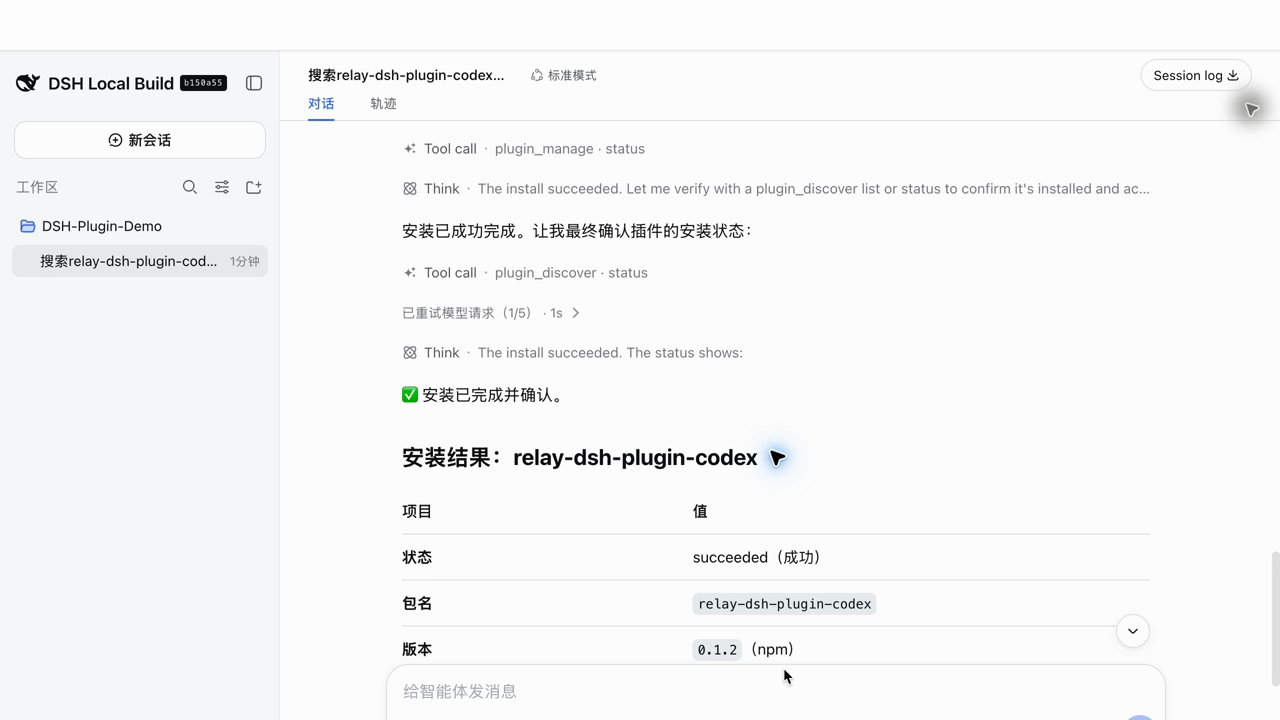
Manage DSH plugins by describing what you need in chat—search, install, update, enable, disable, or remove—without leaving the conversation or editing config files by hand.