dsh-video-sherlock
Run the following command in DeepSeek Harness:
dsh plugin install jo32/dsh-video-sherlock
Paste the following prompt into your AI chat to install this plugin:
Open a terminal in DeepSeek Harness and run dsh plugin install jo32/dsh-video-sherlock, or paste https://github.com/jo32/dsh-video-sherlock into the App plugin install field in DeepDeck Settings and confirm the installation.
About this plugin
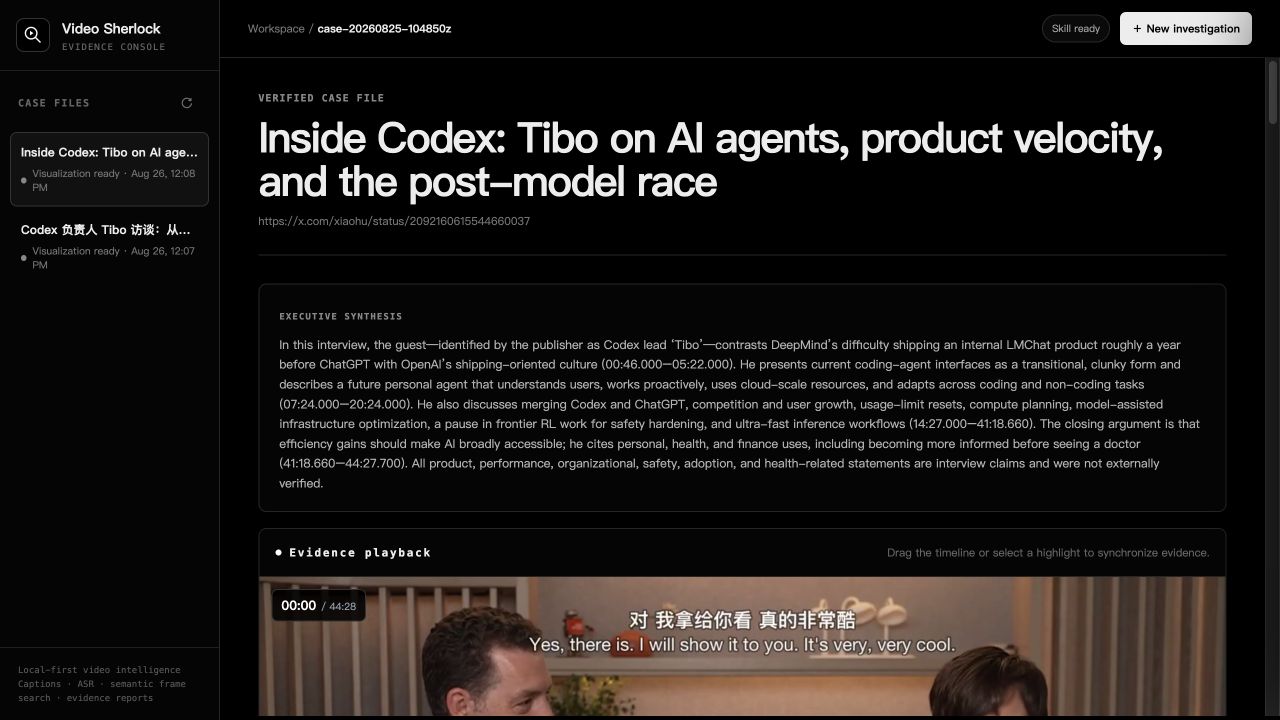
A forty-minute interview or a half-hour deposition usually means scrubbing through footage frame by frame, manually transcribing, and piecing together a narrative by hand. Video Sherlock turns that into a single local pipeline: paste a video URL or file path, and the plugin handles transcription, semantic frame indexing, and narrative segmentation on your machine, producing a timestamped Markdown audit report with keyframe captures and topic annotations. Nothing leaves the local Workspace.
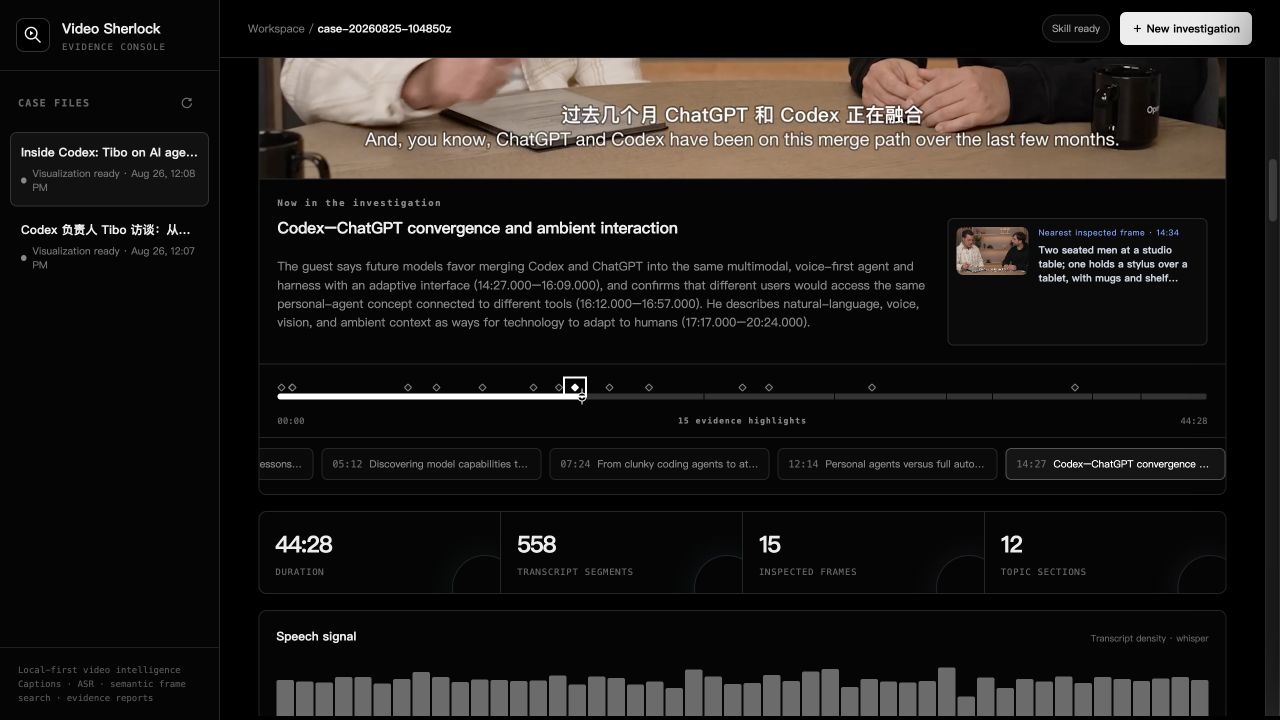
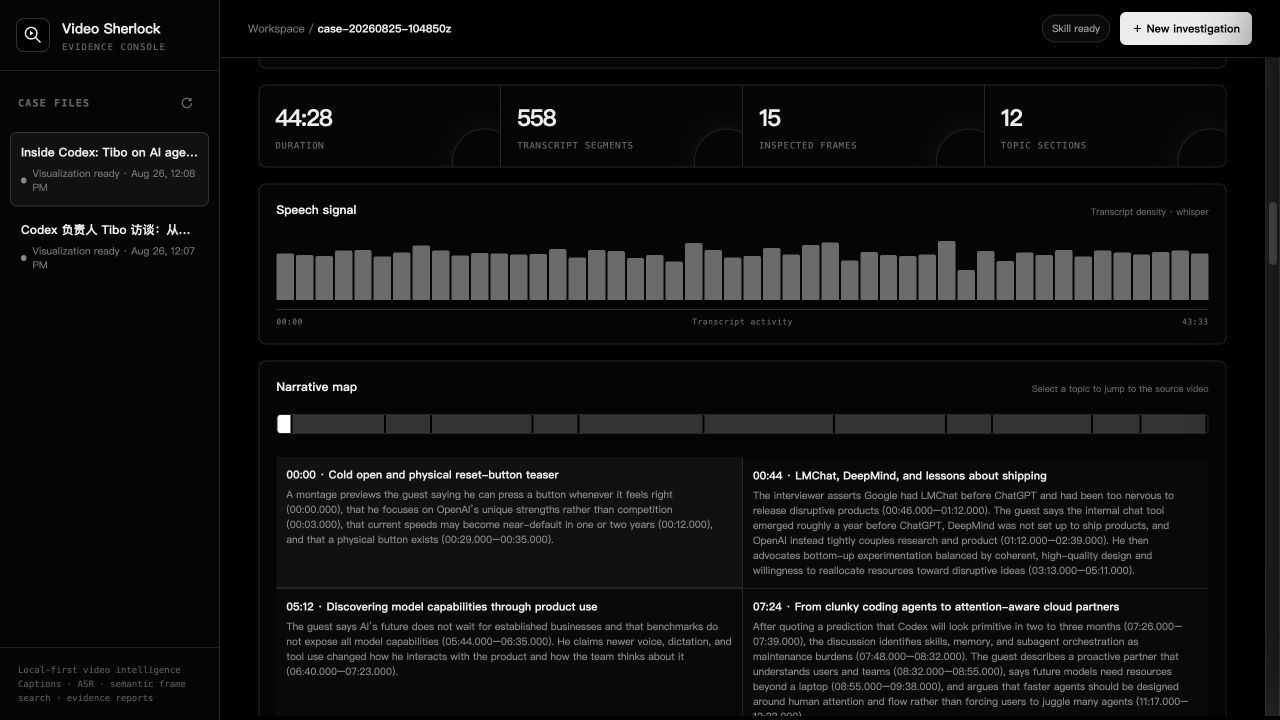
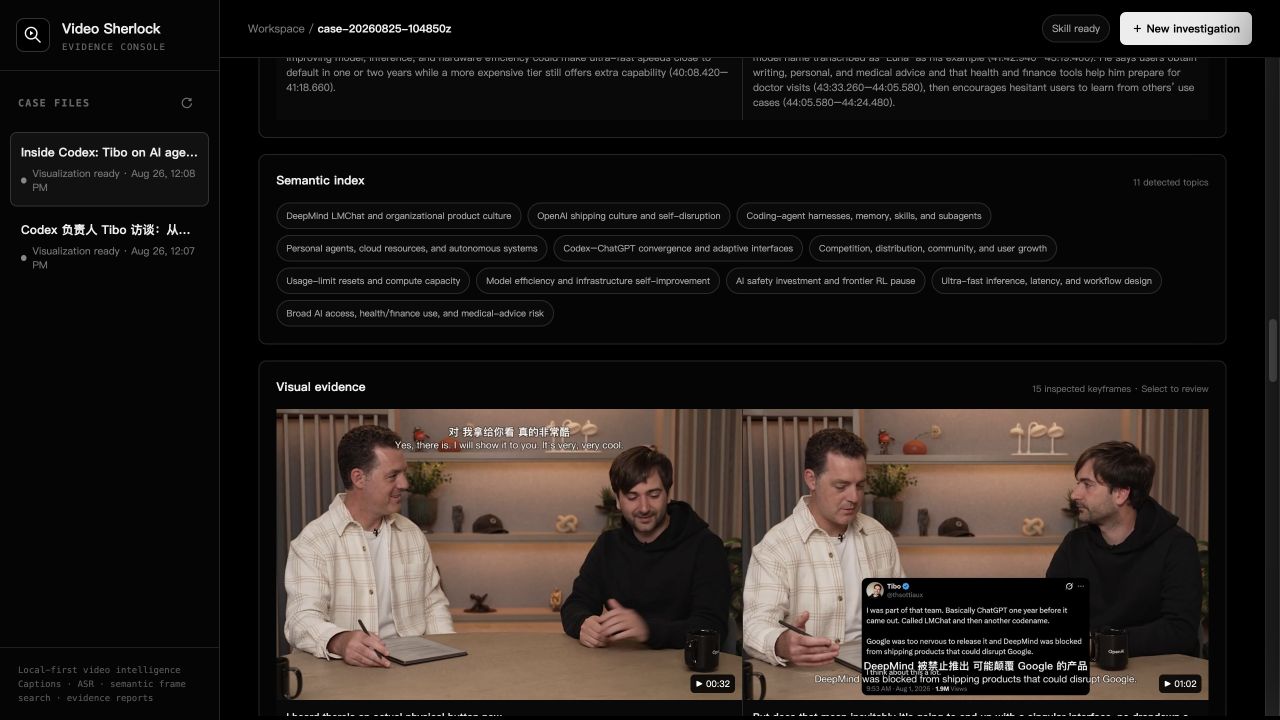
The interactive experience centers on a draggable timeline. Click an evidence highlight or scrub to any moment and the nearest inspected frame, its timestamp, and the surrounding narrative context appear instantly. Beside it, a transcript-density chart, a semantic topic index, a keyframe evidence wall, and an explicit limitations ledger give you both the macro rhythm of the recording and the micro-level frame evidence you need. The final output is a full Markdown audit report that preserves the raw transcript, all timestamps, and intermediate artifacts for later review or citation.
It is built for researchers, content analysts, and legal or compliance professionals who must repeatedly watch long-form video and leave a defensible trail. No editing suite, no third-party uploads—open the Video Sherlock window inside DeepDeck and start your investigation.
Screenshots
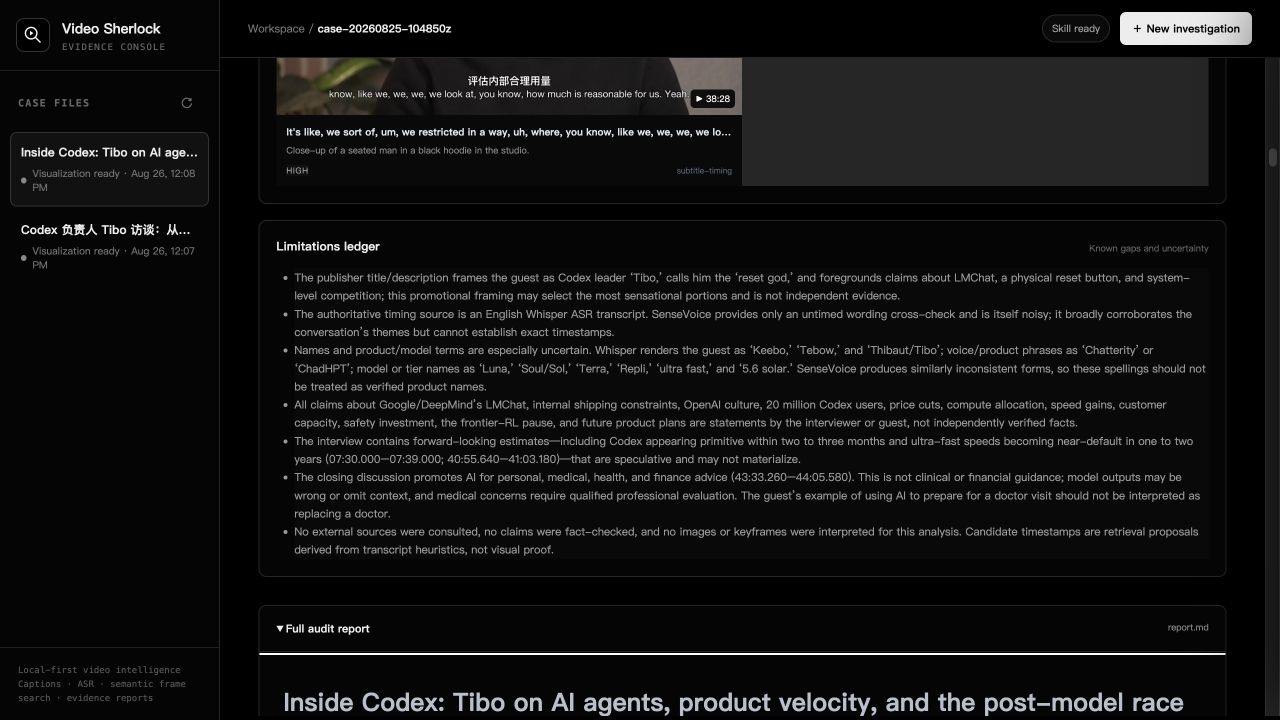
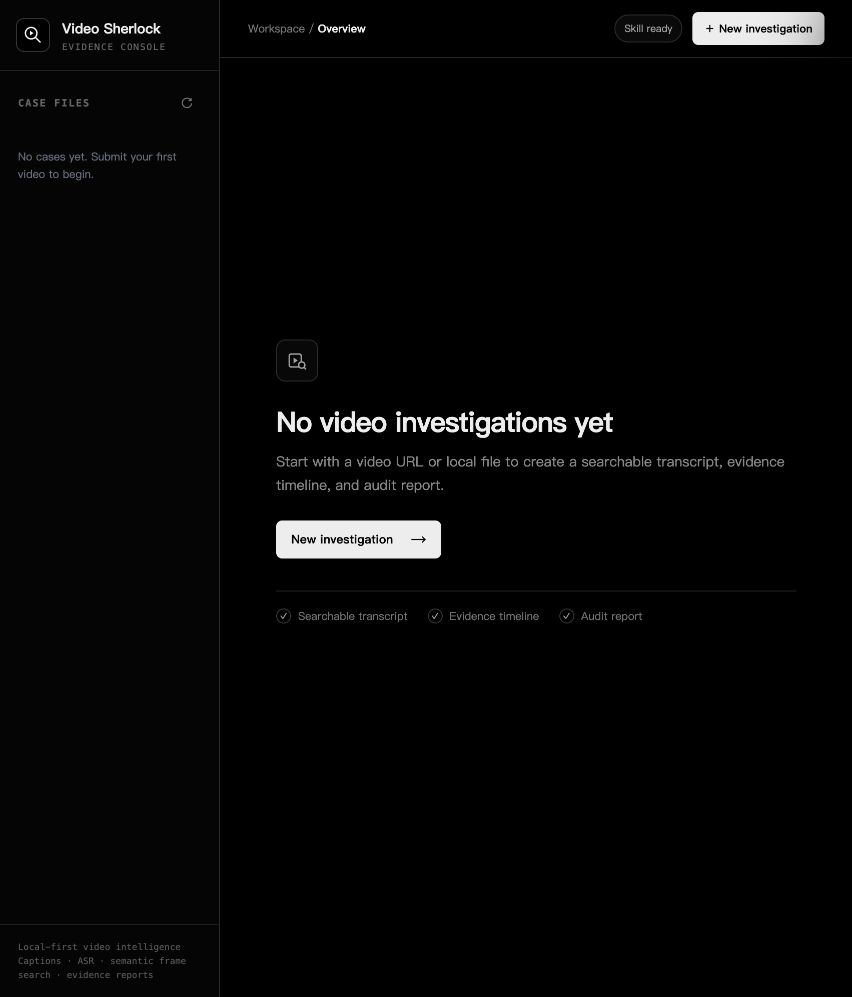
Use Cases
- Reviewing 40+ minute interview footage and extracting evidence frame by frame
- Running local transcription, semantic segmentation, and generating a timestamped Markdown audit report
- Scrubbing the DeepDeck timeline to jump between narrative context and the nearest inspected frame
Best For
- Researchers and journalists who need a traceable trail of video evidence
- Content analysts who repeatedly review long-form video and build evidence chains
- Legal and compliance professionals who require on-premises processing and complete audit records
Related Plugins
A service-oriented sidebar framework for DSH, offering a full workbench with file explorer, embedded browser, real terminal, Git panel, and extensible plugin services.

A beautiful, practical Claude Code-style TUI plugin with pixel whale top bar, flowing glow title, real-time status line, streaming thought expansion, time rewind, context progress bar and TPS gauge — zero core changes.

The plugin market for DeepSeek Harness: browse/search/one-click install community plugins and themes, with updates, backup/restore, hot disable, diagnostics, and AI fix.

A persistent whale widget on the DSH web UI that shows DeepSeek balance, today's usage, and per-turn cost, with drag-and-snap and sound effects.