DeepSeek Harness Plugins · Client
Plugins that extend DeepSeek Harness (DSH) with vision, workflows, memory, web tools and more.
Replaces the browser contextmenu with app-native right-click menus for workspace rows, sessions, blank areas, text selections, and inputs, each independently toggleable.
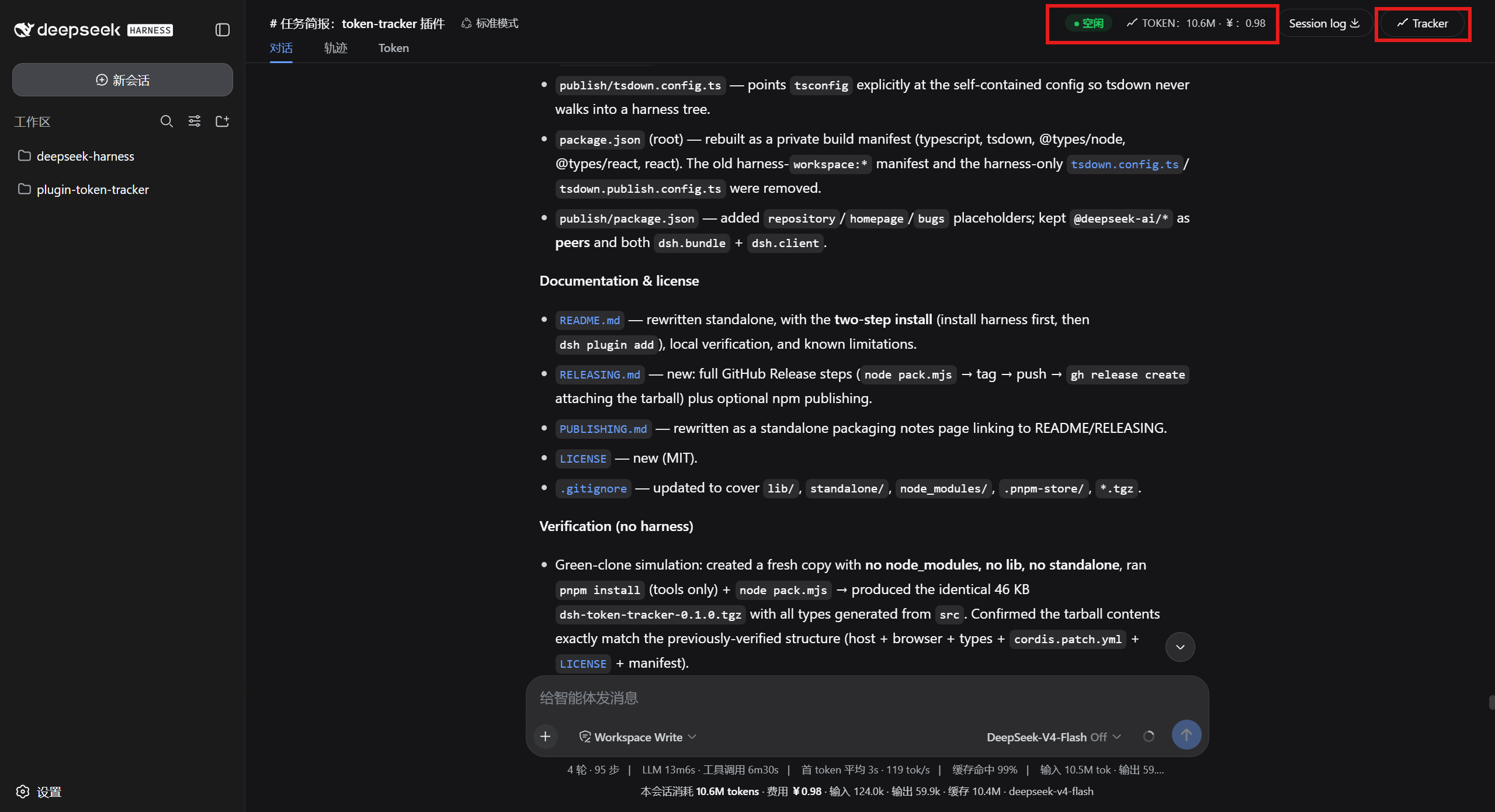
Tracks provider token usage from dsh session logs, applies peak/off-peak pricing, and surfaces cost summaries in the web GUI badge, Token tab, and a standalone overview page.
A right-side solution panel for DeepSeek Harness where agents push HTML solutions into a collapsible drawer with browser-style tabs, resizable width, unread hints, and per-workspace persistence.
Adds a folder button to each workspace row in the DSH sidebar to open its directory in the system default file manager.
A git development workbench for DeepSeek Harness that drives branch and worktree workflows, injects repo context into every session, and manages branch switching and worktree creation via /git commands.
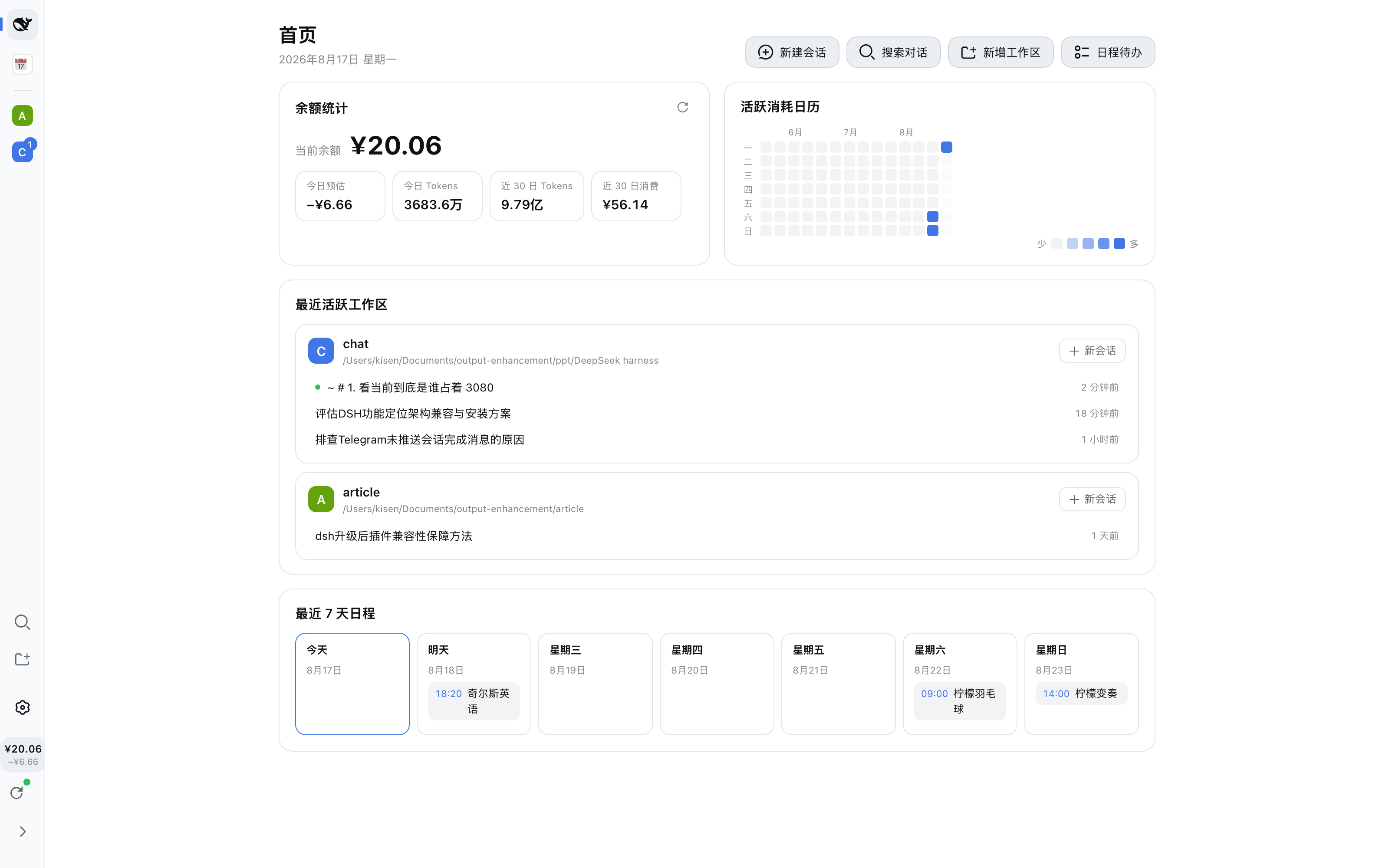
Renders a workspace Dock bar on the sidebar left with icon filtering, session badges, narrow/wide toggle, and archive management, mounted on the official rail slot with no built-in file modifications.
A lightweight plugin management panel for DeepSeek Harness that identifies plugin origins via lockfile, offers hot toggle without uninstall, and displays risk labels.
UI adaptation plugin that sharpens pixel fonts, squares all corners, and snaps typography tokens to a 12px grid in the DeepSeek Harness Web GUI.
A background jobs panel for dsh-TUI: /jobs lists all visible jobs with live status updates, shows output of settled jobs, and cancels running ones with double-confirm.
Displays a DeepSeek API balance badge and daily spend in the Harness sidebar, with a detail panel showing usage breakdown, token stats, and a 30-day trend chart.
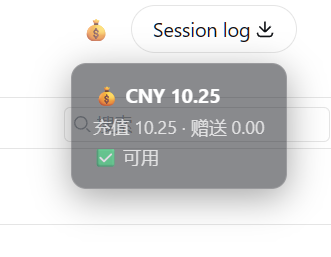
A minimal DeepSeek API balance widget for Harness: one click in the session header reveals your remaining quota, with the API key never leaving the host.
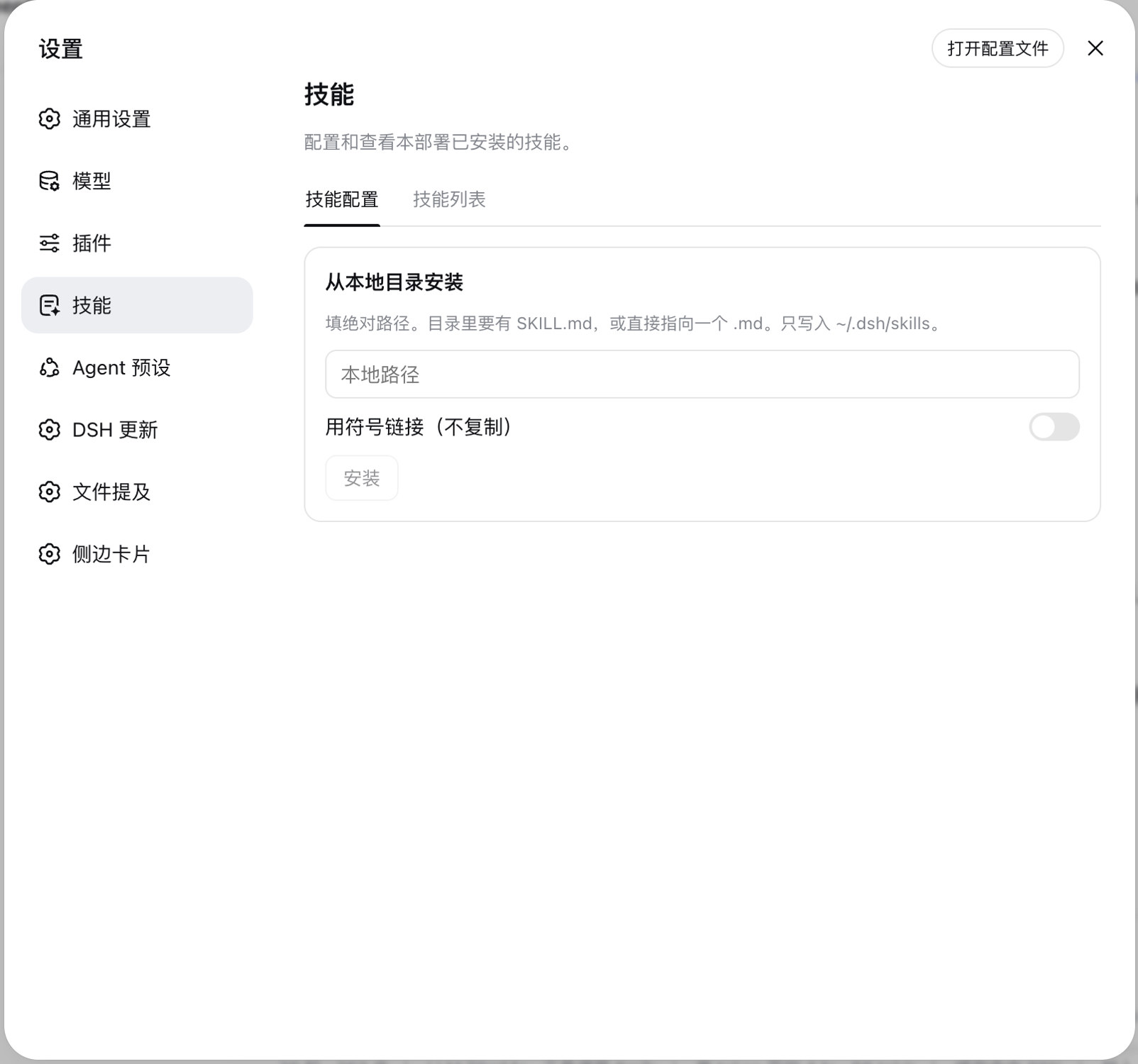
Adds a Skills page to DSH Settings: list local skills, toggle them off by name, or install/uninstall copies from a local path without editing SKILL.md.