DeepSeek Harness Plugins · Client
Plugins that extend DeepSeek Harness (DSH) with vision, workflows, memory, web tools and more.
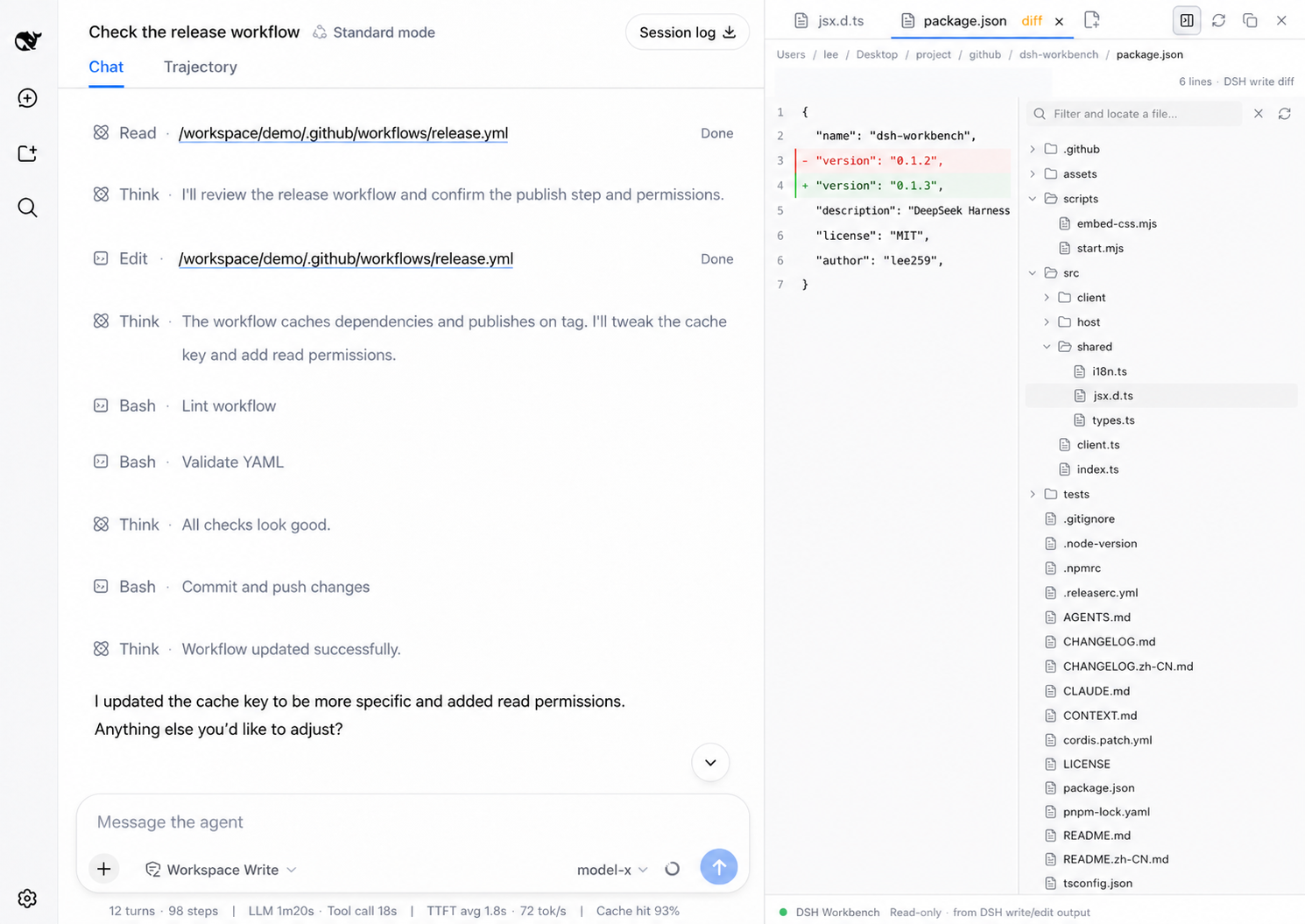
DSH Workbench provides a right-side file workspace for DeepSeek Harness, enabling file reading and diff viewing alongside conversations with multi-tab support.
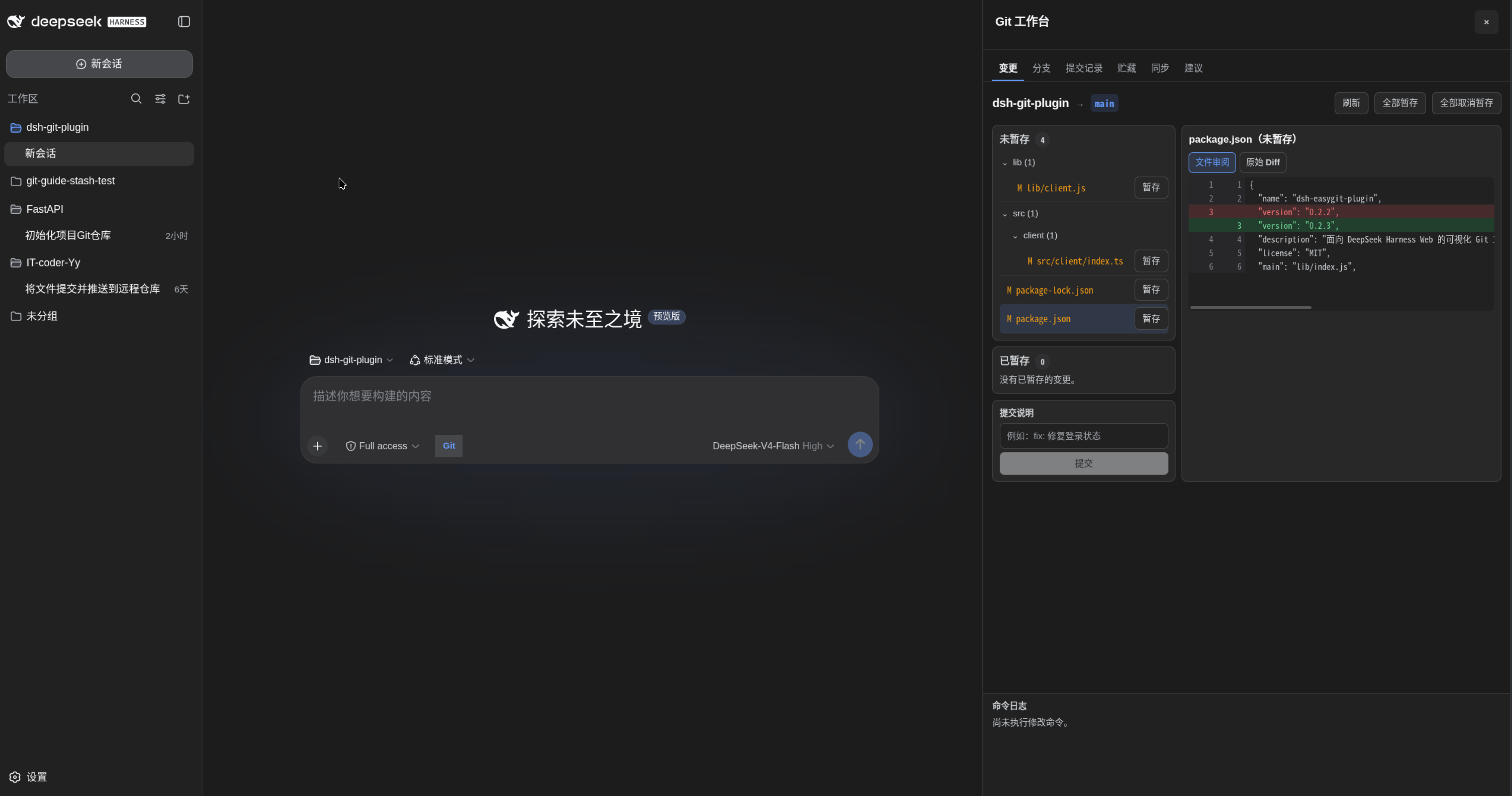
A visual Git workbench for inspecting repositories, running common actions, and safely executing AI-generated Git workflows in DeepSeek Harness Web.
A session manager plugin for DeepSeek Harness that lists all sessions and offers continue, outline, and permanent deletion.
A DeepSeek Harness frontend plugin that replaces the model selection widget with a model list and a three-tier reasoning effort slider, featuring smooth interactions like continuous tracking, elastic overshoot, and snap-to-position.
A VS Code-style workspace keyword search plugin for the DeepSeek Harness web GUI, supporting file name and content search with integration into the sidebar.
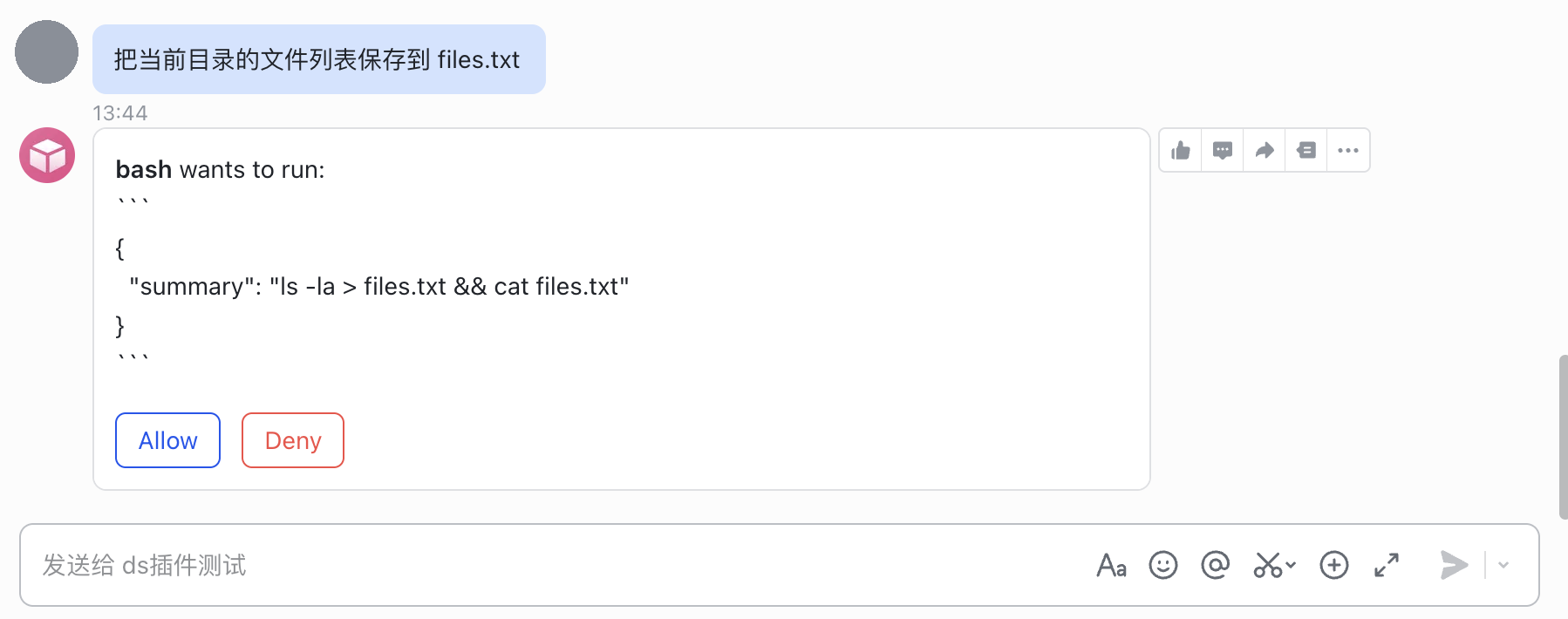
A Feishu channel bridge for DeepSeek Harness that enables interaction with dsh agents through Feishu bots, supporting messaging, session management, and tool approval.
This plugin enables pure-text main models to receive image attachments by delegating to vision subagents to read image content.
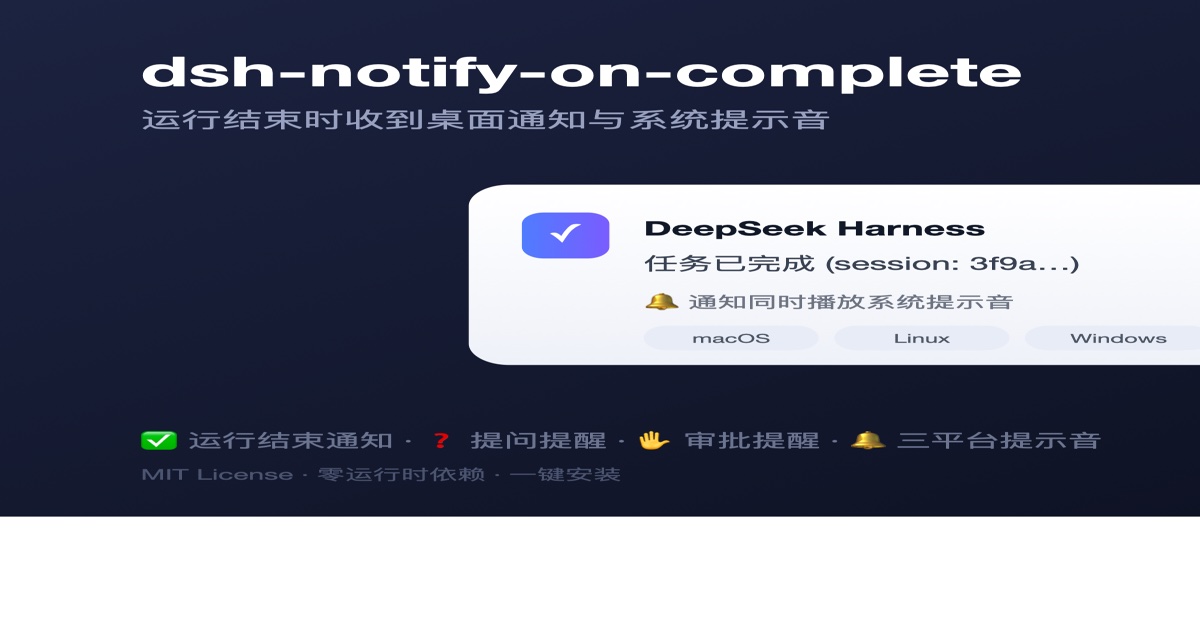
A DeepSeek Harness plugin that sends desktop notifications when a run finishes or the session is blocked for user interaction, featuring cross-platform support and system sounds.
A standalone plugin for DeepSeek Harness that enables desktop computer use on macOS with app listing, accessibility tree, screenshot capture, and synthesized input.
Adds slider switches to the DeepSeek Harness plugin inventory page, enabling real-time plugin activation/deactivation without server restart, with state persistence.
A DeepSeek Harness client plugin that displays a floating window in the top-right corner of the webpage, showing real-time account balance, with manual refresh and one-click graceful exit.
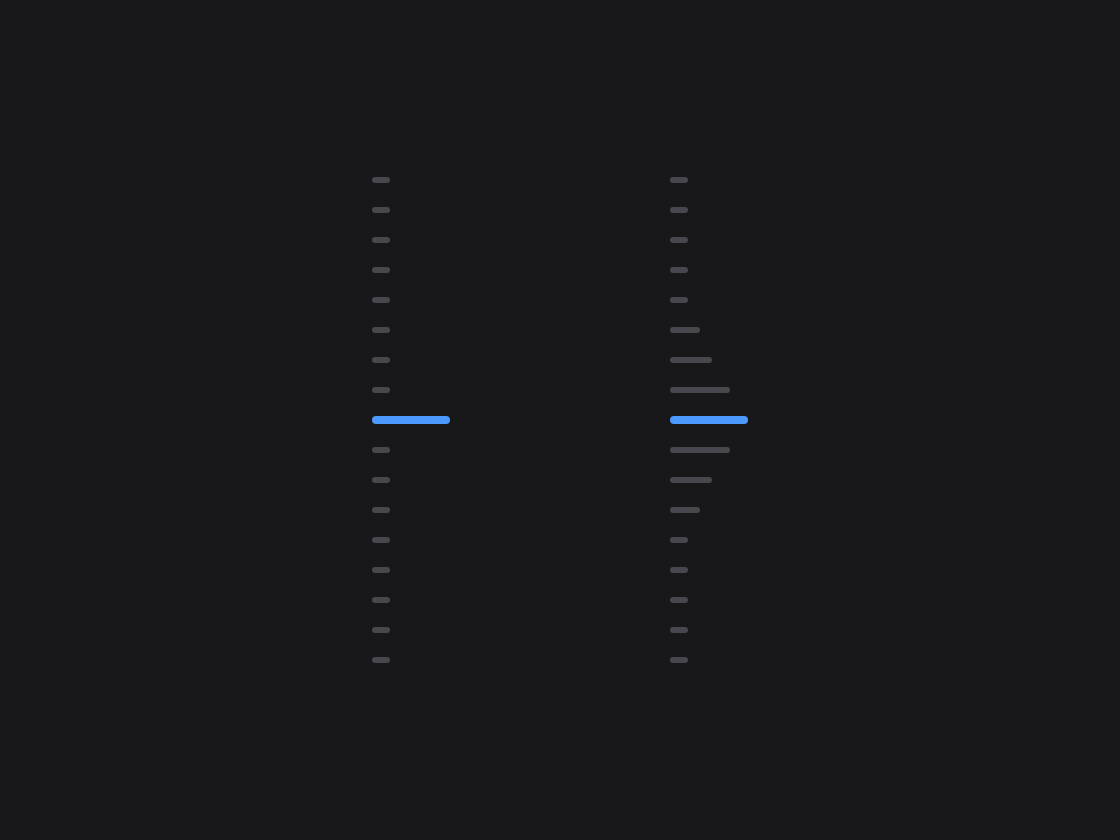
A vertical scroll timeline for the chat sidebar with magnetic hover, hover preview, and click-to-jump features for navigating message history.