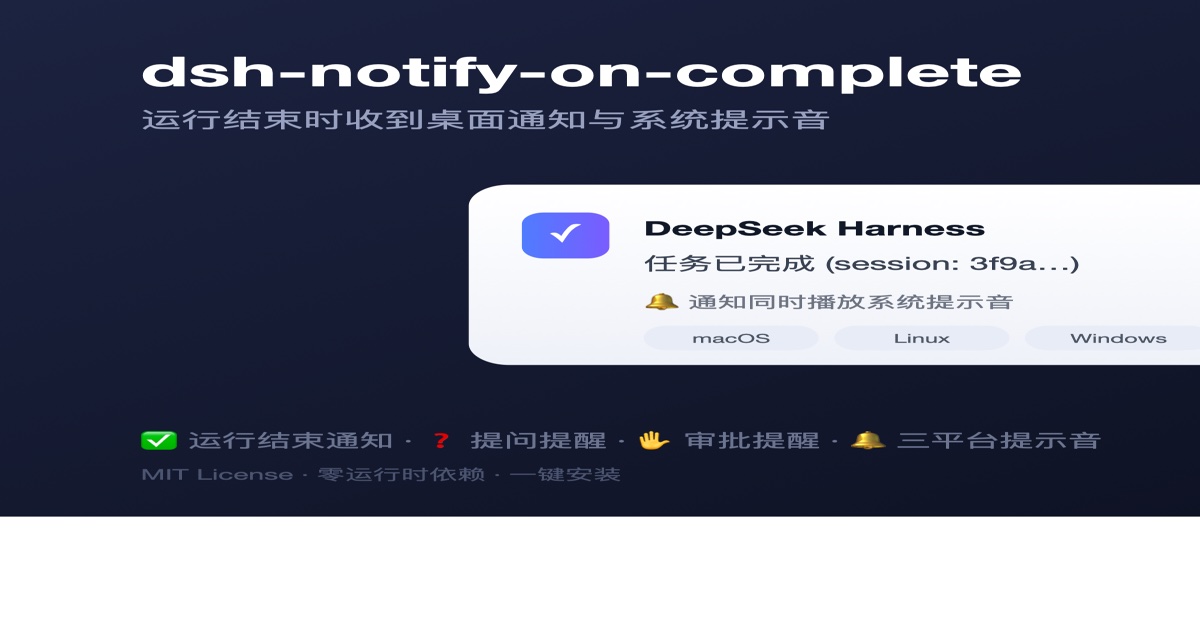
dsh-notify-on-complete
Run the following command in DeepSeek Harness:
dsh plugin install pitetow/dsh-notify-on-complete
Paste the following prompt into your AI chat to install this plugin:
To install this plugin in DeepSeek Harness, run the command `dsh plugin install pitetow/dsh-notify-on-complete`, or get and install it from the full source address at https://github.com/pitetow/dsh-notify-on-complete.
About this plugin
DeepSeek Harness (dsh) users often run AI tasks but encounter opaque status updates, risking missed completion alerts or model interactions that disrupt workflow. The dsh-notify-on-complete plugin addresses this by sending desktop notifications, with cross-platform support (macOS, Linux, Windows) and zero runtime dependencies, ensuring it doesn't interfere with the harness exit path. Key capabilities include completion notifications when runs finish, immediate blocking notifications for questions or approvals during sessions, and only notifying top-level runs to avoid clutter; sound is configurable, with quiet hours available. Ideal for all DeepSeek Harness developers, especially those multitasking or working remotely, enabling prompt response to critical interactions.
Screenshots
Use Cases
- Automatically send desktop notifications when a DeepSeek Harness task completes.
- Immediately notify the user to return when the model asks a question during a session.
- Send notifications when tool permissions or sandbox escalations await approval to avoid workflow interruptions.
Best For
- Developers and data scientists using DeepSeek Harness.
- Professionals who need to handle multiple tasks in parallel.
- Remote workers seeking prompt responses to AI interactions.
Related Plugins
A service-oriented sidebar framework for DSH, offering a full workbench with file explorer, embedded browser, real terminal, Git panel, and extensible plugin services.

A beautiful, practical Claude Code-style TUI plugin with pixel whale top bar, flowing glow title, real-time status line, streaming thought expansion, time rewind, context progress bar and TPS gauge — zero core changes.

The plugin market for DeepSeek Harness: browse/search/one-click install community plugins and themes, with updates, backup/restore, hot disable, diagnostics, and AI fix.

A persistent whale widget on the DSH web UI that shows DeepSeek balance, today's usage, and per-turn cost, with drag-and-snap and sound effects.