dsh-codex-migrate
Run the following command in DeepSeek Harness:
dsh plugin install polarskicpl/dsh-codex-migrate
Paste the following prompt into your AI chat to install this plugin:
To install the plugin in DeepSeek Harness, run the command `dsh plugin install polarskicpl/dsh-codex-migrate`. The full source address is https://github.com/polarskicpl/dsh-codex-migrate.
About this plugin
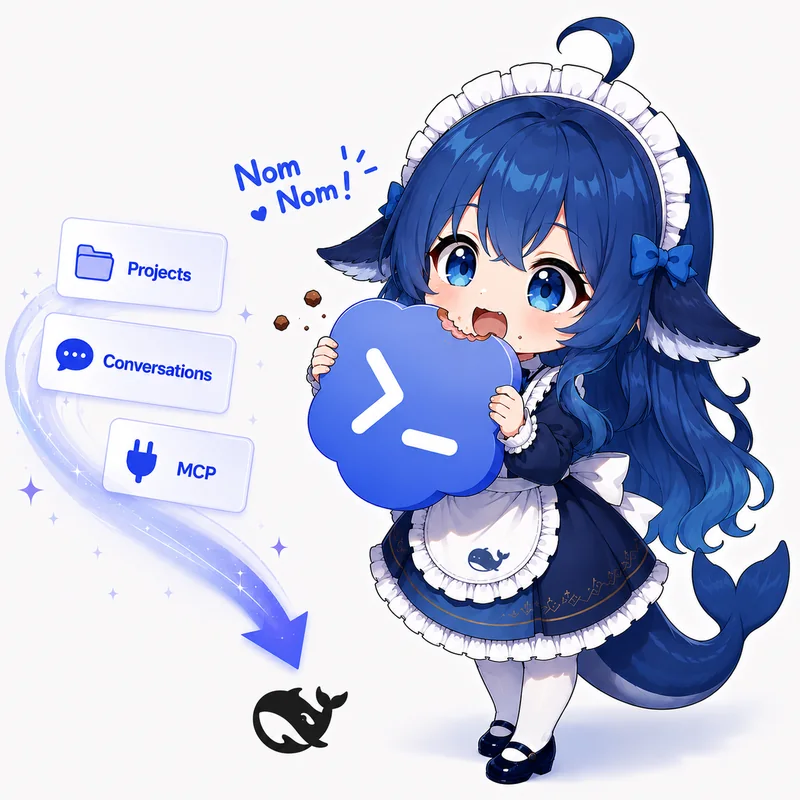
In development workflows, Codex and DeepSeek Harness are popular tools, but manually migrating conversations and memories is tedious and risks breaking data structures. The dsh-codex-migrate plugin addresses this pain point by enabling predictable two-way one-shot structured migration, allowing users to seamlessly transfer content between platforms without background sync or source data modification.
The plugin's core strengths lie in its reliability and flexibility. It supports full conversation imports from Codex to DSH or DSH to Codex, including user messages, tool calls, and memory data. With features like 'Continue in Codex' or 'Continue in DSH' for smooth platform switching, plus batch migration and MCP memory integration, it boosts efficiency significantly.
This plugin is ideal for developers, teams, or data scientists who frequently switch between Codex and DeepSeek Harness. It's especially suited for scenarios where users need to preserve conversation history consistency while avoiding the risks of automatic sync, making the migration process straightforward and reliable.
Screenshots

Use Cases
- Migrate conversation history when switching between Codex and DeepSeek Harness.
- Batch export all unarchived conversations in a project to the other platform.
- Use MCP memory functions to store and search important data locally.
Best For
- Developers who frequently use Codex and DeepSeek Harness.
- Team collaboration users needing cross-platform data consistency.
- Users who value data privacy and want to avoid automatic sync.
Related Plugins

Memory layer for coding agents that indexes local session history and auto-recalls relevant context before edits, commands, and failures, with no manual search needed.

Traceable, searchable cross-session memory for AI agents that turns conversation knowledge into a typed knowledge graph and recalls relevant subgraphs instead of replaying full history, natively integrated with DeepSeek Harness.
Gives DSH AI cross-session long-term memory, to-do and skill management, plus multi-session orchestration, external AI delegation, and an infinite canvas that grows with you.

dsh-mnemon is a three-tier, pluggable, Agent-driven memory system for DeepSeek Harness, combining Runtime memory, Project Documents, and replaceable Memory Spaces with nine long-term providers.