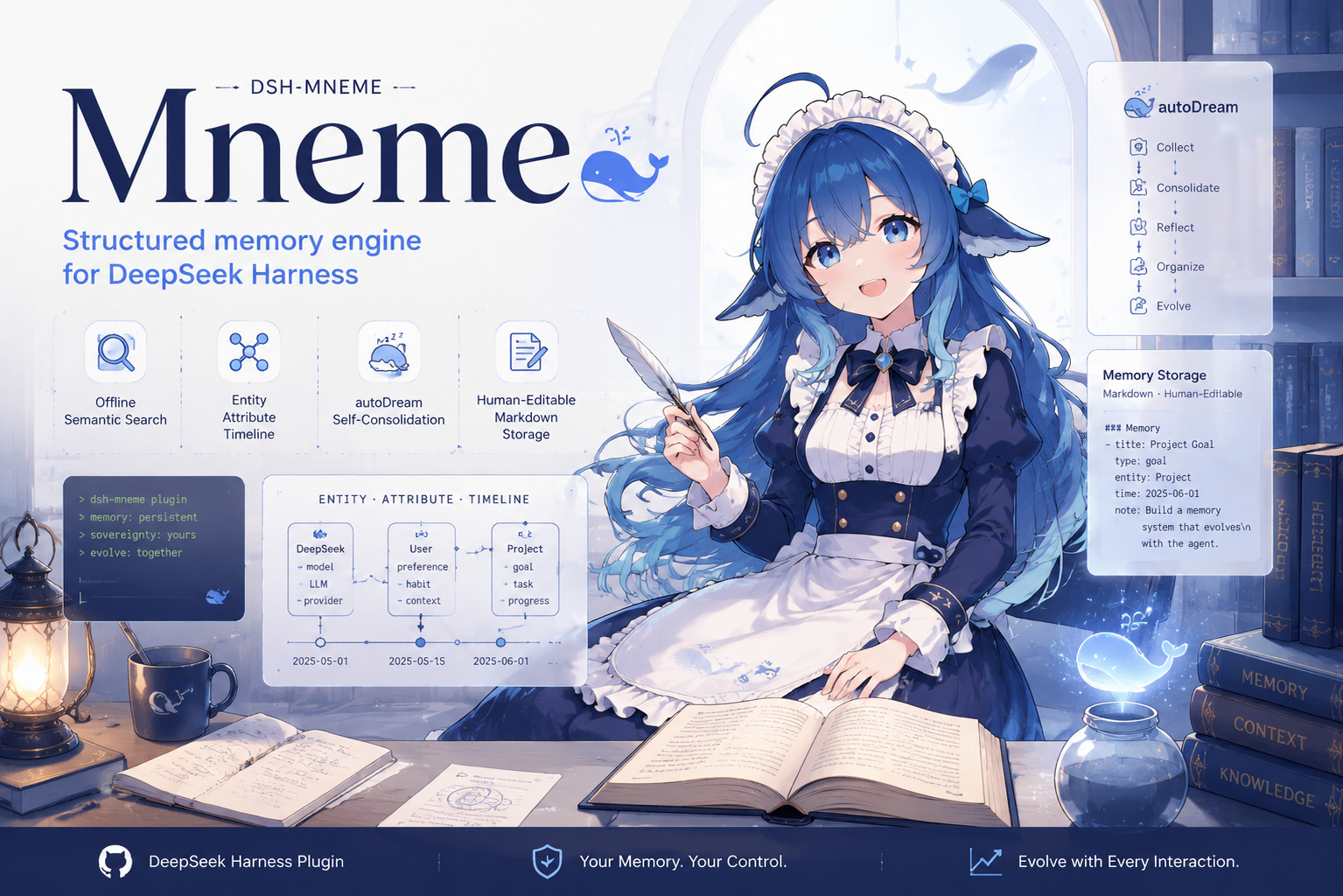
dsh-mneme
Run the following command in DeepSeek Harness:
dsh plugin install modusensus/dsh-mneme
Paste the following prompt into your AI chat to install this plugin:
To install this plugin in DeepSeek Harness, run dsh plugin install modusensus/dsh-mneme, or visit the source repository at https://github.com/modusensus/dsh-mneme for full installation documentation.
About this plugin
Every time you start a new chat, does the AI act like it's never met you? dsh-mneme gives DeepSeek Harness cross-session memory—projects you've discussed, preferences you've mentioned, and decisions you've made are automatically recorded and consolidated in the background. Its name comes from Mnemosyne, the Greek goddess of memory, reflecting a design where memory is not just stored but continuously strengthened and refined.
The plugin's core strength is a memory store that improves with use: it extracts key information during conversations, injects relevant memories into new sessions, and continuously deduplicates, merges, and archives entries to prevent bloat and conflicts. Deleting a chat window doesn't have to mean losing saved memories (configurable), and all memories are stored as local Markdown files—human-readable, editable, and fully offline by default with no API key required, no telemetry, no analytics, and no remote logging.
It is especially suited for DeepSeek Harness users—developers, researchers, and knowledge workers—who need persistent project context, want to avoid repeating preferences or background in every session, and care about data sovereignty and local-first workflows. With dsh-mneme, the AI can finally remember you.
Screenshots
Use Cases
- Discuss project requirements on Monday and resume on Wednesday with the AI recalling last week's context and decisions automatically.
- Set your coding preferences once, and all future sessions follow them without repeated explanation.
- Close the window after organizing research notes, and memories are auto-archived and retrievable anytime.
Best For
- Developers who need to maintain project context across sessions.
- Researchers who value data sovereignty and want memories stored entirely locally.
- Knowledge workers who prefer local-first, zero-network-dependency tools.
Related Plugins

Memory layer for coding agents that indexes local session history and auto-recalls relevant context before edits, commands, and failures, with no manual search needed.

Traceable, searchable cross-session memory for AI agents that turns conversation knowledge into a typed knowledge graph and recalls relevant subgraphs instead of replaying full history, natively integrated with DeepSeek Harness.
Gives DSH AI cross-session long-term memory, to-do and skill management, plus multi-session orchestration, external AI delegation, and an infinite canvas that grows with you.

dsh-mnemon is a three-tier, pluggable, Agent-driven memory system for DeepSeek Harness, combining Runtime memory, Project Documents, and replaceable Memory Spaces with nine long-term providers.