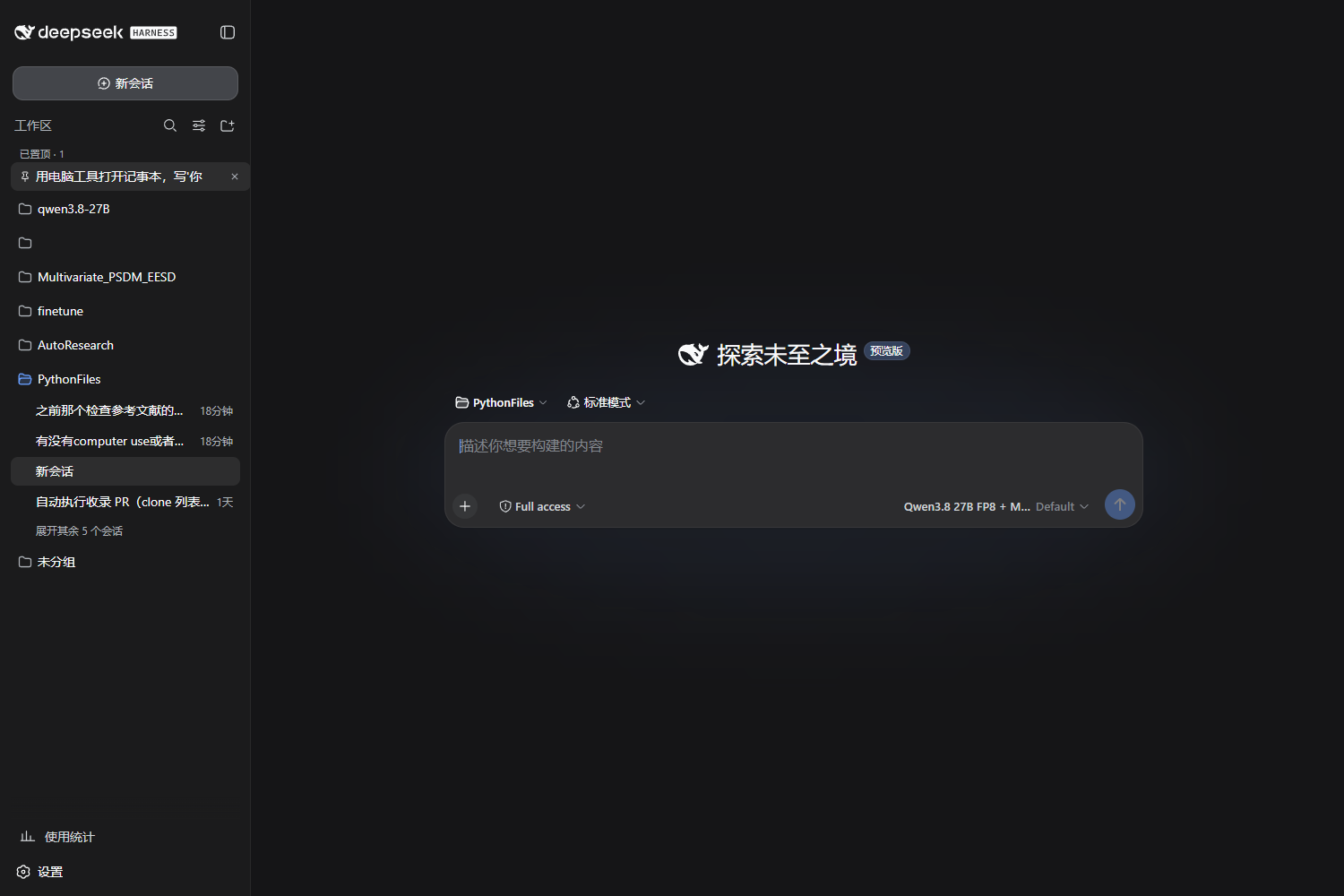
dsh-pin
Run the following command in DeepSeek Harness:
dsh plugin install Yu-tao-Li/dsh-pin
Paste the following prompt into your AI chat to install this plugin:
To install dsh-pin in DeepSeek Harness, run the command 'dsh plugin install Yu-tao-Li/dsh-pin' or refer to the official repository at https://github.com/Yu-tao-Li/dsh-pin for instructions.
About this plugin
As you use DeepSeek Harness, the sidebar session list can quickly become unwieldy, burying important conversations and forcing you to waste time searching. The dsh-pin plugin tackles this exact problem by adding a powerful pinning feature to each session row, allowing you to instantly elevate critical conversations to the most visible positions, just like sticking a note on a board.
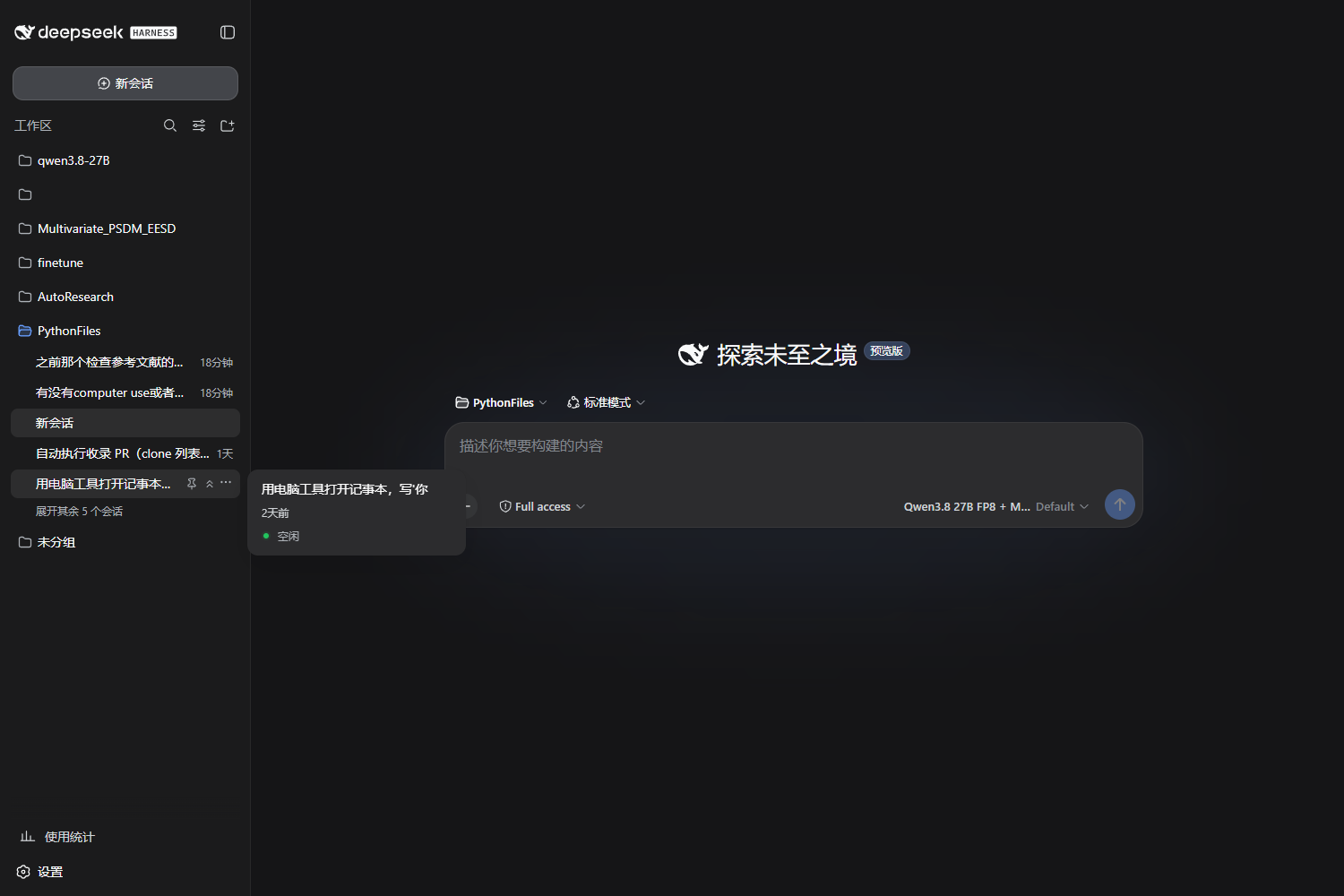
The core strength of this plugin lies in its elegantly designed two-level pinning system. By hovering over a session, you can pin it within the current workspace (📌), keeping it at the top of its group for focused access. Alternatively, you can choose to pin it globally (⌃⌃), which lifts it out of all groups into a dedicated pinned area floating at the very top of the sidebar. Impressively, it supports pinning multiple sessions simultaneously and uses a sophisticated anchor mechanism to precisely restore a session to its original list position upon unpinning, ensuring a clean and non-destructive experience.
dsh-pin’s design emphasizes seamless integration with the host application. It leverages the official workspace ordering API, and its pinning state intelligently syncs with the app’s sorting modes. This results in a zero-intrusion, dependency-free, client-only solution that simply extends DeepSeek Harness’s capabilities without modifying its core.
This plugin is ideal for power users who rely heavily on DeepSeek Harness for creation, research, or development. If you frequently switch between workspaces and desire one-click access to your most important dialogues to maintain an uninterrupted flow, then dsh-pin’s ability to provide rapid access and refined session management will significantly boost your workflow efficiency and overall experience.
Screenshots
Use Cases
- Quickly access the most important conversation within the current project, avoiding repeated searches in a long list.
- Keep a cross-project, frequently-used session pinned at the top when switching between workspaces to maintain focus.
- Temporarily highlight a key session for intensive work, then precisely restore it to its original position once done.
Best For
- Power users who rely on DeepSeek Harness daily for multitasking.
- Researchers or developers who need to organize and quickly switch between complex project contexts.
- Knowledge workers seeking efficient workflows and minimal interface navigation overhead.
Related Plugins

Memory layer for coding agents that indexes local session history and auto-recalls relevant context before edits, commands, and failures, with no manual search needed.

Traceable, searchable cross-session memory for AI agents that turns conversation knowledge into a typed knowledge graph and recalls relevant subgraphs instead of replaying full history, natively integrated with DeepSeek Harness.
Gives DSH AI cross-session long-term memory, to-do and skill management, plus multi-session orchestration, external AI delegation, and an infinite canvas that grows with you.

dsh-mnemon is a three-tier, pluggable, Agent-driven memory system for DeepSeek Harness, combining Runtime memory, Project Documents, and replaceable Memory Spaces with nine long-term providers.