
dsh-oh-my-claude
Run the following command in DeepSeek Harness:
dsh plugin install lcestou/dsh-oh-my-claude
Paste the following prompt into your AI chat to install this plugin:
Run the install command in your DeepSeek Harness terminal to add the plugin; the full source is at https://github.com/lcestou/dsh-oh-my-claude . After restarting dsh, Oh My Claude appears in the model picker.
About this plugin
If you already have a logged-in Claude Code CLI but dsh still demands a separate API key, a Node build step, and a pile of runtime dependencies, dsh-oh-my-claude removes that friction. It speaks the claude -p stream-json protocol directly, turning your existing Claude Code login—complete with CLAUDE.md, hooks, MCP servers, and subscription rate limits—into a first-class model provider for dsh with zero extra services to manage.
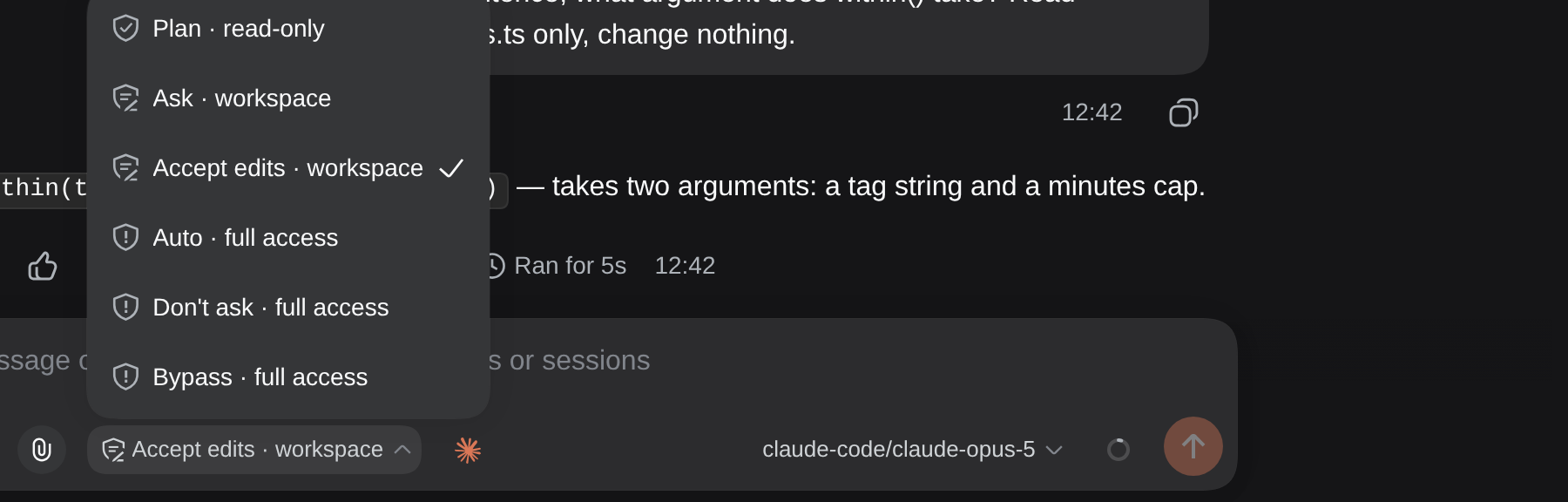
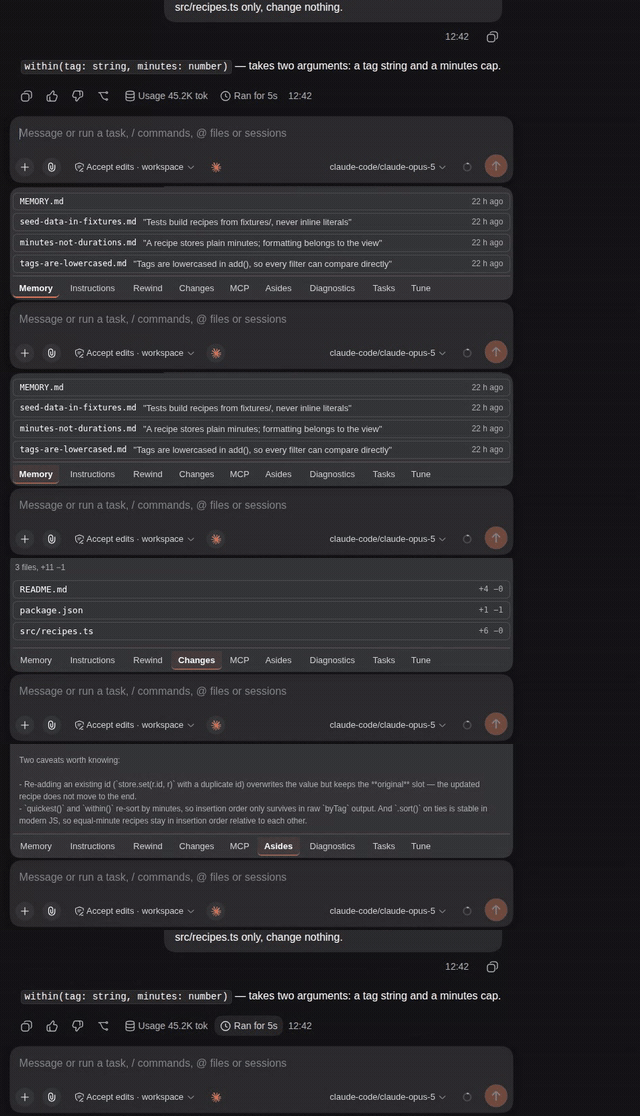
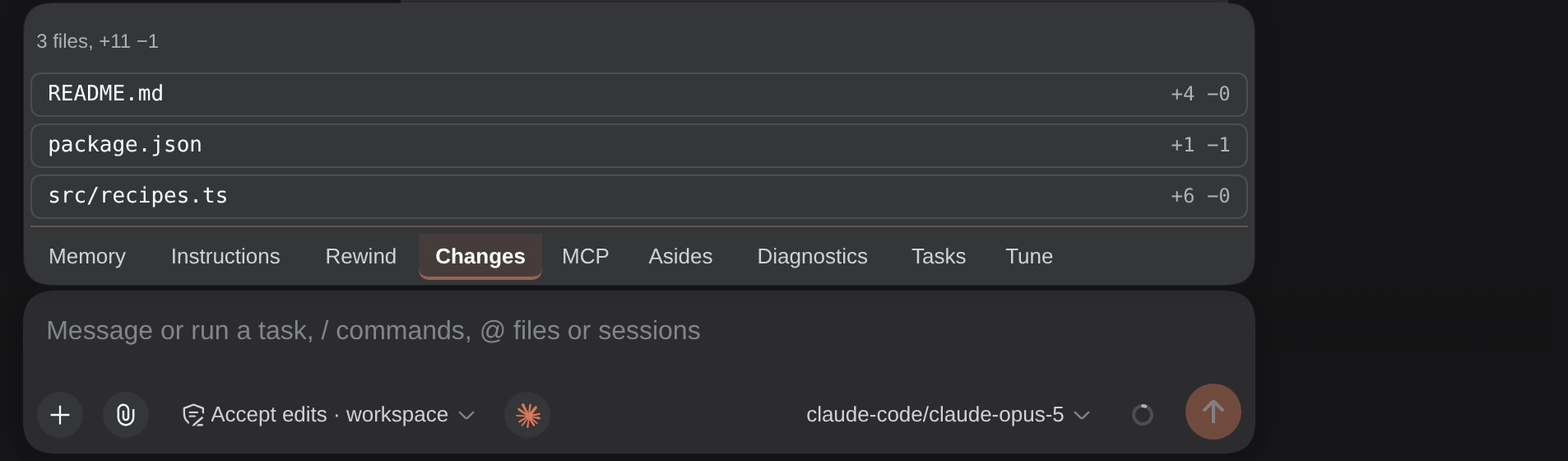
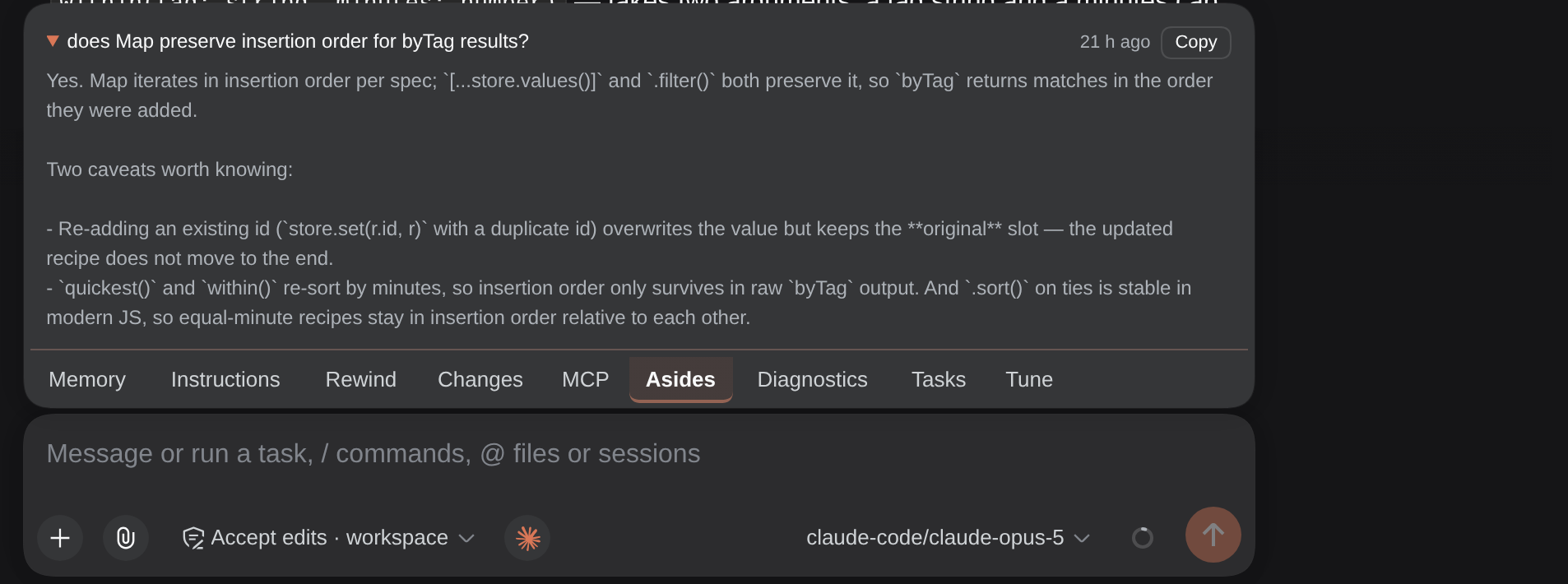
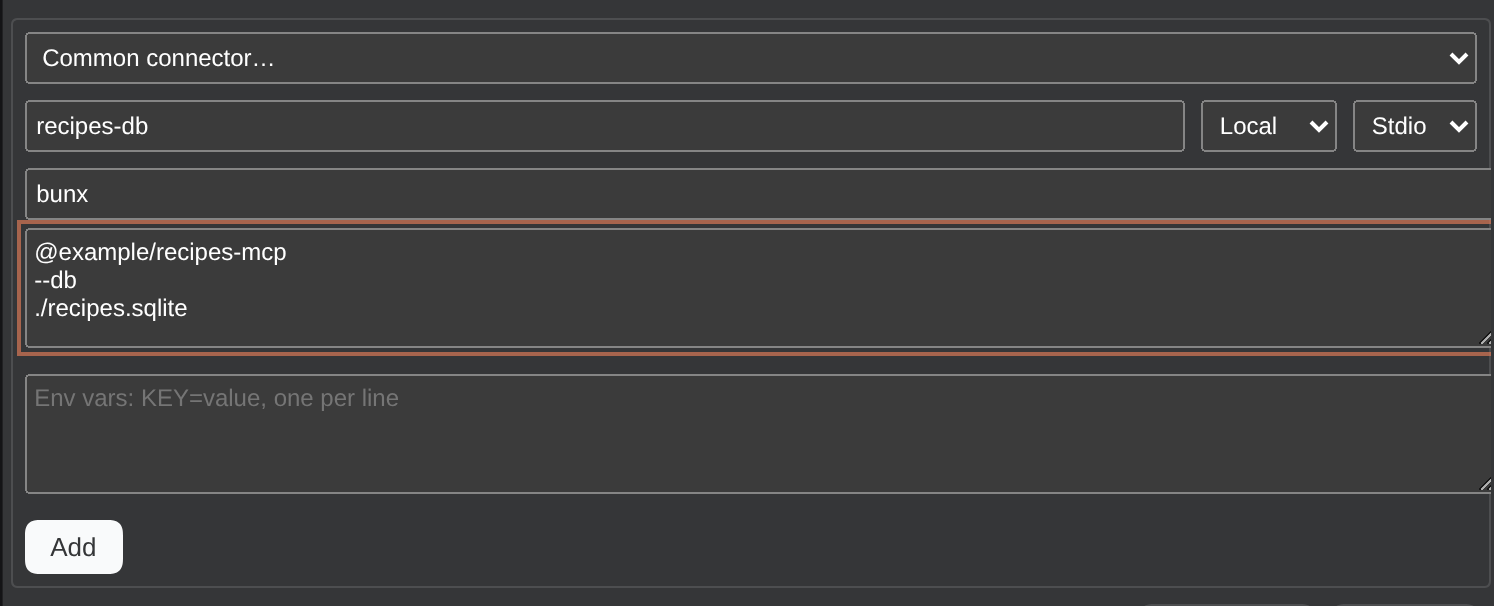
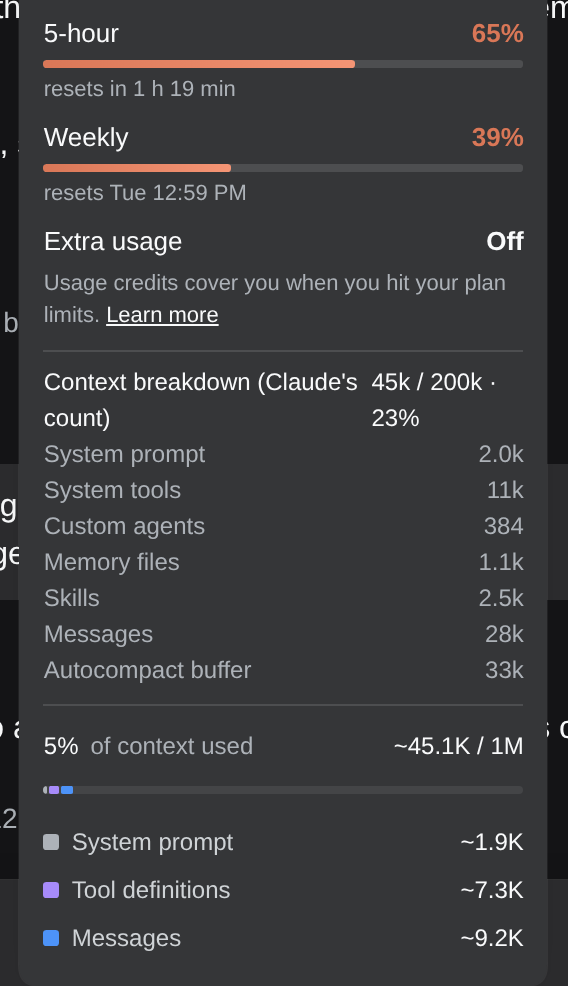
The plugin maps Claude Code's six permission modes onto dsh's access shield so approvals, plan reviews, and tool questions surface as native dsh dialogs. A single spark button opens a panel with more than ten tabs covering Memory, Rewind, Changes, MCP, Skills, and more; cost and cached-token figures join dsh's footer stats, and plan usage (5-hour, weekly, extra) lands in the context ring. Claude's slash commands bridge into dsh's menu as /claude- entries, while dsh's subagents, jobs, and web search flow back to Claude over MCP.
Beyond the local machine, you can drive Claude Code on remote SSH hosts, mount multiple accounts with different configDir values, edit CLAUDE.md and settings.json from the panel, install Claude Code updates in one click, and restore any past session from dsh or a terminal. It is built for developers who already live in the Claude Code CLI in a terminal and want it to slot naturally into their dsh workflow without maintaining any extra infrastructure.
Screenshots

Use Cases
- Use your logged-in Claude Code CLI directly in dsh without an API key or extra services
- Manage all six Claude Code permission modes and tool approvals through dsh's access shield
- Switch between Claude Code accounts across SSH boxes and manage remote sessions from the dsh panel
Best For
- Developers who already use Claude Code CLI daily and want it integrated into their dsh workflow
- Users who want Claude model inference in dsh with zero extra infrastructure
- Engineers managing multiple Claude accounts or driving Claude Code across remote machines
Related Plugins
A unified suite combining hot runtime injection, task-aware thinking-mode routing, and a graded session protocol with red-team gates to sustain model diligence across long-horizon inference.

ModLens is a vision plugin for DeepSeek Harness that gives text-only models sight by reading images pasted directly into chat, with zero-config setup and multiple vision engines.

On-demand vision for text-only DeepSeek Harness agents: built-in free keyless vision chain and 14 vision tools, routing image turns as tool calls to vision models with pixel fidelity, no Python needed, one-command install.

Give text-only models in DeepSeek Harness eyes, enabling image Q&A, long-screenshot OCR, UI restoration, and GUI visual tasks.