
dsh-vision-toolkit
Run the following command in DeepSeek Harness:
dsh plugin install Anionex/dsh-vision-toolkit
Paste the following prompt into your AI chat to install this plugin:
Run dsh plugin install Anionex/dsh-vision-toolkit in DeepSeek Harness, or visit https://github.com/Anionex/dsh-vision-toolkit for installation instructions.
About this plugin
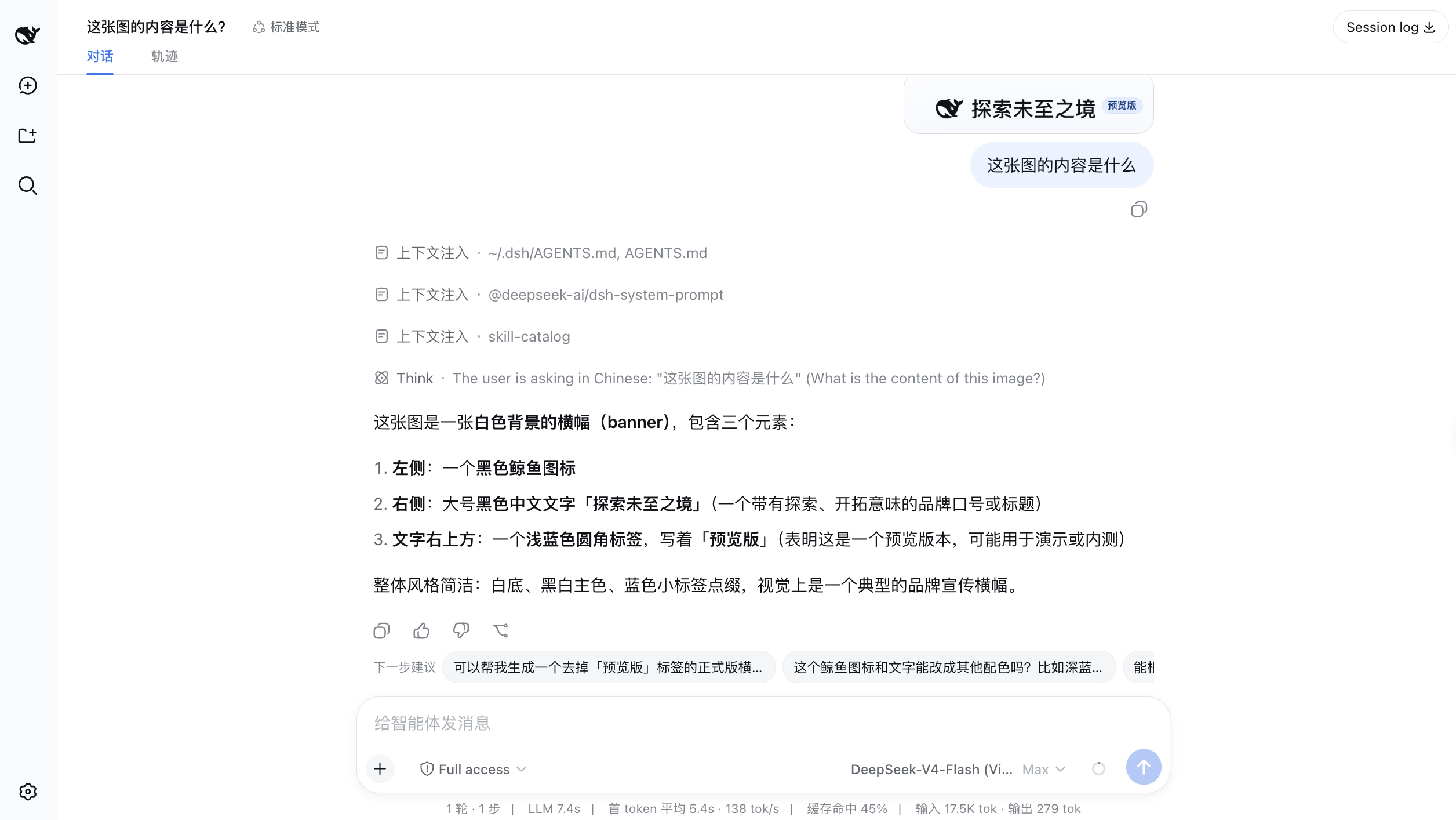
If you've been using text-only models in DeepSeek Harness, you know the pain: you want the model to look at a screenshot, read a long chat history, or turn a sketch into a page—but you end up copying file paths, manually switching models, and getting a vague "image caption" in return. DSH Vision Toolkit solves exactly this. It gives text-only models real eyes, and not just for generic descriptions—it extracts task-relevant evidence: where the error is, where the button is, how far the implementation diverges from the design.
The plugin packages a battle-tested visual methodology into DeepSeek Harness. It ships 10 tools that can be called independently or composed into workflows: glance, grounding, element detection, cropping, vector tracing, pixel diff, long-screenshot OCR, foreground extraction, dominant-color extraction, and HTML screenshotting. With the bundled vision-skills Skill, the agent learns what to inspect for each task, which tools to call in what order, and how to verify the result. And in DSH Web, you can simply paste an image—the model automatically routes to its vision-capable variant, no manual configuration needed.
It's built for two kinds of users. First, anyone who wants a multimodal-like experience: paste an image, ask a question, let the toolchain handle the rest. Second, those with higher-value visual work: turning a sketch into a front-end page, rebuilding a screenshot as editable HTML, or extracting chat messages from long scrolling captures—not toy "describe this image" demos, but reusable, verifiable workflows.
Screenshots
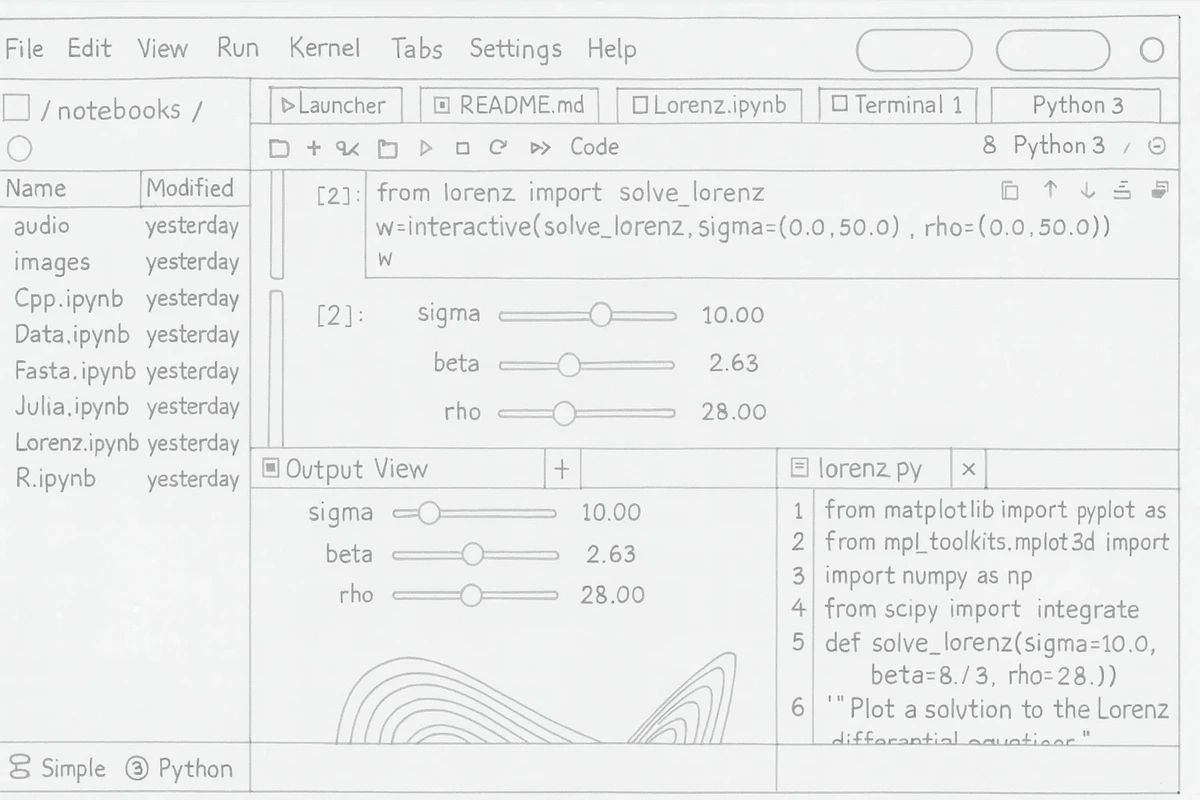
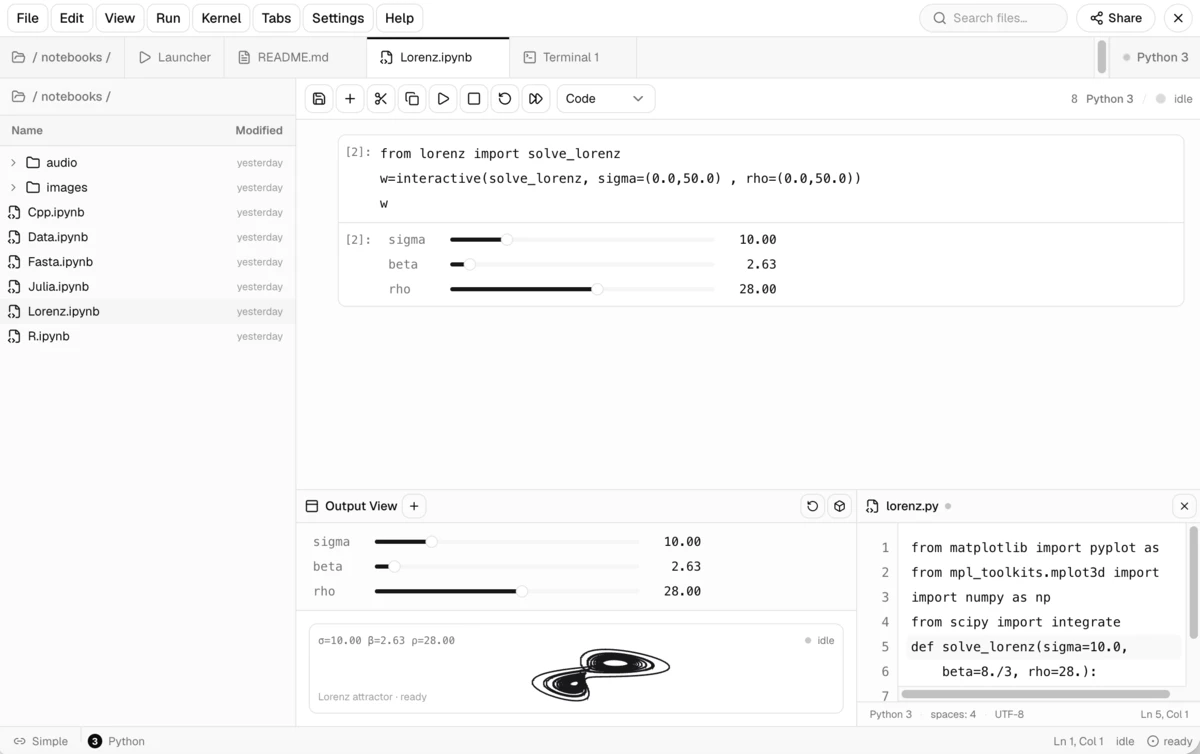
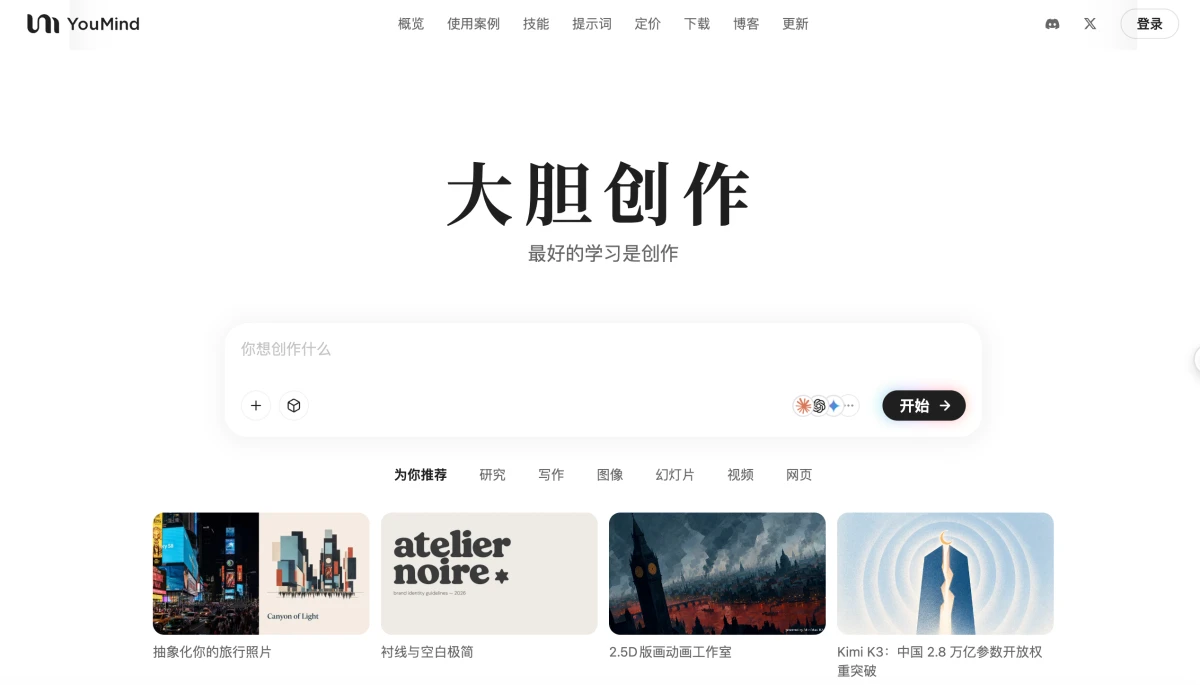
Use Cases
- Paste a screenshot directly into DeepSeek Harness and ask questions without manually switching models.
- Extract structured content from long screenshots or chat histories, preserving speakers, timestamps, and quotes.
- Rebuild sketches or design mockups as editable HTML front-end pages and verify results via screenshot comparison.
Best For
- DeepSeek Harness users who want text-only models to understand images in conversations.
- Content creators and developers handling complex visual tasks like long-screenshot OCR and UI restoration.
- Front-end engineers looking for built-in workflows for interface verification and pixel-level comparison.
Related Plugins
A unified suite combining hot runtime injection, task-aware thinking-mode routing, and a graded session protocol with red-team gates to sustain model diligence across long-horizon inference.

ModLens is a vision plugin for DeepSeek Harness that gives text-only models sight by reading images pasted directly into chat, with zero-config setup and multiple vision engines.

On-demand vision for text-only DeepSeek Harness agents: built-in free keyless vision chain and 14 vision tools, routing image turns as tool calls to vision models with pixel fidelity, no Python needed, one-command install.
An armor-breaking plugin for DeepSeek: rewrites instruction priority, expands refusal-blocked phrases, persists across sessions, and shows a green active indicator.