
dsh-vision-router
Run the following command in DeepSeek Harness:
dsh plugin install ysr666/dsh-vision-router
Paste the following prompt into your AI chat to install this plugin:
Install in DeepSeek Harness by running `dsh plugin install ysr666/dsh-vision-router`; the full source is available at https://github.com/ysr666/dsh-vision-router.
About this plugin
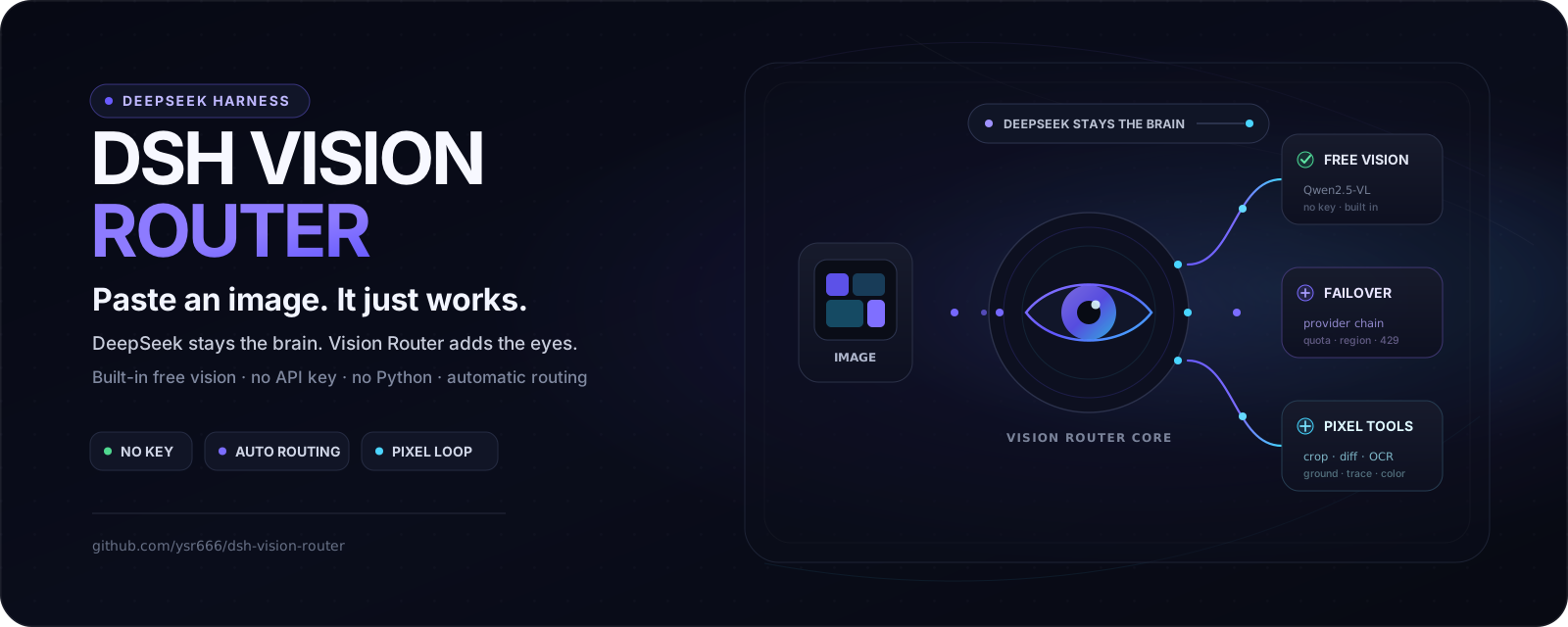
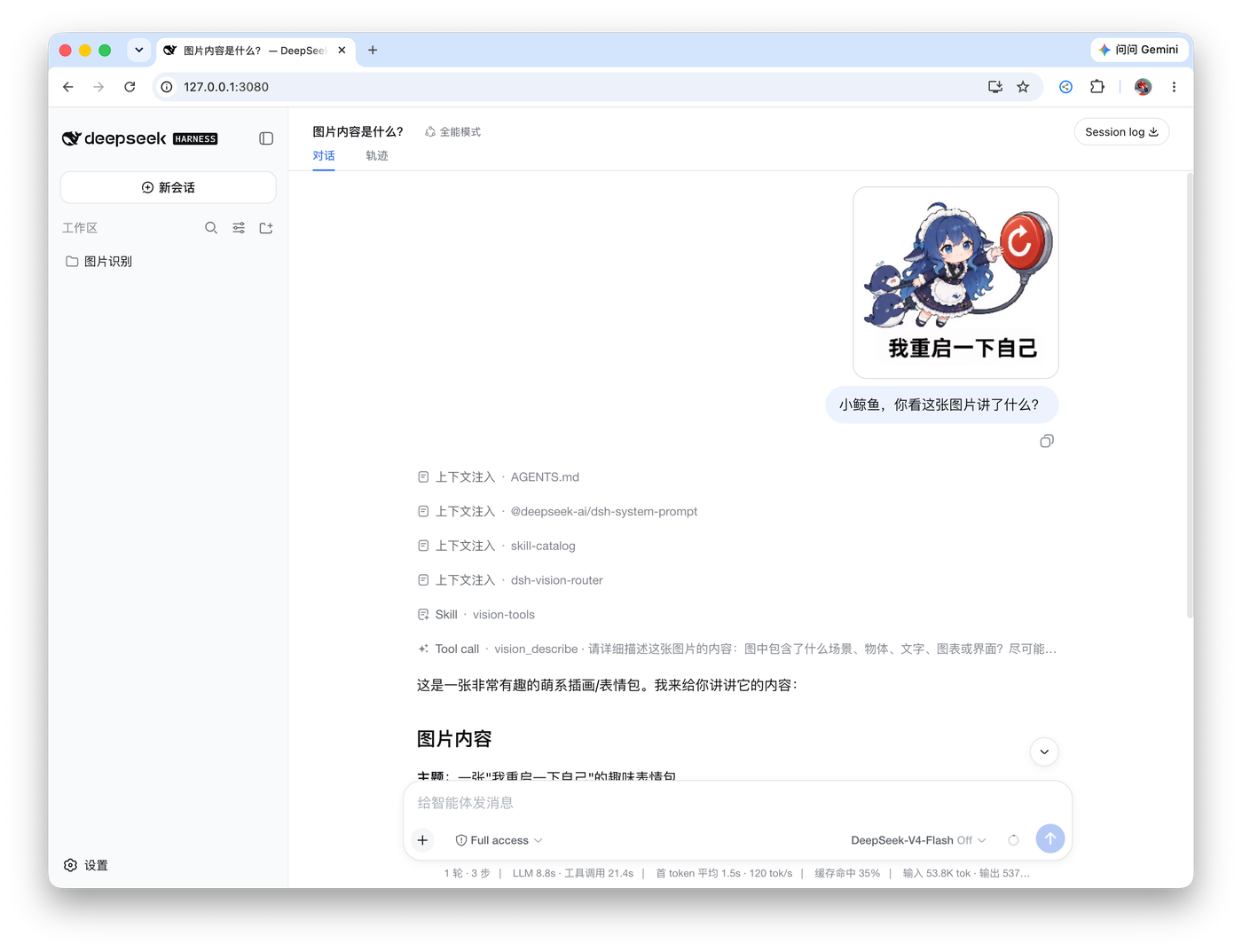
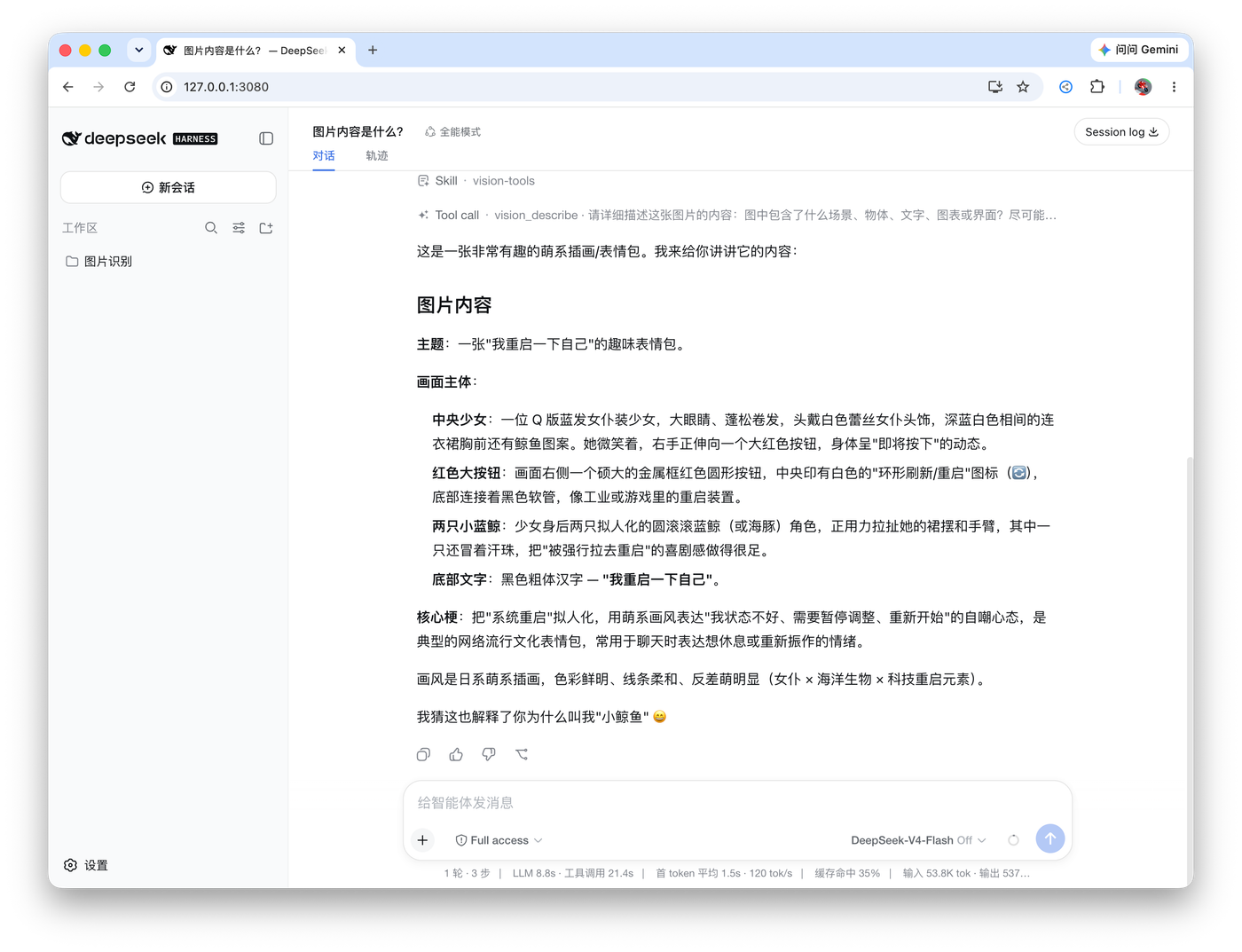
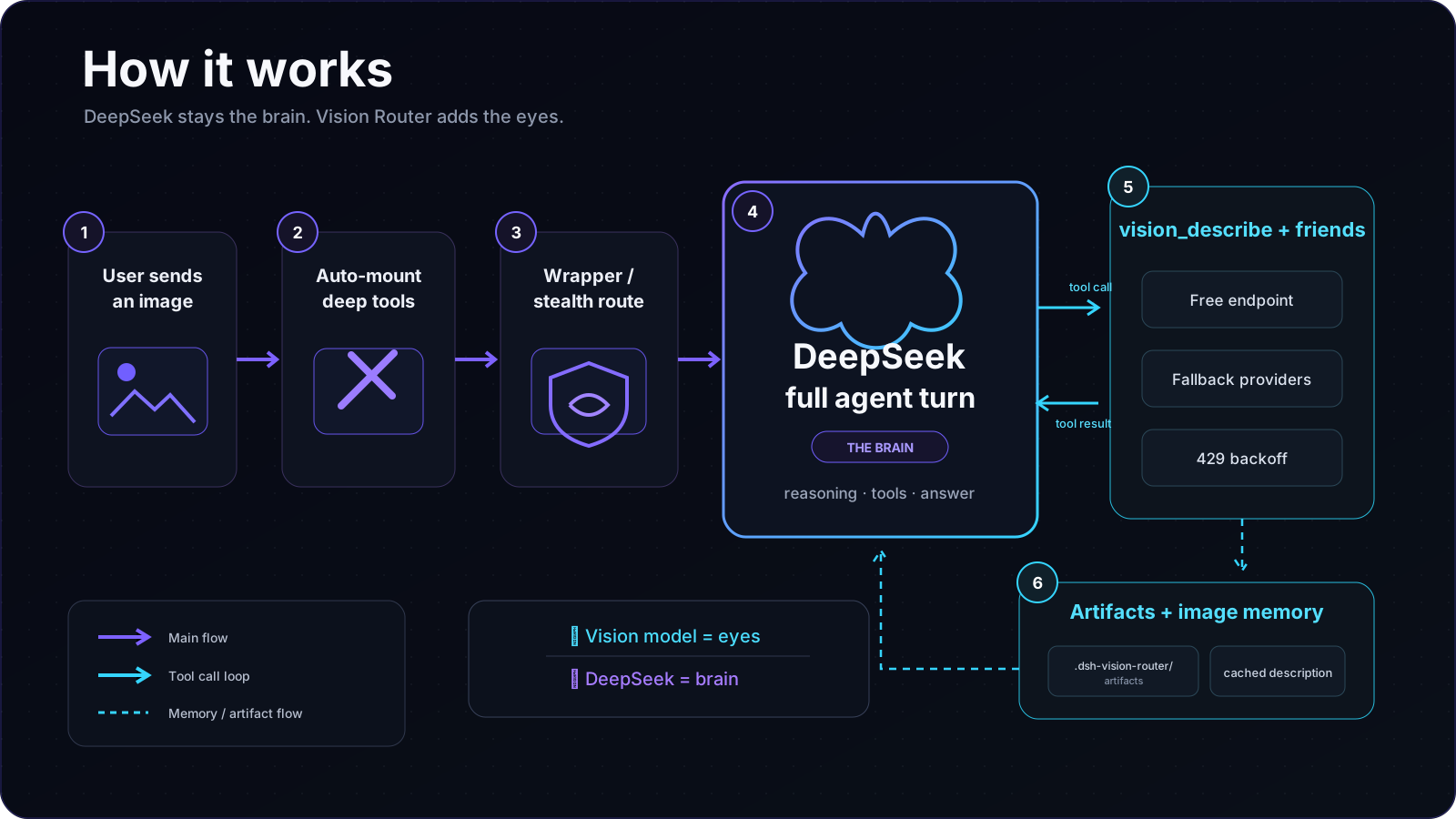
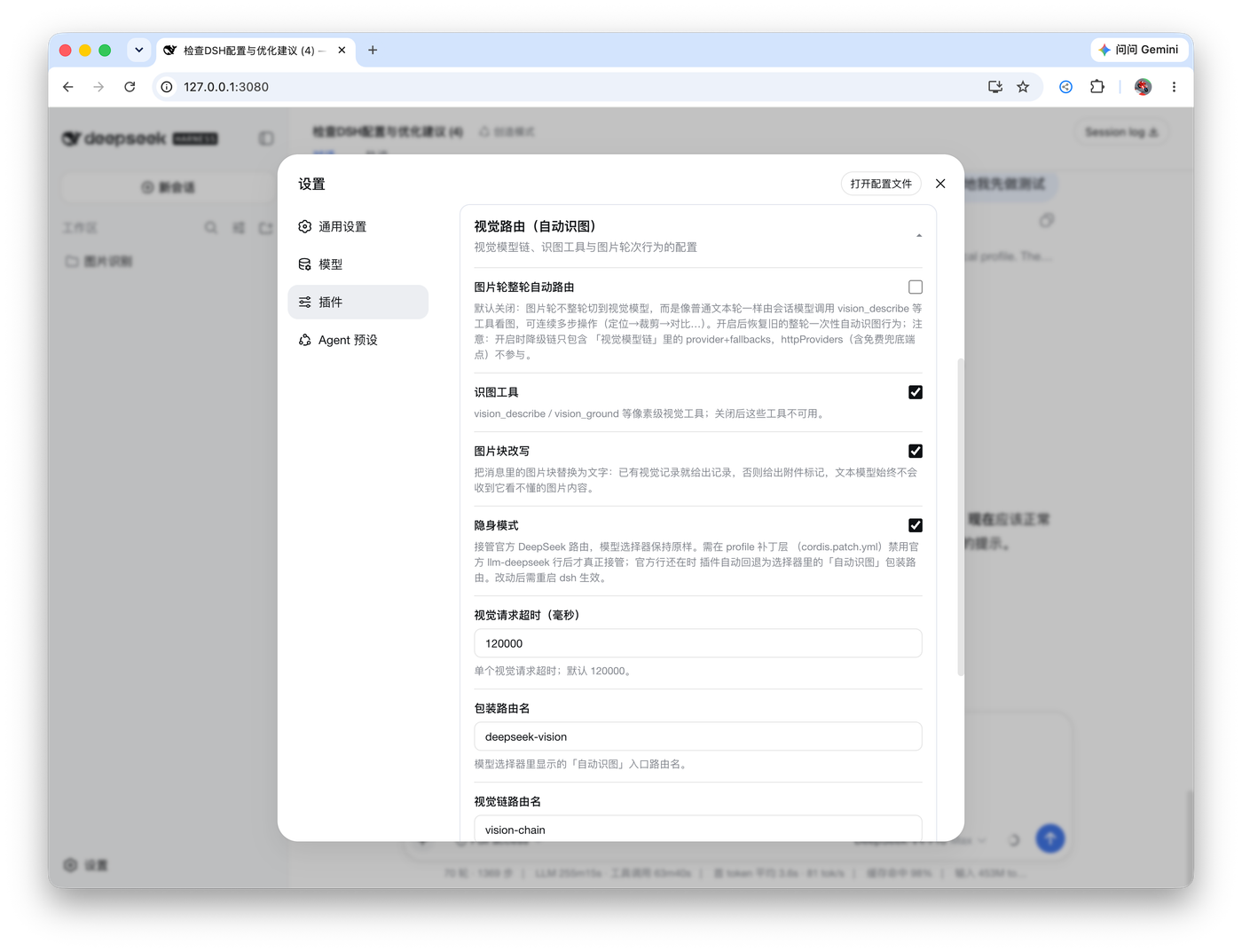
Who is it for? If you work with DeepSeek every day and also need to understand screenshots, verify UIs, analyze documents, run OCR, or debug visual regressions in conversation — but don’t want to spin up a separate Python environment and juggle API keys — this plugin is almost tailor-made for you. Individual developers, automation test engineers, and teams building agent workflows can all get pixel-faithful vision with a very low learning curve. After installation, just click the “👁 Vision” toggle beside the composer, paste the image, and let the plugin do the rest: automatic routing, fallback chains, and caching. DeepSeek keeps reasoning; the vision model quietly handles all the “looking” in the background.
Screenshots
Use Cases
- Understand screenshots and extract key information directly in chat
- Automated UI verification and pixel-level regression checks
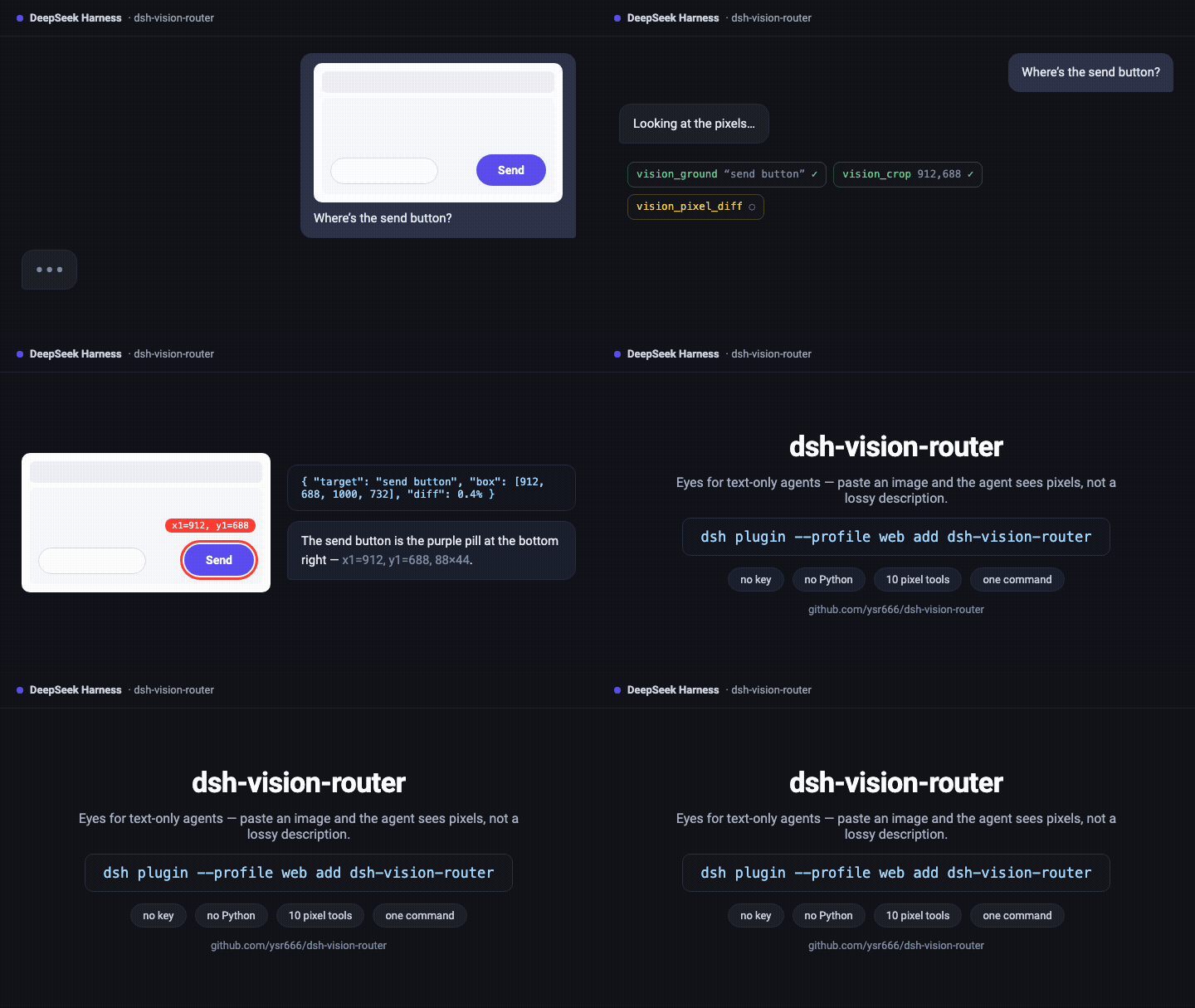
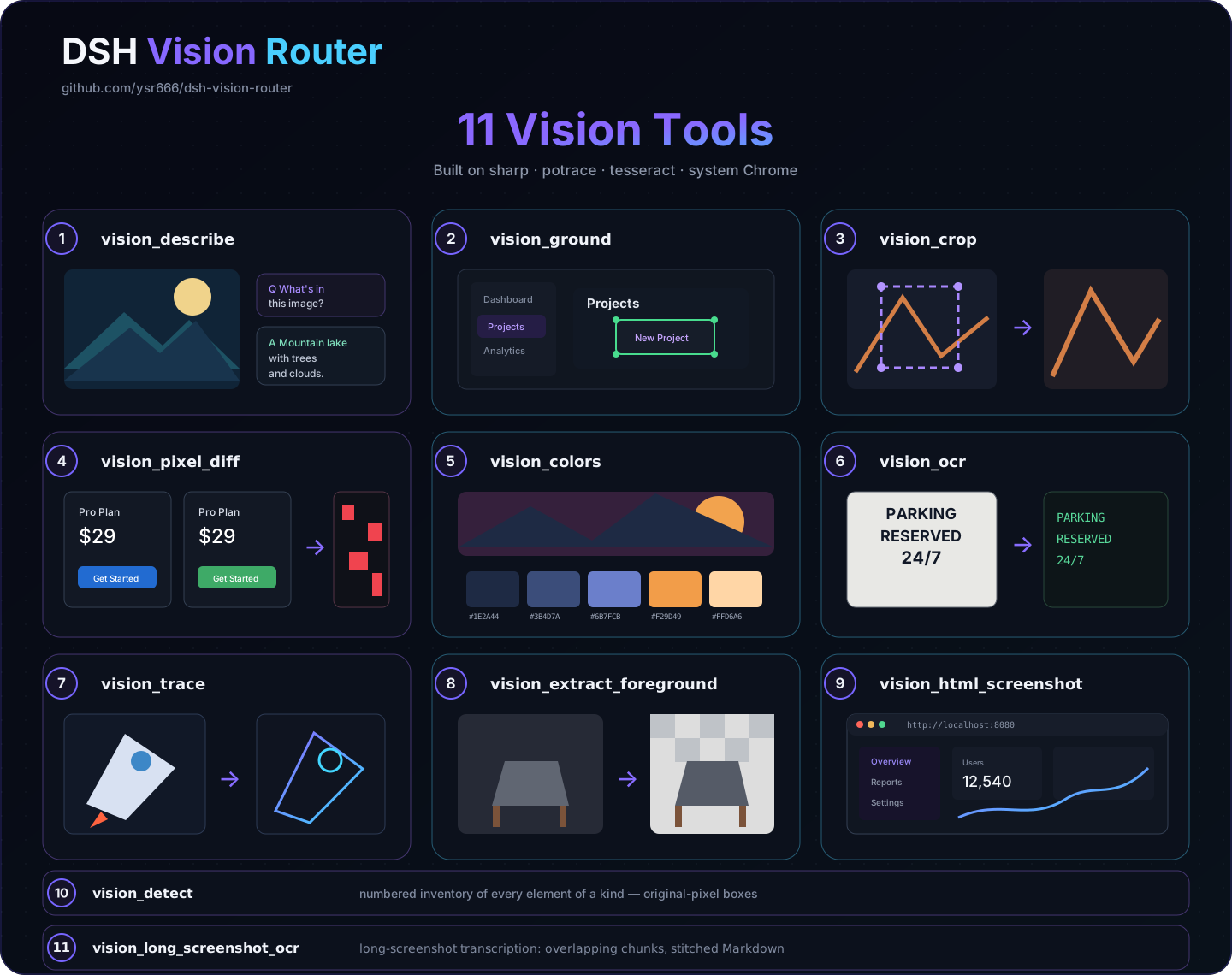
- Multi-step visual iteration: ground, crop, describe, diff, and fix
Best For
- Developers using DeepSeek Harness
- Automation and QA engineers
- Teams building agent workflows
Related Plugins
A unified suite combining hot runtime injection, task-aware thinking-mode routing, and a graded session protocol with red-team gates to sustain model diligence across long-horizon inference.

ModLens is a vision plugin for DeepSeek Harness that gives text-only models sight by reading images pasted directly into chat, with zero-config setup and multiple vision engines.

Give text-only models in DeepSeek Harness eyes, enabling image Q&A, long-screenshot OCR, UI restoration, and GUI visual tasks.
An armor-breaking plugin for DeepSeek: rewrites instruction priority, expands refusal-blocked phrases, persists across sessions, and shows a green active indicator.