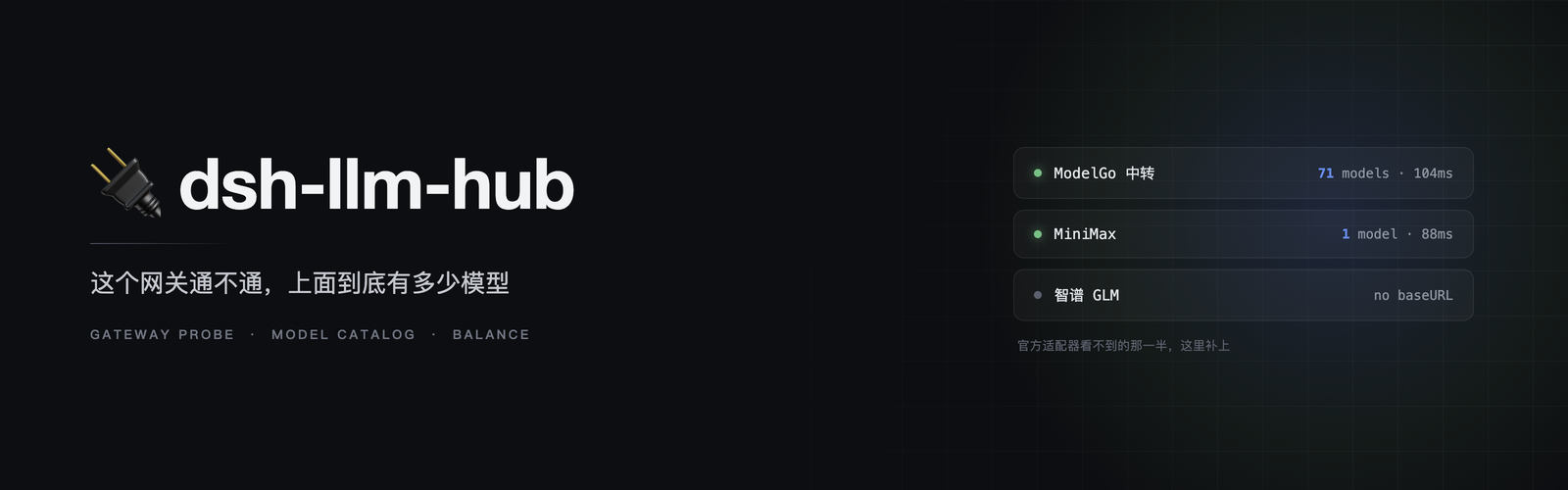
dsh-llm-hub
Run the following command in DeepSeek Harness:
dsh plugin install webkubor/dsh-llm-hub
Paste the following prompt into your AI chat to install this plugin:
Run dsh plugin install webkubor/dsh-llm-hub in the DeepSeek Harness terminal to install; source code at https://github.com/webkubor/dsh-llm-hub
About this plugin
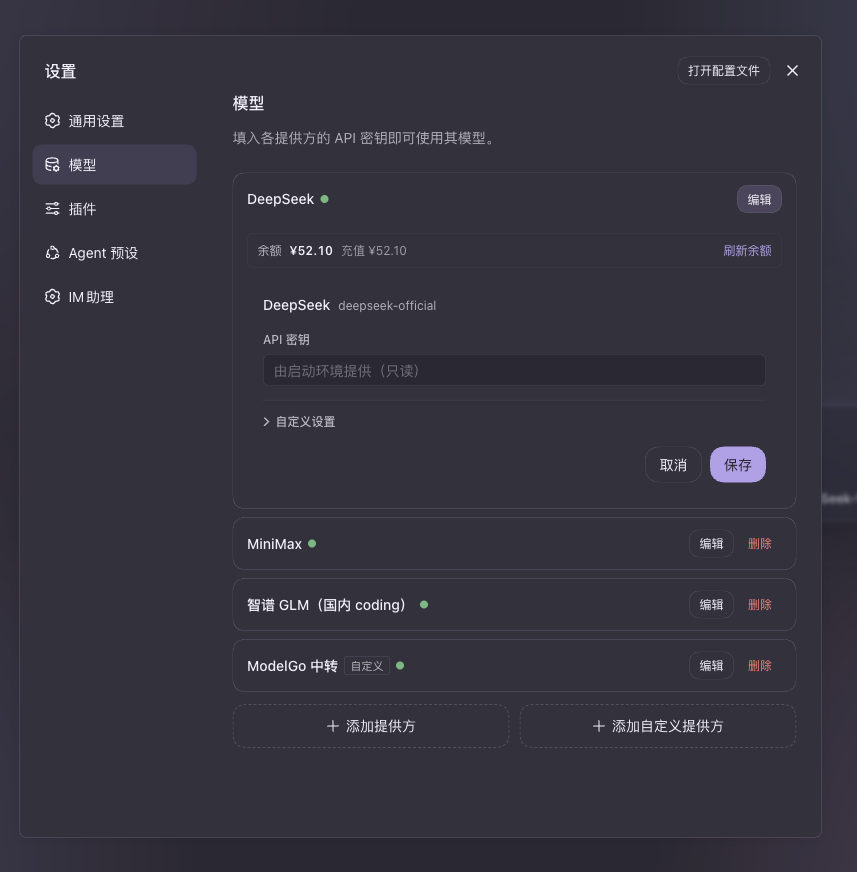
DSH ships a model page with the scaffolding in place, yet half of the practical features never materialize: you cannot see which DeepSeek models are currently on sale, you get no balance readout, probing a gateway means clicking a button and waiting in silence, a pi-ai endpoint that actually hosts 71 models only shows 11 because the rest were hand-typed, and a provider whose key expired or whose quota ran dry still sits in the dropdown until you click it and get an error. dsh-llm-hub does one thing with unusual precision-it registers into the extension slots the official adapter left open and fills every gap.
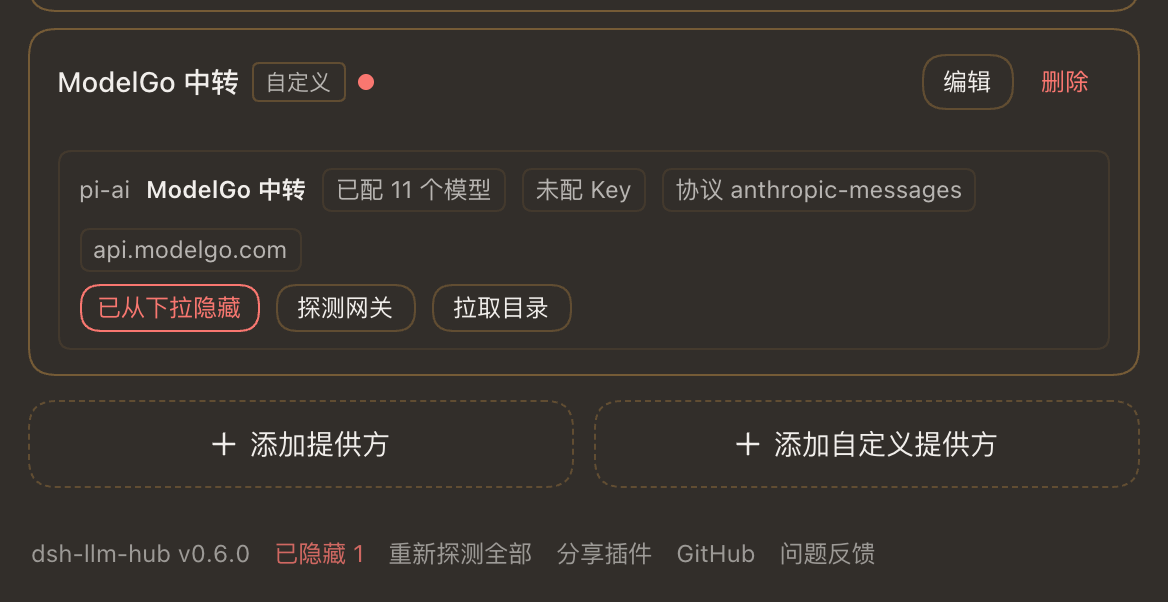
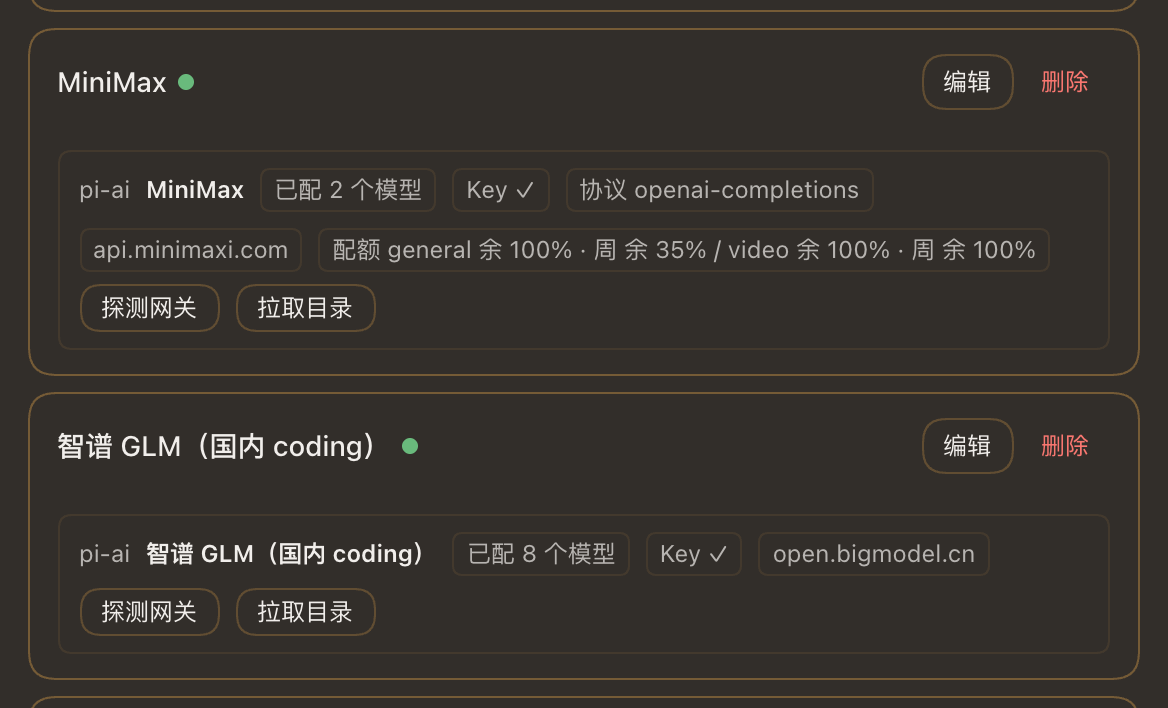
Once installed, each provider card carries a persistent line showing protocol, base URL, configured model count and account balance; a threshold alert turns the number red and pops a warning when it dips below your configured floor. Gateway probing becomes a real-time report-reachability, latency, on-sale model count-and for modelgo you can pull the full 71-model catalog and copy every id in one click. The page footer gains a Provider Health Dashboard (status chip, latency, HTTP code, human-readable reason), a monthly usage card (input, output and cache tokens, top-5 most-used models, one-click CSV export to clipboard), a routing suggestion card that tells you which provider to switch to when the current one is down, and model aliases that turn deepseek-reasoner into a short display name while keeping the full id in the tooltip. The availability filter is deliberately fail-open: only hard evidence (missing credential, 401/403 probe, balance at zero, runtime quota error) hides a provider, and fixing the key or topping up invalidates the cache on the next read so nothing usable gets accidentally buried.
This plugin is for DSH users who manage DeepSeek official access or pi-ai gateways (modelgo, minimax, zai-coding-cn, and similar) and want balance visibility, gateway health, usage accounting and a clean dropdown that only lists providers that will actually respond. Developers who already have codex, claude, or agy on their machine will find external CLI subagents appear in the tool directory automatically after install-no extra toggle, no extra config, and on machines where that CLI is absent the provider simply never registers, keeping the host clean.
Screenshots
Use Cases
- The model page lacks DeepSeek model list, balance, and gateway status-one click to fetch the on-sale list and probe latency in real time
- A pi-ai gateway hosts dozens of models but only a handful are hand-typed-batch pull the full catalog and copy every id at once
- Expired-key or zero-balance providers clutter the dropdown and only fail on click-auto filter to show only what actually works
Best For
- DSH developers managing DeepSeek official access who need balance alerts and automatic model discovery
- Teams on pi-ai gateways (modelgo, minimax, zai-coding-cn) who rely on health dashboards and routing suggestions
- Developers with codex, claude, or agy locally who want zero-config external-CLI subagent integration in DSH
Related Plugins
A unified suite combining hot runtime injection, task-aware thinking-mode routing, and a graded session protocol with red-team gates to sustain model diligence across long-horizon inference.

ModLens is a vision plugin for DeepSeek Harness that gives text-only models sight by reading images pasted directly into chat, with zero-config setup and multiple vision engines.

On-demand vision for text-only DeepSeek Harness agents: built-in free keyless vision chain and 14 vision tools, routing image turns as tool calls to vision models with pixel fidelity, no Python needed, one-command install.

Give text-only models in DeepSeek Harness eyes, enabling image Q&A, long-screenshot OCR, UI restoration, and GUI visual tasks.