dsh-memory-spaces
Run the following command in DeepSeek Harness:
dsh plugin install icearia0219/dsh-memory-spaces
Paste the following prompt into your AI chat to install this plugin:
Run dsh plugin install icearia0219/dsh-memory-spaces in the DeepSeek Harness terminal to install; the source repository is at https://github.com/icearia0219/dsh-memory-spaces . Restart the Web process after installation to activate the client entry.
About this plugin
In DeepSeek Harness, a useful decision, a project constraint, or a stated preference often stays locked inside the session where it was discussed. Copying those facts by hand is tedious and easy to skip, while dumping every conversation into one global memory pool risks leaking unrelated context into unrelated prompts. dsh-memory-spaces turns memory from a single on/off switch into a set of private, named spaces where you decide which sessions contribute, which sessions consume, and which memories actually reach the model on each turn.
The core design principle is separating contribution from consumption: a session can donate selected content without pulling in the whole space, and another can read memory without contributing anything back. No relationship silently copies conversation. Creation, membership changes, lifecycle actions, and destructive deletion are all human-governed through the UI or direct commands; the model has no tool for them. Automatic matches stay removable in the composer before you hit send, and confirmation mode injects only the candidates you explicitly select. Every memory version carries lifecycle state and application-level provenance, and the SQLite database lives entirely under the local DSH Profile with no remote invitation or cross-instance sync.
Who is it for? If you run several parallel Harness sessions-an architecture thread, a code-implementation thread, a task-tracking thread-and want their key facts, constraints, and preferences gathered into one visible, auditable, reversible shared set without letting any sensitive dialogue become globally retrievable, dsh-memory-spaces is built for that. It does not modify the Harness kernel, does not require a fork, and after a simple plugin install the Memory spaces entry appears in the sidebar ready for use.
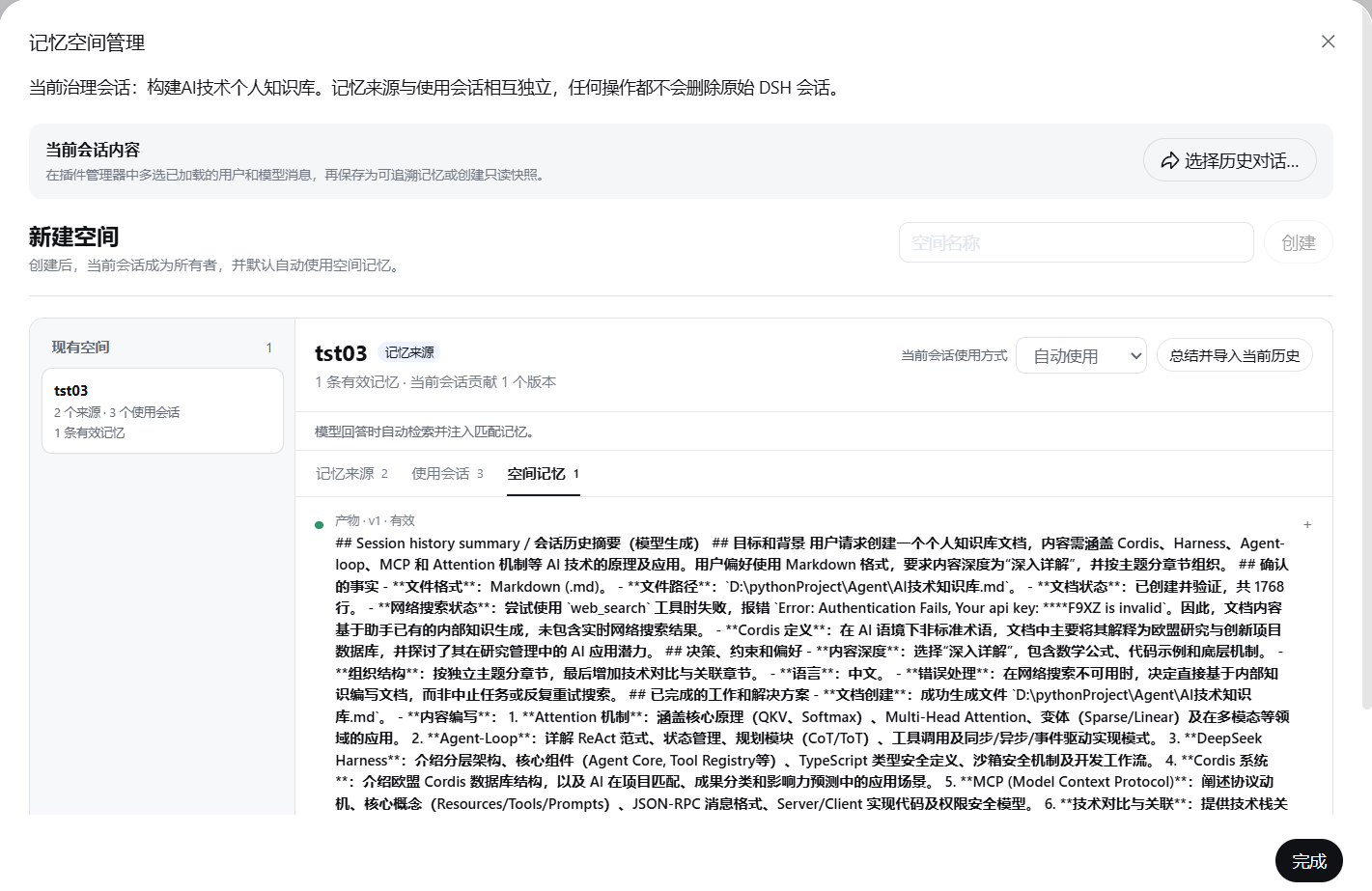
Screenshots
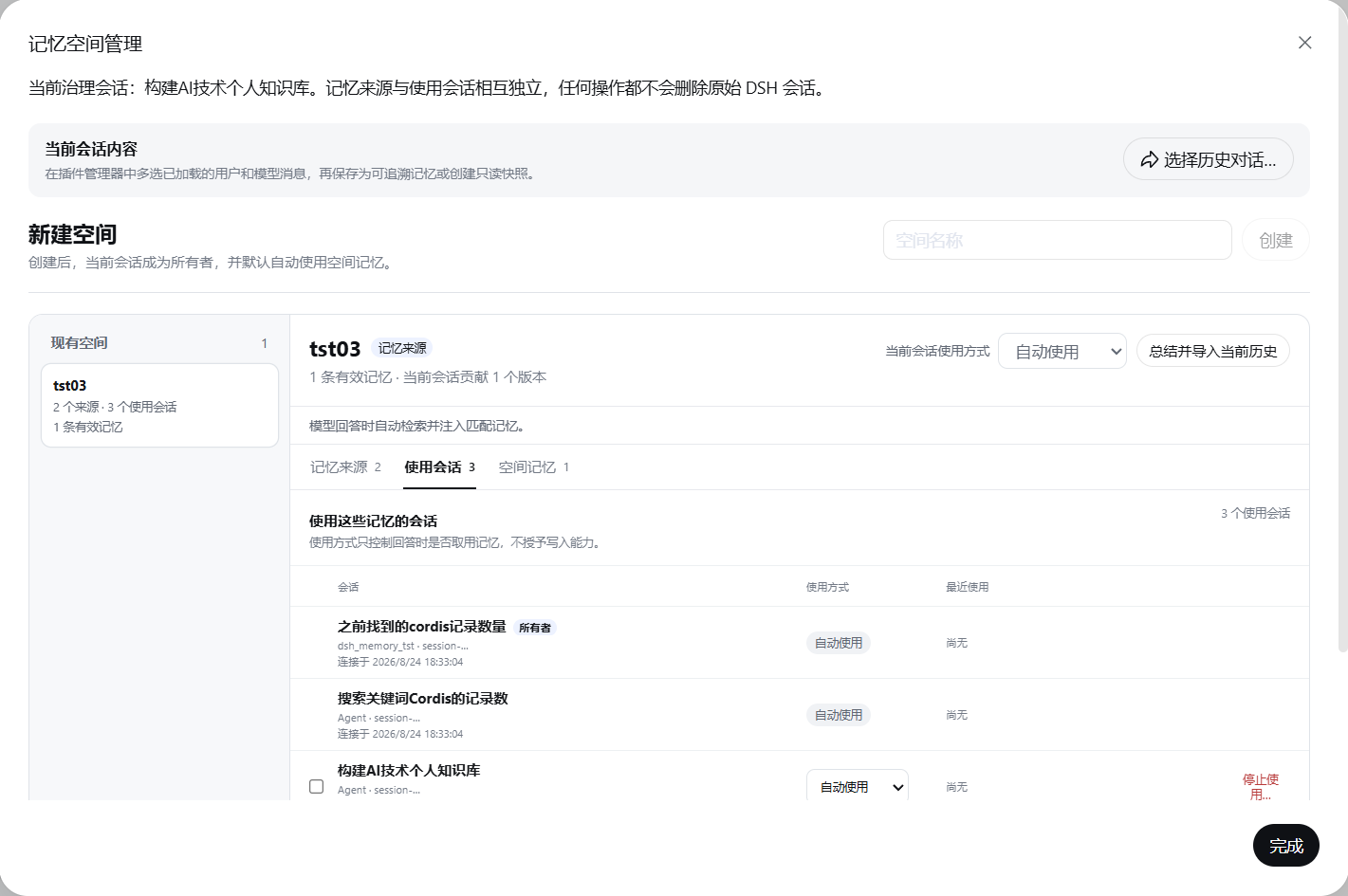
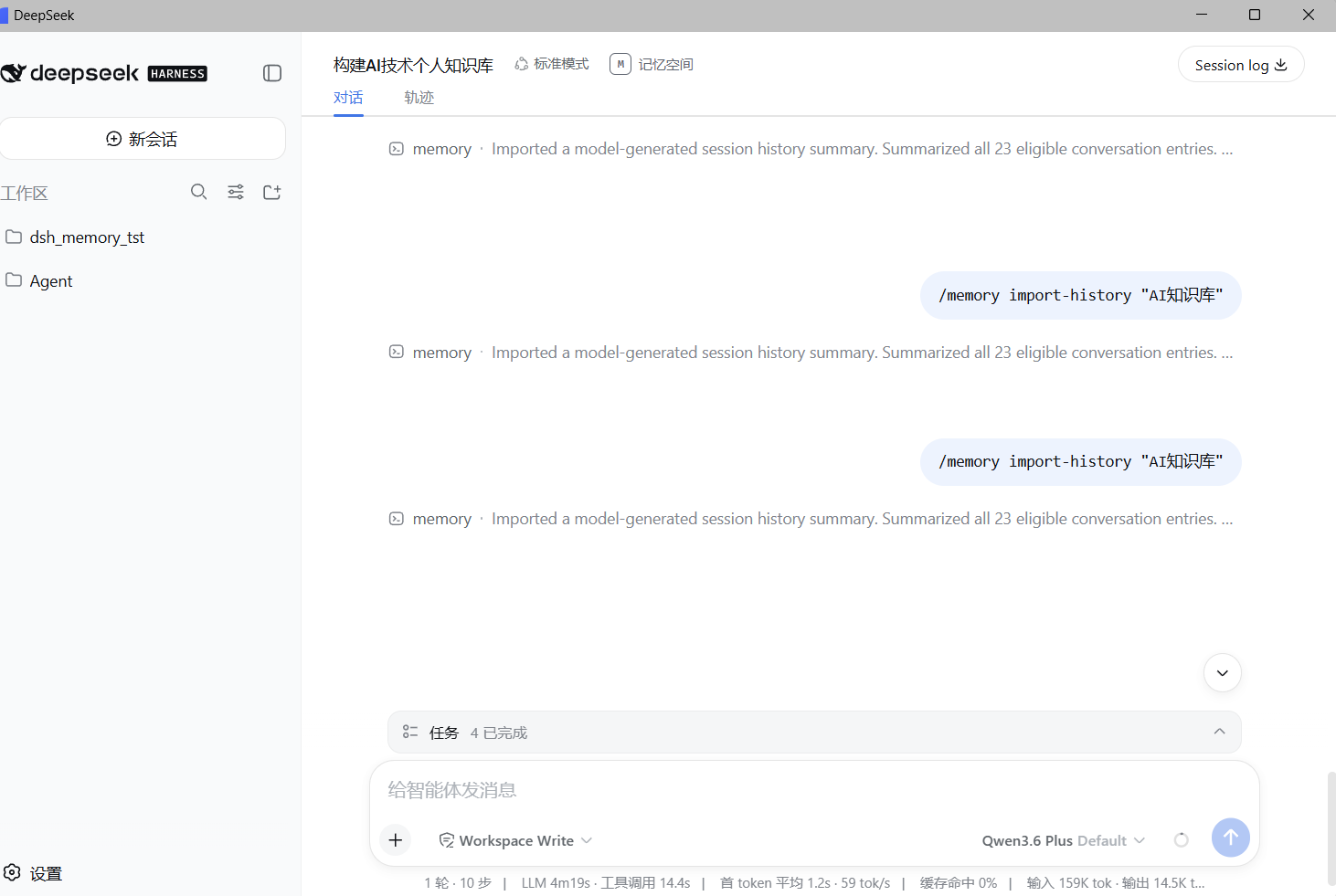
Use Cases
- Constraints and decisions from an architecture thread are reusable in an implementation session without manual copying
- Multiple parallel sessions share one project-fact set while irrelevant conversations stay out of the context
- Review auto-matched memory candidates in the composer before sending, injecting only the entries that matter
Best For
- Solo developers managing multiple Harness sessions simultaneously
- Small teams that need to audit memory provenance and lifecycle state
- Individual users who prioritise local data and avoid remote synchronisation
Related Plugins

Memory layer for coding agents that indexes local session history and auto-recalls relevant context before edits, commands, and failures, with no manual search needed.

Traceable, searchable cross-session memory for AI agents that turns conversation knowledge into a typed knowledge graph and recalls relevant subgraphs instead of replaying full history, natively integrated with DeepSeek Harness.
Gives DSH AI cross-session long-term memory, to-do and skill management, plus multi-session orchestration, external AI delegation, and an infinite canvas that grows with you.

dsh-mnemon is a three-tier, pluggable, Agent-driven memory system for DeepSeek Harness, combining Runtime memory, Project Documents, and replaceable Memory Spaces with nine long-term providers.