dsh-balance-quota
Run the following command in DeepSeek Harness:
dsh plugin install kongshan-zhuyu/dsh-balance-quota
Paste the following prompt into your AI chat to install this plugin:
Run dsh plugin install kongshan-zhuyu/dsh-balance-quota in your terminal; the full source lives at https://github.com/kongshan-zhuyu/dsh-balance-quota . Restart dsh web after installing or upgrading.
About this plugin
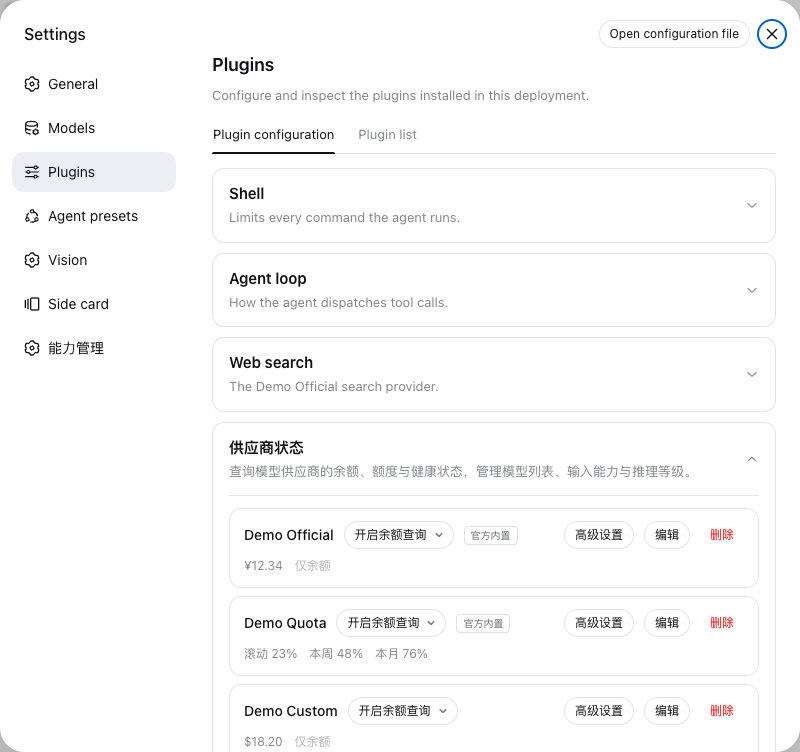
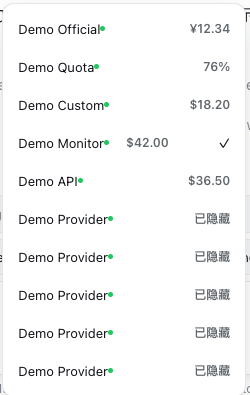
Running daily inference through DeepSeek Harness Web, provider balance and quota tend to be scattered across vendor dashboards, and model-health surprises (spiking TTFT, latency timeouts) often surface only after the fact. dsh-balance-quota pulls both concerns into a compact status strip directly beneath the chat composer, so the active provider, remaining quota, last-update timestamp, and a force-refresh button are always within reach without switching tabs.
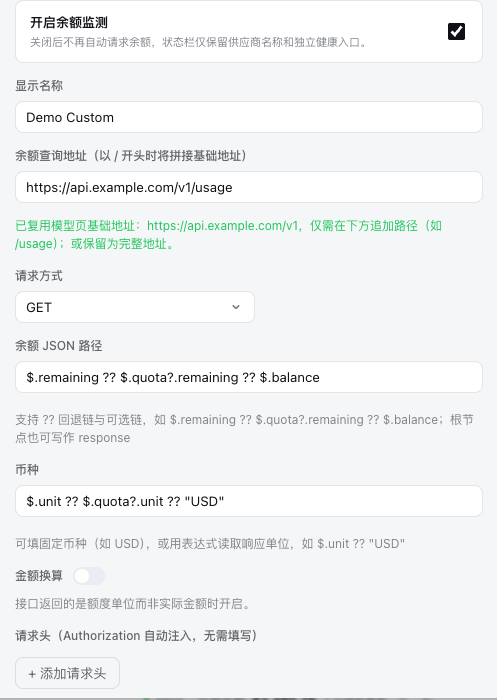
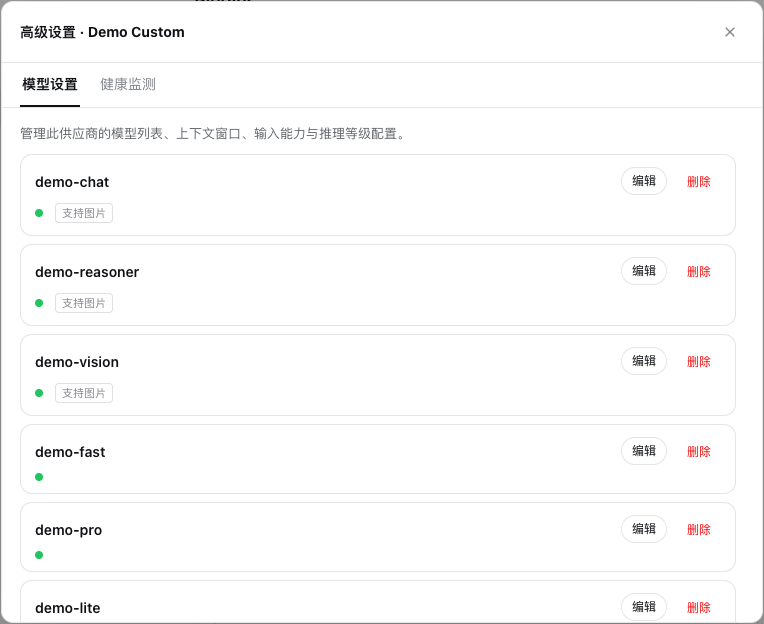
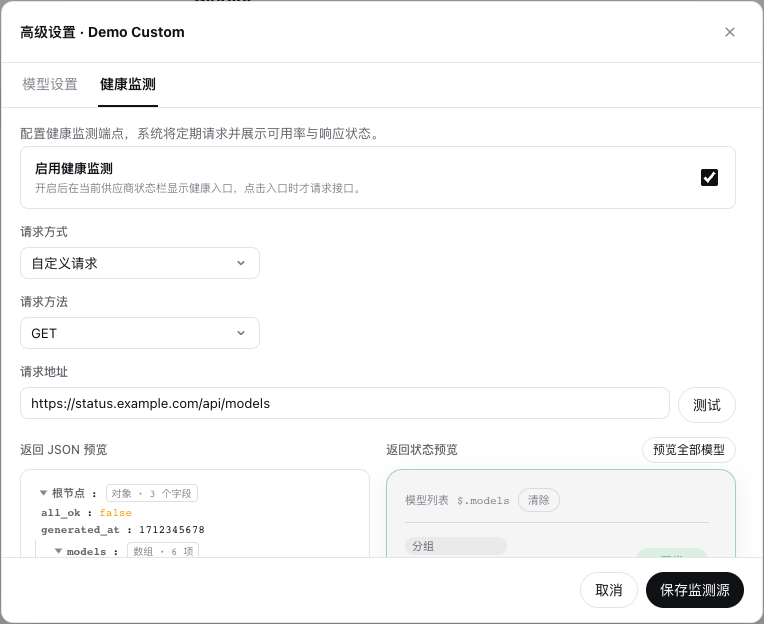
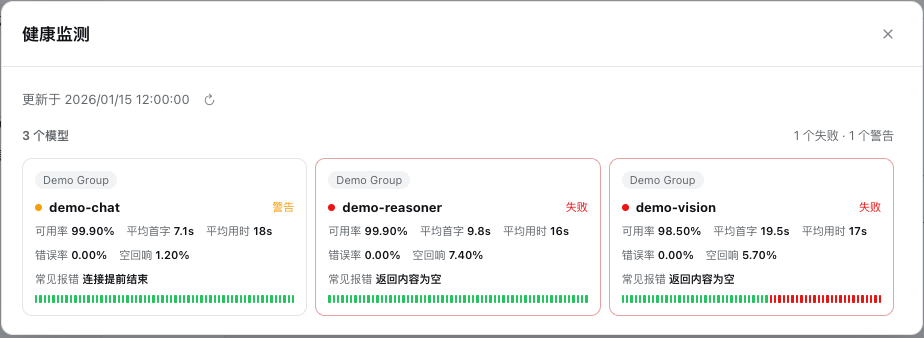
For balance it ships two official presets out of the box — DeepSeek balance and OpenCode Go rolling/weekly/monthly quota — and also accepts any public HTTPS JSON endpoint with custom headers, timeouts, refresh intervals, and multi-level fallback path extraction. Health monitoring targets third-party status APIs and lets you bind model name, status, availability, TTFT, response time, history arrays, and arbitrary custom metrics, with transforms for text, number, percentage, and status-value mapping plus per-field unit and decimal-place formatting. You can preview mappings for up to 50 models on screen without issuing an extra network request.
On the security side, API keys stay inside the DSH credential system and never enter browser configuration; the network layer permits only public HTTPS, rejecting private, loopback, redirect, and oversized responses, while DNS pinning mitigates rebinding risk. The plugin is a good fit for developers and inference teams who juggle multiple providers or models and want real-time visibility into quota consumption and model availability at a glance.
Screenshots

Use Cases
- Monitor balance and quota across multiple inference providers in real time
- Connect third-party JSON APIs to track model TTFT and response latency
- Switch providers and force-refresh balance from the status bar below the chat composer
Best For
- Inference engineers managing multiple LLM providers
- Platform teams needing real-time visibility into quota and model availability
- Developers using DeepSeek Harness Web for daily workflows
Related Plugins
A unified suite combining hot runtime injection, task-aware thinking-mode routing, and a graded session protocol with red-team gates to sustain model diligence across long-horizon inference.

ModLens is a vision plugin for DeepSeek Harness that gives text-only models sight by reading images pasted directly into chat, with zero-config setup and multiple vision engines.

On-demand vision for text-only DeepSeek Harness agents: built-in free keyless vision chain and 14 vision tools, routing image turns as tool calls to vision models with pixel fidelity, no Python needed, one-command install.

Give text-only models in DeepSeek Harness eyes, enabling image Q&A, long-screenshot OCR, UI restoration, and GUI visual tasks.