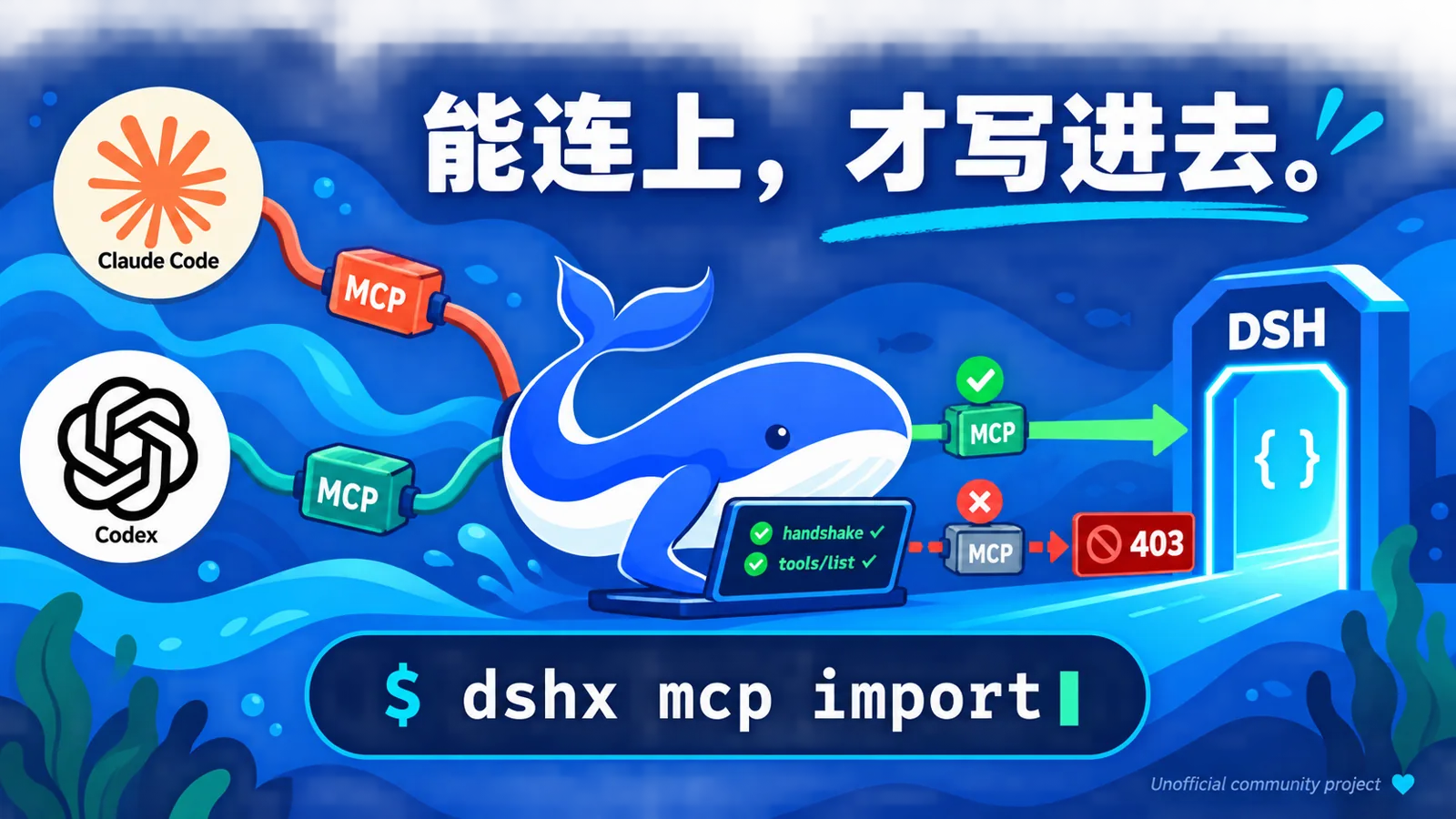
dshx
Run the following command in DeepSeek Harness:
dsh plugin install why913/dshx
Paste the following prompt into your AI chat to install this plugin:
To install the dshx plugin, run the command dsh plugin install why913/dshx in DeepSeek Harness; the full source code address is https://github.com/why913/dshx.
About this plugin
DeepSeek Harness (dsh) is a powerful tool, but managing MCP servers, skills, and memory can often be a hassle. Manually editing configuration files is not only time-consuming but also error-prone, especially since dsh silently fails on bad configurations, making debugging a nightmare. dshx is a command-line utility designed to solve these issues, streamlining the management process and making configurations safe and reliable.
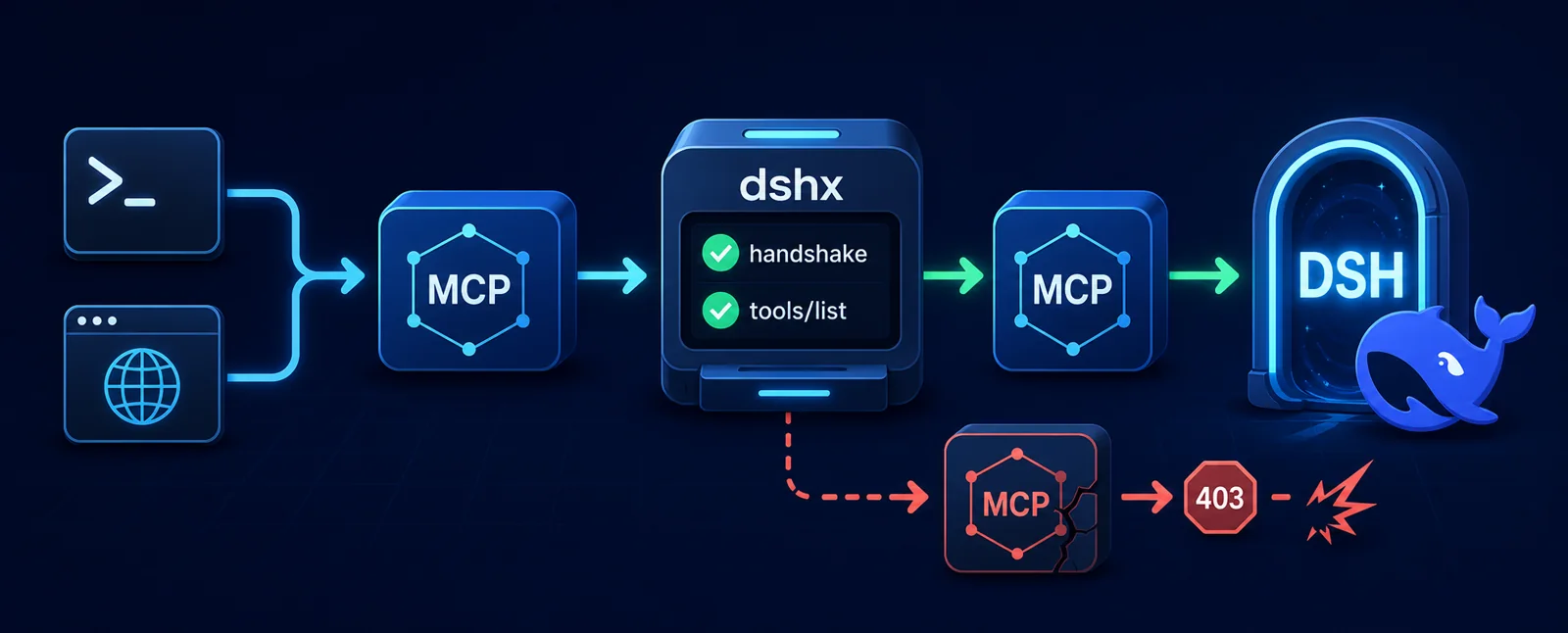
At its core, dshx offers one-command operations and intelligent validation. You can add or remove MCP servers with a single command, eliminating the need to wrestle with YAML file formats. It performs real connection tests before writing, ensuring only valid configurations are saved. Moreover, dshx supports importing MCP servers, skills, and memory from Claude Code and Codex environments, significantly reducing migration costs. The Web interface includes /mcp commands and clickable cards for intuitive inspection and migration, making it accessible even for command-line novices.
This plugin is particularly suited for heavy users of DeepSeek Harness, especially developers who need to manage multiple MCP servers frequently. If you're migrating from Claude Code or Codex, dshx's import functionality provides a seamless transition. For teams prioritizing security and efficiency, dshx's environment variable references and connection tests help prevent configuration errors and key leaks.
In summary, dshx transforms DeepSeek Harness configuration management from cumbersome to simple, from fragile to robust. Whether you're an individual developer or part of a team, it can significantly boost your productivity and configuration reliability.
Screenshots
Use Cases
- Add or remove MCP servers with one command, no manual config editing needed.
- Migrate servers, skills, and memory from Claude Code or Codex.
- Quickly inspect server status and test connections in the Web interface.
Best For
- Regular users of DeepSeek Harness who frequently manage configurations.
- Developers migrating from other tools seeking a seamless transition.
- Team members requiring safe and reliable configuration management.
Related Plugins

Memory layer for coding agents that indexes local session history and auto-recalls relevant context before edits, commands, and failures, with no manual search needed.

Traceable, searchable cross-session memory for AI agents that turns conversation knowledge into a typed knowledge graph and recalls relevant subgraphs instead of replaying full history, natively integrated with DeepSeek Harness.
Gives DSH AI cross-session long-term memory, to-do and skill management, plus multi-session orchestration, external AI delegation, and an infinite canvas that grows with you.

dsh-mnemon is a three-tier, pluggable, Agent-driven memory system for DeepSeek Harness, combining Runtime memory, Project Documents, and replaceable Memory Spaces with nine long-term providers.