dsh-vision-plugin
Run the following command in DeepSeek Harness:
dsh plugin install bug-huntter/dsh-vision-plugin
Paste the following prompt into your AI chat to install this plugin:
In DSH Web GUI, go to Settings → Plugins → Marketplace, add the repository source https://github.com/bug-huntter/dsh-vision-plugin, then scan and install.
About this plugin
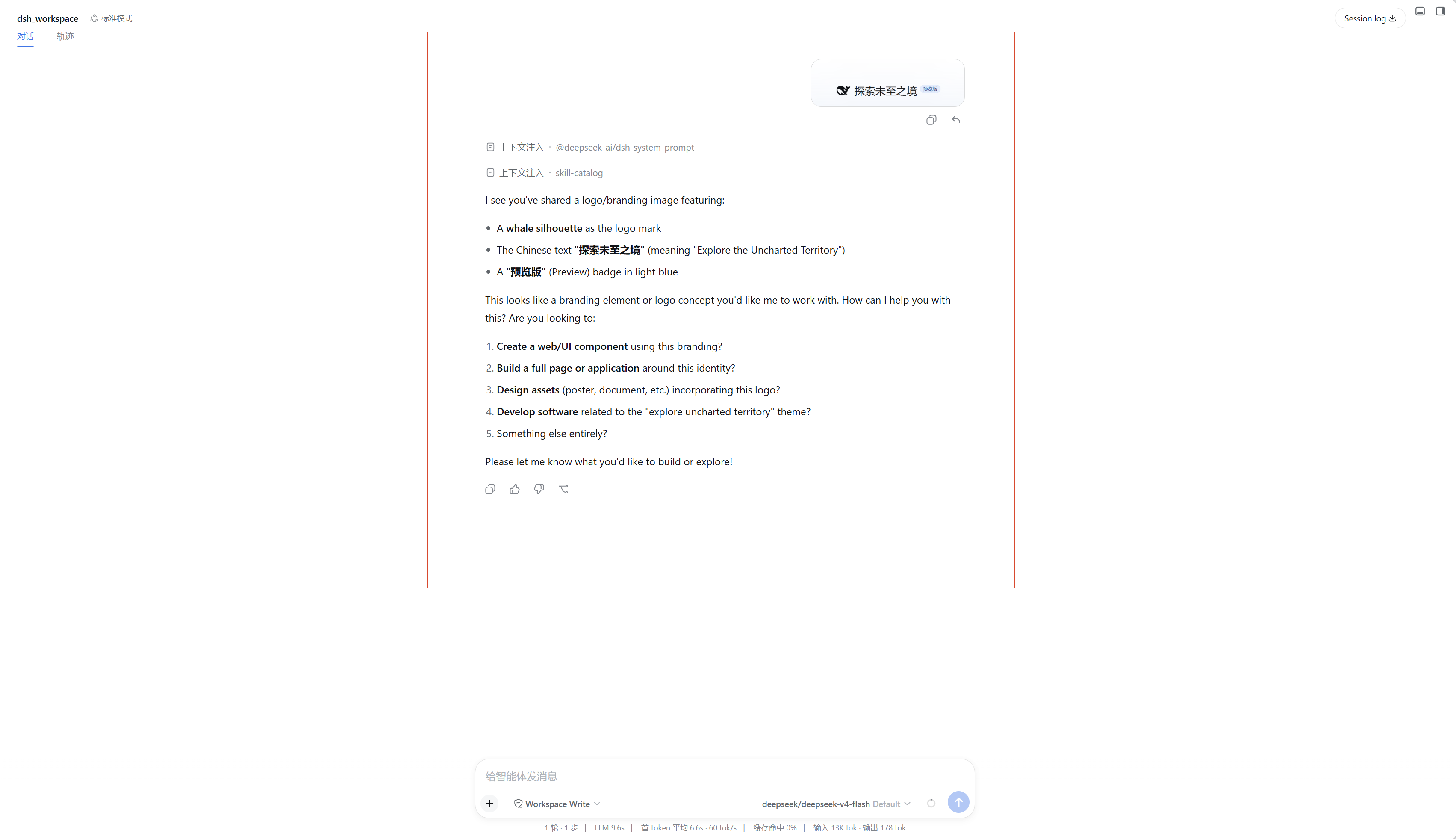
In everyday AI conversations, users often need the model to understand images, but DSH does not ship with native vision support out of the box. dsh-vision-plugin fills that gap: it injects image-recognition capability into your DSH sessions with minimal overhead, so you can simply drop a screenshot into the chat and receive a meaningful response.
Under the hood the plugin makes a single standard OpenAI-compatible /chat/completions call, which means it is not locked to any one provider. OpenRouter, OpenAI, Volcano ARK, or a locally hosted OpenAI-compatible gateway all work out of the box—just supply a Base URL and a Model ID. The configuration lives inside the DSH settings panel: flip the toggle, fill in your endpoint details, and save.
It is ideal for developers and power users who want to fold multimodal understanding into their DSH workflow. If you regularly rely on AI to read screenshots, analyse charts, or interpret UI mockups while keeping full freedom over which backend you point at, this plugin lets you wire up vision with the least mental overhead possible.
Screenshots
Use Cases
- Send a screenshot in DSH chat and let the AI describe or analyse it
- Plug in any OpenAI-compatible vision API to add the missing native vision capability
- Point at a locally hosted compatible gateway to run image analysis offline or in a private environment
Best For
- Everyday AI users who want image understanding inside DSH
- Developers who need flexible vision endpoints and are not tied to a single vendor
- Power users who rely on AI to read screenshots, data charts, or UI mockups
Related Plugins
A unified suite combining hot runtime injection, task-aware thinking-mode routing, and a graded session protocol with red-team gates to sustain model diligence across long-horizon inference.

ModLens is a vision plugin for DeepSeek Harness that gives text-only models sight by reading images pasted directly into chat, with zero-config setup and multiple vision engines.

On-demand vision for text-only DeepSeek Harness agents: built-in free keyless vision chain and 14 vision tools, routing image turns as tool calls to vision models with pixel fidelity, no Python needed, one-command install.

Give text-only models in DeepSeek Harness eyes, enabling image Q&A, long-screenshot OCR, UI restoration, and GUI visual tasks.