dsh-prompt-optimizer
Run the following command in DeepSeek Harness:
dsh plugin install Y1X1n/dsh-prompt-optimizer
Paste the following prompt into your AI chat to install this plugin:
Run dsh plugin install Y1X1n/dsh-prompt-optimizer to install; source at https://github.com/Y1X1n/dsh-prompt-optimizer
About this plugin
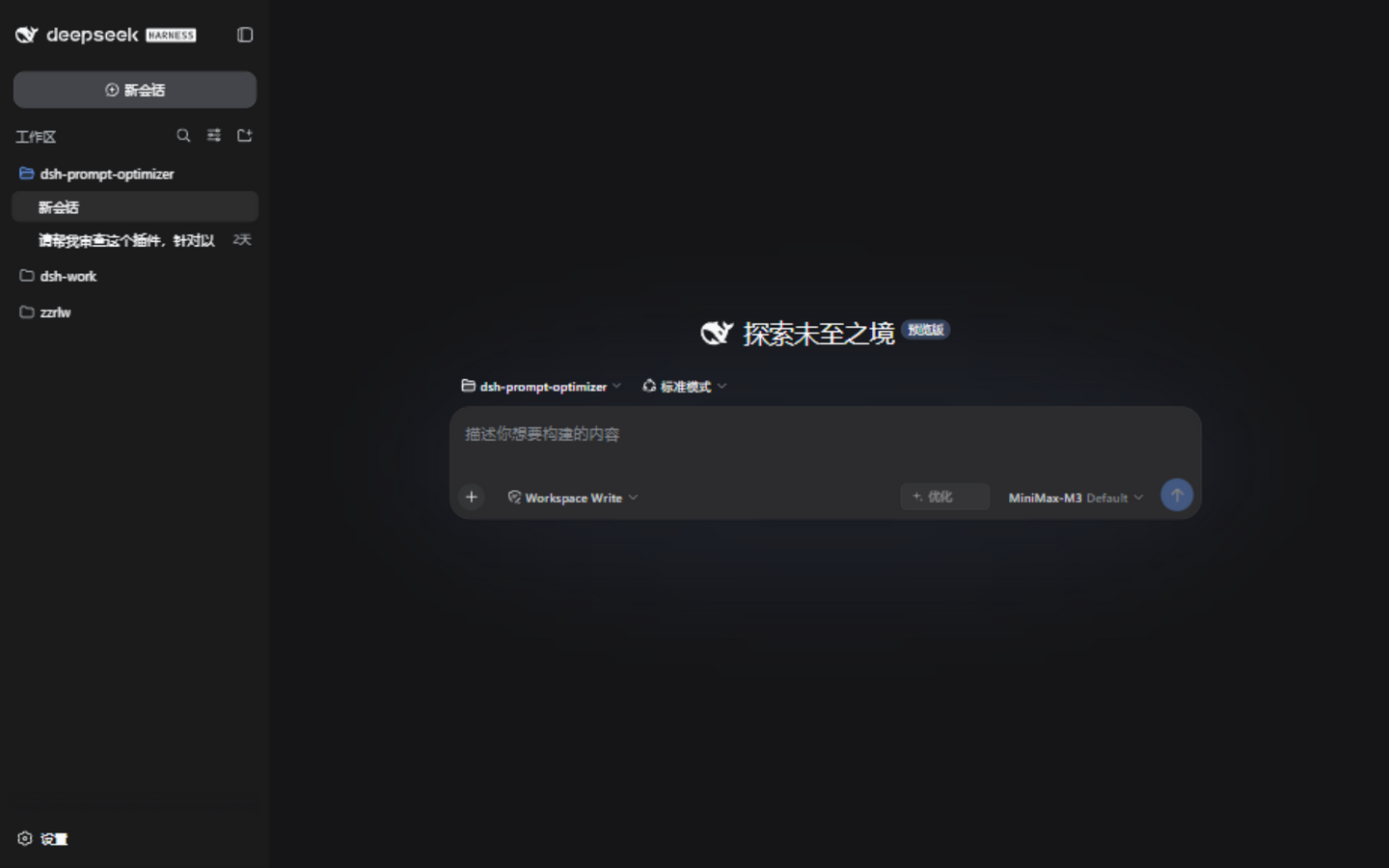
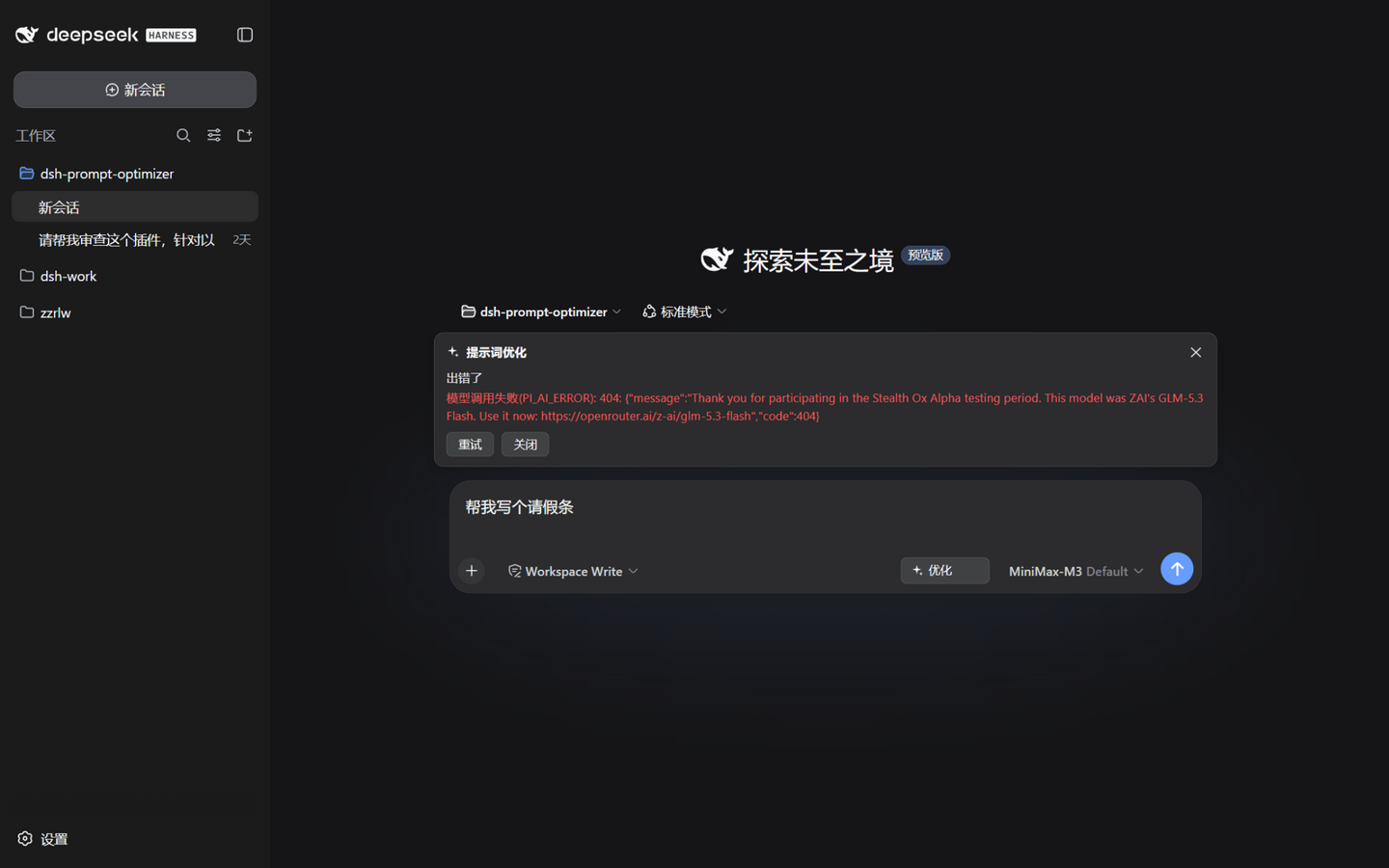
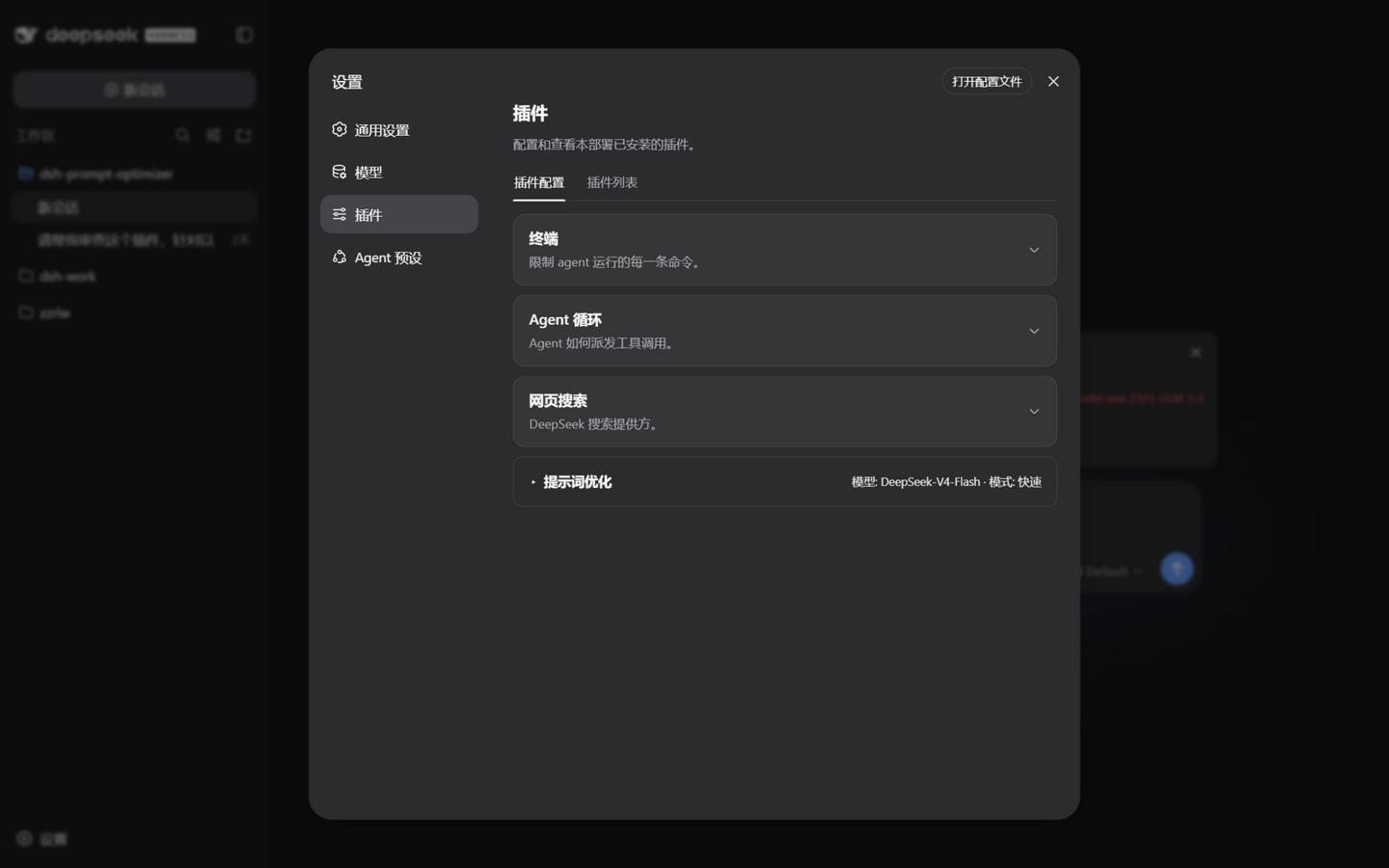
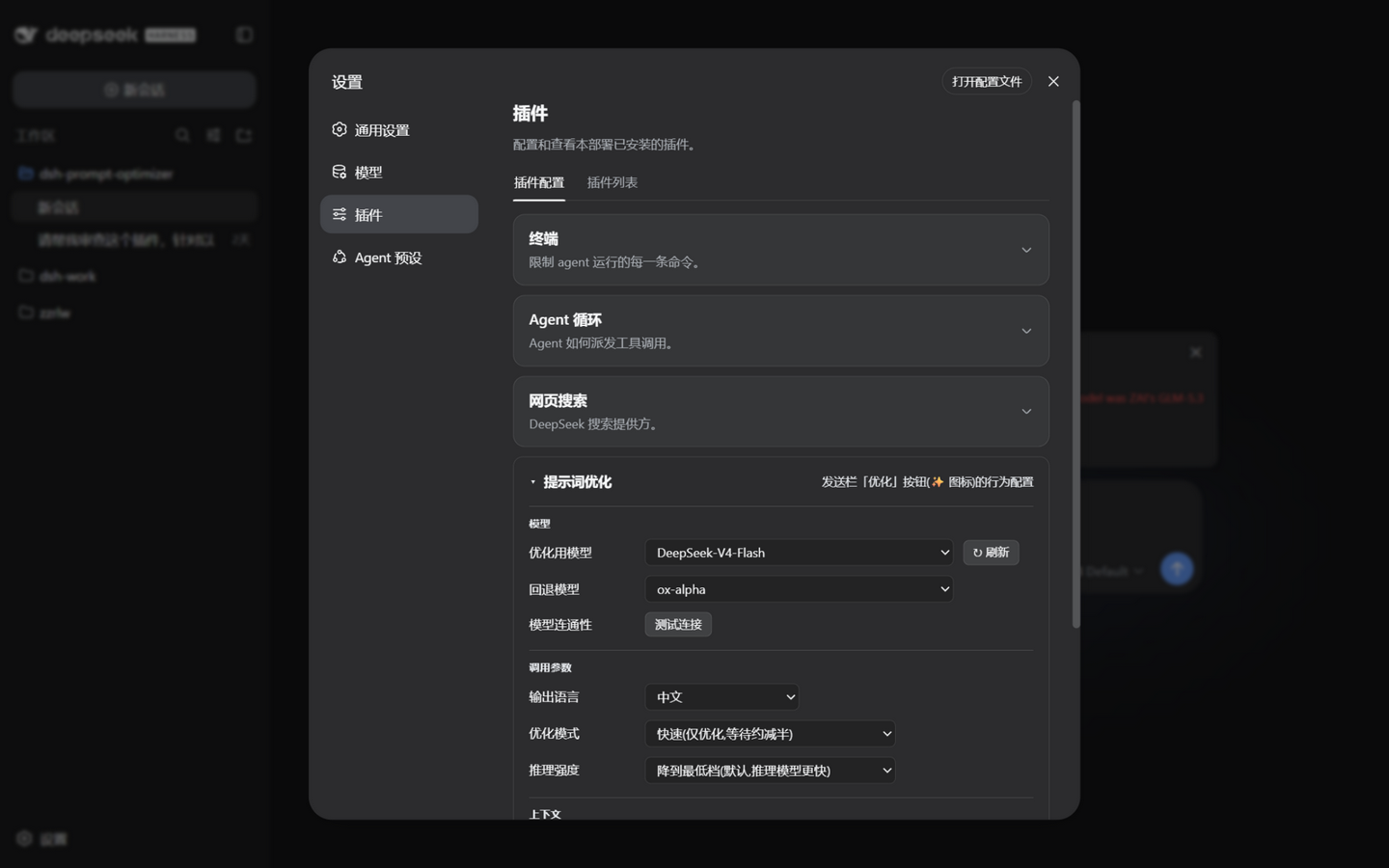
Writing a prompt the model actually executes correctly is often harder than writing the code itself: vague roles, missing constraints, unclear output format—and after three rewrites it still is not right. dsh-prompt-optimizer drops a single ✨ button right next to the send bar in DeepSeek Harness. Click it and the current draft, together with recent conversation context, is sent to the model; a five-dimension diagnosis and a fully rewritten prompt stream back in real time, all without leaving the chat window.
Under the hood the plugin auto-selects between two strategies. When context is thin it normalises the draft into a role–task–constraint–output structure; when context is rich it first distils the real intent, then polishes the wording while preserving your original framing—no template stuffing, no re-asking what the conversation has already established. Every output passes a fidelity self-check: semantic equivalence is the hard floor, inferences are flagged with an explicit caveat, and drift is caught before the result is shown. A lightweight memory chain lets you iterate naturally—edit the optimised draft, hit optimise again, and the plugin carries forward confirmed decisions, adjusting only around what changed. Streaming display, a timeout watchdog, cancel-without-loss, slash-command prefix protection, and per-session panel isolation keep the experience reliable under everyday high-frequency use.
It is built for anyone who talks to models often inside DeepSeek Harness and wants prompt quality to keep improving without extra tabs or copy-paste rituals: drafting technical specs, debugging complex multi-step instructions, standardising prompt templates for a team, or simply refusing to spend another ten minutes tweaking wording. Install it, the button appears the moment there is text in the input box, and the rest is up to you.
Screenshots
Use Cases
- Diagnose and rewrite complex multi-step instructions with one click
- Distil real intent from long conversations and polish the draft in its original framing
- Standardise prompt roles, constraints, and output format across a team
Best For
- Developers who interact with LLMs frequently
- Technical teams standardising prompt templates
- Power users who want to cut down prompt iteration time
Related Plugins
A unified suite combining hot runtime injection, task-aware thinking-mode routing, and a graded session protocol with red-team gates to sustain model diligence across long-horizon inference.

ModLens is a vision plugin for DeepSeek Harness that gives text-only models sight by reading images pasted directly into chat, with zero-config setup and multiple vision engines.

On-demand vision for text-only DeepSeek Harness agents: built-in free keyless vision chain and 14 vision tools, routing image turns as tool calls to vision models with pixel fidelity, no Python needed, one-command install.

Give text-only models in DeepSeek Harness eyes, enabling image Q&A, long-screenshot OCR, UI restoration, and GUI visual tasks.