dsh-obsidian-channel
Run the following command in DeepSeek Harness:
dsh plugin install ShengenWu/dsh-obsidian-channel
Paste the following prompt into your AI chat to install this plugin:
Run dsh plugin install ShengenWu/dsh-obsidian-channel in DeepSeek Harness to install this plugin; the source repository is at https://github.com/ShengenWu/dsh-obsidian-channel .
About this plugin
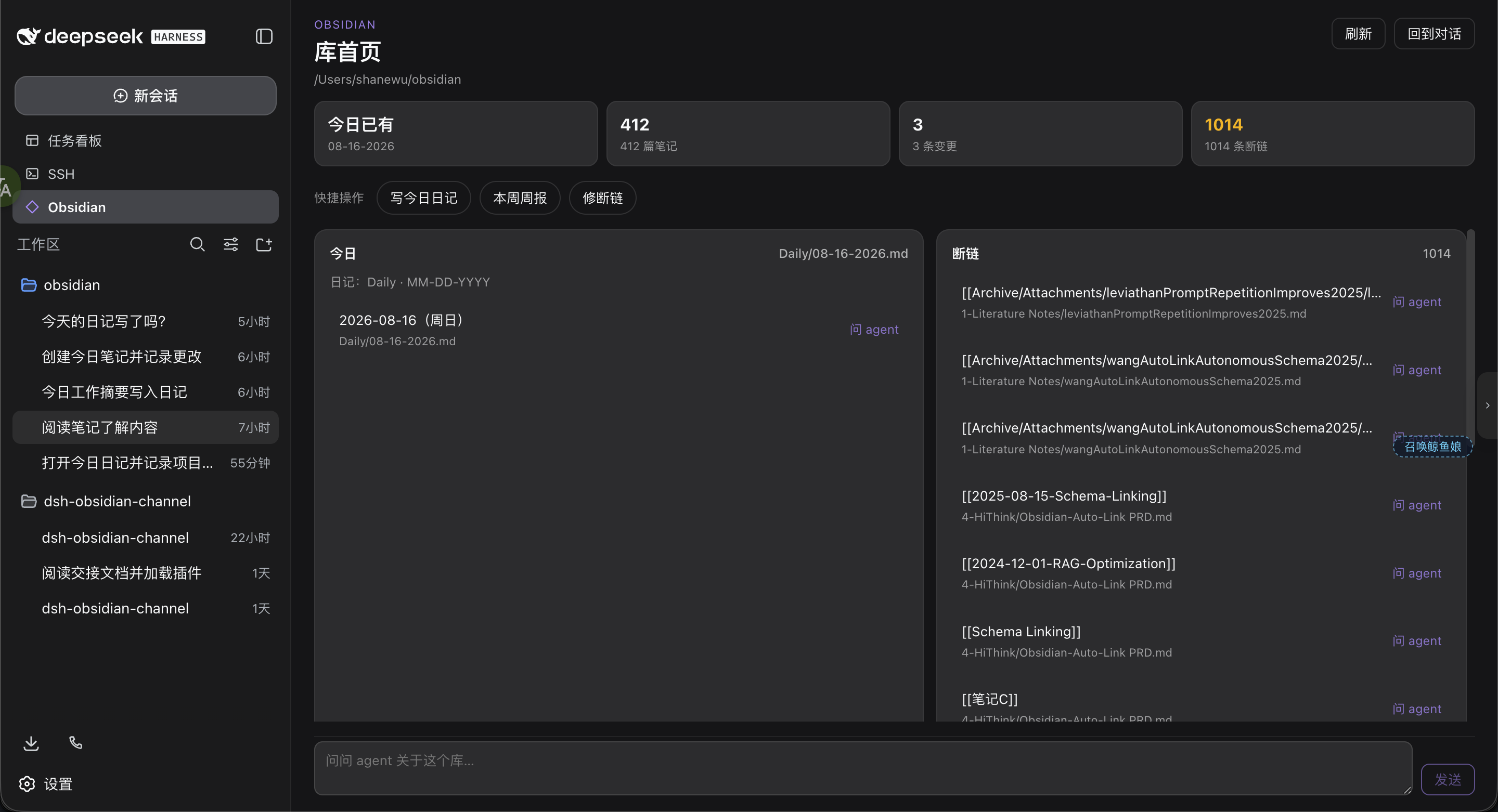
AI-assisted Obsidian note management used to mean selecting text in Obsidian, pasting it into a chat box, waiting for a reply, then manually pasting the result back — a broken workflow with no safety net. dsh-obsidian-channel closes that loop: bind a vault path in the DeepSeek Harness sidebar, open the home page, and let the agent read notes, write today's daily, or chase a broken wikilink — all without Obsidian running, operating purely on the folder on disk.
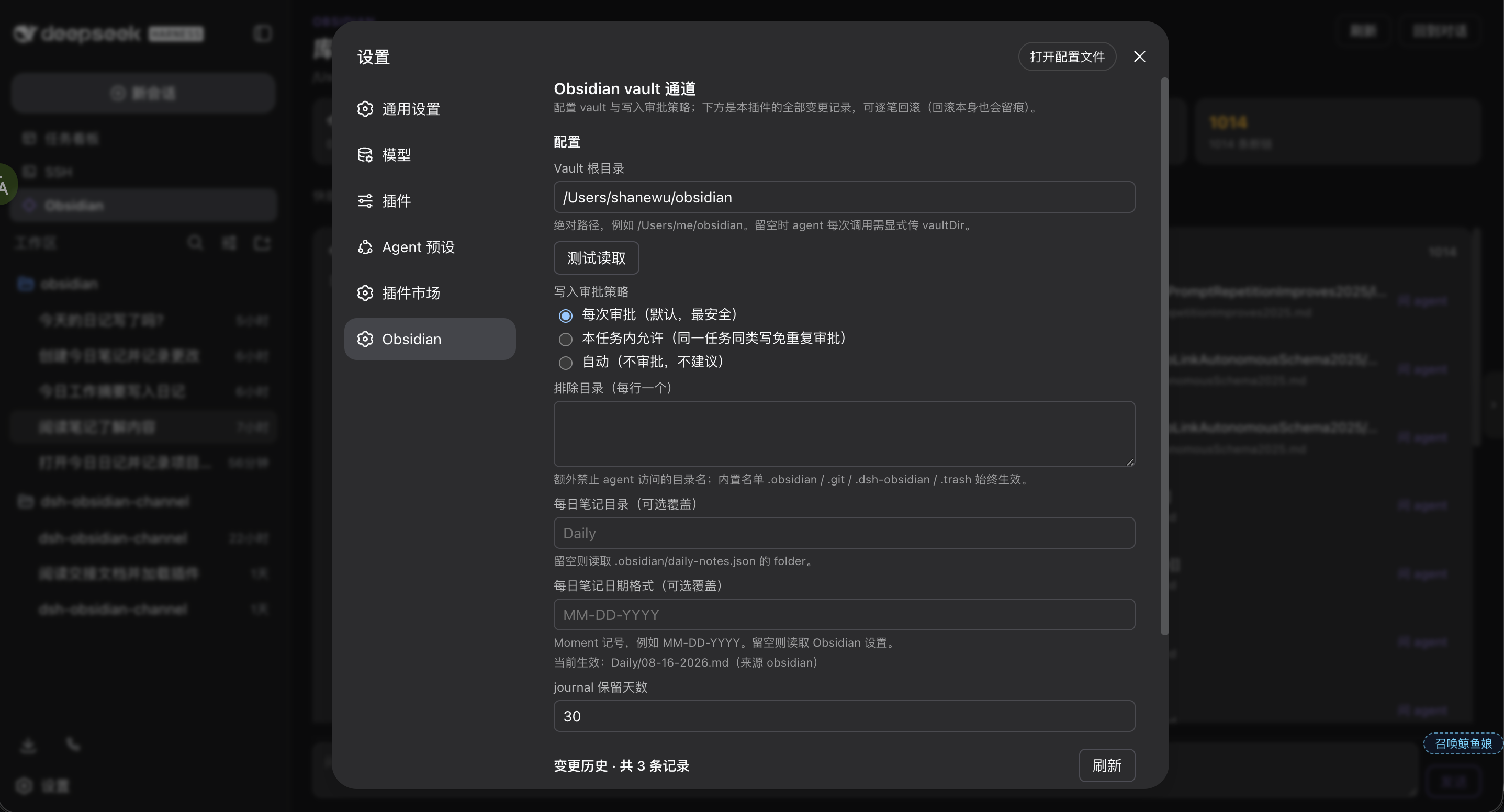
Safety is the core design principle. Every write defaults to asking for approval each time; you can relax to once-per-task or never ask (the author politely advises against the latter). Each change is journaled, and the Settings page shows before/after snapshots with one-click rollback — a rollback is itself a journaled entry, so undoing the undo works too. Reads use the built-in read/grep/glob tools, while creates, replacements, appends, and deletes must go through obsidian_* tools to land in the journal. Native write/edit into the vault is outright rejected.
It suits people who treat Obsidian as a long-term knowledge hub and want AI to batch-organize, complete, and repair links. Vault sessions default to Obsidian mode, where the agent's role is tending a knowledge base rather than writing code, so it does not interfere with other workspaces. Templates, weekly recaps, and [[ completion are not yet included, but core read/write, search, structure browsing, backlinks, and journal rollback are all in place.
Screenshots
Use Cases
- Batch-fix broken wikilinks across the vault
- Have the agent write and file today's daily note
- Open a note from the sidebar and let AI continue it
Best For
- Individuals who treat Obsidian as their primary knowledge hub
- Users who want AI to batch-organize and complete notes
- Safety-conscious users who need approval gates and rollback
Related Plugins

Memory layer for coding agents that indexes local session history and auto-recalls relevant context before edits, commands, and failures, with no manual search needed.

Traceable, searchable cross-session memory for AI agents that turns conversation knowledge into a typed knowledge graph and recalls relevant subgraphs instead of replaying full history, natively integrated with DeepSeek Harness.
Gives DSH AI cross-session long-term memory, to-do and skill management, plus multi-session orchestration, external AI delegation, and an infinite canvas that grows with you.

dsh-mnemon is a three-tier, pluggable, Agent-driven memory system for DeepSeek Harness, combining Runtime memory, Project Documents, and replaceable Memory Spaces with nine long-term providers.