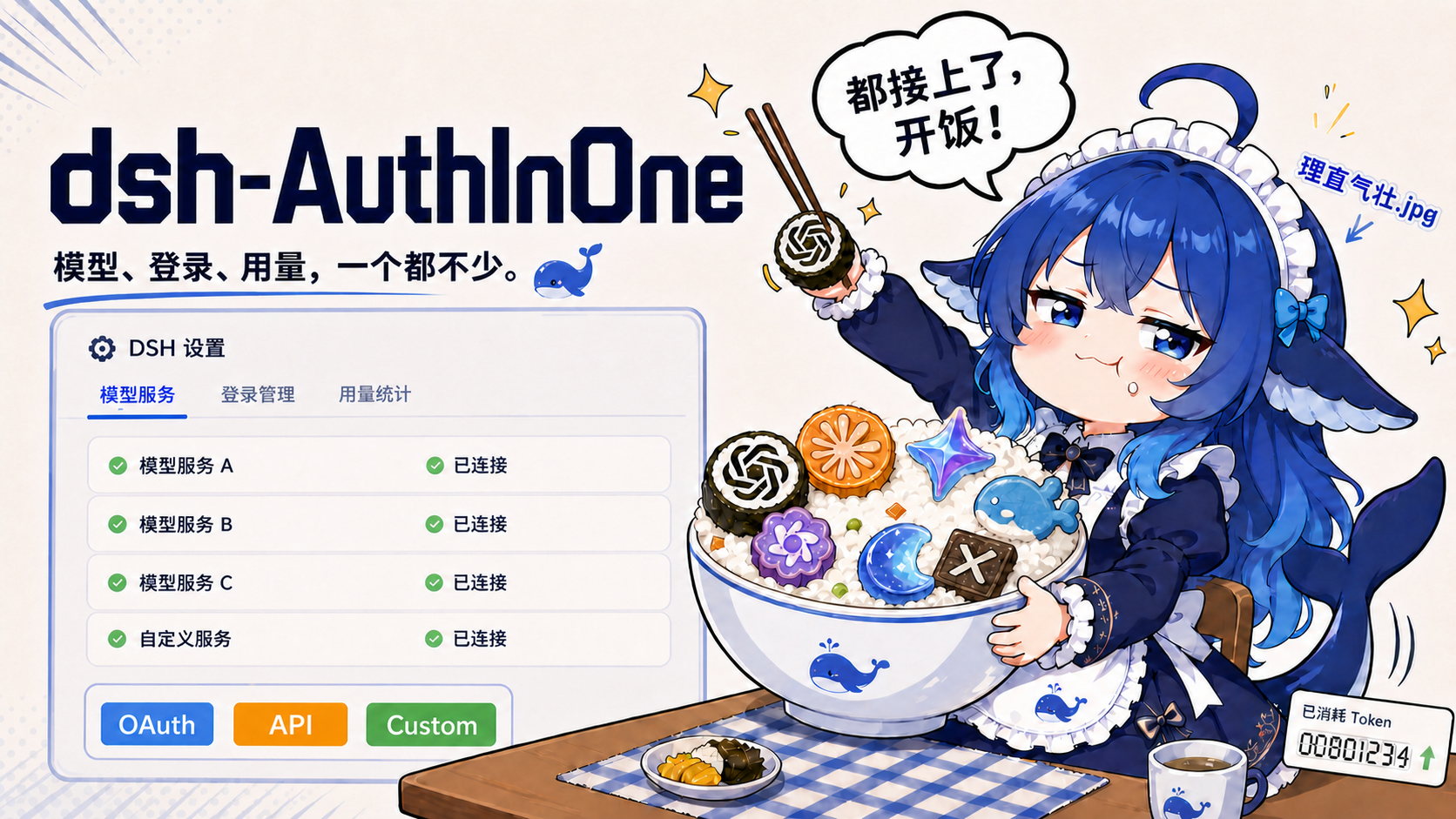
dsh-AuthInOne
Run the following command in DeepSeek Harness:
dsh plugin install Stormycry-cryp/dsh-AuthInOne
Paste the following prompt into your AI chat to install this plugin:
In DeepSeek Harness, install the plugin with `dsh plugin install Stormycry-cryp/dsh-AuthInOne`; the source repository is at https://github.com/Stormycry-cryp/dsh-AuthInOne.
About this plugin
DeepSeek Harness's native Models page is great for managing API keys and custom endpoints, but if you want to sign in with OpenAI Codex or Kimi Code accounts, switch between multiple providers, and see unified token usage and cost analytics, the built-in tools fall short. dsh-AuthInOne fills that gap by integrating account authorization, provider configuration, model defaults, and usage analytics directly into DSH's own Models and Usage settings—no need to leave the familiar interface.
Core capabilities include browser OAuth with PKCE or RFC 8628 device flow for OpenAI Codex and Kimi Code, plus experimental compatibility logins for xAI, Anthropic, GitHub Copilot, Command Code, Cursor, Google Antigravity, and Kiro. The plugin preserves DSH's native cards and adds support for API keys, plan presets, and custom OpenAI-compatible base URLs, headers, and model mappings. You can also configure a separate vision model as a fallback that automatically describes images when the selected main model is text-only. The Usage page rebuilds session logs into token statistics and auditable cost estimates grouped by provider, model, tool, and time range.
On the security side, OAuth verifiers, authorization codes, device codes, access tokens, and refresh tokens all remain on the DSH Host; the plugin never reads ~/.codex/auth.json, browser storage, cookies, or credentials from other products. The self-contained bootstrap validates the running Host and uses the official DSH plugin CLI to replace it on the same port, without patching DSH core or manually editing configuration files. All login flows are verified up to the authorization confirmation boundary, with tests covering refresh rotation, denial, timeout, cancellation, logout, and secret redaction.
If you're a DSH user who juggles multiple AI providers and wants a single place to manage credentials, set a default model, and track costs, dsh-AuthInOne is a practical addition. Whether you rely on Codex or Kimi Code heavily or need to consolidate various OpenAI-compatible endpoints into DSH, this plugin reduces switching and maintenance overhead.
Screenshots
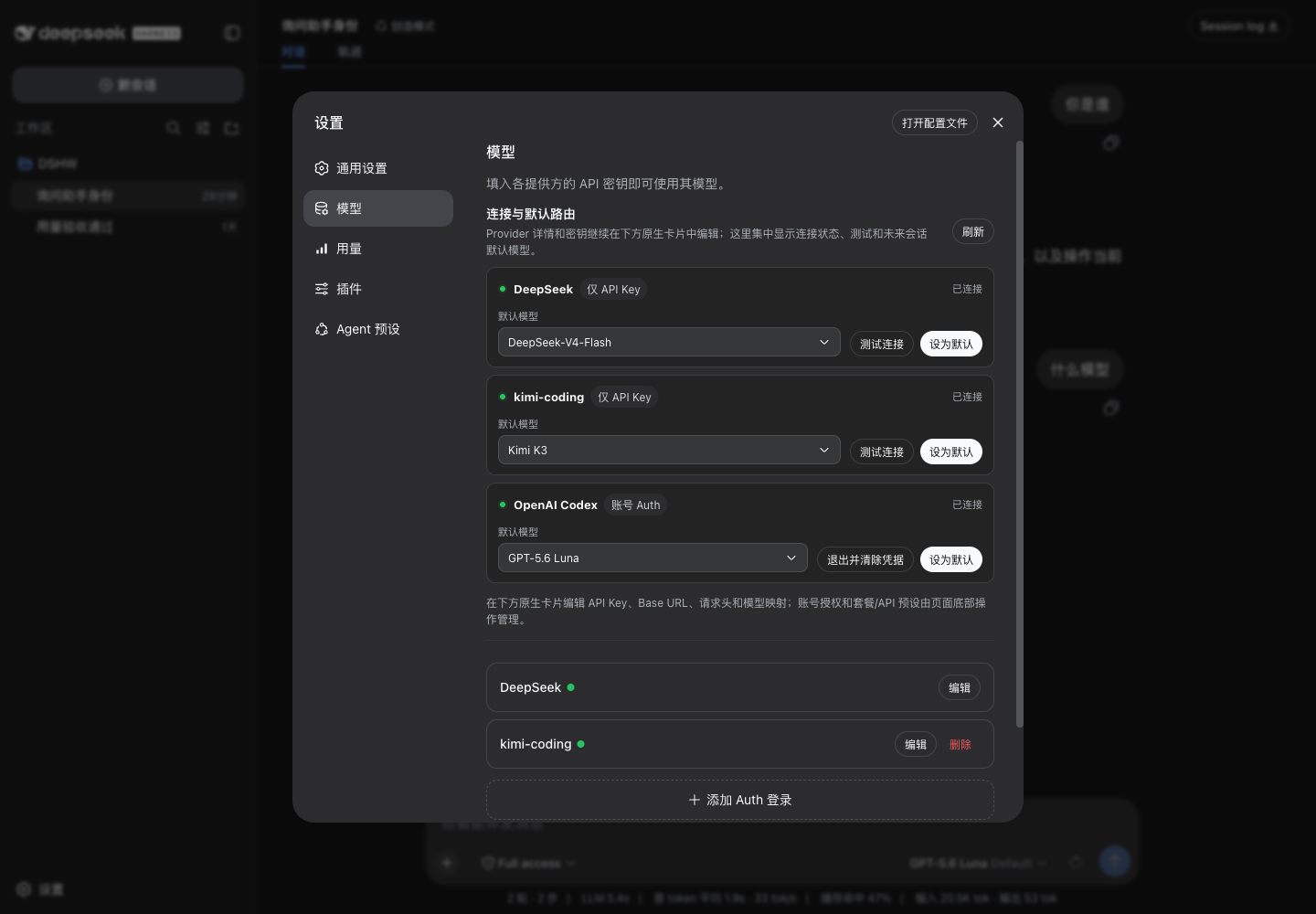
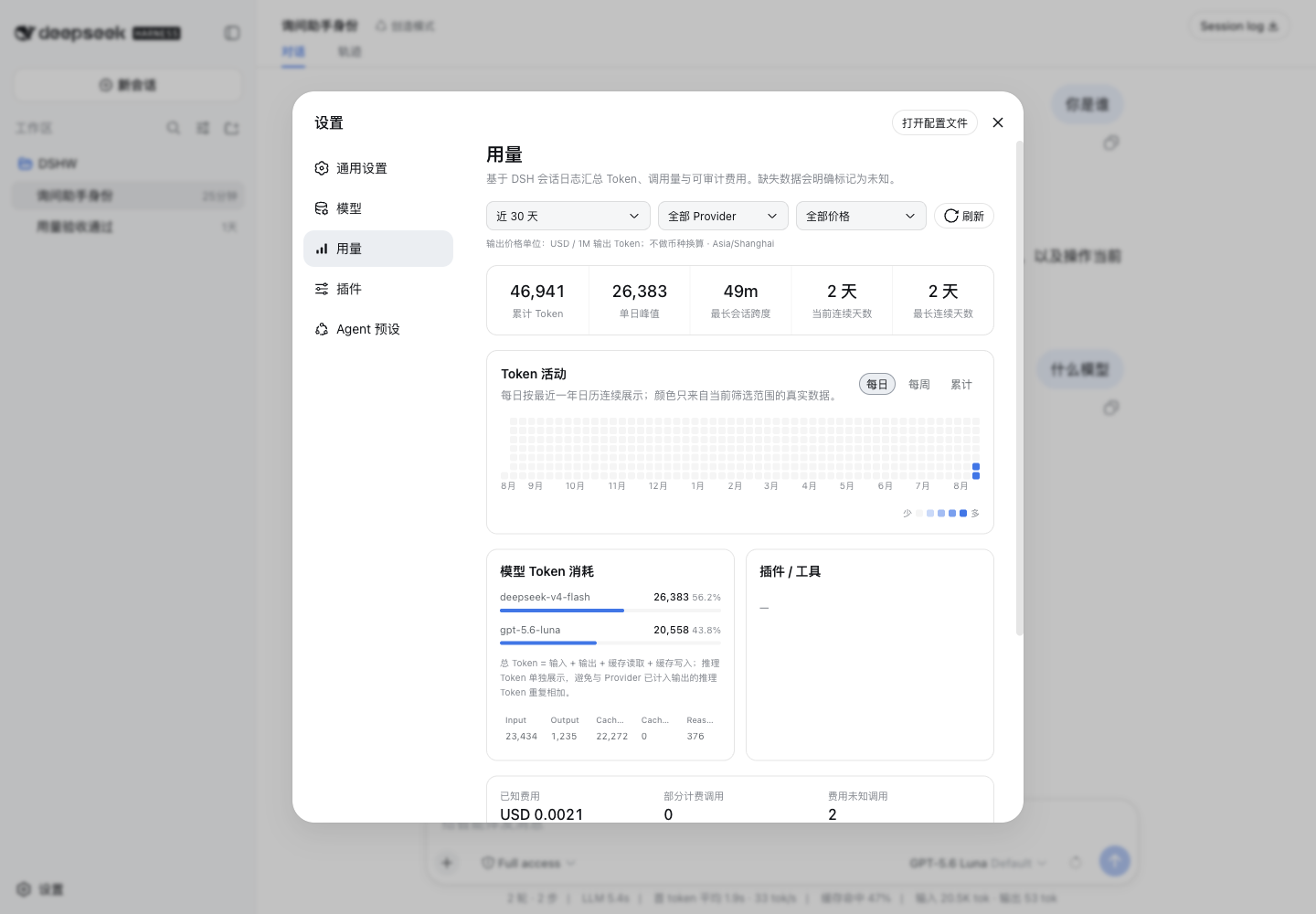
Use Cases
- Sign in to OpenAI Codex or Kimi Code accounts directly inside DeepSeek Harness
- Manage API keys and custom OpenAI-compatible endpoints with model mapping
- Review token usage and cost across sessions grouped by provider, model, and time range
Best For
- DSH users who need to manage credentials for multiple AI providers
- Developers relying on Codex, Kimi Code, or OpenAI-compatible services
- Individuals or teams tracking token consumption and cost
Related Plugins
A unified suite combining hot runtime injection, task-aware thinking-mode routing, and a graded session protocol with red-team gates to sustain model diligence across long-horizon inference.

ModLens is a vision plugin for DeepSeek Harness that gives text-only models sight by reading images pasted directly into chat, with zero-config setup and multiple vision engines.

On-demand vision for text-only DeepSeek Harness agents: built-in free keyless vision chain and 14 vision tools, routing image turns as tool calls to vision models with pixel fidelity, no Python needed, one-command install.

Give text-only models in DeepSeek Harness eyes, enabling image Q&A, long-screenshot OCR, UI restoration, and GUI visual tasks.