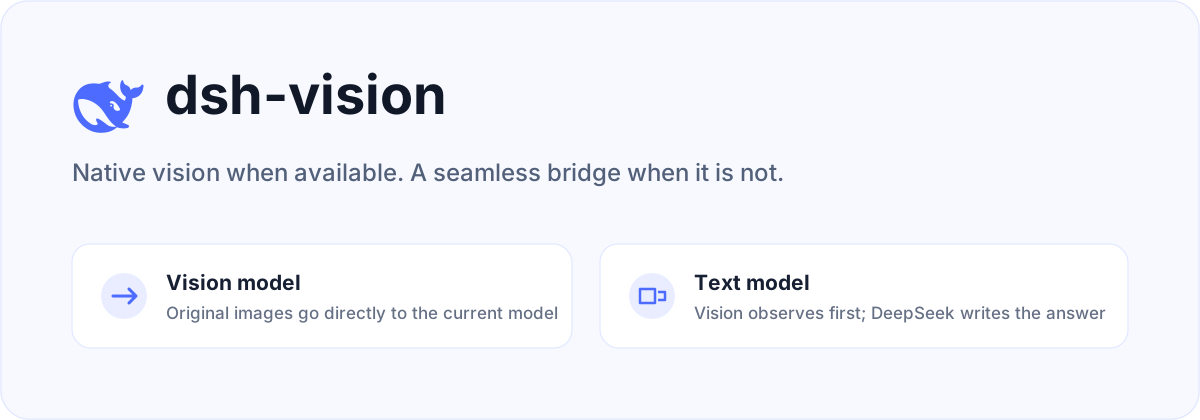
dsh-vision
Run the following command in DeepSeek Harness:
dsh plugin install oil-oil/dsh-vision
Paste the following prompt into your AI chat to install this plugin:
Install via the DeepSeek Harness plugin manager by running dsh plugin install oil-oil/dsh-vision; the full source is at https://github.com/oil-oil/dsh-vision .
About this plugin
In DeepSeek Harness, vision-capable models can natively accept images, but when you prefer a text-only DeepSeek model as the final answer generator, images often get silently ignored. dsh-vision exists to bridge this gap: it does not replace the main model you selected. Instead, it lets a separate vision model observe the original images and injects that observation into the conversation as untrusted attachment context, so the final answer still comes from the DeepSeek model you trust.
The approach is refreshingly pragmatic. If the main model already supports images, they pass through untouched, with no preprocessing or OCR. If the main model is text-only, the plugin asks a configured vision provider (such as ZenMux, Alibaba Cloud Model Studio, TokenDance, or OpenRouter) to analyze all attached images together, enabling comparisons and combined evidence. Your task prompt is forwarded as-is, rather than being wrapped in a fixed report template. When no cloud vision is available, it gracefully falls back to macOS Vision or Tesseract for local OCR, keeping the workflow alive.
Security is carefully considered. Original images are sent only to vision services you explicitly configure; vision output is marked as untrusted observation data, so instructions hidden inside an image receive no system authority. The generated vision context affects only the current model request and never rewrites message history. API keys are stored through Harness's official credential service, remain write-only in the browser, and the plugin also respects see-skill's private configuration for environments that already use it.
If you use DeepSeek Harness and want image understanding without giving up DeepSeek as your primary reasoner, especially for multi-image comparison or privacy-conscious setups, this plugin fits naturally. It fills the vision gap without getting in the way.
Screenshots
Use Cases
- Send images to a text-only DeepSeek model and get answers based on visual content
- Upload multiple images at once, let a vision model compare and combine evidence, then have DeepSeek draw the conclusion
- Fall back to local OCR when cloud vision services are unavailable
Best For
- Developers using DeepSeek Harness who need image understanding
- Users who want to keep DeepSeek as the final reasoning model while adding auxiliary vision analysis
- Privacy-conscious users who value write-only API keys and isolated vision output
Related Plugins
A unified suite combining hot runtime injection, task-aware thinking-mode routing, and a graded session protocol with red-team gates to sustain model diligence across long-horizon inference.

ModLens is a vision plugin for DeepSeek Harness that gives text-only models sight by reading images pasted directly into chat, with zero-config setup and multiple vision engines.

On-demand vision for text-only DeepSeek Harness agents: built-in free keyless vision chain and 14 vision tools, routing image turns as tool calls to vision models with pixel fidelity, no Python needed, one-command install.

Give text-only models in DeepSeek Harness eyes, enabling image Q&A, long-screenshot OCR, UI restoration, and GUI visual tasks.