
dsh-commandcode-provider
Run the following command in DeepSeek Harness:
dsh plugin install Mars-Sea/dsh-commandcode-provider
Paste the following prompt into your AI chat to install this plugin:
Install this plugin in DeepSeek Harness by running dsh plugin install Mars-Sea/dsh-commandcode-provider. Source code: https://github.com/Mars-Sea/dsh-commandcode-provider
About this plugin
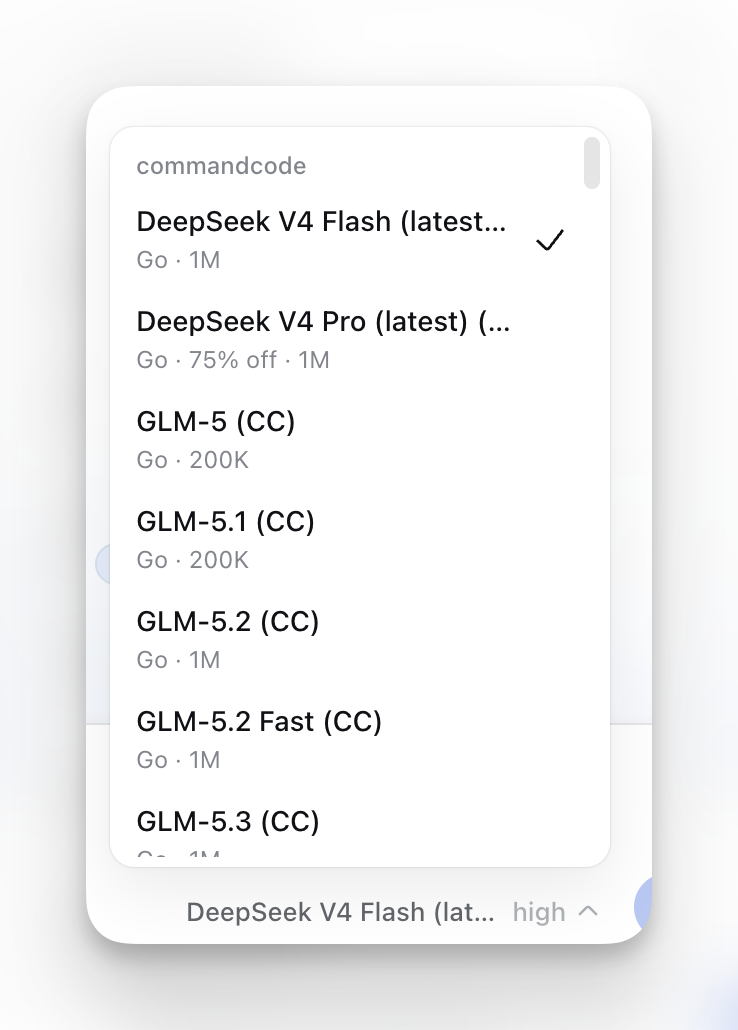
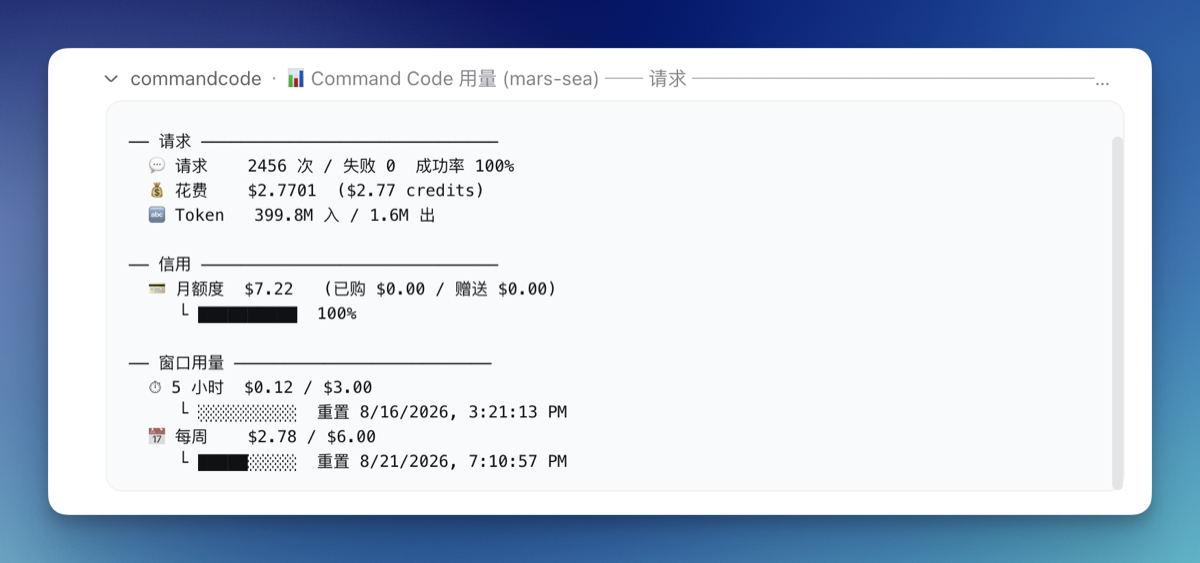
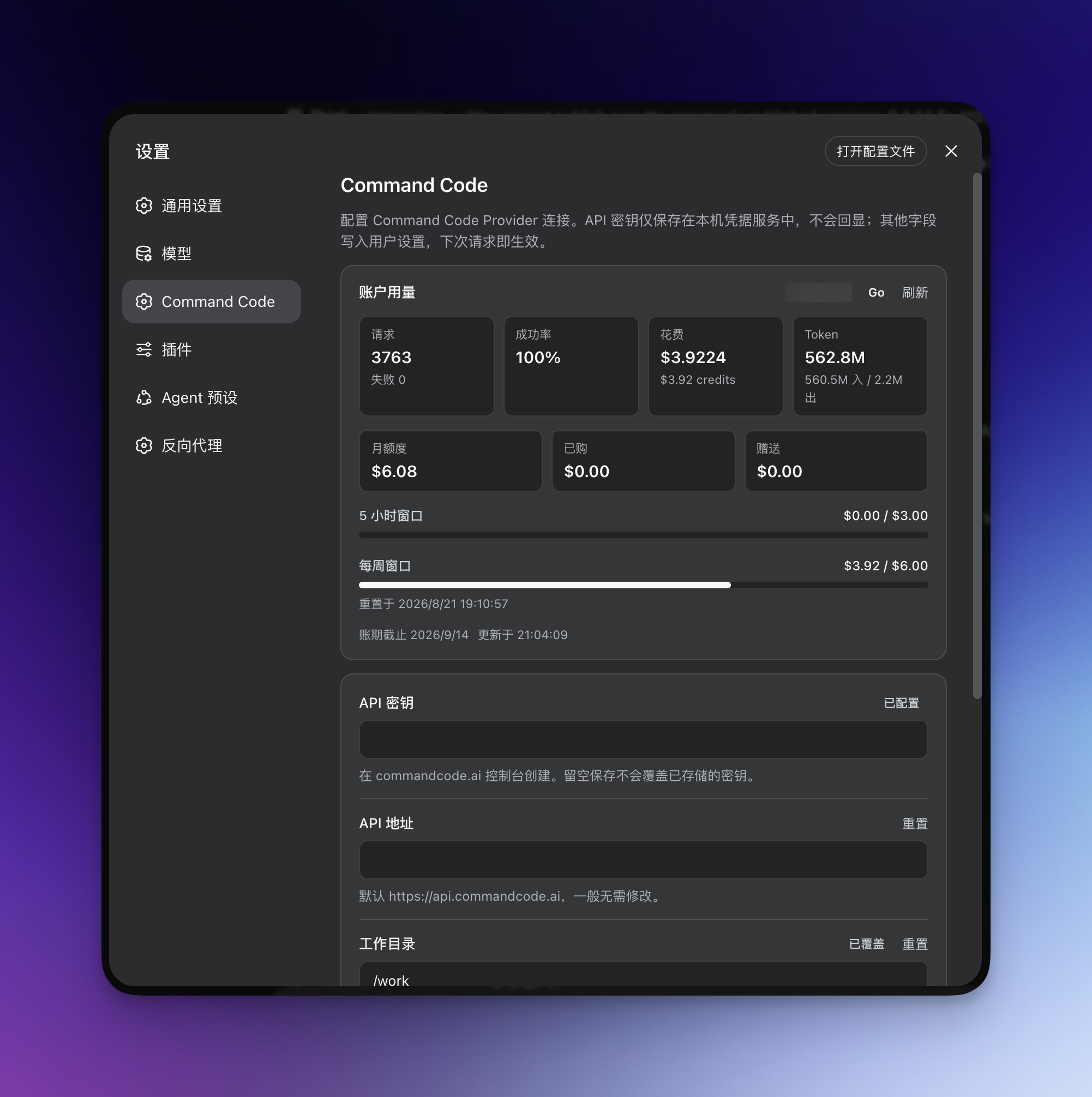
If you use DeepSeek Harness (dsh) and also subscribe to Command Code, you probably know the pain of switching between the two, pasting API keys around, and watching your quota. dsh-commandcode-provider is a community plugin built to bridge that gap: it turns Command Code into a first-class model provider inside dsh, so after installation the model picker shows Command Code's live catalog without leaving your dsh workflow.
Screenshots


Use Cases
- Use Command Code models directly inside dsh, keeping chat and reasoning within one unified workflow.
- When holding multiple Command Code subscriptions, automatically rotate among exhausted accounts to avoid interruption.
- Sign in via browser authorization in one click, avoiding the hassle of manually pasting API keys.
Best For
- Developers who use DeepSeek Harness and subscribe to Command Code.
- Users who need to manage multiple Command Code accounts or quotas.
- Those who want plan tier, usage limits, and vision support clearly visible in the model picker.
Related Plugins
A unified suite combining hot runtime injection, task-aware thinking-mode routing, and a graded session protocol with red-team gates to sustain model diligence across long-horizon inference.

ModLens is a vision plugin for DeepSeek Harness that gives text-only models sight by reading images pasted directly into chat, with zero-config setup and multiple vision engines.

On-demand vision for text-only DeepSeek Harness agents: built-in free keyless vision chain and 14 vision tools, routing image turns as tool calls to vision models with pixel fidelity, no Python needed, one-command install.

Give text-only models in DeepSeek Harness eyes, enabling image Q&A, long-screenshot OCR, UI restoration, and GUI visual tasks.