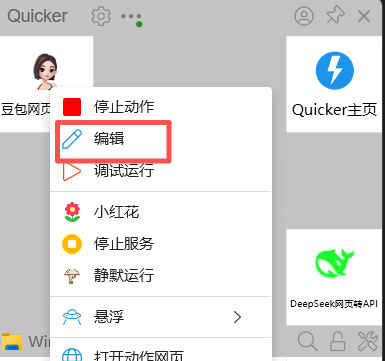
dsh-doubao-plugin
Run the following command in DeepSeek Harness:
dsh plugin install Practice019/dsh-doubao-plugin
Paste the following prompt into your AI chat to install this plugin:
Open the terminal in DeepSeek Harness and run dsh plugin install Practice019/dsh-doubao-plugin to install the plugin, then restart Harness to activate it; source code is available at https://github.com/Practice019/dsh-doubao-plugin .
About this plugin
In DeepSeek Harness, models lack built-in web search, image generation, and multimodal image recognition by default, and users typically have to configure MCP servers or third-party tools to accomplish these tasks. dsh-doubao-plugin registers a dynamic tool called doubao_ask through the local Doubao Relay OpenAI-compatible endpoint, allowing the model to invoke Doubao directly in conversation for search, image generation, and image understanding with no external dependencies.
The plugin covers three core operations: real-time web search; image generation with results displayed inline as Markdown; and multimodal image recognition that accepts URLs, Base64 data URLs, or local file paths, automatically compressing local images over 512 KB to 800 px width before sending. The paste-to-path mechanism intercepts image paste events in the input box for text-only models, saves the image to a local temporary path, and inserts that path as plain text, so even text-only models can trigger Doubao image recognition indirectly. Generated images are deduplicated, collapsing CDN mirrors and template variants into a single link, and returned as a structured images array.
Ideal for users who already run Doubao as a backend model in DSH and want to complete search, generation, and recognition workflows through natural-language conversation alone. Once the local Doubao Relay is running, installing the plugin and restarting Harness is all it takes for the model to discover and use the doubao_ask tool, turning multi-step multimodal tasks into a single message.
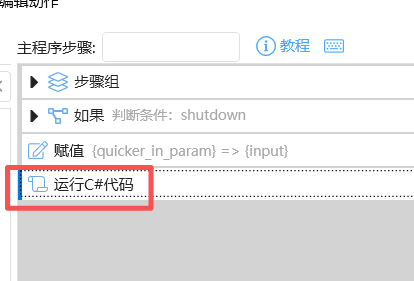
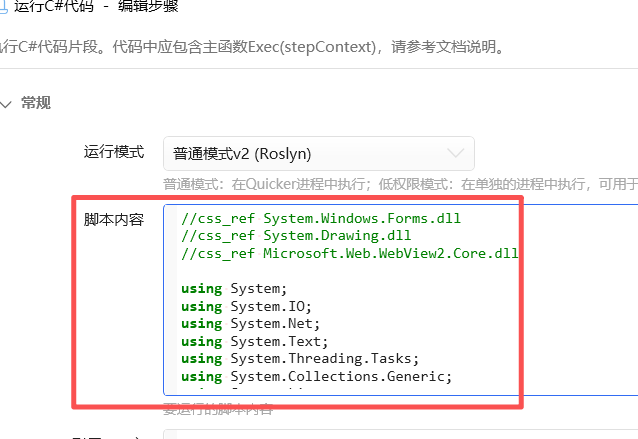
Screenshots
Use Cases
- Ask the model to search real-time information or generate images in conversation
- Paste an image and let the model call Doubao for recognition and a text description
- Use paste-to-path to enable multimodal image tasks in text-only models
Best For
- Users already running Doubao as a backend model in DSH
- Conversational users who want multimodal tasks without MCP setup
- Developers needing a local image recognition and generation workflow
Related Plugins

ModLens is a vision plugin for DeepSeek Harness that gives text-only models sight by reading images pasted directly into chat, with zero-config setup and multiple vision engines.

On-demand vision for text-only DeepSeek Harness agents: built-in free keyless vision chain and 14 vision tools, routing image turns as tool calls to vision models with pixel fidelity, no Python needed, one-command install.

Give text-only models in DeepSeek Harness eyes, enabling image Q&A, long-screenshot OCR, UI restoration, and GUI visual tasks.
An armor-breaking plugin for DeepSeek: rewrites instruction priority, expands refusal-blocked phrases, persists across sessions, and shows a green active indicator.