dsh-notes-markdown
Run the following command in DeepSeek Harness:
dsh plugin install Tieboyh/dsh-notes-markdown
Paste the following prompt into your AI chat to install this plugin:
Run dsh plugin install Tieboyh/dsh-notes-markdown in the DeepSeek Harness terminal to install this plugin; the full source is available at https://github.com/Tieboyh/dsh-notes-markdown
About this plugin
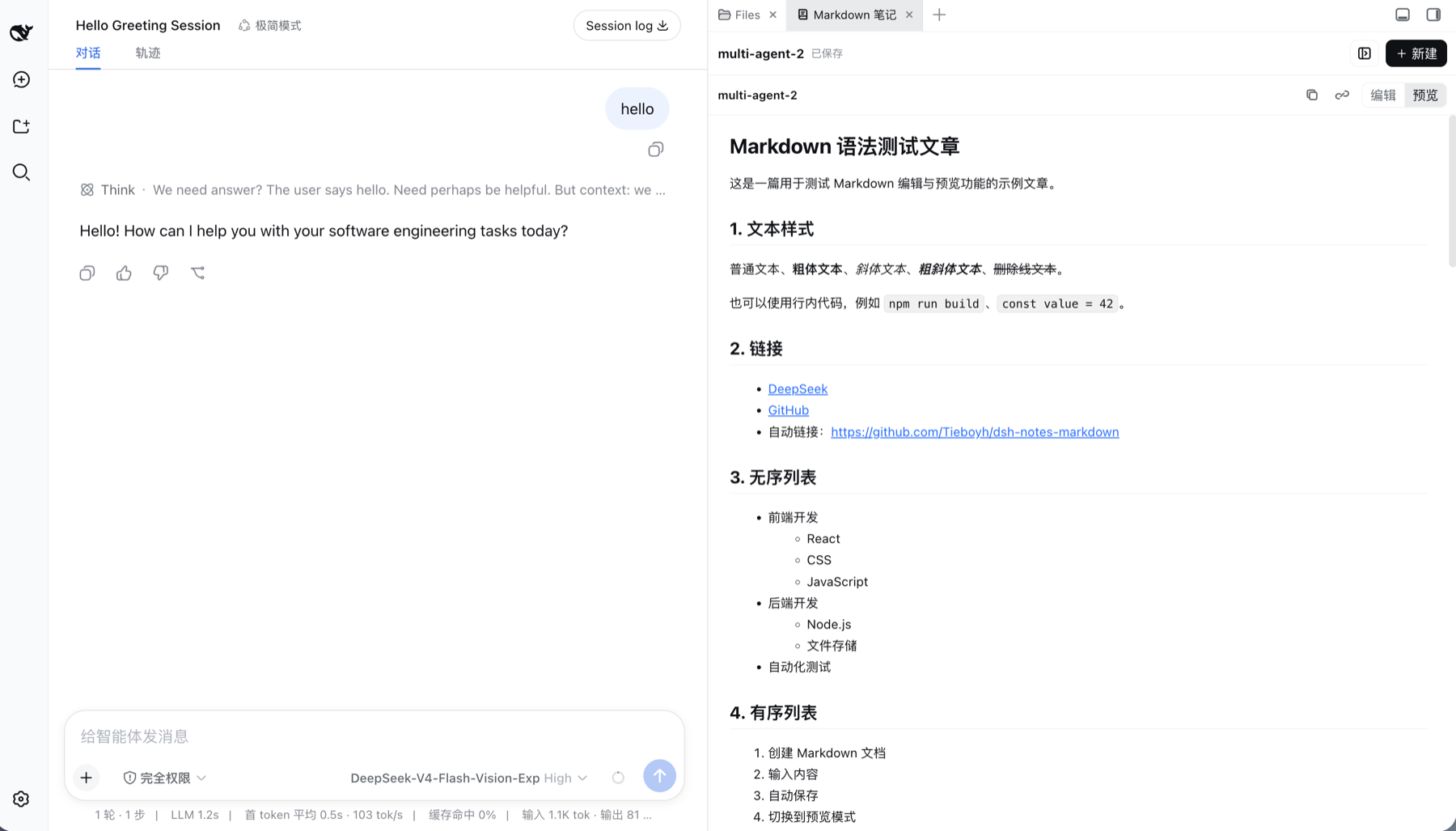
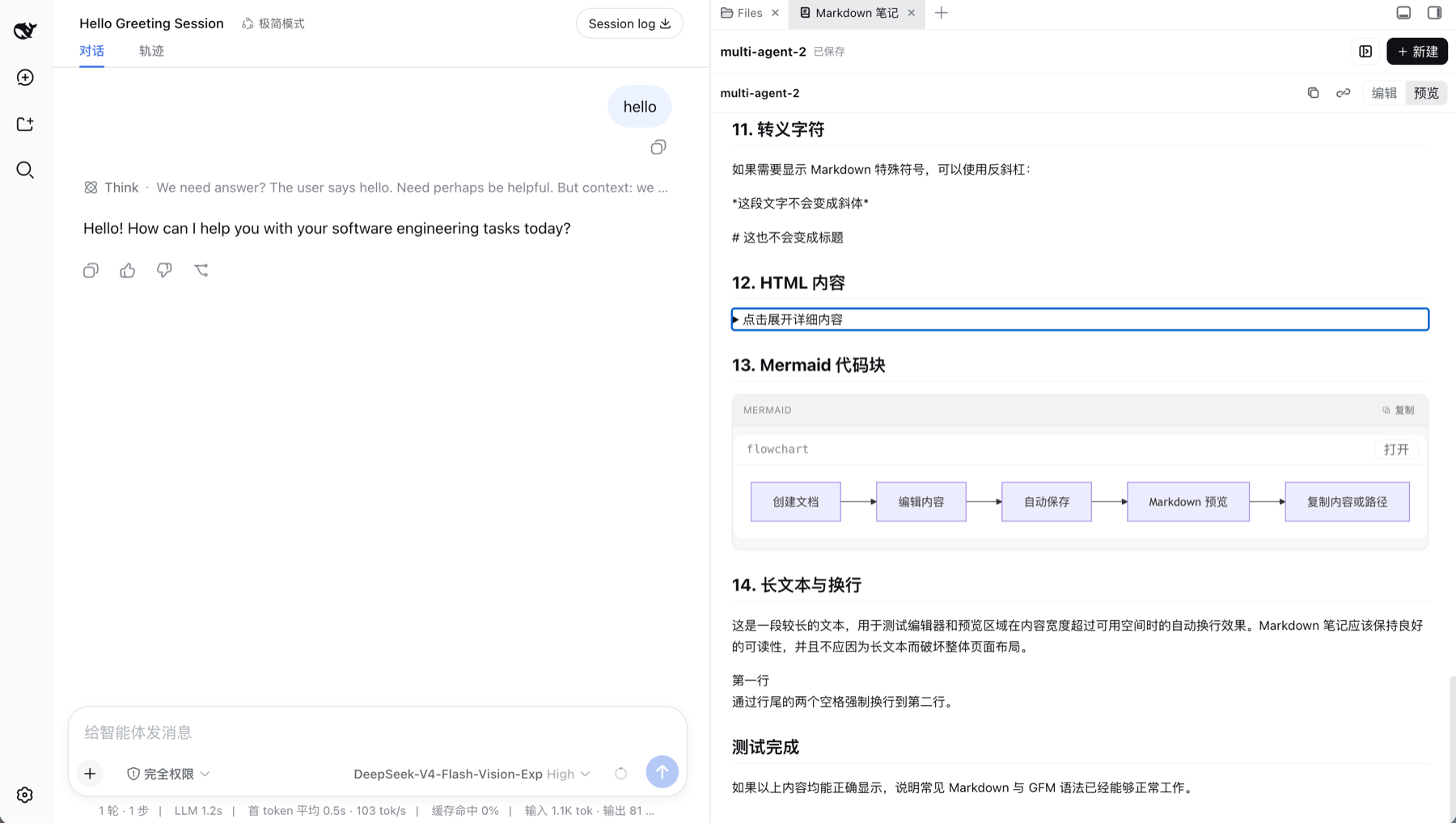
Long DSH conversations produce decisions, API sketches, and follow-up tasks that are easy to lose once the thread scrolls away. dsh-notes-markdown turns the sidebar into a lightweight Markdown workspace so you can capture those ideas right next to the chat without hopping to another editor.
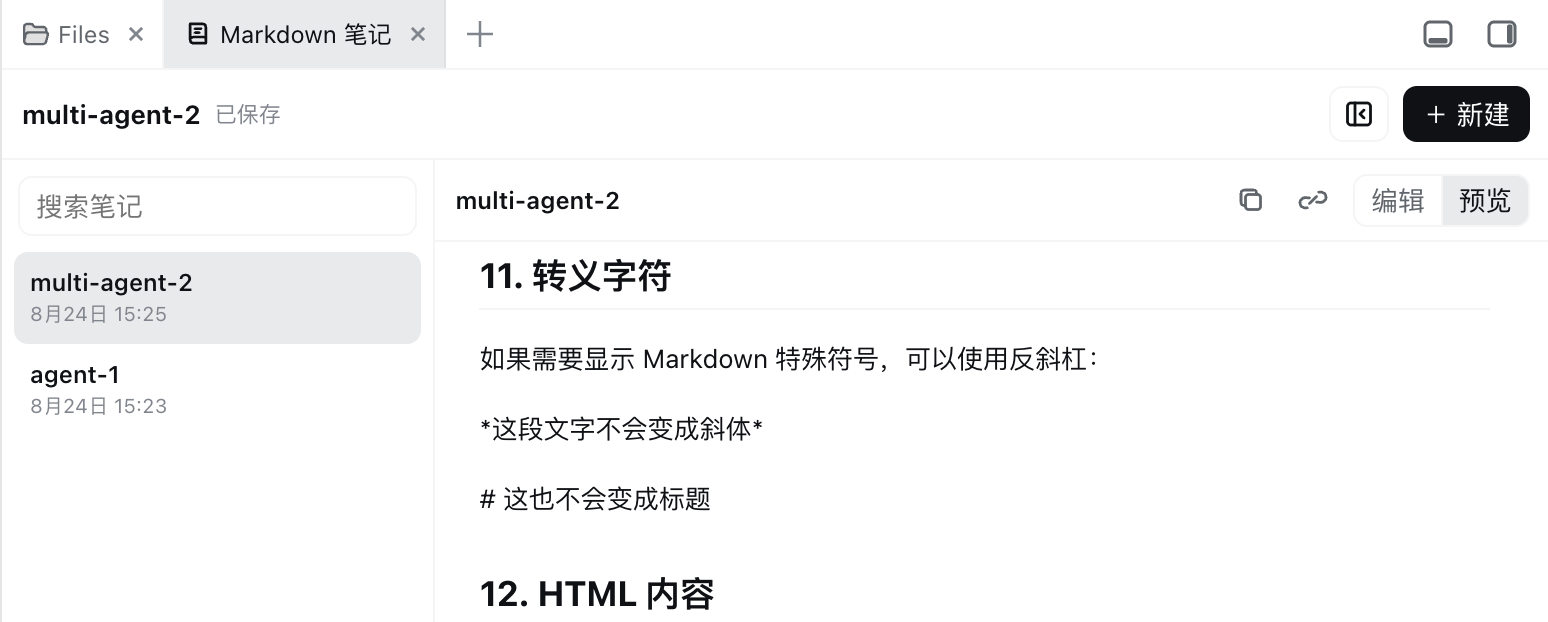
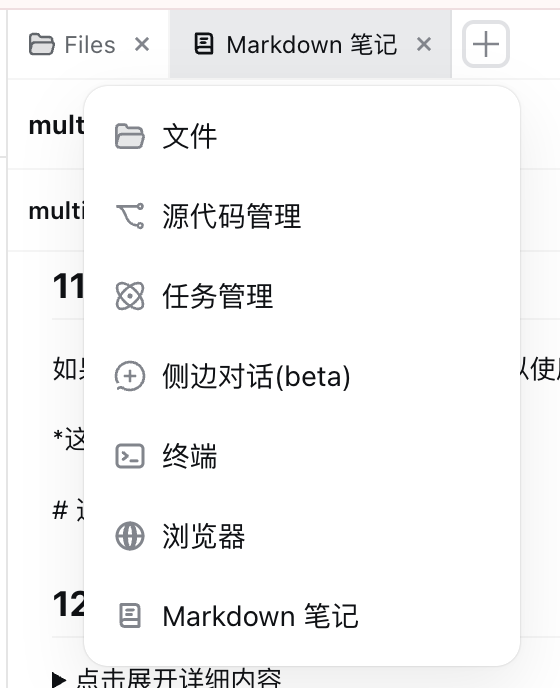
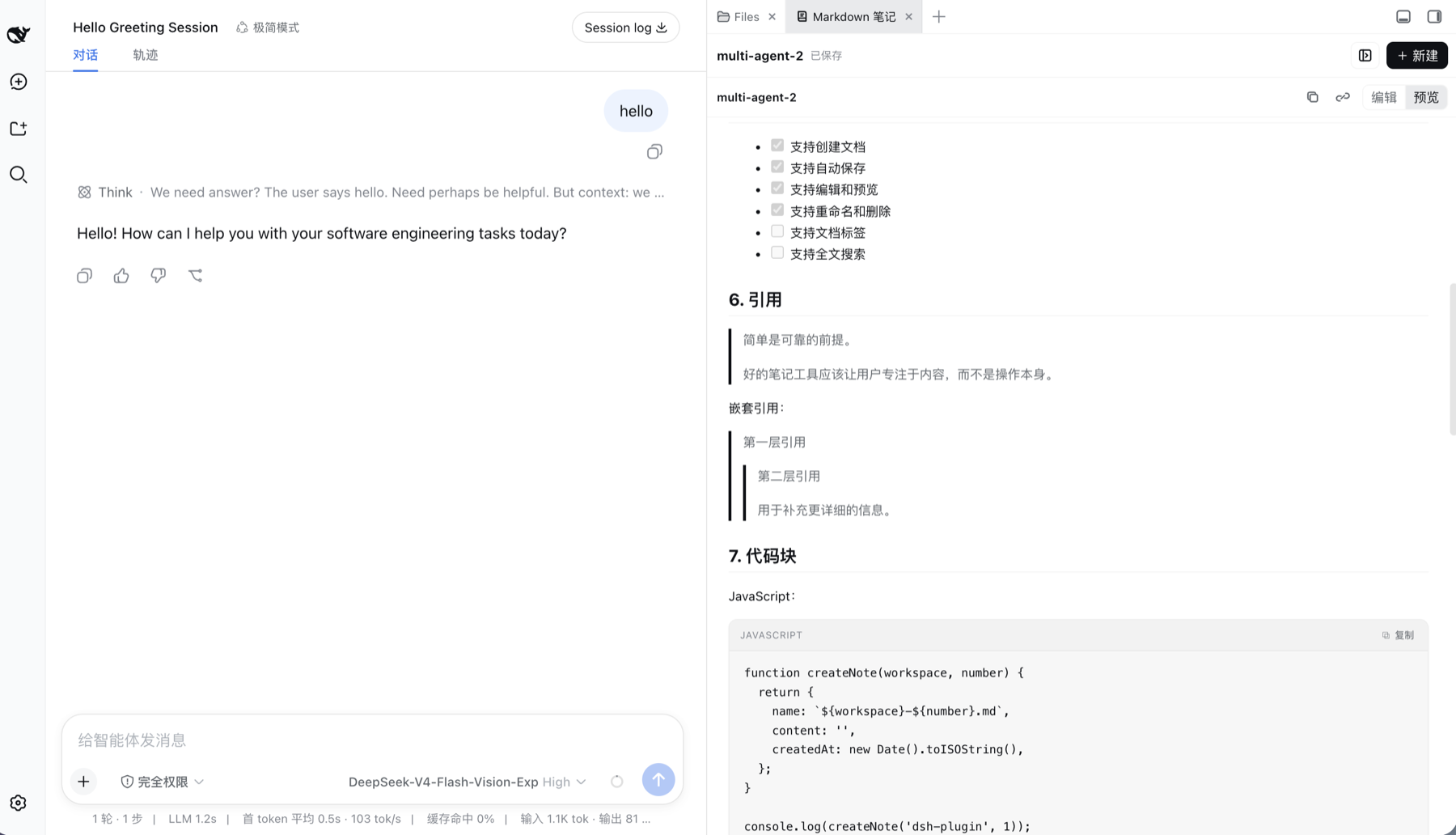
The workflow is simple: one-click create, live Typora-style preview or exact source mode, full GFM rendering with tables, task lists, labelled code cards, and Mermaid blocks. Edits autosave to plain .md files under ~/.dsh/docs after a short debounce, with revision-checked atomic writes that prevent cross-window overwrites. Search, rename, copy the absolute path, and delete are all available in the sidebar, keeping you in flow.
It is built for engineers and agent collaborators who want a zero-friction place to persist technical designs, API notes, implementation checklists, meeting outcomes, or reusable prompts. Because every note is a real file, Git, scripts, and other agents can read the same path directly, making hand-off nearly costless.
Screenshots
Use Cases
- Capture technical designs as structured notes with live GFM preview mid-conversation
- Record API references and implementation checklists for instant search and retrieval
- Copy a note's absolute path and hand it to an agent working in the same environment
Best For
- Engineers who generate structured notes during DSH sessions
- Users who prefer local .md file management over cloud SaaS
- Collaborators who share note paths with agents or scripts
Related Plugins

Traceable, searchable cross-session memory for AI agents that turns conversation knowledge into a typed knowledge graph and recalls relevant subgraphs instead of replaying full history, natively integrated with DeepSeek Harness.
Gives DSH AI cross-session long-term memory, to-do and skill management, plus multi-session orchestration, external AI delegation, and an infinite canvas that grows with you.

dsh-mnemon is a three-tier, pluggable, Agent-driven memory system for DeepSeek Harness, combining Runtime memory, Project Documents, and replaceable Memory Spaces with nine long-term providers.
An opinionated, zero-infrastructure file-based memory protocol: human-readable markdown files plus a bounded always-loaded index, curation discipline, and no database or embeddings.