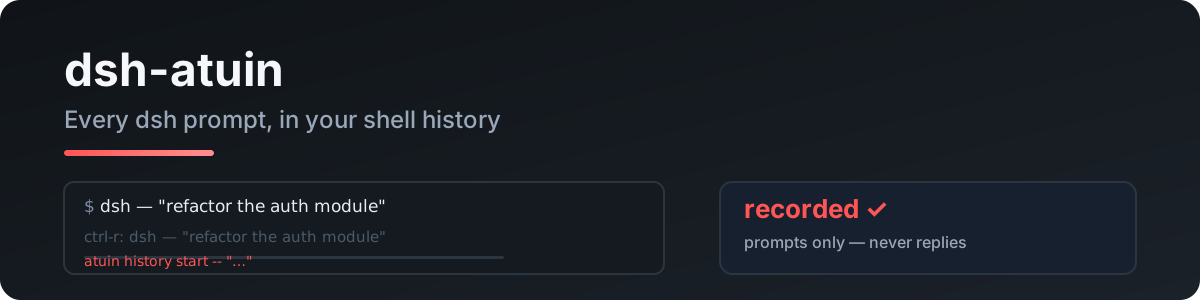
dsh-atuin
Run the following command in DeepSeek Harness:
dsh plugin install RealAlexandreAI/dsh-atuin
Paste the following prompt into your AI chat to install this plugin:
Run dsh plugin install RealAlexandreAI/dsh-atuin in your DeepSeek Harness terminal to install the plugin; the source repository is at https://github.com/RealAlexandreAI/dsh-atuin
About this plugin
Every prompt you submit in DeepSeek Harness vanishes the moment it is sent. There is no terminal, no history list, no Ctrl-R to look back. dsh-atuin closes that gap by listening to the prompts you personally type and writing each one into your local atuin history database, where atuin search or a simple Ctrl-R brings any past input back instantly.
The plugin follows a strict minimum-record policy: only your own typed prompts are captured, never AI replies, tool-call output, or file contents. A regex-based deny list suppresses sensitive input, a configurable max_len truncates unusually long entries, and a session-title filter scopes recording to specific conversations. Everything stays in your local atuin DB under ~/.local/share/atuin/history.db with zero network traffic. If atuin is absent or its daemon is down, the plugin silently skips recording so your session never breaks.
If you already lean on atuin for shell history and work with DeepSeek Harness day in, day out, dsh-atuin unifies both inputs under a single retrieval entry point. One local database, one atuin search, and every prompt you have ever typed is within reach—no extra logging tool to install or maintain.
Screenshots
Use Cases
- Recall the exact wording of a prompt typed days earlier
- Use atuin search to locate a key prompt from a past session
- Exclude prompts containing secrets via the regex deny list
Best For
- Developers who rely on atuin for shell history and use DeepSeek Harness daily
- Users seeking a single retrieval point for all typed prompts without extra tooling
- Privacy-conscious users who require all history to remain on the local machine
Related Plugins

Traceable, searchable cross-session memory for AI agents that turns conversation knowledge into a typed knowledge graph and recalls relevant subgraphs instead of replaying full history, natively integrated with DeepSeek Harness.
Gives DSH AI cross-session long-term memory, to-do and skill management, plus multi-session orchestration, external AI delegation, and an infinite canvas that grows with you.

dsh-mnemon is a three-tier, pluggable, Agent-driven memory system for DeepSeek Harness, combining Runtime memory, Project Documents, and replaceable Memory Spaces with nine long-term providers.
An opinionated, zero-infrastructure file-based memory protocol: human-readable markdown files plus a bounded always-loaded index, curation discipline, and no database or embeddings.