
dsh-moodball
Run the following command in DeepSeek Harness:
dsh plugin install sundusk/dsh-moodball
Paste the following prompt into your AI chat to install this plugin:
Run dsh plugin install sundusk/dsh-moodball in your terminal to install the desktop breathing-light status plugin from https://github.com/sundusk/dsh-moodball, then restart dsh web to activate it.
About this plugin
When running Agent tasks with DeepSeek Harness, status information is locked inside the Web UI. The moment you minimize the browser, you are left guessing whether the task is still progressing. dsh-moodball removes that friction entirely: a glowing, breathing orb lives permanently on your desktop, with a persistent icon in the menu bar, so you can glance at the screen and see what your Agent is doing—whether or not the browser is even open.
The experience is refreshingly direct. The orb breathes through colors in real time—green for thinking, purple for tool calls, yellow waiting for your approval, pink for a decision point, cyan for done, red for errors. When the Agent is not idle, a comic-style speech bubble pops up above the orb, narrating the current phase in plain language. You can drag the orb anywhere on screen and it remembers the spot; double-click it and it wiggles excitedly for two seconds. Every color, the orb size, breathing speed, bubble text, glow, and lock-position toggle are all customizable from a built-in settings panel, with changes taking effect immediately.
It is built for macOS users (14+) who run multi-turn Agent tasks with DSH every day and would rather not keep switching back to the browser to check progress. Once installed, the status becomes a living breathing light on your desktop—one peripheral glance is enough—freeing your attention for the moments that actually need your decision.
Screenshots
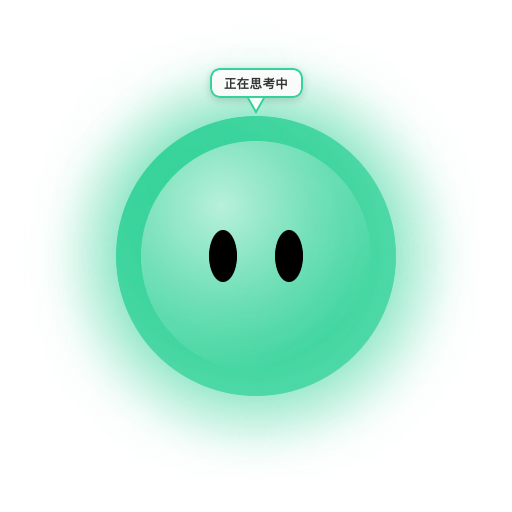
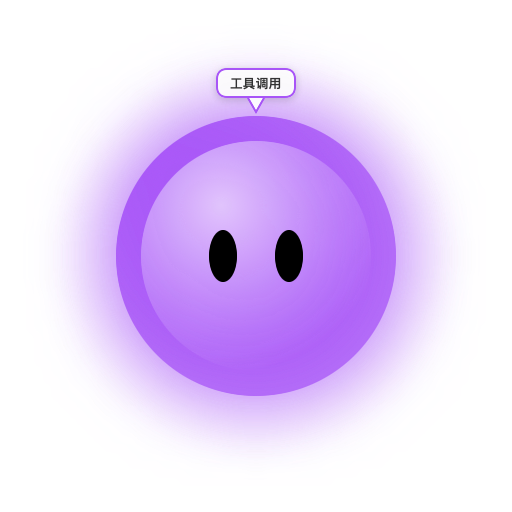

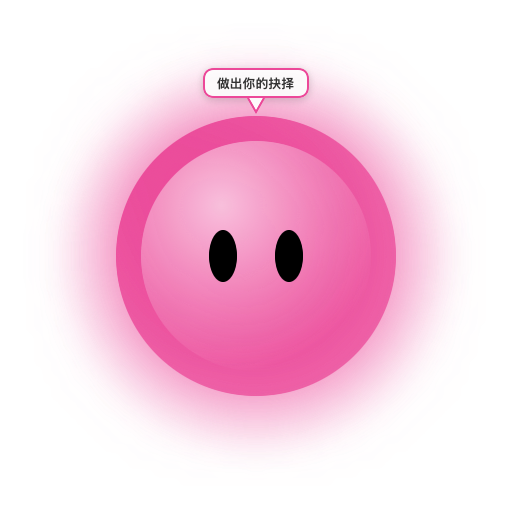
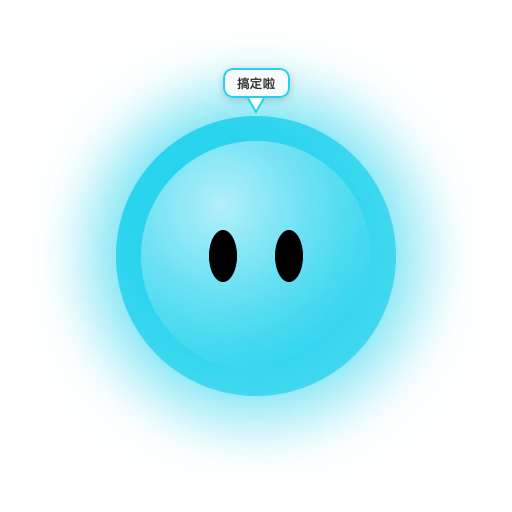
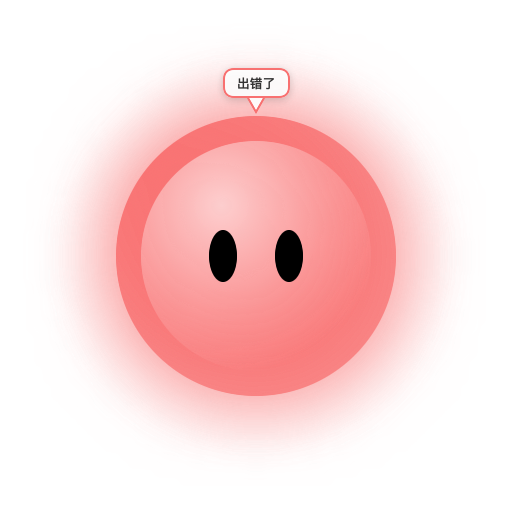
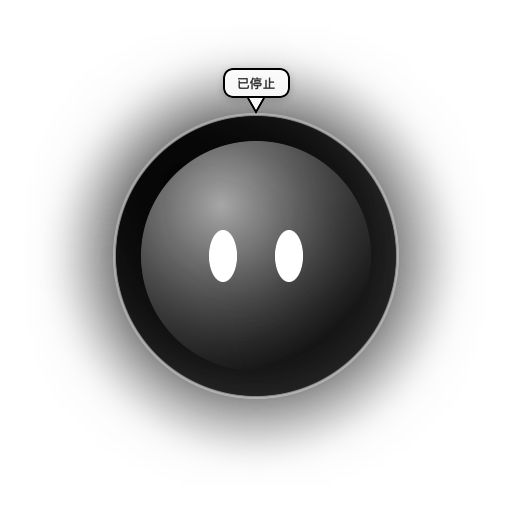
Use Cases
- Glance at the desktop to confirm the Agent task is still running while the browser stays minimized
- Distinguish at a glance which Agent is thinking vs. waiting for approval across concurrent tasks
- Track progress and catch errors at any time without ever opening the Web UI
Best For
- Developers on macOS 14+ who run Agent tasks with DeepSeek Harness daily
- Users running long Agent sessions who dislike repeatedly switching back to the browser
- macOS power users who prefer small desktop utilities and at-a-glance status visibility
Related Plugins

ModLens is a vision plugin for DeepSeek Harness that gives text-only models sight by reading images pasted directly into chat, with zero-config setup and multiple vision engines.

On-demand vision for text-only DeepSeek Harness agents: built-in free keyless vision chain and 14 vision tools, routing image turns as tool calls to vision models with pixel fidelity, no Python needed, one-command install.

Give text-only models in DeepSeek Harness eyes, enabling image Q&A, long-screenshot OCR, UI restoration, and GUI visual tasks.
An armor-breaking plugin for DeepSeek: rewrites instruction priority, expands refusal-blocked phrases, persists across sessions, and shows a green active indicator.