dsh-deepseek-vision
Run the following command in DeepSeek Harness:
dsh plugin install siegfly/dsh-deepseek-vision
Paste the following prompt into your AI chat to install this plugin:
To install the dsh-deepseek-vision plugin in DeepSeek Harness, run the command: dsh plugin install siegfly/dsh-deepseek-vision, or visit the source repository at https://github.com/siegfly/dsh-deepseek-vision for detailed instructions.
About this plugin
In the DeepSeek Harness ecosystem, pure text programming models like the DeepSeek series natively lack image processing capabilities, limiting developers' applications in multimodal tasks. dsh-deepseek-vision, as a vision-language gateway plugin, cleverly addresses this by providing a lightweight routing layer that enables models to seamlessly handle image inputs, whether pasted in chat, returned from tools, or captured from browser screenshots.
The plugin's core capability lies in its intelligent routing mechanism: for models officially declared to support vision, images are directly forwarded to native endpoints; for others, a configurable vision model (default Qwen-VL) first converts the images into detailed text descriptions before passing them to DeepSeek for further processing. This process uses an in-process LRU cache, describing each image only once to avoid redundant billing, while maintaining session history invariants to ensure original images remain persisted unaffected. Installation and configuration follow official plugin mechanisms, allowing zero-code changes to swap vision models and compatibility with various OpenAI-style gateways.
This plugin is particularly suitable for users leveraging DeepSeek Harness for programming, AI development, or research, especially developers who need to occasionally process images without switching models or introducing complex dependencies. It does not inject additional tools or rely on local models, offering only the thinnest bridge to let users focus on core tasks while extending DeepSeek's multimodal capabilities. Whether you're a software engineer, AI researcher, or educator, if you want to integrate image understanding into your DeepSeek workflow, dsh-deepseek-vision provides a reliable and efficient solution.
Screenshots
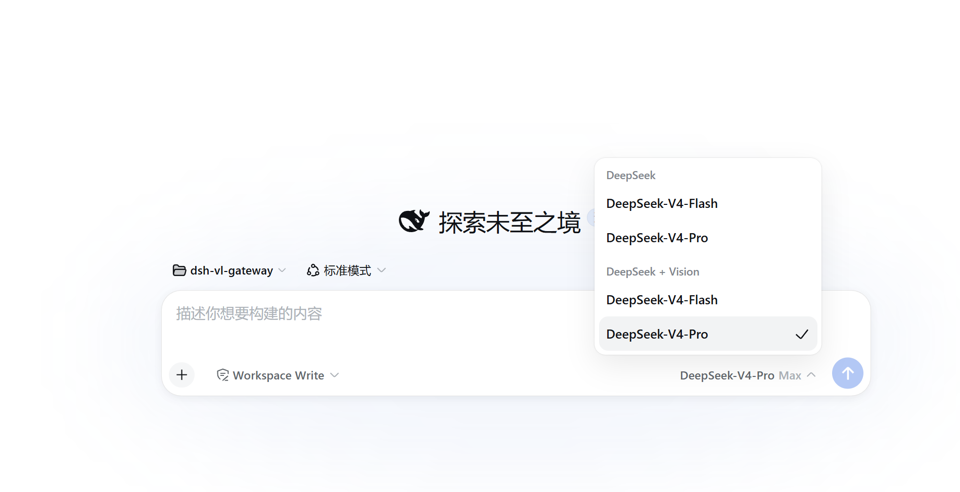
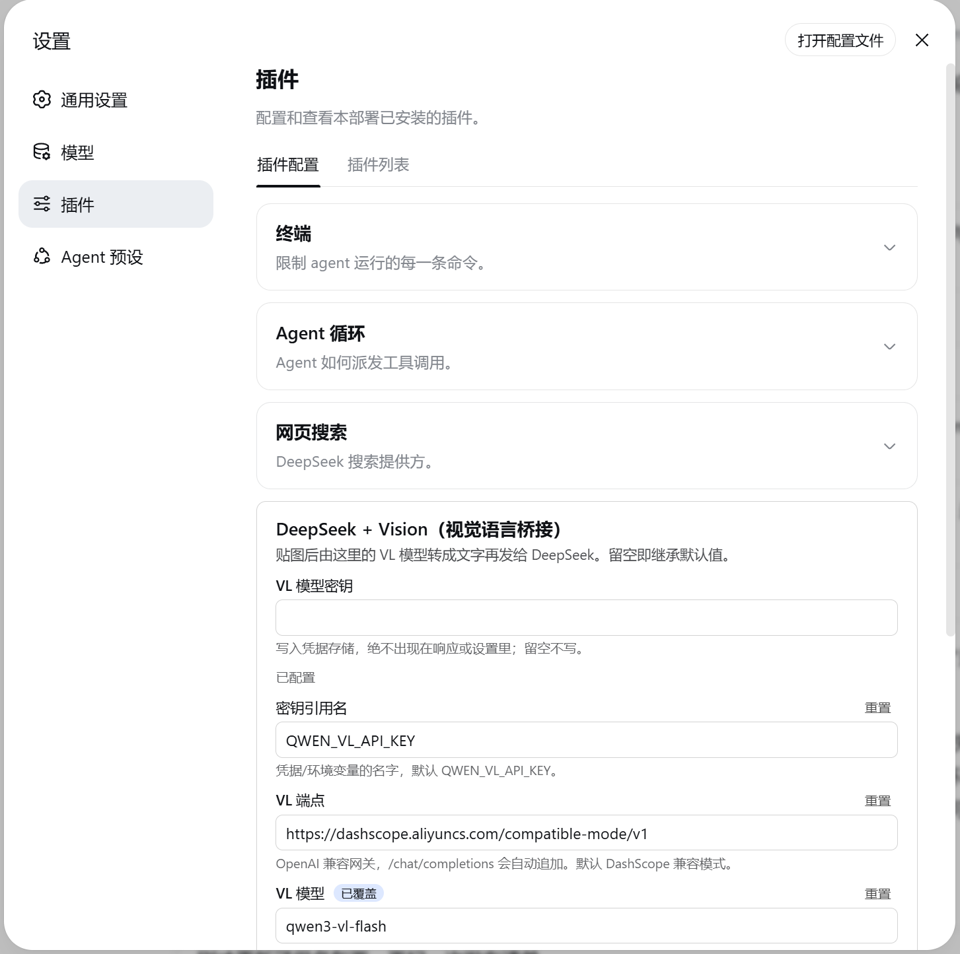
Use Cases
- Paste screenshots in DeepSeek programming sessions to quickly identify code errors.
- Process images returned from browser tools or MCP for analysis.
- Use vision models to describe logs or UI interfaces for debugging and optimization assistance.
Best For
- Software engineers using DeepSeek Harness for development projects.
- AI researchers or data scientists needing image understanding capabilities.
- Educators or students for visually-assisted programming learning and projects.
Related Plugins
A unified suite combining hot runtime injection, task-aware thinking-mode routing, and a graded session protocol with red-team gates to sustain model diligence across long-horizon inference.

ModLens is a vision plugin for DeepSeek Harness that gives text-only models sight by reading images pasted directly into chat, with zero-config setup and multiple vision engines.

On-demand vision for text-only DeepSeek Harness agents: built-in free keyless vision chain and 14 vision tools, routing image turns as tool calls to vision models with pixel fidelity, no Python needed, one-command install.

Give text-only models in DeepSeek Harness eyes, enabling image Q&A, long-screenshot OCR, UI restoration, and GUI visual tasks.