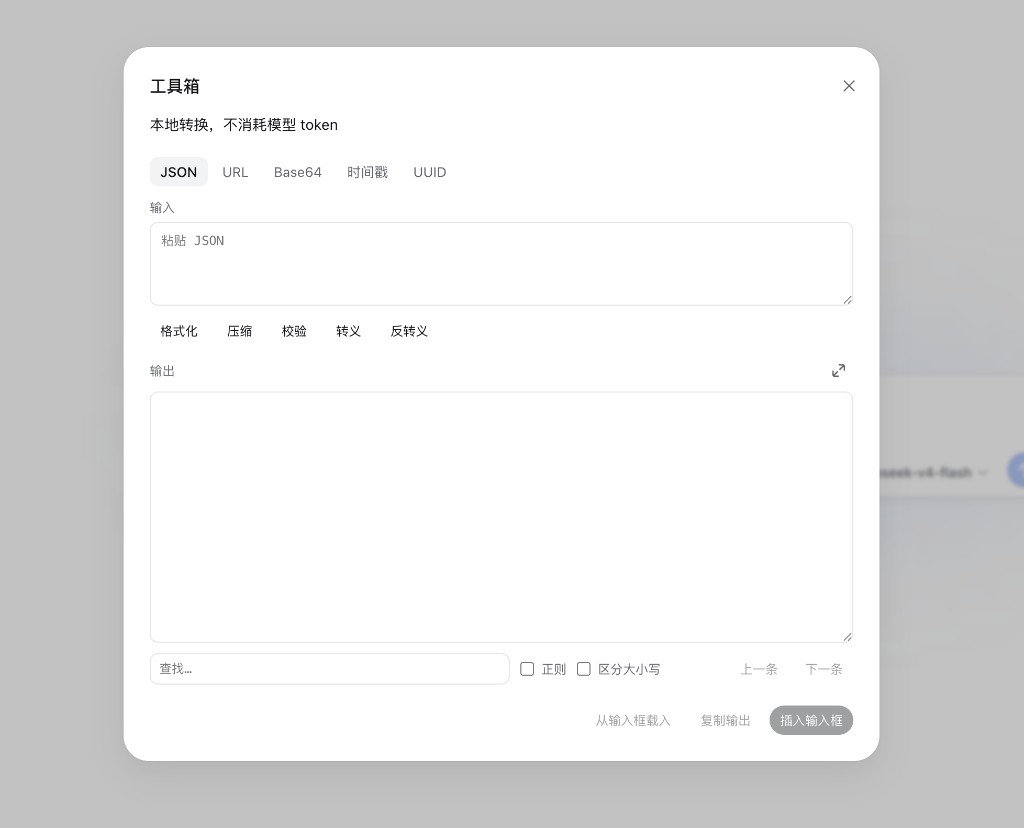
dsh-dev-toolbox
Run the following command in DeepSeek Harness:
dsh plugin install Qingzhou-Joshua/dsh-dev-toolbox
Paste the following prompt into your AI chat to install this plugin:
Run dsh plugin install Qingzhou-Joshua/dsh-dev-toolbox in the DeepSeek Harness terminal to install the plugin; the full source is available at https://github.com/Qingzhou-Joshua/dsh-dev-toolbox .
About this plugin
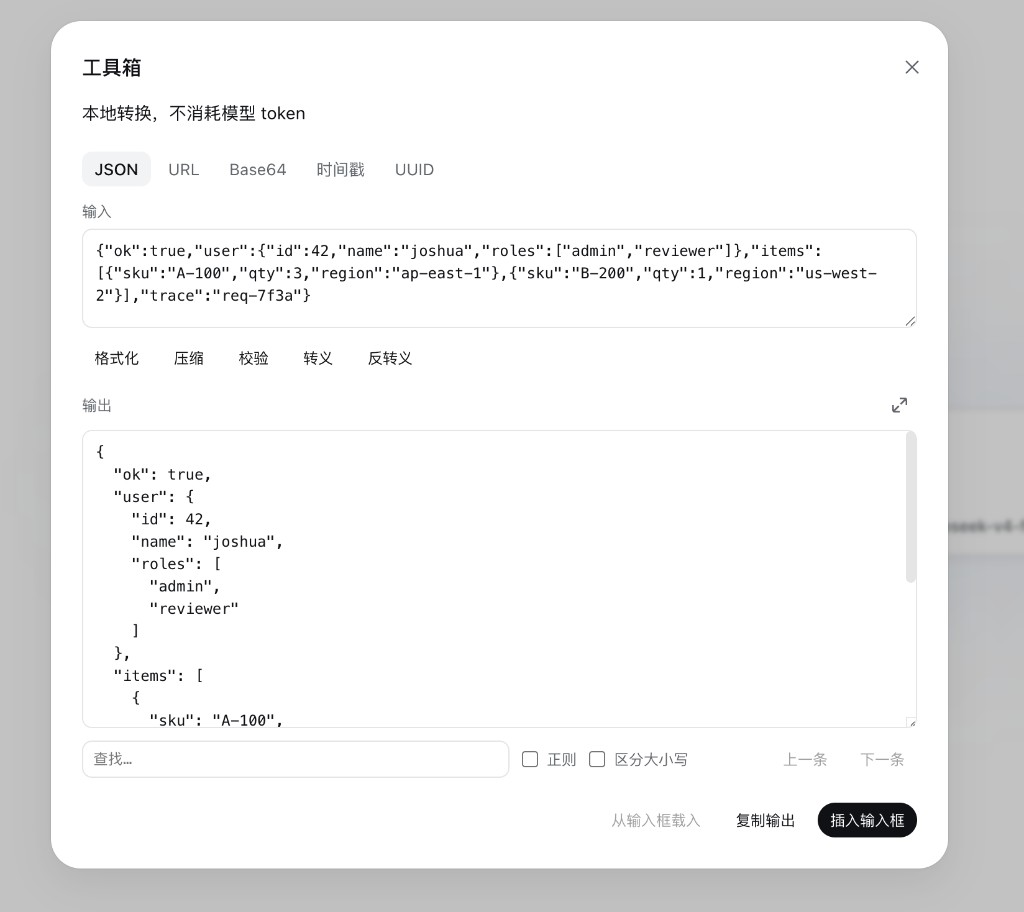
Pretty-printing a JSON blob in a new tab, hand-converting URL query params into an object, or calculating a timestamp off the top of your head—these are the small tasks that break your flow yet never quite justify leaving the editor. dsh-dev-toolbox folds a set of everyday text utilities directly into the dsh composer toolbar: one click on the code icon opens a panel where every conversion runs locally in the browser, with no model call, no network request, and nothing written to disk.
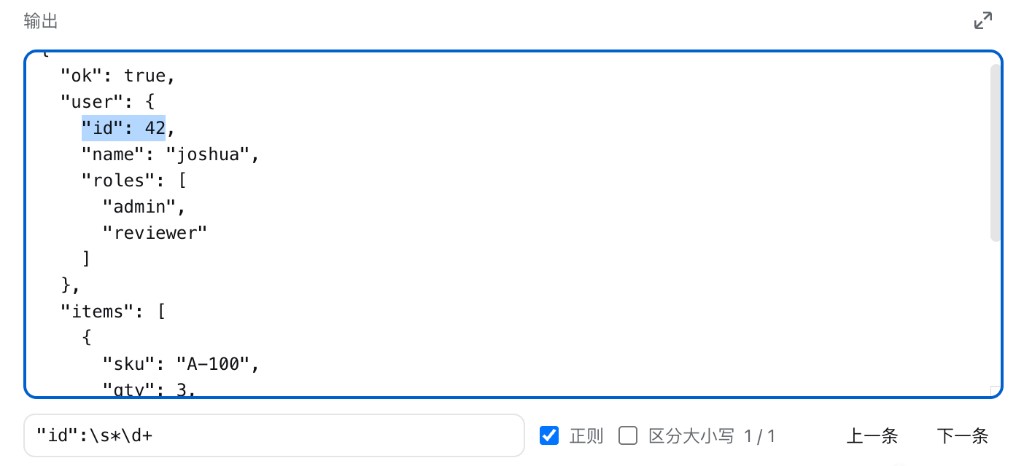
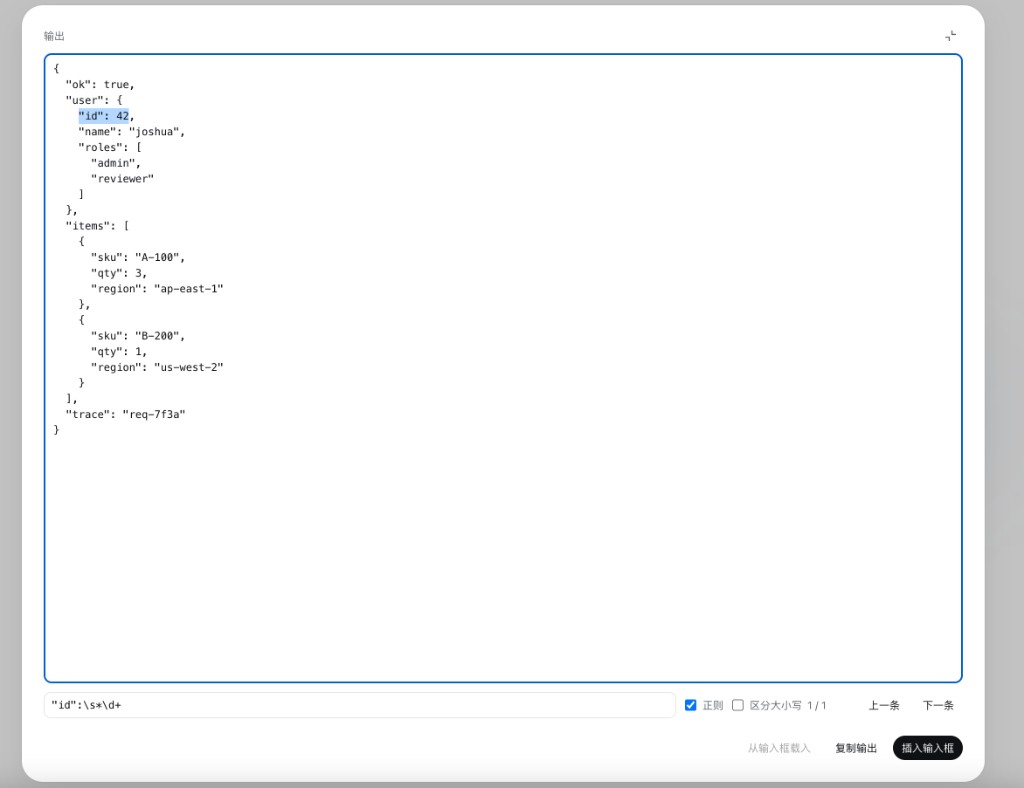
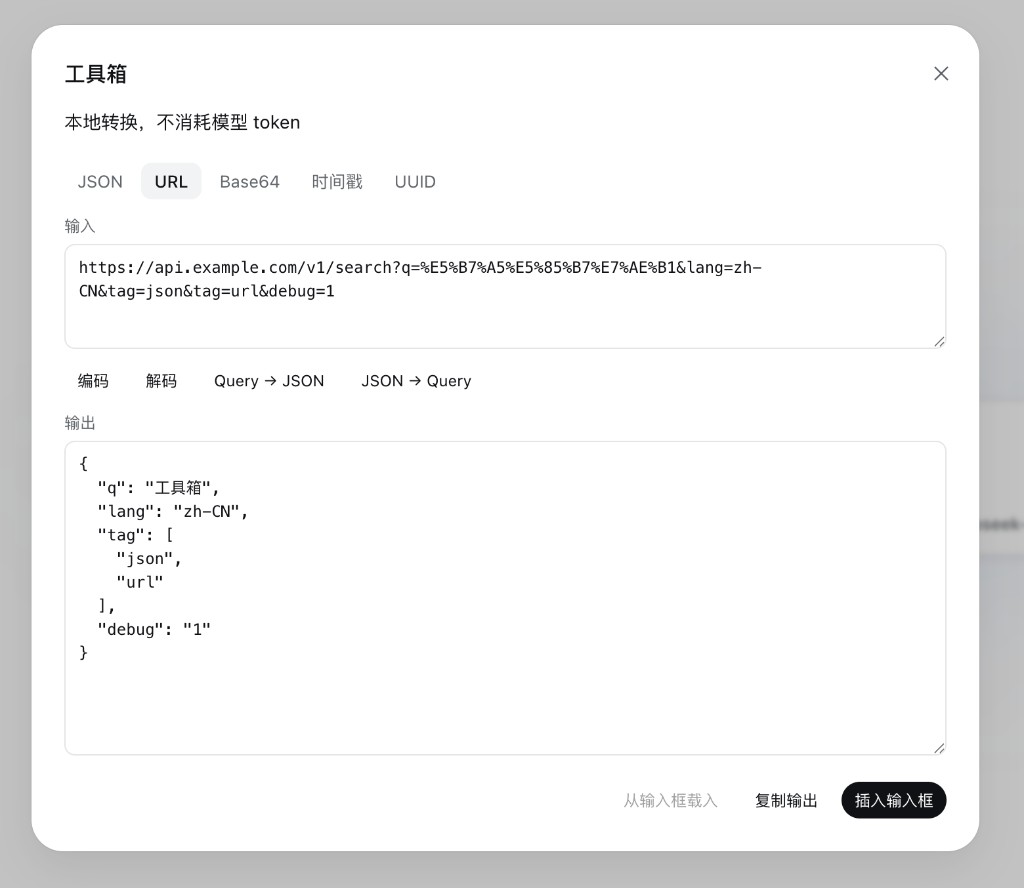
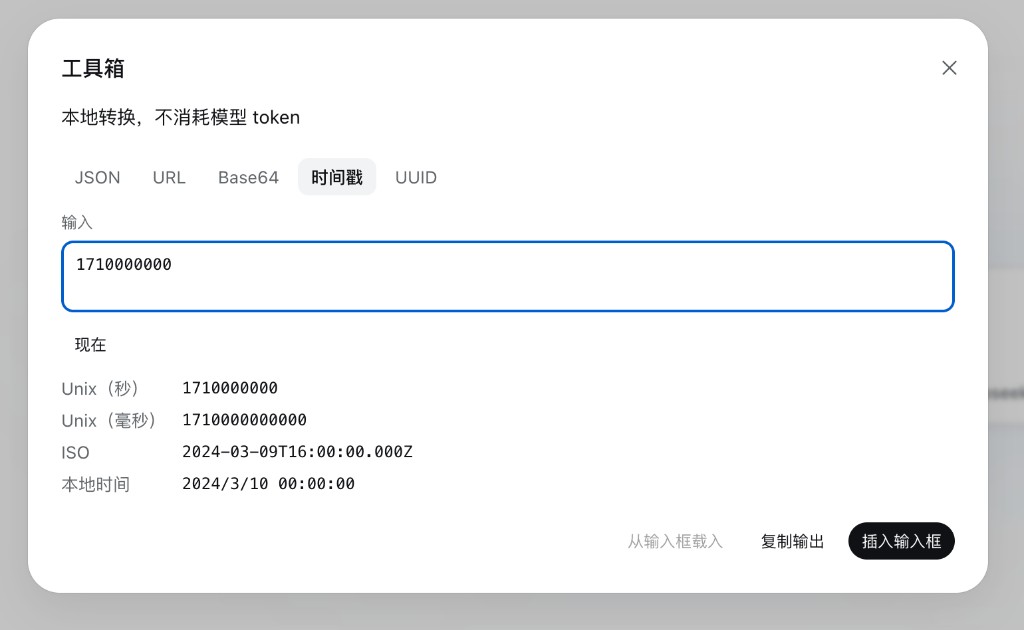
The toolbox covers five high-frequency scenarios: JSON formatting, minification, validation, and string escaping and unescaping; URL percent-encoding and decoding plus bidirectional query-string-to-JSON conversion; UTF-8 text to Base64 and back; timestamp parsing that accepts 10-digit seconds, 13-digit milliseconds, fractional seconds, and ISO strings, yielding Unix seconds, Unix milliseconds, ISO, and local time in a single pass; and UUID v4 generation via crypto.randomUUID. Built-in extras include output search with regex and case-sensitivity options, a full-screen reading view, and three global footer actions—load from composer, copy output, and insert back into the draft—so results flow straight back into the conversation.
It is aimed at engineers who already work inside dsh for coding, prompt engineering, or API response handling: any moment in a session where you need a quick text transformation and would rather not switch windows. Open the panel, paste, click, and the answer is right there.
Screenshots
Use Cases
- Quickly formatting, minifying, or validating a JSON blob mid-session
- Converting URL query strings to and from JSON objects
- Decoding Base64 snippets or timestamps pasted from logs
Best For
- Engineers doing coding or prompt engineering inside dsh
- Developers who need quick text conversion without switching windows
- Engineers who regularly handle API responses and log snippets
Related Plugins

ModLens is a vision plugin for DeepSeek Harness that gives text-only models sight by reading images pasted directly into chat, with zero-config setup and multiple vision engines.

On-demand vision for text-only DeepSeek Harness agents: built-in free keyless vision chain and 14 vision tools, routing image turns as tool calls to vision models with pixel fidelity, no Python needed, one-command install.

Give text-only models in DeepSeek Harness eyes, enabling image Q&A, long-screenshot OCR, UI restoration, and GUI visual tasks.
An armor-breaking plugin for DeepSeek: rewrites instruction priority, expands refusal-blocked phrases, persists across sessions, and shows a green active indicator.