huluTable-dsh-plugin
Run the following command in DeepSeek Harness:
dsh plugin install huluwocom/huluTable-dsh-plugin
Paste the following prompt into your AI chat to install this plugin:
Run dsh plugin install huluwocom/huluTable-dsh-plugin inside DeepSeek Harness to install the plugin; the source repository is available at https://github.com/huluwocom/huluTable-dsh-plugin
About this plugin
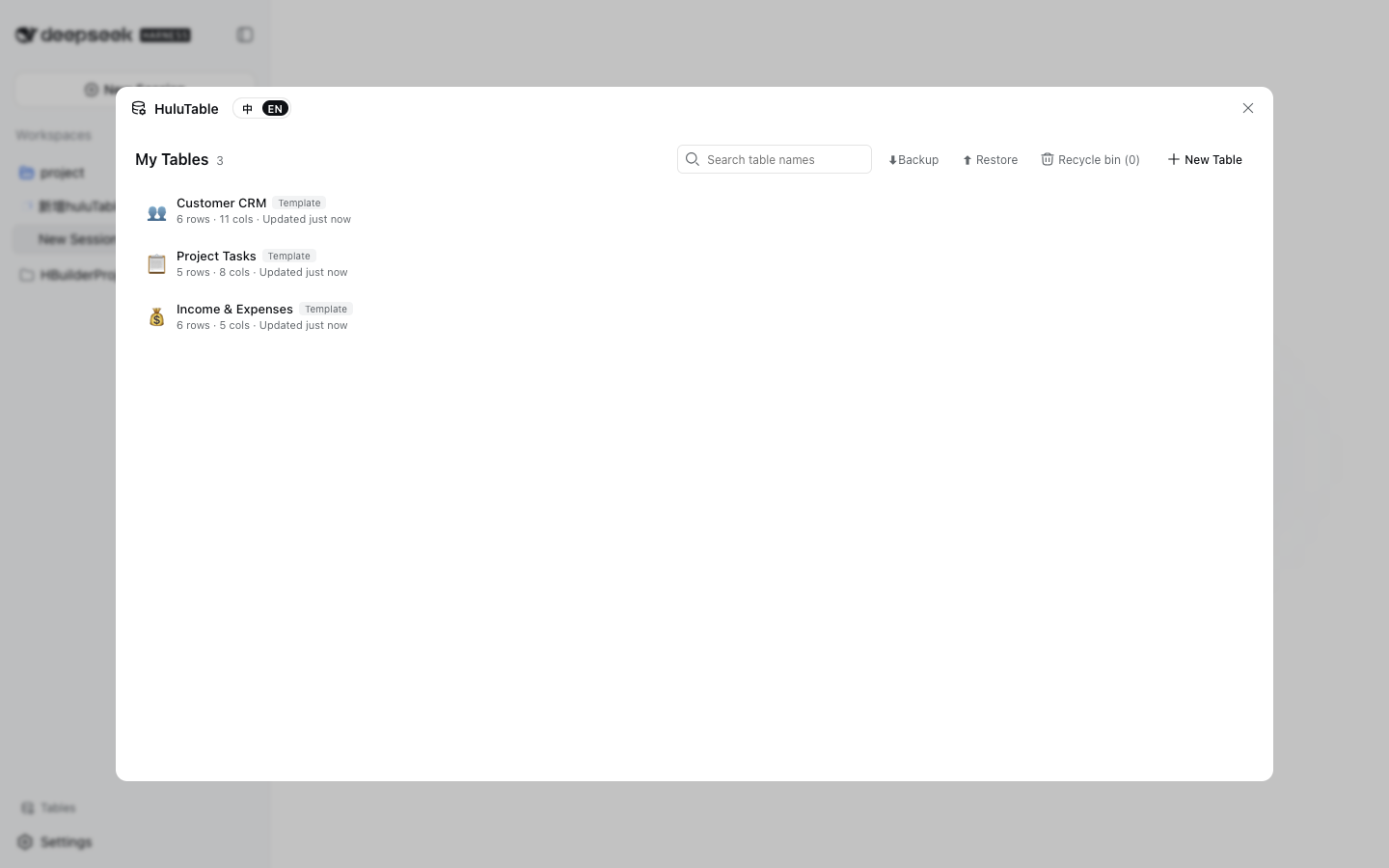
huluTable drops a full-featured online spreadsheet into the DeepSeek Harness sidebar. No database, no backend server—every record is written straight into the browser's IndexedDB and works out of the box. Its job is simple: let you maintain structured data such as a customer CRM, project board, finance ledger, or attendance log right inside your Harness workflow, without breaking context to open another web app or desktop tool.
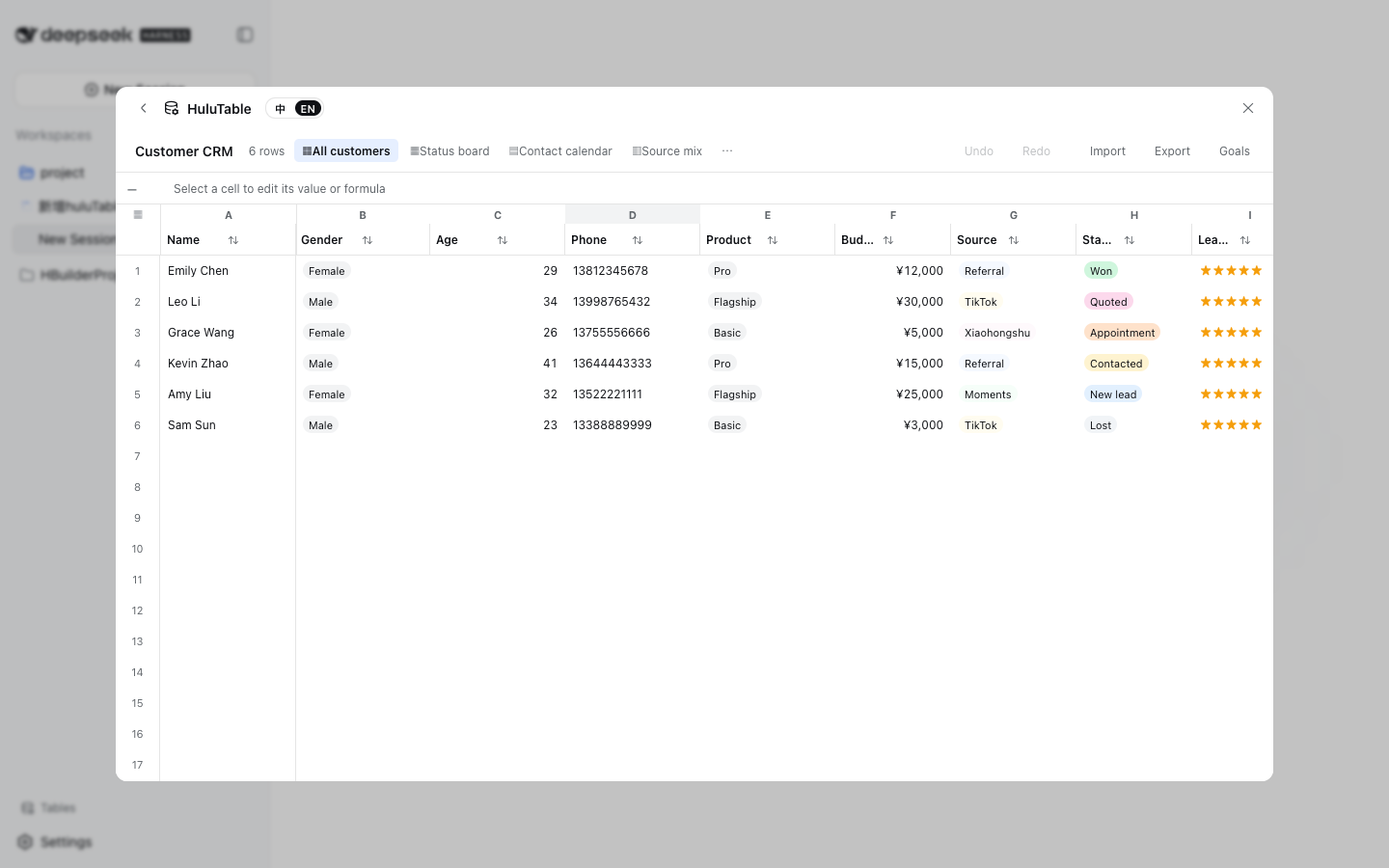
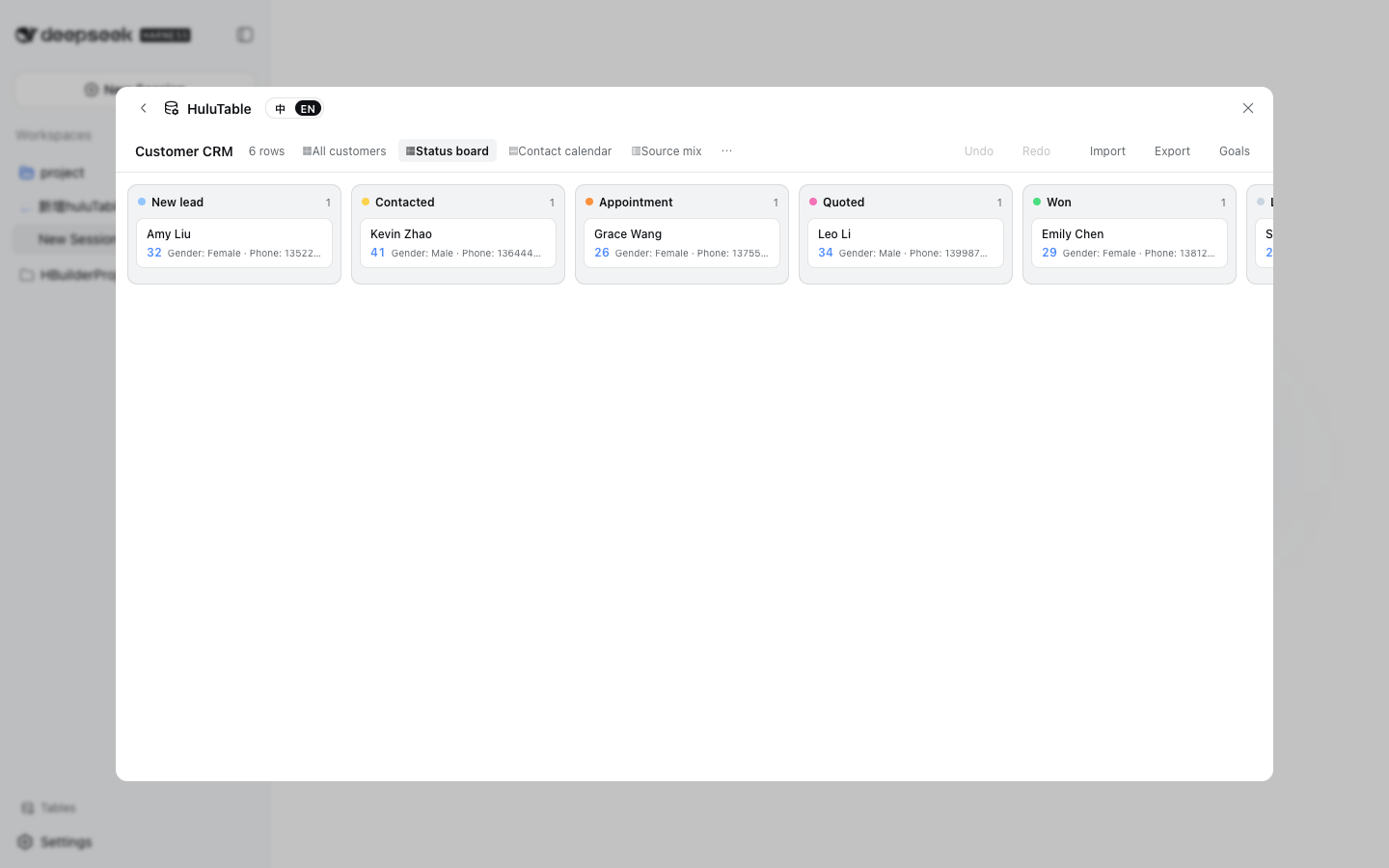
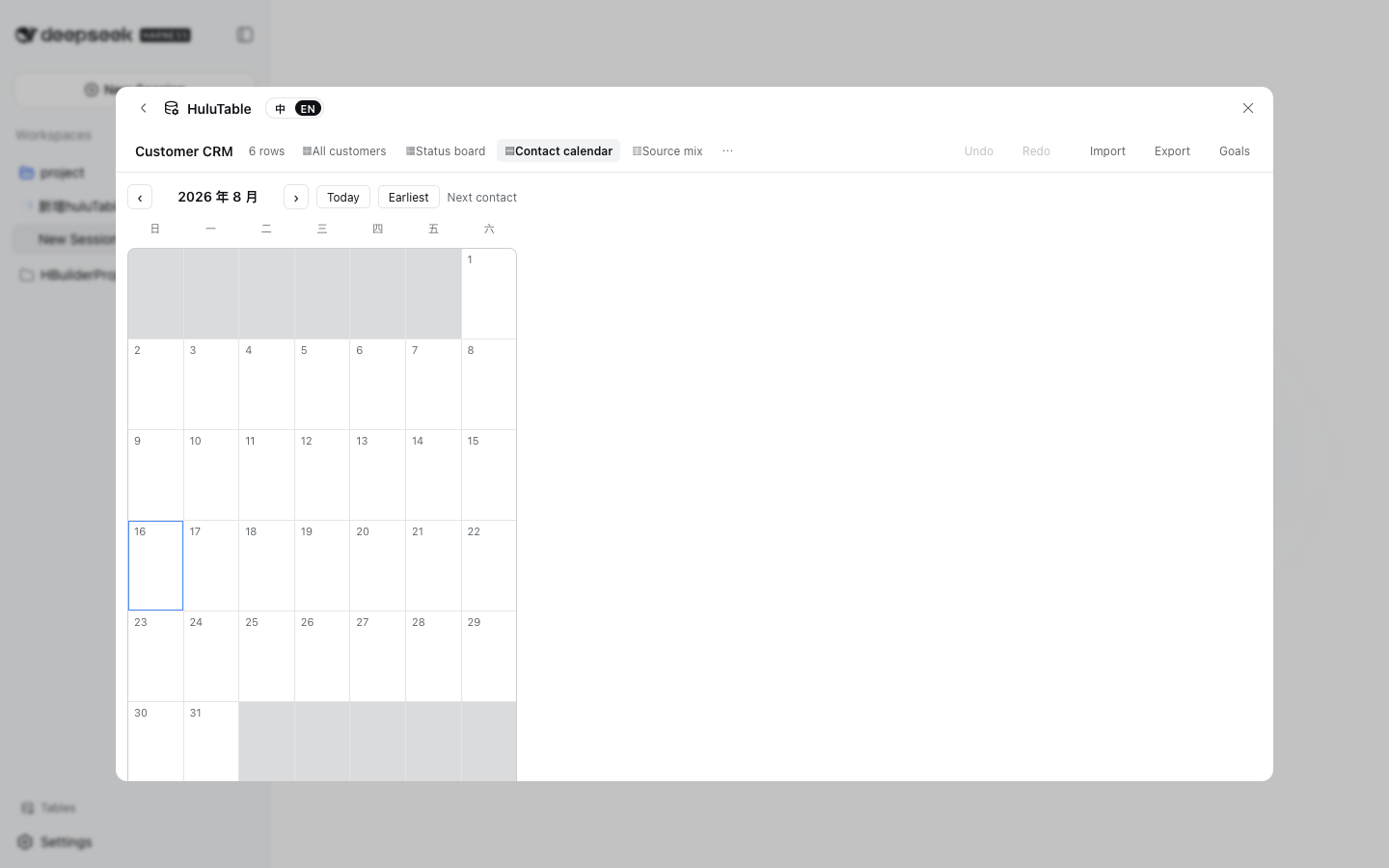
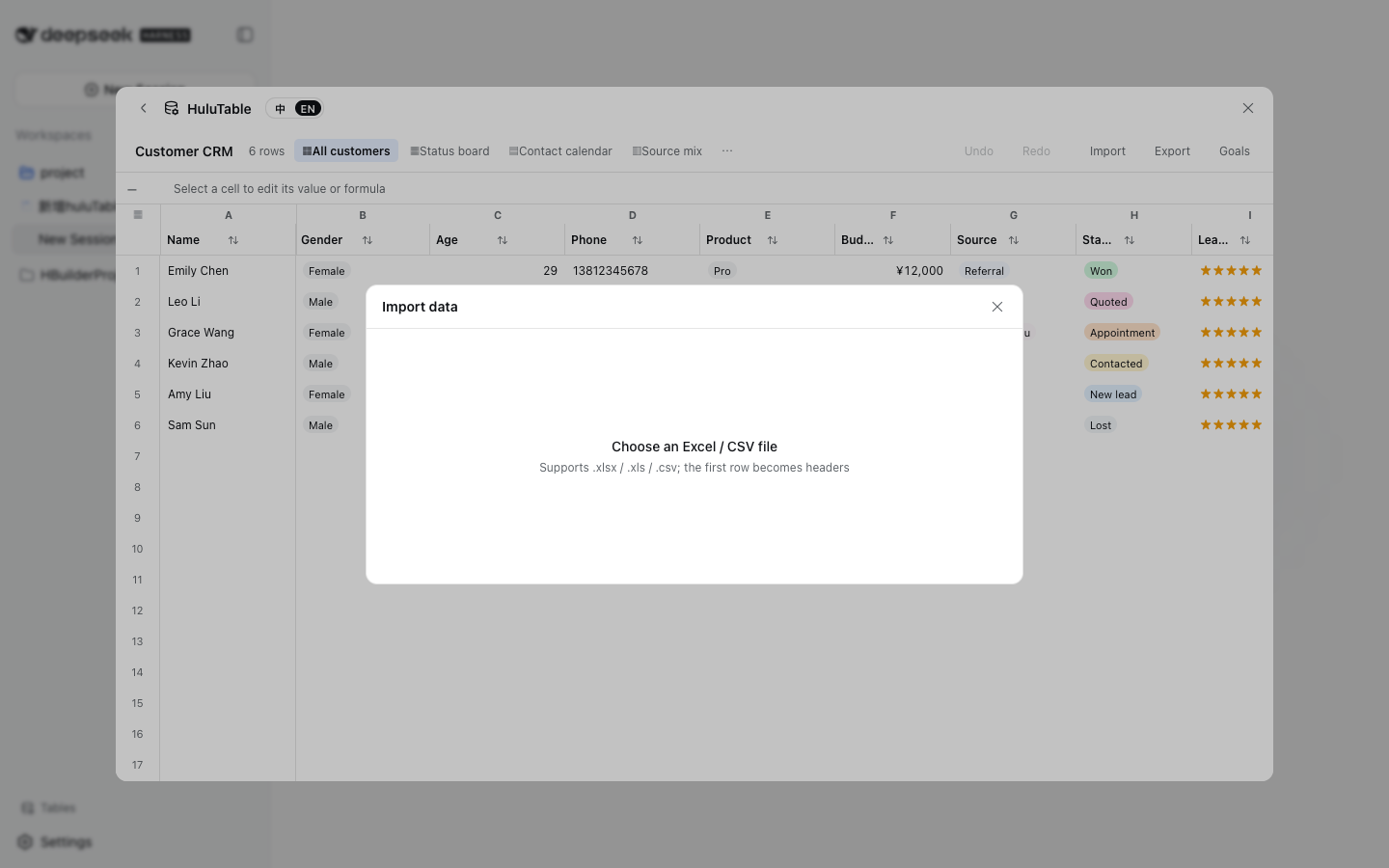
The core experience centers on a virtualized grid editor that stays smooth past a hundred thousand rows. Double-click a cell to edit, drag the corner handle to fill an incremental series, and every mutation is undoable at the delta level. On top of the grid you get 18 column types with format validation (phone, email, regex, etc.), frozen columns, linked dropdown selectors, and 30-plus built-in formulas with automatic recalculation. The same table can be viewed as a grid, a Kanban board (grouped by a dropdown column, drag cards to model a CRM funnel), a month calendar (driven by a date column), or a bar / pie / funnel chart. Excel and CSV import-export, one-click JSON backup and restore, per-cell edit history, and inline comments round out the day-to-day collaboration loop.
It is built for individual developers or small teams who already work inside DeepSeek Harness and want a lightweight data workbench: no PostgreSQL to provision, no Nginx to deploy, just browser-local storage that persists across sessions. If you need Harness to double as a quick spreadsheet workspace, huluTable is the plug-and-play table that slot straight in.
Screenshots
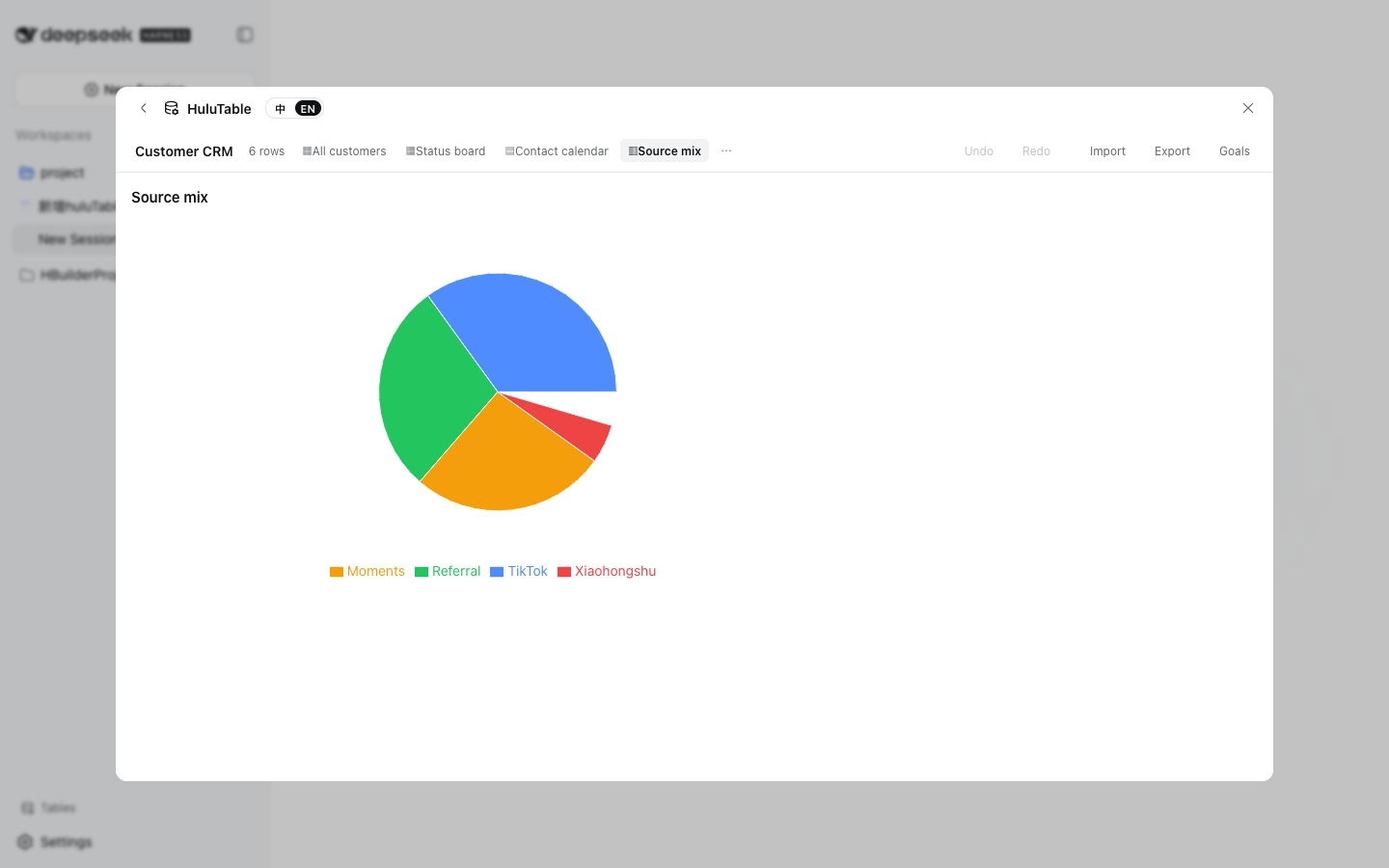
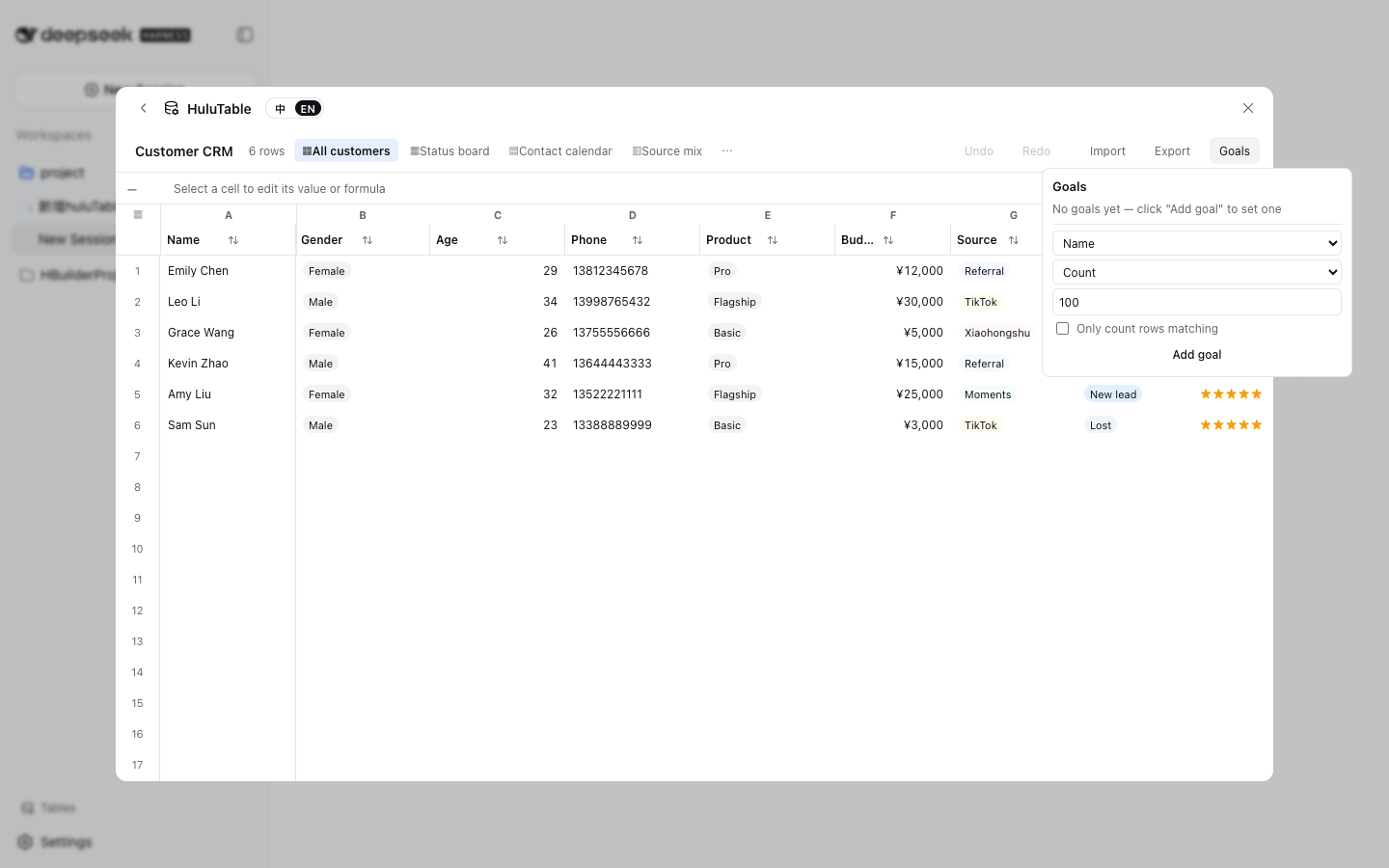
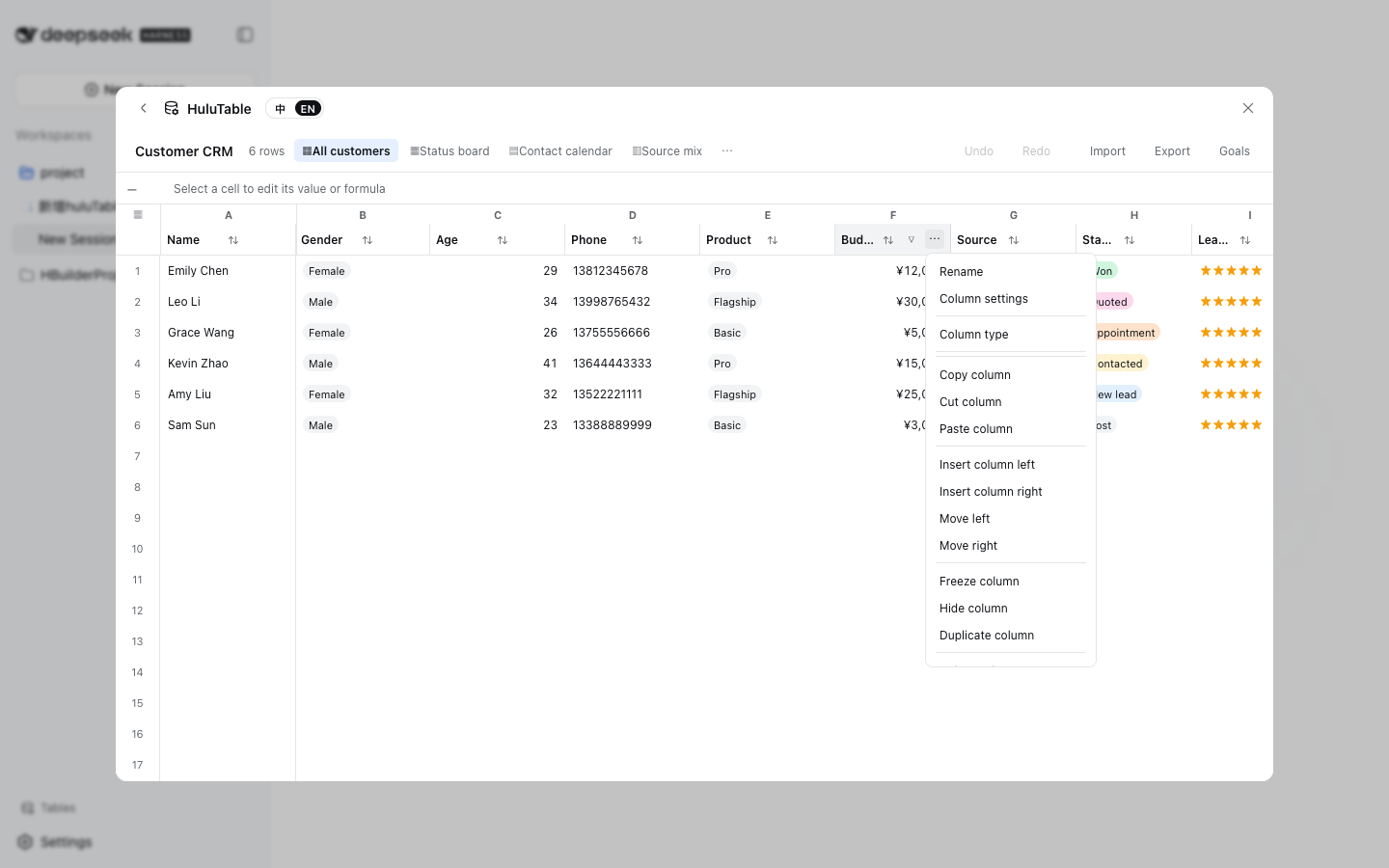
Use Cases
- Maintain a customer CRM, project ledger, or attendance log directly inside DeepSeek Harness
- Switch the same table between Kanban, Calendar, and Chart views for different perspectives
- Import Excel data, tweak formulas, and export results without leaving the browser
Best For
- Developers working in DeepSeek Harness who need a lightweight data workbench
- Small teams that want to skip provisioning a database and backend for a single table
- Individual users who prefer managing structured data entirely in the browser
Related Plugins

Traceable, searchable cross-session memory for AI agents that turns conversation knowledge into a typed knowledge graph and recalls relevant subgraphs instead of replaying full history, natively integrated with DeepSeek Harness.
Gives DSH AI cross-session long-term memory, to-do and skill management, plus multi-session orchestration, external AI delegation, and an infinite canvas that grows with you.

dsh-mnemon is a three-tier, pluggable, Agent-driven memory system for DeepSeek Harness, combining Runtime memory, Project Documents, and replaceable Memory Spaces with nine long-term providers.
An opinionated, zero-infrastructure file-based memory protocol: human-readable markdown files plus a bounded always-loaded index, curation discipline, and no database or embeddings.